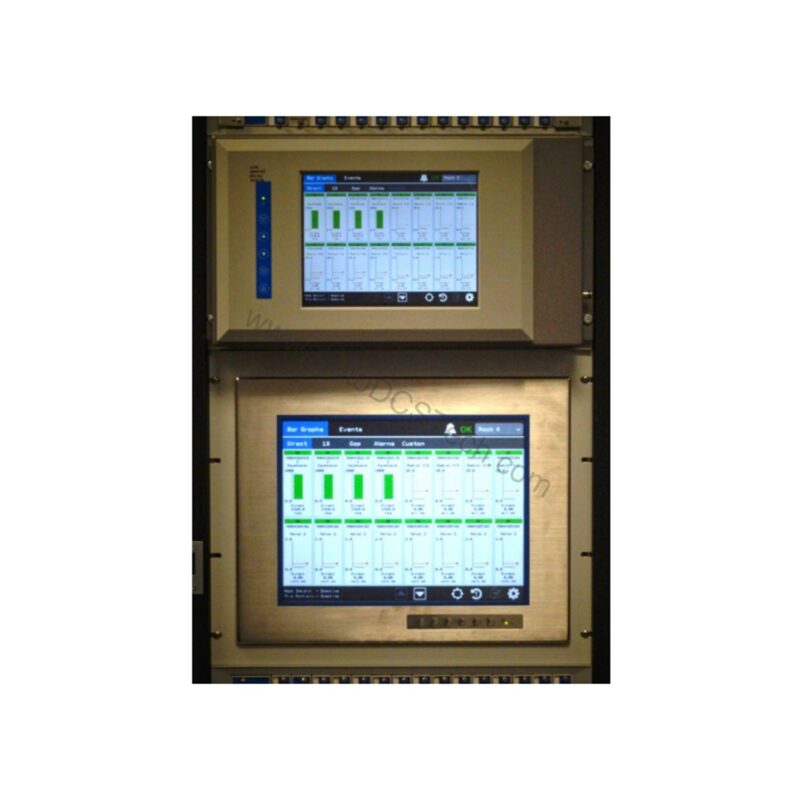
Introduction to the 3500/94M 123M3410-01
When you need to monitor critical machinery from a safe distance, the 3500/94M 123M3410-01 delivers a reliable KVM extender solution. This Pepperl + Fuchs kit includes a transmitter, receiver, and power supply for the receiver. It uses wired Category 5, Unshielded Twisted Pair (CAT5 UTP) cabling to extend keyboard, video, and mouse signals. The Bently Nevada 3500/94M 123M3410-01 is designed for industrial environments where operators must maintain a safe separation from hazardous areas.
Key Features and Technical Specifications
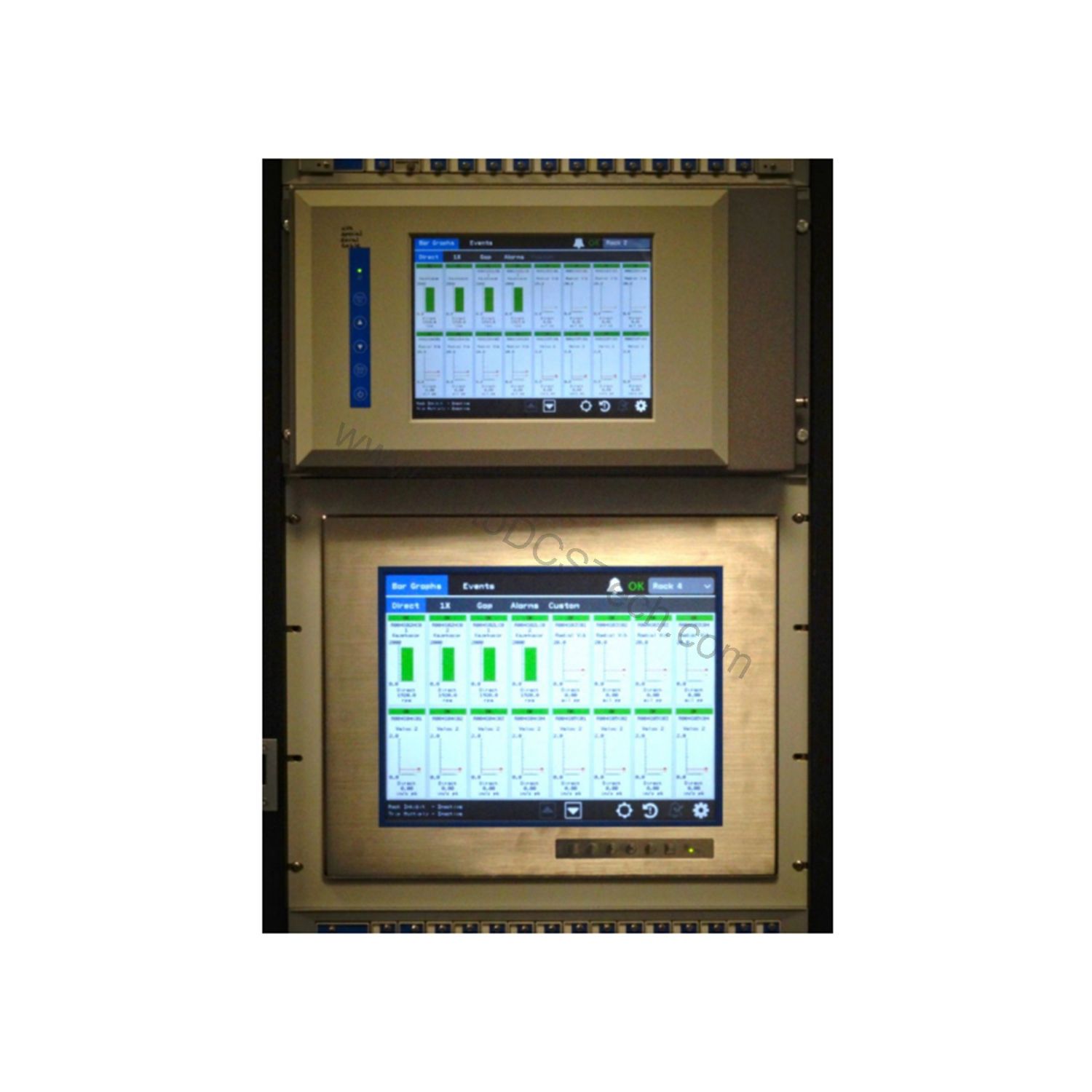
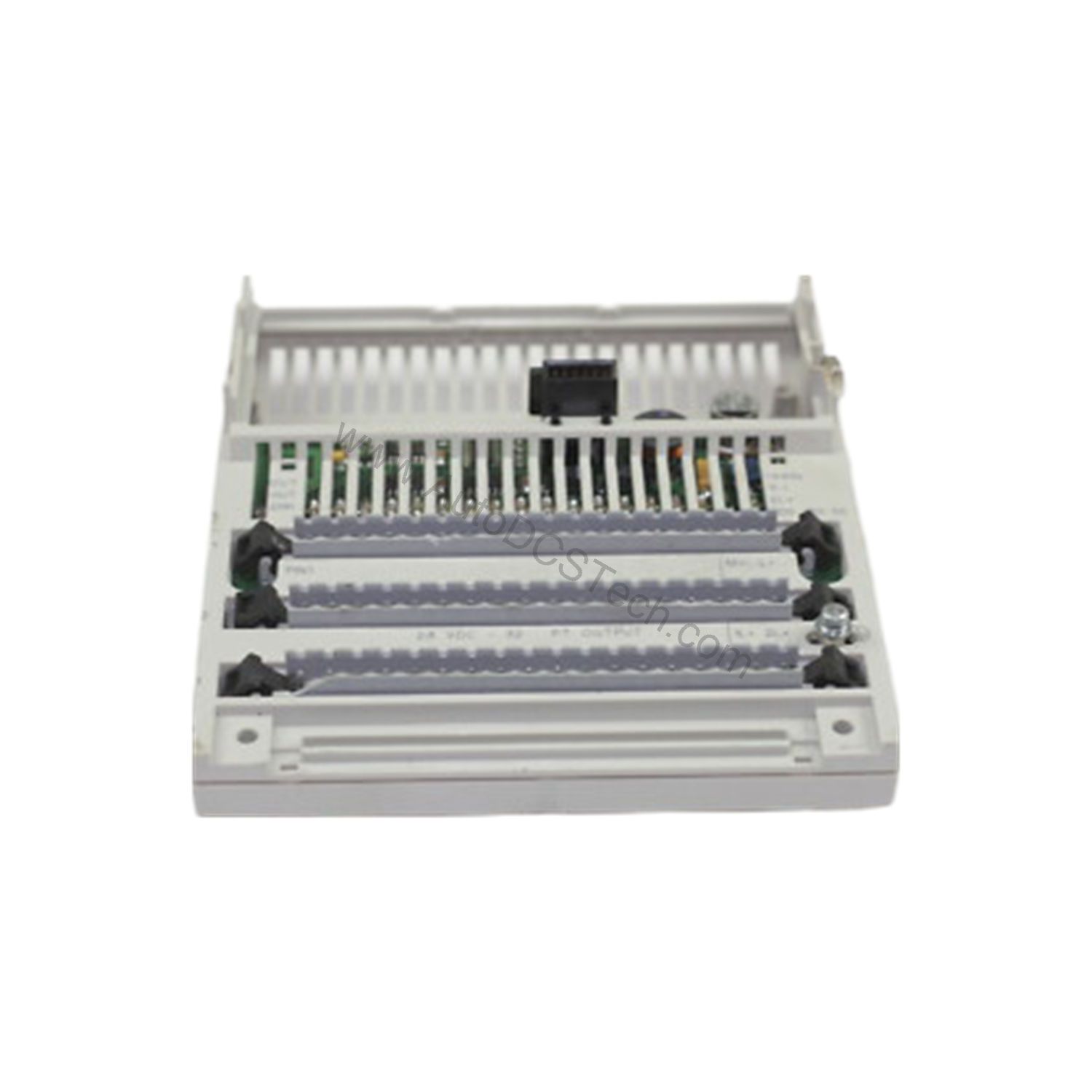
The 3500/94M 123M3410-01 offers several important features that support reliable remote operation. Its power consumption is 4.6 watts maximum, ensuring low energy use. The module includes a high-speed network connection for monitoring status, data, and values. It also provides an RS232 port for touch controller data, a VGA port for analog red, green, blue, and sync signals, and a front port that supplies 24 Vdc power out, VGA signal out, and touch commands in. The OK LED indicates proper operation, while the TX/RX LED shows communications between other system modules.
Environmental limits are clearly defined. The operating temperature range is -20°C to 65°C (-22°F to 149°F), and the storage temperature range is -40°C to 85°C (-40°F to 185°F). Humidity tolerance is 95% non-condensing. These specifications make the 3500/94M 123M3410-01 suitable for demanding industrial settings.
Safety and Hazardous Area Considerations
Safety is a critical factor in industrial installations. Only the KVM receiver is certified for Class I, Division 2 hazardous area installations in North America. The transmitter is not certified for such areas and must be installed in a safe area or enclosed in an approved enclosure. This distinction is essential for engineers planning the layout of their monitoring systems. By following this guidance, you can maintain safety compliance while enjoying the benefits of remote KVM access.
Applications and Use Cases
The 3500/94M 123M3410-01 is ideal for applications where operators need to monitor and control equipment from a control room or other safe location. For example, in a chemical processing plant, the receiver can be placed in a hazardous area to display critical data, while the transmitter stays in a safe control room. This setup reduces the need for personnel to enter dangerous zones, improving overall safety and efficiency. Similarly, in oil and gas facilities, the KVM extender allows remote monitoring of compressors or pumps without exposing operators to potential hazards.
Installation and Setup
Installing the 3500/94M 123M3410-01 requires careful attention to the hazardous area classification. First, verify that the receiver is placed in the approved Class I, Division 2 location, if that is where you need the display. The transmitter must be in a safe area or inside an approved enclosure. Use CAT5 UTP cabling to connect the transmitter and receiver. Ensure that the power supply for the receiver is properly connected to a 24 Vdc source, as the front port provides 24 Vdc power out. After wiring, check the OK LED to confirm proper operation, and use the TX/RX LED to verify communication between modules.
Maintenance and Reliability
To maintain reliable performance, inspect the KVM extender periodically. Check all cable connections for wear or looseness, especially in high-vibration environments. Verify that the environmental conditions stay within the specified ranges: operating temperature -20°C to 65°C and humidity up to 95% non-condensing. Regular inspection helps prevent unexpected downtime and extends the service life of the 3500/94M 123M3410-01. Always follow the manufacturer's guidelines for maintenance and safety.
Compatibility and Integration
The 3500/94M 123M3410-01 is part of the Bently Nevada 3500 series, which is widely used in machinery protection systems. It integrates with existing monitoring setups through its VGA and RS232 ports, allowing connection to displays and touch controllers. The high-speed network interface supports data communication for status monitoring. For detailed compatibility information, refer to the official Bently Nevada documentation or contact AutoDCSTech.
Troubleshooting Common Issues
If the OK LED is not lit, check the power supply and connections. If the TX/RX LED is off, verify that the transmitter and receiver are properly linked via CAT5 cable. For video issues, confirm that the VGA cable is securely connected and that the display is compatible. In hazardous areas, always ensure that the receiver is the only component installed there, as the transmitter is not certified for Class I, Division 2. If problems persist, consult the manufacturer's manual or contact AutoDCSTech for support.
Availability and Support
The 3500/94M 123M3410-01 is available as new and original in factory packing from AutoDCSTech. It comes with a 12-month factory warranty. For pricing and availability, contact AutoDCSTech directly. Please verify the current lifecycle status and availability before ordering.
Availability & Condition at AutoDCSTech
| Part Number | 3500/94M 123M3410-01 |
|---|---|
| Availability | In Stock |
| Condition | New |
| Warranty | One Year |
| Origin | US |