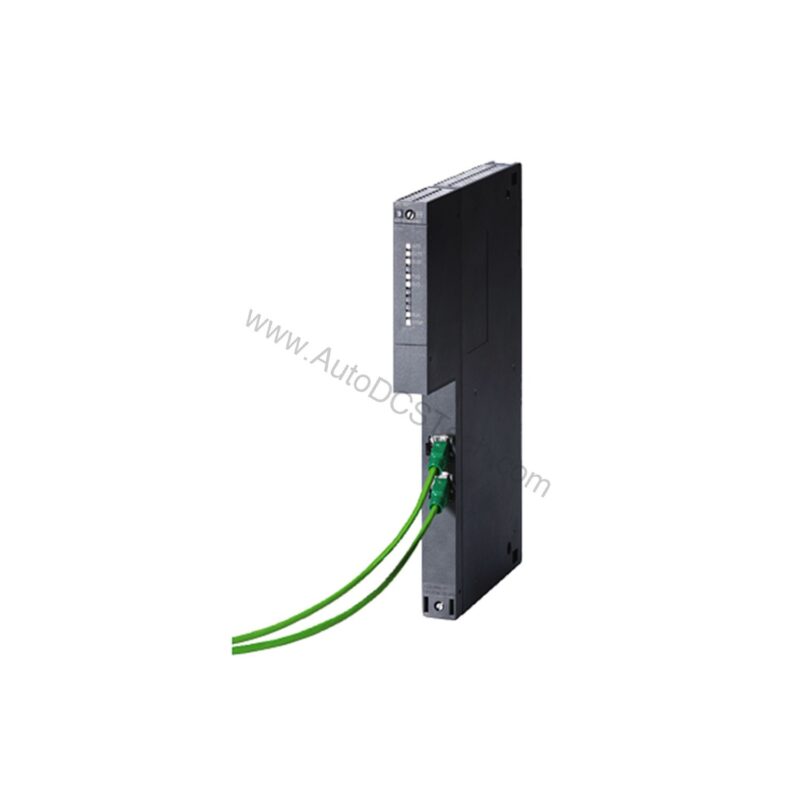
Key Features and Technical Specifications of the 6GK7443-1EX30-0XE0
The 6GK7443-1EX30-0XE0 is engineered for performance and flexibility. Below are the core specifications that define its capabilities:
- Transfer rate: 10 to 100 Mbit/s on the first interface
- Two electrical connections on the first interface, using RJ45 ports
- Supply voltage: 5 V DC from the backplane bus, with a typical current consumption of 1.4 A
- Power loss: 7.25 W
- Ambient temperature during operation: 0 to 60 °C
- Protection class: IP20
- Dimensions: 25 mm width, 290 mm height, 210 mm depth
- Net weight: 0.7 kg
- Maximum of 14 units per CPU (max 4 as PN IO controller)
One distinctive feature is the support for PROFINET IO controller functionality, allowing the 6GK7443-1EX30-0XE0 to control up to 128 PN IO devices. This capability is crucial for applications requiring distributed I/O with high data throughput. Additionally, the module supports IRT (Isochronous Real-Time) for up to 64 devices, ensuring precise synchronization in motion control and high-speed processes.
Applications and Use Cases for the 6GK7443-1EX30-0XE0
The 6GK7443-1EX30-0XE0In manufacturing plants, it serves as the communication backbone for PLC-to-PLC data exchange, HMI connectivity, and SCADA integration. Its support for open communication (SEND/RECEIVE) and S7 communication makes it suitable for both centralized and distributed control architectures.
For example, in a packaging line, the module can handle real-time control of multiple servo drives via PROFINET IRT, while simultaneously exchanging production data with a higher-level MES system using TCP/IP. The integrated switch eliminates the need for external Ethernet switches, reducing cabling and simplifying network topology. Furthermore, its web-based diagnostics enable maintenance teams to monitor network status remotely, reducing downtime.
Installation and Setup Guide
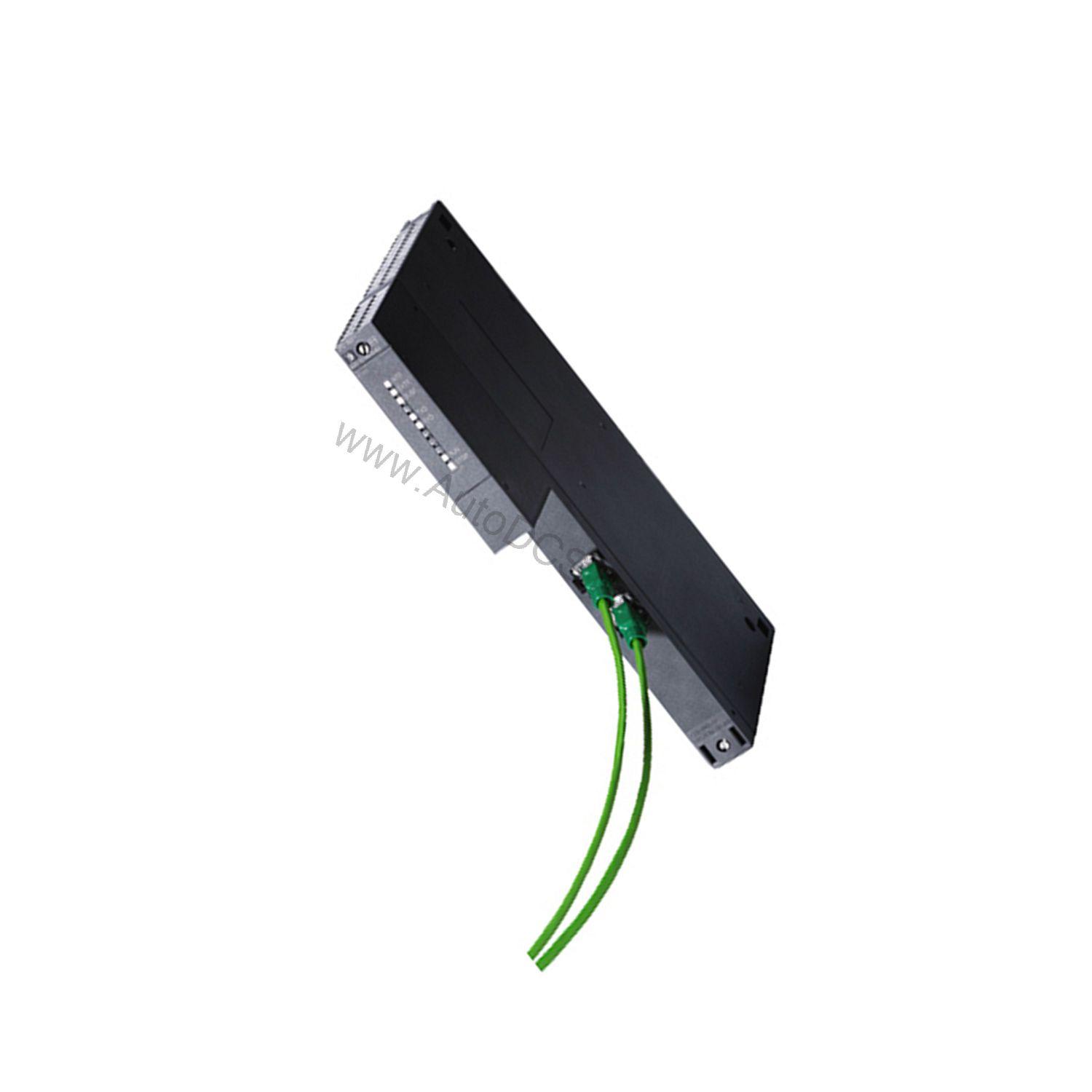
Installing the 6GK7443-1EX30-0XE0 is straightforward. The module is designed as a compact S7-400 single-width unit, fitting directly onto the backplane bus. Ensure the S7-400 rack is powered off before insertion. Slide the module into a free slot until it locks securely. Connect the RJ45 cables to the two ports on the front panel.
Configuration requires STEP 7 V5.5 SP3 or higher, or STEP 7 Professional V12 (TIA Portal) or higher. Assign an IP address via DHCP or a fixed IP using the configuration software. For PROFINET IO operation, configure the module as an IO controller and assign the appropriate device names and IP addresses to the connected IO devices. Verify the network settings and download the configuration to the CPU.
Maintenance and Reliability Tips
To ensure long-term reliability, periodically inspect the module for dust accumulation and ensure adequate ventilation around the rack. The operating temperature range is 0 to 60 °C, so avoid placing the module near heat sources. Check the RJ45 connections for secure seating and replace damaged cables promptly.
Because the 6GK7443-1EX30-0XE0 supports ring redundancy and Media Redundancy Protocol (MRP), you can design a resilient network that automatically recovers from cable failures. Regularly review the web-based diagnostics to identify potential issues early. Following these practices will help maintain optimal performance and extend the service life of the module.
Compatibility and Integration
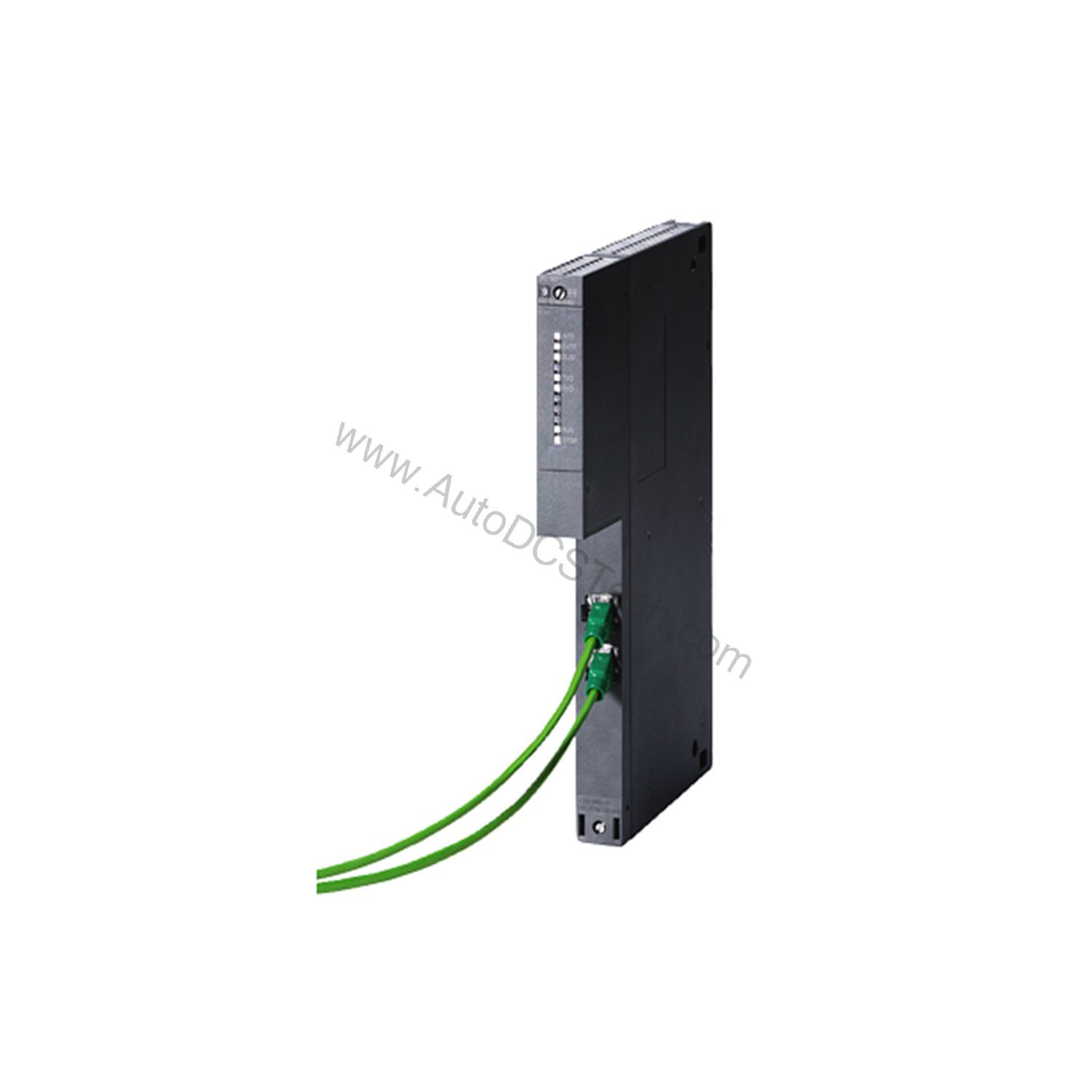
The 6GK7443-1EX30-0XE0 is fully compatible with Siemens S7-400 PLCs. It supports multiple protocols, including ISO, TCP, UDP, PROFINET IO, and S7 communication. The module also supports NTP for time synchronization and SICLOCK for high-accuracy time stamping. With support for SNMP v1, DCP, and LLDP, it integrates easily into managed network environments.
For security, the module offers IP-based Access Control Lists (ACL) and the ability to block communication via physical ports. These features help protect your automation network from unauthorized access. The module also supports Fast Startup, which reduces the time for PROFINET devices to become ready, beneficial in applications with frequent machine changes.
Troubleshooting Common Issues
If you encounter communication issues, first check the physical connections and LED status indicators on the module. Verify that the IP configuration is correct and that the module is reachable via ping. Use the web-based diagnostics to view detailed error messages and port statistics.
For PROFINET IO problems, ensure that the device names and IP addresses are unique and that the IO devices are in the same subnet. If using MRP, confirm that the ring is closed and that redundancy manager settings are correct. If the module does not appear in STEP 7, check that the correct hardware version is selected and that the backplane bus connection is secure.
Product Support and Availability
The 6GK7443-1EX30-0XE0 is available from AutoDCSTech. We ensure genuine Siemens products with reliable delivery. Contact our team for current stock and lead times. We are here to support your automation needs.
Availability & Condition at AutoDCSTech
| Part Number | 6GK7443-1EX30-0XE0 |
|---|---|
| Availability | In Stock |
| Condition | New |
| Warranty | One Year |
| Origin | Germany |