Product Overview
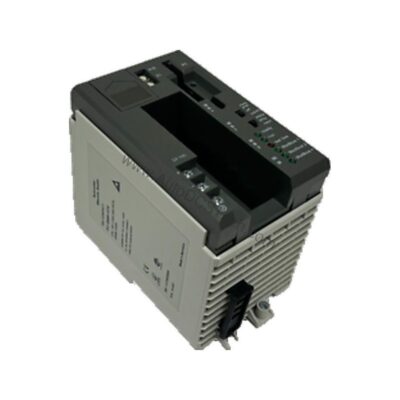
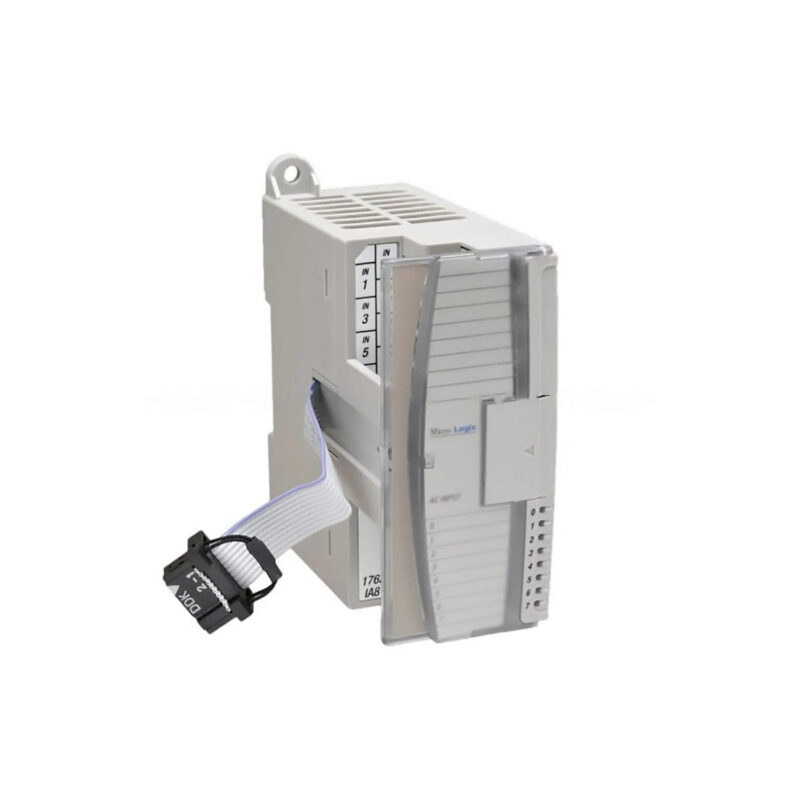
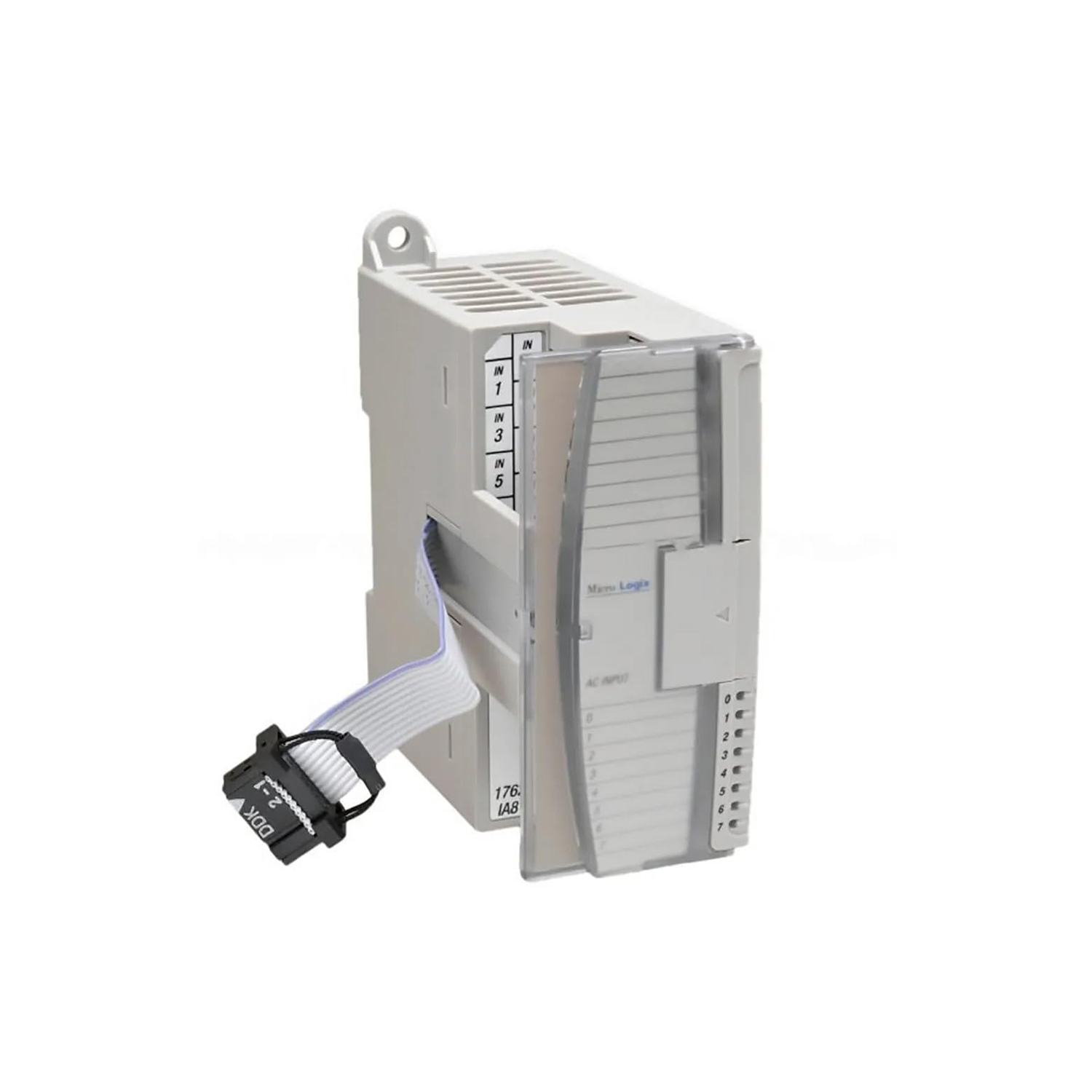
The Allen-Bradley 1762-IF4 analog input module belongs to the MicroLogix 1200 series and is designed to expand the I/O capacity of MicroLogix 1100, 1200, and 1400 programmable logic controllers. As industrial processes evolved from simple on/off control to continuous variable monitoring, the need for reliable analog input modules became critical. The 1762-IF4 meets that need by converting analog signals from sensors and transmitters into digital data for the controller.
Technical Specifications Breakdown
Key parameters for the 1762-IF4 are listed below for quick reference:
| Feature | Specification |
|---|---|
| Manufacturer | Rockwell Automation |
| Brand | Allen-Bradley |
| Part Number | 1762-IF4 |
| Series | MicroLogix 1200 |
| Product Type | Analog Input Module |
| Number of Inputs | Four (4) Differential (Bipolar) |
| Voltage Signal Normal Ranges | -10.5 … +10.5V dc |
| Current Signal Normal Ranges | 4 … 20 mA |
| Current Signal Full Range | -21 … +21 mA |
| Converter | Delta-Sigma |
| Resolution | 15 bit |
| Repeatability | ±0.12% |
| Enclosure Type Rating | IP20 |
| Mounting Type | DIN Rail or Panel |
| Recommended Cable | Belden 8761 (shielded) |
| Shipping Weight | 8.28 ounces |
| Dimensions | 90 x 87 x 40.4 millimeters |
Industry Applications
The 1762-IF4 module is well-suited for applications requiring precise analog signal acquisition. In a water treatment plant, it can monitor flow rates from 4-20 mA transmitters, ensuring accurate chemical dosing. In a packaging line, it reads -10 to 10V DC signals from pressure sensors to control clamping forces. The differential input design rejects common-mode noise, making it reliable in electrically noisy environments. By using this module, engineers can reduce wiring costs and improve signal integrity compared to single-ended inputs.
Installation & Setup Guidance
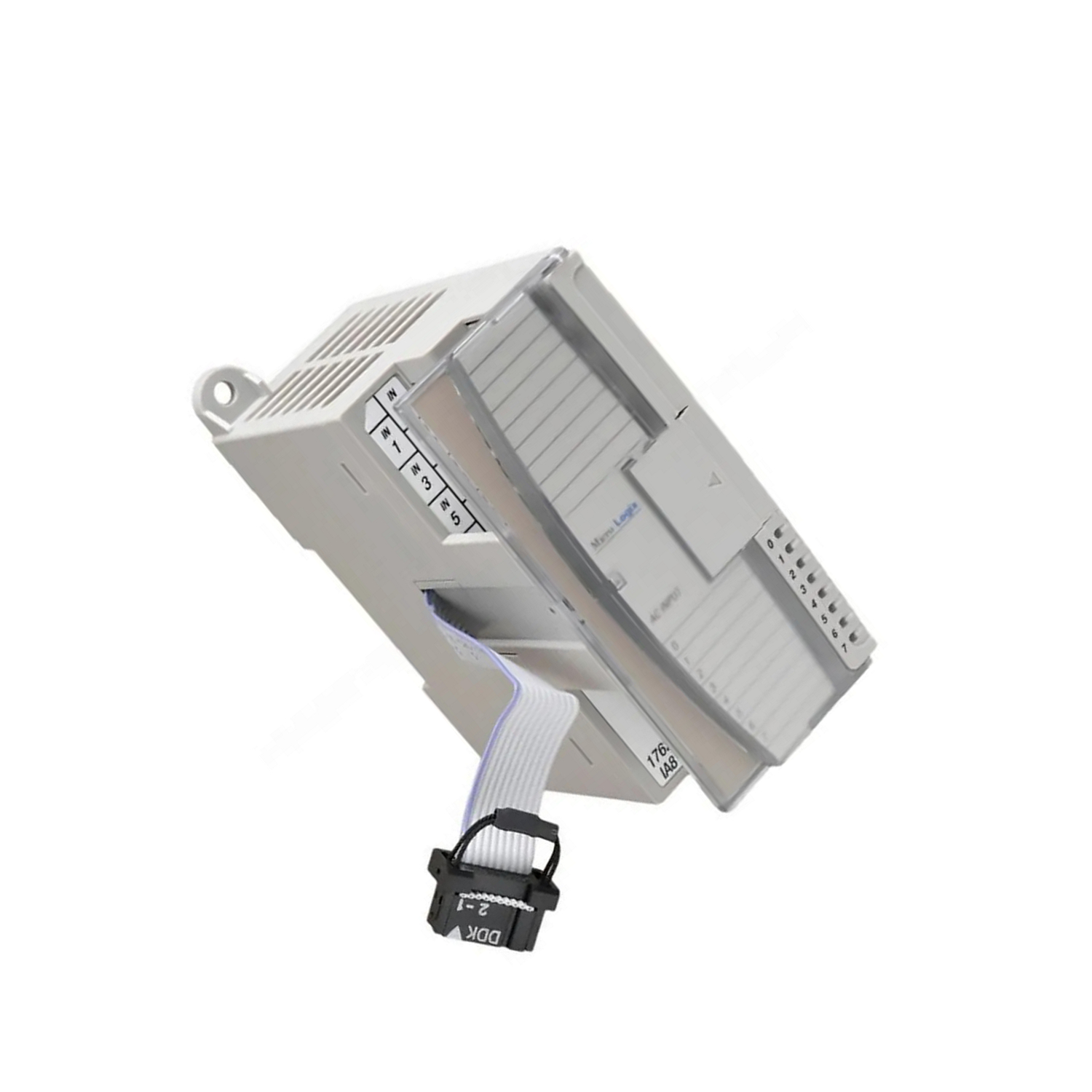
Mount the 1762-IF4 on a DIN rail or panel following the MicroLogix base module installation method. Use Belden 8761 shielded cable for analog signal wiring to minimize electrical interference. The module supports 2-wire, 3-wire, or 4-wire transmitter configurations. Select the input signal type (voltage or current) using the provided DIP switches. Ensure the module is installed in a non-hazardous, dry, and clean environment that does not exceed Overvoltage Category II standards. Always remove power before installation to prevent electrostatic discharge damage.
Maintenance & Reliability
The 1762-IF4 features a single status LED for quick operational checks. Its IP20 enclosure protects against solid objects larger than 12 mm, but it is not water-resistant. Inspect the module periodically for dust accumulation and ensure proper ventilation. The Delta-Sigma converter provides stable, repeatable measurements with ±0.12% repeatability. For critical applications, wire safety circuits in series to the master relay. Always stand away from equipment during troubleshooting and verify any program changes before operation.
Compatibility & Integration
This module is compatible with MicroLogix 1100, 1200, and 1400 controllers. When used with MicroLogix 1100, up to four expansion modules are allowed. With MicroLogix 1200, up to six expansion modules can be connected, and seven modules with MicroLogix 1400. Expansion modules connect via a ribbon cable attached to pin contacts on the front panel. The 1762-IF4 communicates over the 1762 bus interface using 5 to 24 Volts DC power. The field-upgradable flash operating system ensures access to latest features without hardware replacement.
Selection Guide & Purchasing Advice
When selecting the 1762-IF4, verify compatibility with your existing MicroLogix system and confirm the required input signal types. Please verify current lifecycle status and availability with AutoDCSTech before ordering. AutoDCSTech stocks genuine Allen-Bradley parts to support your automation needs.
Troubleshooting & Common Issues
If the module does not communicate, check the ribbon cable connection and ensure the bus interface is powered. For inaccurate readings, verify that the DIP switches are set correctly for the signal type and that the Belden 8761 shielded cable is properly grounded. If the status LED is off, confirm that the module is receiving power and that the MicroLogix controller is operational. Always follow safety procedures: remove power before handling and prevent electrostatic discharge.
Availability & Condition at AutoDCSTech
| Part Number | 1762-IF4 |
|---|---|
| Availability | In Stock |
| Condition | New |
| Warranty | One Year |
| Origin | US |