Technical Specifications Breakdown
Key parameters for the 1769-PA4 are listed below for quick reference:
| Feature | Specification |
|---|---|
| Manufacturer | Rockwell Automation / Allen-Bradley |
| Part Number | 1769-PA4 |
| Product Line | CompactLogix |
| Product Type | I/O Power Supply |
| Input Voltage Range | 85…265V AC or 170...265V AC, switch selectable |
| Input Frequency Range | 47…63 Hz |
| Current Capacity @ 5V DC | 4.0 A |
| Current Capacity @ 24V DC | 2.0 A |
| Power Consumption | 200 VA @ 120V AC; 240 VA @ 240V AC |
| Power Dissipation | 8 W @ 60 °C (140 °F) |
| Inrush Current, Max | 25 A @ 132V AC |
| Power Supply Distance Rating | 8; 8 I/O modules per side, max 16 total |
| Enclosure Type | None (Open Style) |
| Dimensions (HxWxD) | 118 x 70 x 87 mm (4.65 x 2.76 x 3.43 in.) |
| Weight | 525 g (1.16 lb) |
| Certifications | c-UL-us; CE; C-Tick |
Industry Applications: Solving Real-World Power Challenges
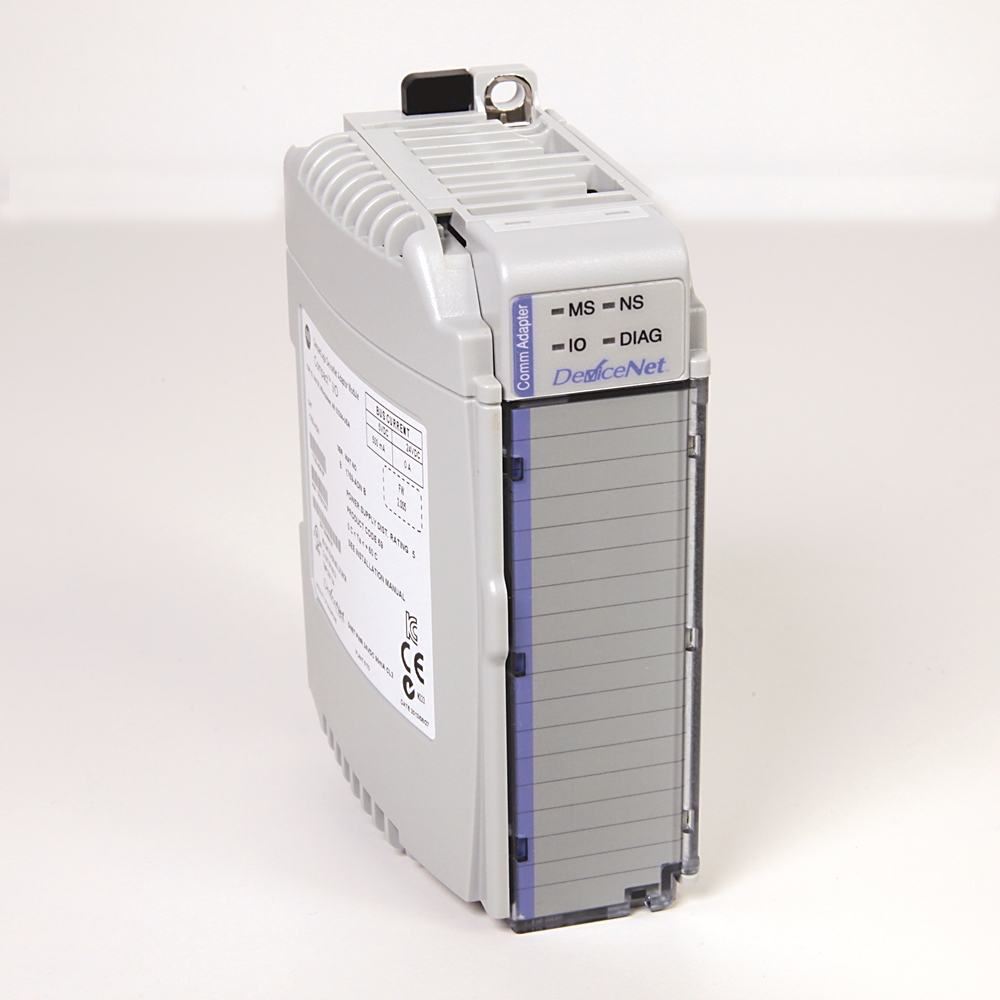
In manufacturing environments, inconsistent power can lead to unexpected downtime or data corruption. The 1769-PA4 addresses this by offering a switch-selectable input voltage range of 85…265V AC or 170...265V AC, making it adaptable to global voltage standards without additional transformers. For example, in a packaging line with multiple 1769 discrete output modules, this power supply ensures each module receives stable 5V DC (4.0 A) and 24V DC (2.0 A) backplane power. Its distance rating of 8 modules per side allows engineers to place I/O banks close to sensors and actuators, reducing wiring complexity and signal noise.
Installation & Setup Guidance
Mount the 1769-PA4 on a DIN rail or panel using the integrated latches. Before energizing, verify the voltage selector switch is set to match your line voltage (85…265V AC or 170...265V AC). Use copper wire rated at 90 °C (194 °F) or greater, with solid wire size 22 to 14 AWG or stranded 22 to 16 AWG. Connect the AC line and neutral to the terminal block, ensuring the finger-safe cover is secured. The internal fuse (Littelfuse 02153.15MXP or Wickmann 19195-3.15A) protects against overcurrent; replace only with the specified type. After wiring, power up and check the LED status indicator—green indicates normal operation.
Maintenance & Reliability
To maximize service life, keep the open-style enclosure free of dust and debris. Inspect the unit periodically for loose connections or signs of overheating. The 1769-PA4 operates reliably in ambient temperatures from 0 to 60 °C (32 to 140 °F) and can withstand 30 g of shock. If the fuse blows, replace it only with the exact Littelfuse or Wickmann part numbers listed in the datasheet. No other internal components are field-serviceable.
Power Your CompactLogix System with the 1769-PA4
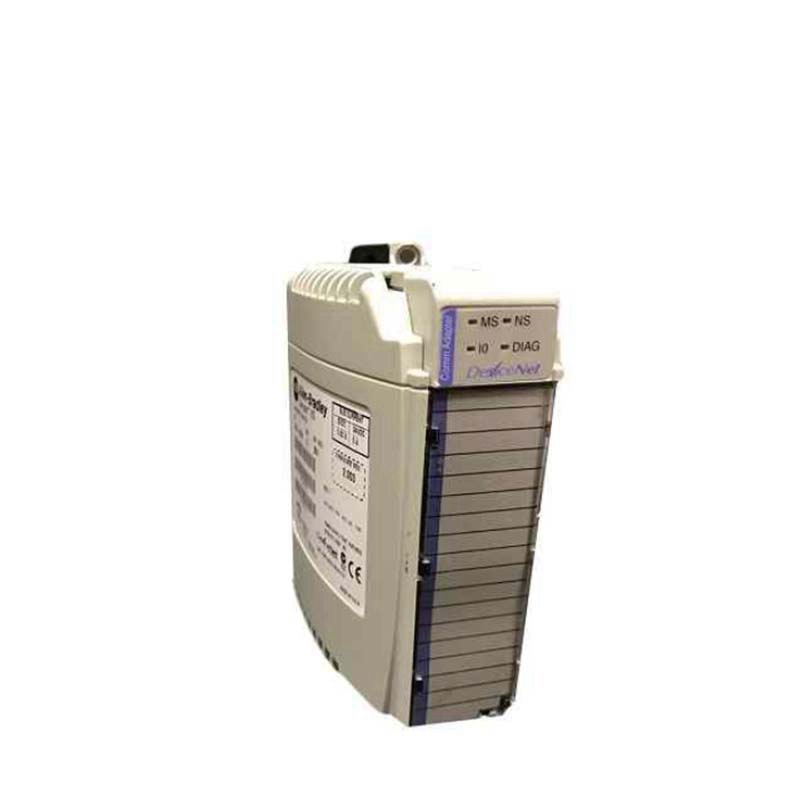
Industrial automation systems demand stable, reliable power distribution to ensure uptime and precision. The Allen-Bradley 1769-PA4 CompactLogix I/O power supply delivers exactly that—a robust AC-to-DC conversion solution designed to power 1769-L3x processors, controllers, and up to 16 I/O modules. Whether you are expanding an existing line or building a new control cabinet, this module provides the backbone power your system needs.
Compatibility & Integration
This power supply is designed for the CompactLogix platform and is compatible with 1769-L3x processors and all 1769 Compact I/O modules. It provides backplane power to modules on both sides—up to 8 modules per side, for a total of 16 modules. The unit supports Series A and B hardware revisions. Always verify the power supply distance rating when planning your system layout to avoid exceeding the 8-module limit per side.
Selection Guide & Purchasing Advice
When selecting a power supply for your CompactLogix system, consider the total current draw of your I/O modules at 5V and 24V. The 1769-PA4 delivers 4.0 A at 5V DC and 2.0 A at 24V DC, making it suitable for systems with a mix of analog and discrete modules. For higher current requirements, consider the 1769-PA2 or other models. AutoDCSTech stocks this unit with a 1-year warranty. Please verify current lifecycle status and availability with AutoDCSTech before ordering.
Troubleshooting & Common Issues
If the LED does not illuminate, check the AC input voltage and fuse. A blown fuse indicates an overcurrent condition—replace with Littelfuse 02153.15MXP or Wickmann 19195-3.15A only. If modules on one side lose power, ensure the bus connectors are properly engaged and the distance rating is not exceeded. For persistent issues, consult the Rockwell Automation manual for the 1769-PA4.
Availability & Condition at AutoDCSTech
| Part Number | 1769-PA4 |
|---|---|
| Availability | In Stock |
| Condition | New |
| Warranty | One Year |
| Origin | US |