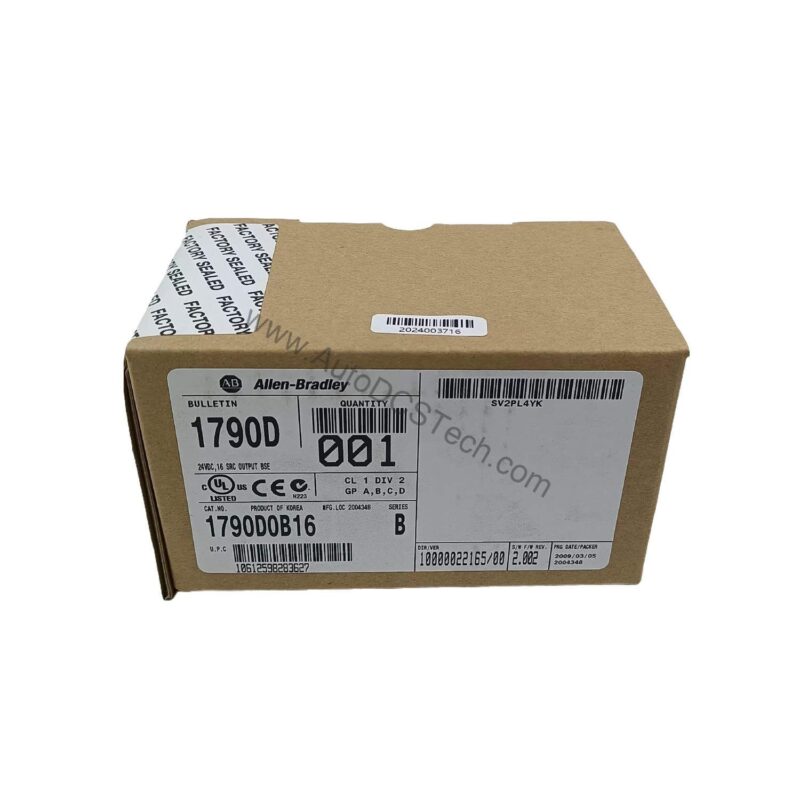
Product Overview
Industrial automation systems often face signal integration challenges when mixing sensors from different manufacturers. The Allen-Bradley 1790D-T32BV0 24V DC 32 Universal Input Base Module solves this by accepting both sinking and sourcing inputs on all 32 points. This flexibility reduces inventory complexity and simplifies wiring for distributed I/O architectures. Designed for DeviceNet networks, this base module provides a compact, reliable interface for monitoring discrete signals in manufacturing lines, packaging machinery, and material handling systems.
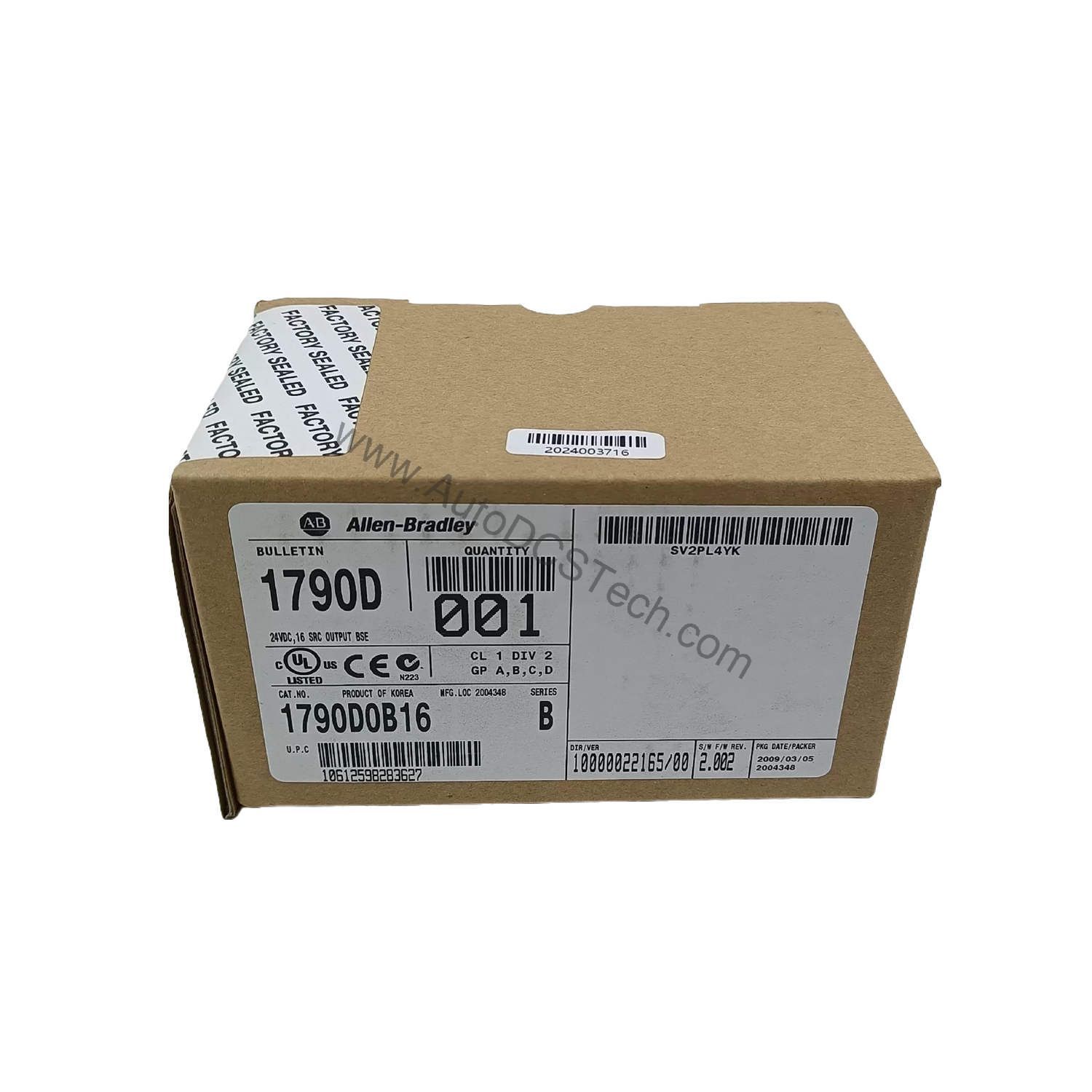
Technical Specifications Breakdown
Key parameters for the 1790D-T32BV0 are listed below for quick reference:
| Feature | Specification |
|---|---|
| Inputs per module | 32 points, sinking or sourcing |
| On-state voltage | 9.6V dc min, 24V dc nom, 28.8V dc max |
| Off-state voltage | 5.0V dc max |
| On-state current | 8 mA max per channel @ 28.8V dc |
| Input impedance, nom | 4.8 KΩ |
| Indicators | 32 green input status |
| Common type | 16 points/4COM (non-polarity) |
| Supply voltage | 24V dc nom, 11…28.8V dc range |
| Power dissipation | 1.2 W max @ 28.8V dc |
| Isolation I/O to logic | Photocoupler isolation, 1250V ac rms |
Industry Applications
Automotive Assembly Lines – The 32-point universal input module monitors limit switches and proximity sensors from multiple vendors. Its sinking/sourcing compatibility eliminates the need for separate input cards, reducing cabinet space and wiring errors. The 1.2 W max dissipation keeps heat low in crowded enclosures.
Packaging Machinery – High-speed packaging lines require reliable detection of product presence, lid closure, and film tension. The 1790D-T32BV0’s 8 mA on-state current per channel ensures robust signal integrity even with long cable runs. The 4.8 KΩ input impedance minimizes false triggering from electrical noise.
Material Handling Systems – Conveyor networks often mix 24V DC sensors from different OEMs. This base module’s non-polarity common wiring (16 points/4COM) simplifies installation and troubleshooting. The photocoupler isolation (1250V ac rms) protects the DeviceNet logic from ground loops and transient surges.
Installation & Setup Guidance
Mount the module on a DIN rail in a clean, dry enclosure. Use copper or copper-clad aluminum conductors for all wiring. Tighten terminal block screws to 7 lb-in maximum to avoid damaging the M3.0 terminals. Connect DeviceNet power separately; the base module requires 11…28.8V DC supply. Verify that the on-state voltage from your sensors falls within 9.6V DC min to 28.8V DC max. For off-state signals, ensure the voltage stays below 5.0V DC to guarantee proper logic recognition. Assign the module’s node address via the DeviceNet configuration tool before powering the network.
Maintenance & Reliability
Inspect the green input status LEDs periodically to verify channel health. All 32 indicators should illuminate when corresponding inputs are active. Keep the enclosure environment within the module’s voltage and temperature limits to prevent premature failure. Clean terminal blocks with a dry, lint-free cloth during scheduled downtime. No internal adjustments are required; the module is factory-calibrated for consistent performance.
Compatibility & Integration
The 1790D-T32BV0 integrates directly with DeviceNet scanners and controllers. It operates as a standard DeviceNet slave, supporting polled, strobed, and change-of-state messaging. The non-isolated DeviceNet power and logic sections simplify network wiring but require careful grounding to avoid ground loops. Use the module’s 16 points/4COM common structure to group sensors logically for easier diagnostics.
Selection Guide & Purchasing Advice
When selecting an universal input module for your DeviceNet system, consider the number of points, input type flexibility, and isolation requirements. The 1790D-T32BV0 offers 32 universal points with photocoupler isolation, making it suitable for mixed-sensor environments. Verify your DeviceNet master’s compatibility with this base module. AutoDCSTech stocks this Allen-Bradley module and can advise on lifecycle status and availability. Contact our team for pricing and lead time.
Troubleshooting & Common Issues
If an input channel fails to respond, first check the green LED status. A dark LED indicates the sensor is off or the wiring is open. Measure the voltage at the terminal; it should be above 9.6V DC for on-state. If multiple channels on the same common group fail, inspect the common wire connection and the 24V DC supply. For intermittent faults, verify that the supply voltage stays within 11…28.8V DC and that the module’s power dissipation does not exceed 1.2 W. Replace the module only after confirming the sensor and wiring are correct.
Availability & Condition at AutoDCSTech
| Part Number | 1790D-T32BV0 |
|---|---|
| Availability | In Stock |
| Condition | New |
| Warranty | One Year |
| Origin | US |