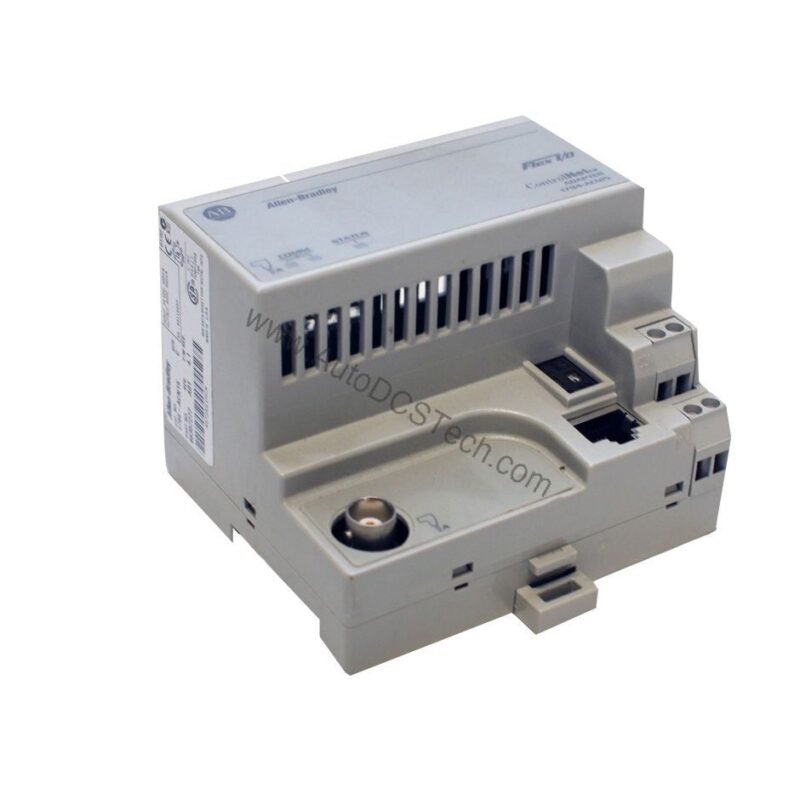
Technical Specifications Breakdown
Key parameters for the 1794-APB are listed below for quick reference:
| Feature | Specification |
|---|---|
| Part Number | 1794-APB |
| Manufacturer | Allen Bradley |
| Product Type | PROFIBUS Adapter |
| Product Line | Flex I/O 1794 |
| Input Voltage Range | 19.2-31.2 VDC |
| Nominal Input Voltage | 24 VDC |
| Communication Rate | Up to 12 Mbps |
| I/O Capacity | Eight (8) modules |
| Weight | 0.44 lbs (0.20 kg) |
| Flexbus Output Current | 640 mA maximum at 5 Volts DC |
| Power Consumption | 400 mA maximum |
| Power Dissipation | 7.68 Watts maximum at 19.2 Volts DC |
| Thermal Dissipation | 26 BTU/hour at 19.2 Volts DC |
| Communication Ports | One (1) 9-pin D-shell connector |
| Module Indicators | STATUS: Red / Green, PROFIBUS: Red / Green |
| Installation | DIN Rail; Panel mount |
Industry Applications
Automotive Manufacturing
In automotive assembly lines, the 1794-APB connects remote I/O blocks to a PROFIBUS DP master, enabling real-time monitoring of sensors and actuators. Its 12 Mbps transmission speed ensures minimal latency for time-critical operations.
Material Handling Systems
For conveyor and sortation systems, distributed I/O reduces wiring costs. The adapter supports up to eight modules per node, allowing flexible placement near machinery while maintaining reliable communication with a PLC.
Water Treatment Facilities
In water treatment plants, the module's 24VDC nominal input and wide voltage range (19.2-31.2 VDC) ensure stable operation even with fluctuating power supplies. The diagnostic LEDs simplify troubleshooting in remote locations.
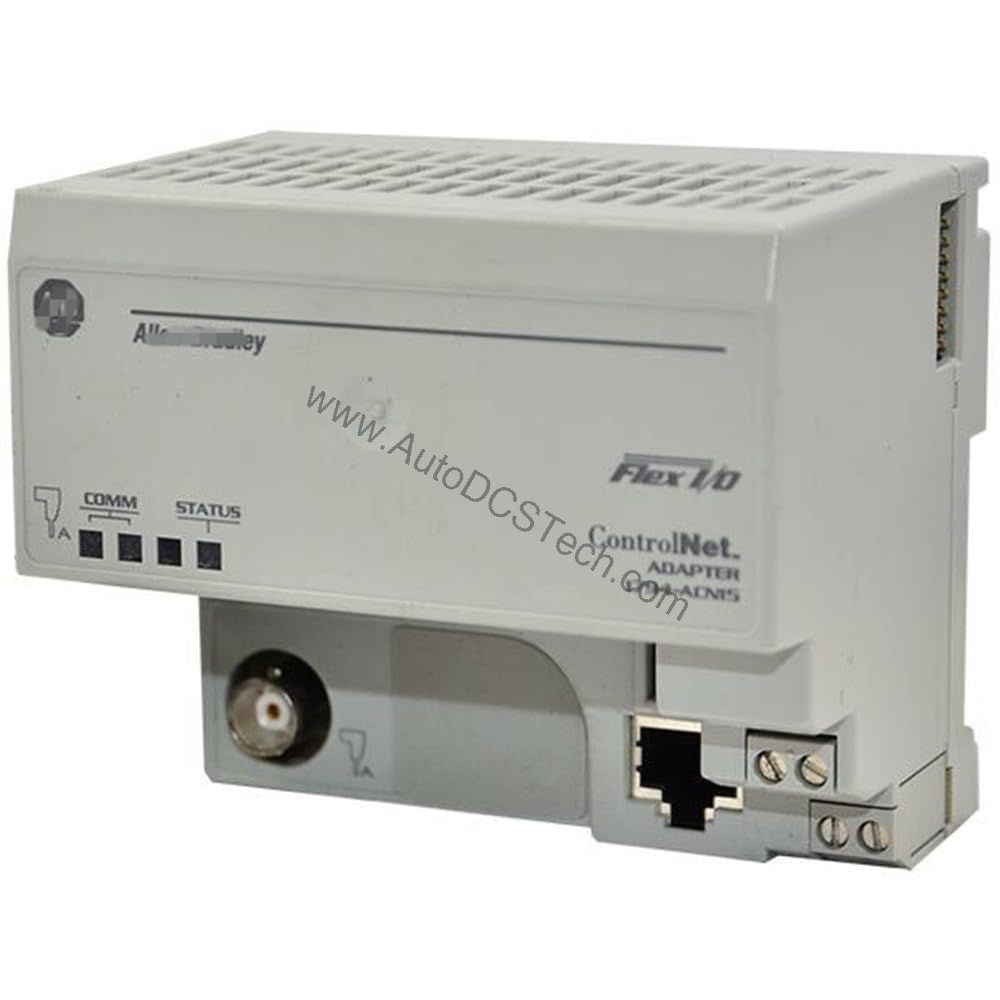
Installation & Setup Guidance
Mount the 1794-APB on a DIN rail or panel using the optional 1794-NMI panel mounting kit. Ensure the DIN rail is highly conductive and properly grounded, as it connects the module to the grounding system. Avoid using DIN rails made of poor conductors or materials prone to oxidation. Connect the PROFIBUS cable to the 9-pin D-shell connector using a standard drop cable. Configure the communication rate to match the PROFIBUS DP master; the module supports all rates up to 12.0 Mbits. Power the module with an external 24VDC supply within the 19.2-31.2 VDC range.
Maintenance & Reliability
Periodically inspect the STATUS and PROFIBUS LEDs. Under normal conditions, both are green. A red STATUS LED indicates a module fault, while a red PROFIBUS LED signals network issues. Keep the enclosure clean and free from contaminants. The operating temperature range is 0 to 55 degrees Celsius; ensure adequate ventilation to maintain surrounding air temperature below 55 degrees Celsius. For storage, maintain temperatures between -40 to 85 degrees Celsius.
Overcoming Distributed I/O Integration Challenges
In complex industrial environments, integrating remote I/O with a central controller often introduces latency and wiring complexity. The Allen-Bradley 1794-APB PROFIBUS adapter module from the Flex I/O system solves this by providing a robust, high-speed communication bridge. It allows engineers to deploy up to eight Flex I/O modules in a distributed architecture, reducing cabling and simplifying maintenance.
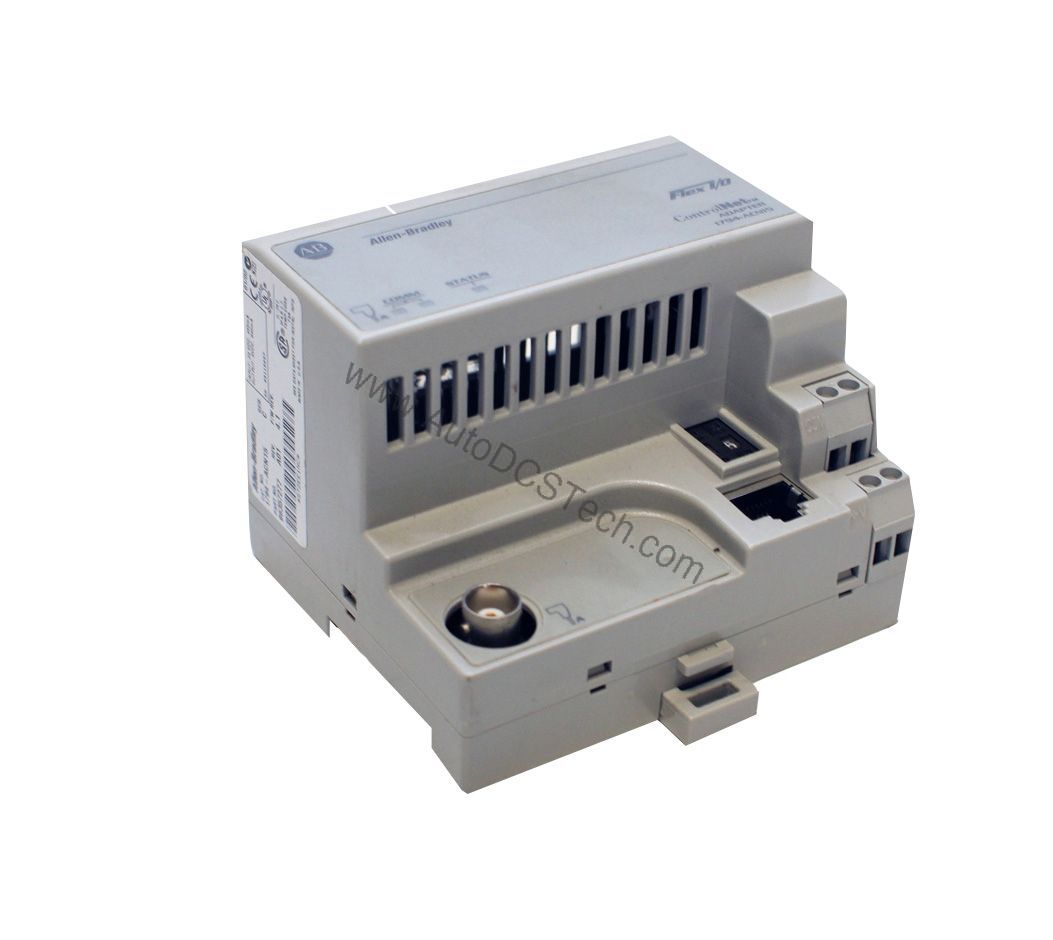
Compatibility & Integration
The 1794-APB acts as a slave device on a PROFIBUS DP network, compatible with master controllers such as ControlLogix, CompactLogix, SLC 500, and PLC-5 systems. It communicates with the Flex I/O backplane and any PROFIBUS DP master/scanner. The adapter supports communication rates including 57.6 Kbps, 115.2 Kbps, and 230.4 Kbps, in addition to higher speeds up to 12 Mbps.
Selection Guide & Purchasing Advice
When selecting a PROFIBUS adapter for your Flex I/O system, the 1794-APB is a proven choice for applications requiring up to eight I/O modules and high-speed data exchange. AutoDCSTech stocks this module and can confirm current lifecycle status and availability before ordering. Contact our team for competitive pricing and fast shipping.
Troubleshooting & Common Issues
If the PROFIBUS LED is red, verify cable connections and termination. Check that the communication rate matches the master. If the STATUS LED is red, ensure the input voltage is within 19.2-31.2 VDC and that the module is properly seated on the DIN rail. For persistent issues, inspect the FlexBus connection and verify that the backplane current does not exceed 640 mA at 5VDC.
Availability & Condition at AutoDCSTech
| Part Number | 1794-APB |
|---|---|
| Availability | In Stock |
| Condition | New |
| Warranty | One Year |
| Origin | US |