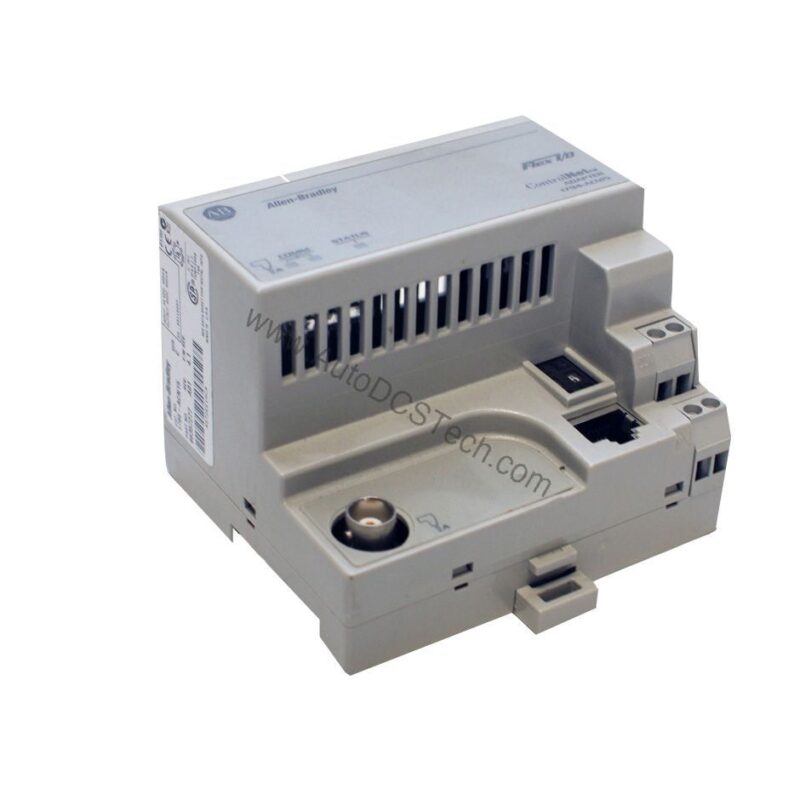
Product Overview
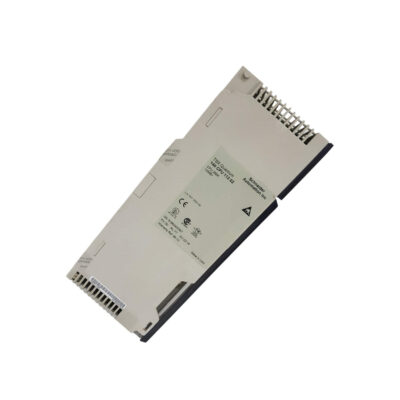
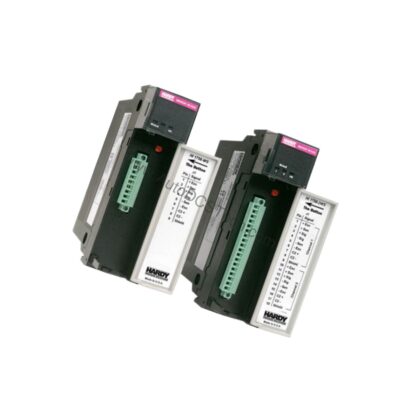
From a maintenance engineer's perspective, the Allen-Bradley 1794-IB16D Flex I/O digital input module with diagnostics is designed to simplify troubleshooting and reduce downtime. This module provides 16 sinking current inputs, making it suitable for monitoring discrete field devices like sensors and switches. Its built-in diagnostics help identify open circuits, shorted wiring, and power supply issues, allowing for faster corrective actions.
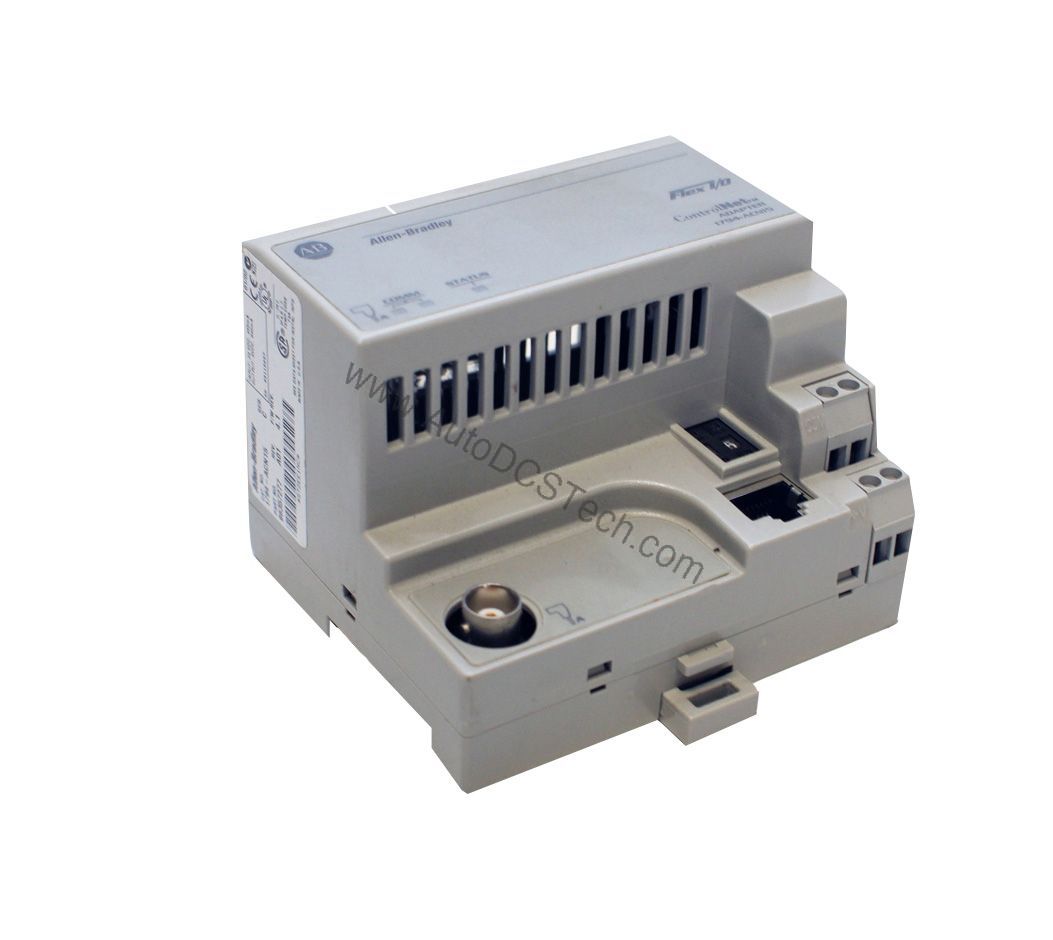
Technical Specifications Breakdown
Key parameters for the 1794-IB16D are listed below for quick reference:
| Feature | Specification |
|---|---|
| Product Type | Flex I/O Digital Input Module w/ Diagnostics |
| Inputs | 16 Sinking Current |
| On-state Voltage nom. | 24V DC |
| On-state Current max. | 1.5mA |
| Nominal Input Impedance | 3.1 k? |
| Sensor Power Current | 50mA max. |
| Sensor Power Voltage Drop | 2.2V DC max. |
| Isolation Voltage | 50V Continuous |
| Flexbus Current | 30mA @ 5V DC |
| Power Dissipation | 8.5W @ 31.2V DC max. |
| Thermal Dissipation | 29 BTU/hr. @ 31.2V DC max. |
Industry Applications
For example, in a packaging line, the diagnostics can quickly pinpoint a disconnected sensor wire, reducing unplanned stops. In material handling systems, the 1794-IB16D monitors limit switches and presence detectors, with its sinking inputs ensuring compatibility with standard 24V DC sensors. The module's ability to detect reversed power supply connections adds an extra layer of reliability in harsh environments.
Installation & Setup Guidance
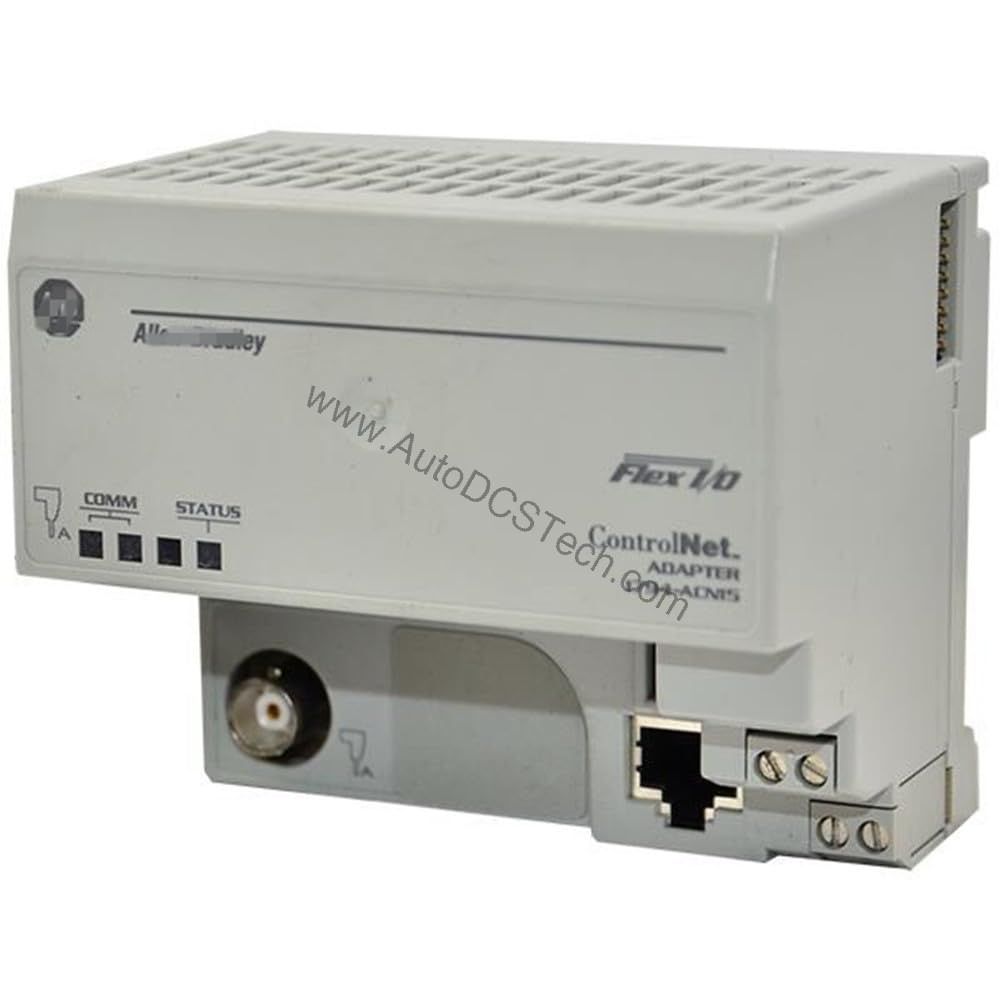
Mount the 1794-IB16D on a 1794-TB32 or 1794-TB32S terminal base. Before seating the module, set the keyswitch on the terminal base to Position 4. Push the Flexbus connector fully to the left to establish communication with the adjacent base. Ensure all wiring follows the sinking configuration: connect the positive side of the 24V DC supply to the sensor common, and the sensor output to the input terminal. The module detects on-state voltage between 10 and 32 Volts DC, but the nominal is 24V DC. Adjust input filtering times via software to match your application's noise environment.
Maintenance & Reliability
Inspect the module periodically for loose connections or signs of overheating, especially given its maximum power dissipation of 8.5W at 31.2V DC. The 33 indicator lights—16 red diagnostic LEDs, 16 yellow ON/OFF LEDs, and one red fault LED—provide immediate visual feedback. Clean the terminal base contacts with a dry cloth during routine maintenance. The module's 50V continuous isolation voltage ensures reliable operation in electrically noisy environments.
Compatibility & Integration
It is compatible with Allen-Bradley controllers that support Flex I/O adapters, such as the 1794-AENT or 1794-ASB. The diagnostics feature works with standard field devices; no special sensors are required. For system expansion, ensure the total Flexbus current does not exceed the adapter's capacity.
Selection Guide & Purchasing Advice
When selecting the 1794-IB16D, consider your input count and diagnostic needs. For 16 sinking inputs with fault detection, this module is a cost-effective choice. AutoDCSTech stocks this part and can verify current lifecycle status. Please confirm availability before ordering to ensure timely delivery for your project.
Troubleshooting & Common Issues
If the module fault LED is red, check the power supply and wiring for shorts or opens. A yellow input LED that remains off when the sensor is active may indicate a reversed connection or a failed sensor. Use the diagnostic LEDs to isolate the faulty channel. For persistent issues, verify the keyswitch is set to Position 4 and the Flexbus connector is fully engaged. Always consult the user manual for detailed error codes.
Availability & Condition at AutoDCSTech
| Part Number | 1794-IB16D |
|---|---|
| Availability | In Stock |
| Condition | New |
| Warranty | One Year |
| Origin | US |