Technical Specifications Breakdown
Key parameters for the 2711P-B10C4D8 are listed below for quick reference:
| Feature | Specification |
|---|---|
| Manufacturer | Rockwell Automation |
| Product Family | PanelView Plus 6 Operator Terminals |
| Product Type | PanelView Plus 6 1000 Operator Terminals |
| Operator Input | Keypad / Touch |
| Display Type | Color active matrix, thin-film transistor (TFT) with liquid crystal display (LCD) |
| Display Area | 210 x 131 mm (8.27 x 5.17 in.) |
| Resolution | 640 x 400 |
| Keypad | 1 million presses |
| Touch | Analog Resistive |
| Internal Memory | 512MB Flash Memory / 512 MB Random Access Memory |
| Integrated Ports | Ethernet, RS-232, ControlNet, 1 USB host |
| Input Voltage Range | 18-32VDC |
| Lifecycle Status | End of life |
This operator terminal suits a wide range of industrial environments. In manufacturing, it can serve as a central control point for assembly lines, providing operators with real-time status updates and alarm notifications. In process industries like food and beverage or chemical processing, the 2711P-B10C4D8 enables precise monitoring of temperature, pressure, and flow parameters. Its dual input interface—keypad and touch—offers flexibility in environments where gloves are worn or where touchscreens may be less practical.
Installation & Setup Guidance
When integrating this terminal, ensure the external power supply delivers a stable 18-32VDC input. Verify that the voltage matches your plant's power system to avoid damage. Mount the unit in a location that allows adequate ventilation and easy access for operators. For communication, use the embedded Ethernet port to connect to your PLC or PAC network. The RS-232 port supports point-to-point connections over short distances (ideally under 15 meters). Use the USB host port for peripherals like a mouse or keyboard during configuration.
Maintenance & Reliability
The PanelView Plus 6 1000 is built for long-term service. The LED backlight offers a 100,000-hour life, reducing the need for frequent replacements. The keypad is rated for 1 million presses, ensuring durability in high-use applications. To maintain reliability, keep the display clean and free from abrasive materials. Periodically inspect the terminal for dust buildup and ensure that all cable connections remain secure. Since this product is end-of-life, consider stocking spare units to minimize downtime.
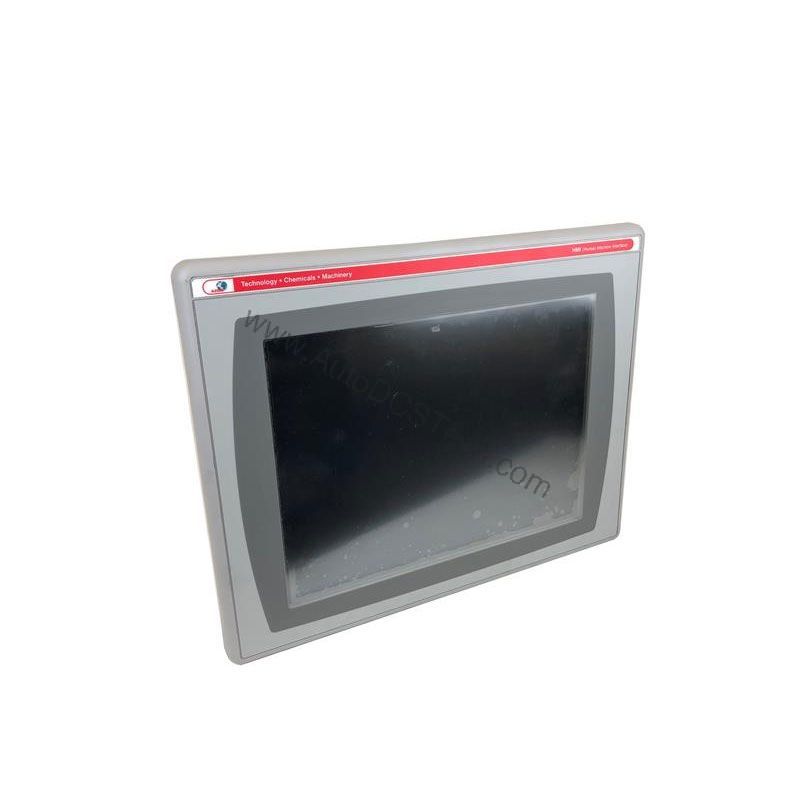
The Allen-Bradley 2711P-B10C4D8: A Reliable HMI for Modern Control Systems
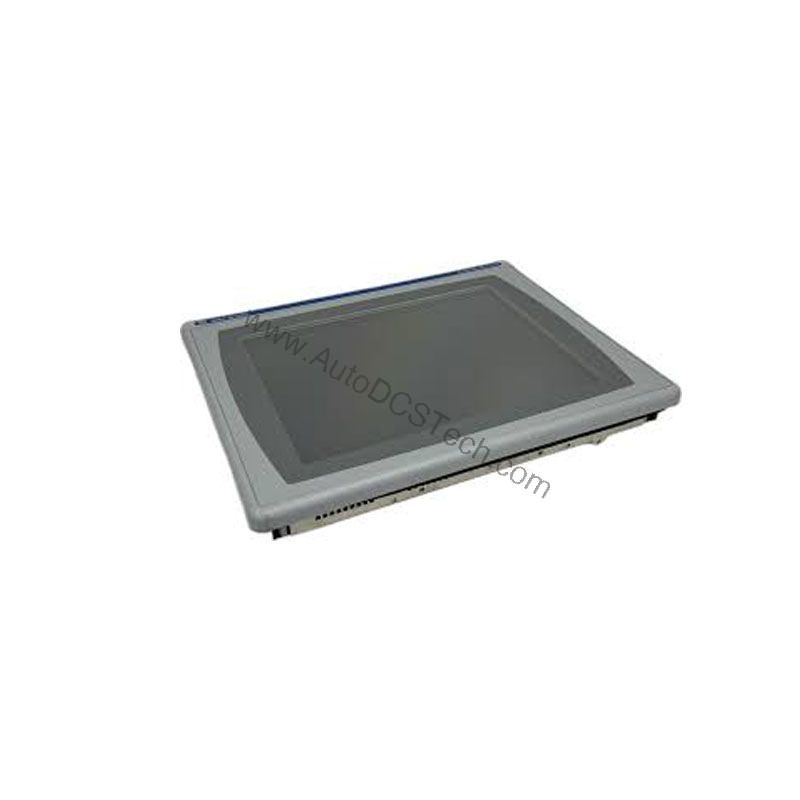
This Human Machine Interface (HMI) provides real-time visualization and control, helping operators monitor and adjust machinery efficiently. With its robust feature set, this terminal is a solid choice for applications that require clear data presentation and flexible input options.
Compatibility & Integration
Use the Ethernet port to communicate with ControlLogix, CompactLogix, or other Ethernet/IP-enabled devices. The RS-232 port supports DF1 protocol for peer-to-peer communication. For legacy networks, optional ControlNet modules provide additional connectivity. The USB host port allows easy data transfer and firmware updates. Always verify that your application software (e.g., FactoryTalk View Studio) is compatible with this terminal's firmware version.
Selection Guide & Purchasing Advice
When selecting an HMI for your operation, consider the display size, input method, and communication requirements. The 2711P-B10C4D8 offers a 10.4-inch color display with keypad and touch input, making it versatile for various applications. Because this model is end-of-life, it is crucial to confirm availability before ordering. AutoDCSTech specializes in supplying industrial automation parts, including legacy and hard-to-find components. Contact AutoDCSTech to verify current stock and lifecycle status, ensuring you get the right part for your system.
Troubleshooting & Common Issues
If the terminal fails to power up, first check the input voltage at the power terminals. Ensure it is within the 18-32VDC range. If the display appears dim, adjust the backlight settings or check for a faulty backlight. For communication issues, verify Ethernet cable connections and IP address settings. If the touchscreen becomes unresponsive, recalibrate it using the built-in utility. For persistent problems, consult the user manual or contact AutoDCSTech for technical support. Always follow safe practices and disconnect power before any inspection.
Availability & Condition at AutoDCSTech
| Part Number | 2711P-B10C4D8 |
|---|---|
| Availability | In Stock |
| Condition | New |
| Warranty | One Year |
| Origin | US |