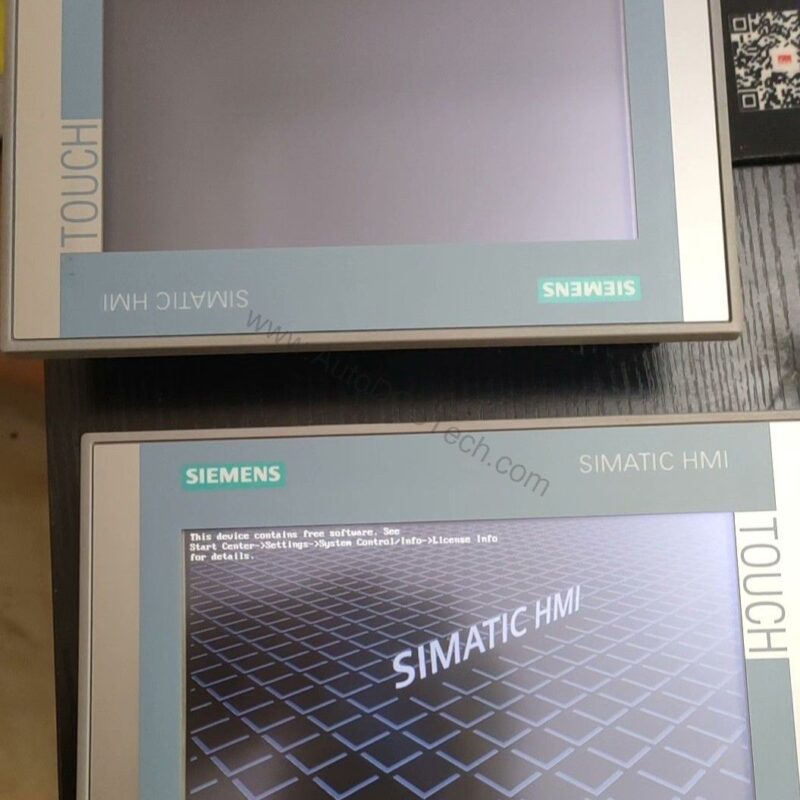
Introduction to the 6AV2124-0XC02-0AX1
When your process demands a large, high-resolution operator interface, the 6AV2124-0XC02-0AX1 delivers. This Siemens SIMATIC HMI TP2200 Comfort Panel combines a 21.5-inch widescreen TFT display with 16 million colors and touch operation. It is engineered for complex machines and production lines where operators need clear data and reliable control.
Part of the Siemens Comfort Panel series, this unit supports both vertical and landscape mounting. Its robust design includes IP65 front protection, making it suitable for demanding industrial environments. With a 24 V DC supply and a power consumption of 41 W, it is an efficient choice for continuous operation.
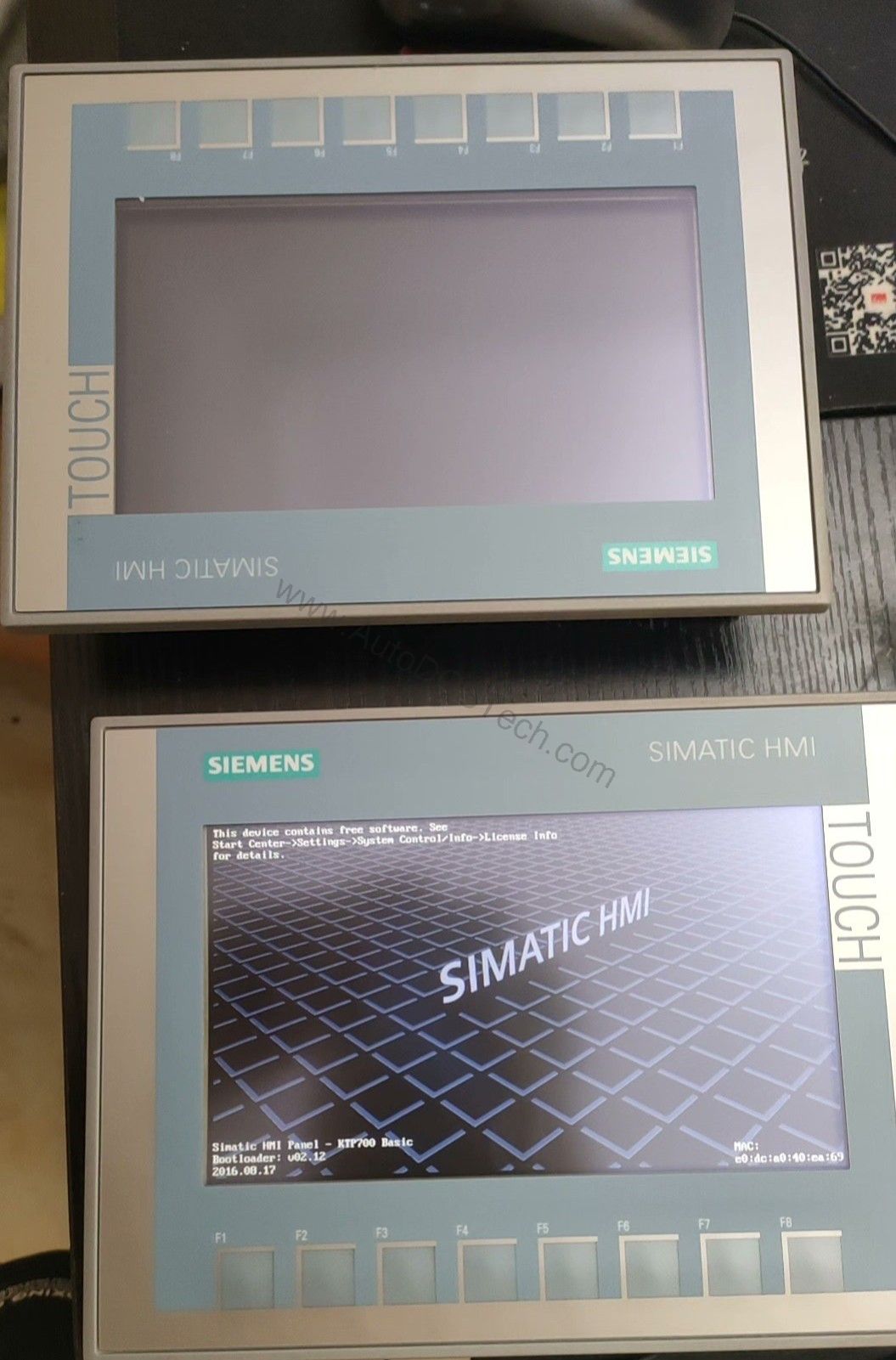
Key Features & Technical Specifications
- Display: 21.5-inch TFT, 1920 x 1080 pixels, 16,777,216 colors
- Touch operation: Analog-resistive, with 40 direct keys (touch buttons as S7 input I/O)
- Processor: X86 type, with 24 MB user memory (Flash and RAM)
- Interfaces: 2 industrial Ethernet (switch), 1 RS 422/485, 2 USB 2.0, 2 SD card slots
- Protocols: PROFINET, PROFIBUS, MPI, EtherNet/IP, Modbus, and more
- Supply voltage: 24 V DC (19.2 to 28.8 V), current draw 1.7 A
- Operating temperature: 0 to 45 °C (vertical), 0 to 40 °C (max tilt)
- Weight: 6.7 kg; front dimensions 560 x 380 mm
One standout feature is the 40 direct keys, which allow operators to trigger S7 inputs directly from the touch screen. This can reduce wiring and speed up machine interaction. Additionally, the backlight is dimmable (0-100%), and its MTBF is 30,000 hours at 25 °C, ensuring long service life.
Applications & Use Cases
This HMI is well-suited for packaging lines, material handling systems, and process control applications. For example, in a bottling plant, operators can monitor fill levels, adjust parameters, and acknowledge alarms from a single screen. The large display makes it easy to visualize complex process diagrams.
Moreover, because it supports PROFINET IRT and PROFIBUS, it integrates seamlessly with Siemens S7-1200/1500/300/400 controllers. It also communicates with Allen Bradley, Mitsubishi, and Modicon PLCs, offering flexibility in multi-vendor environments.
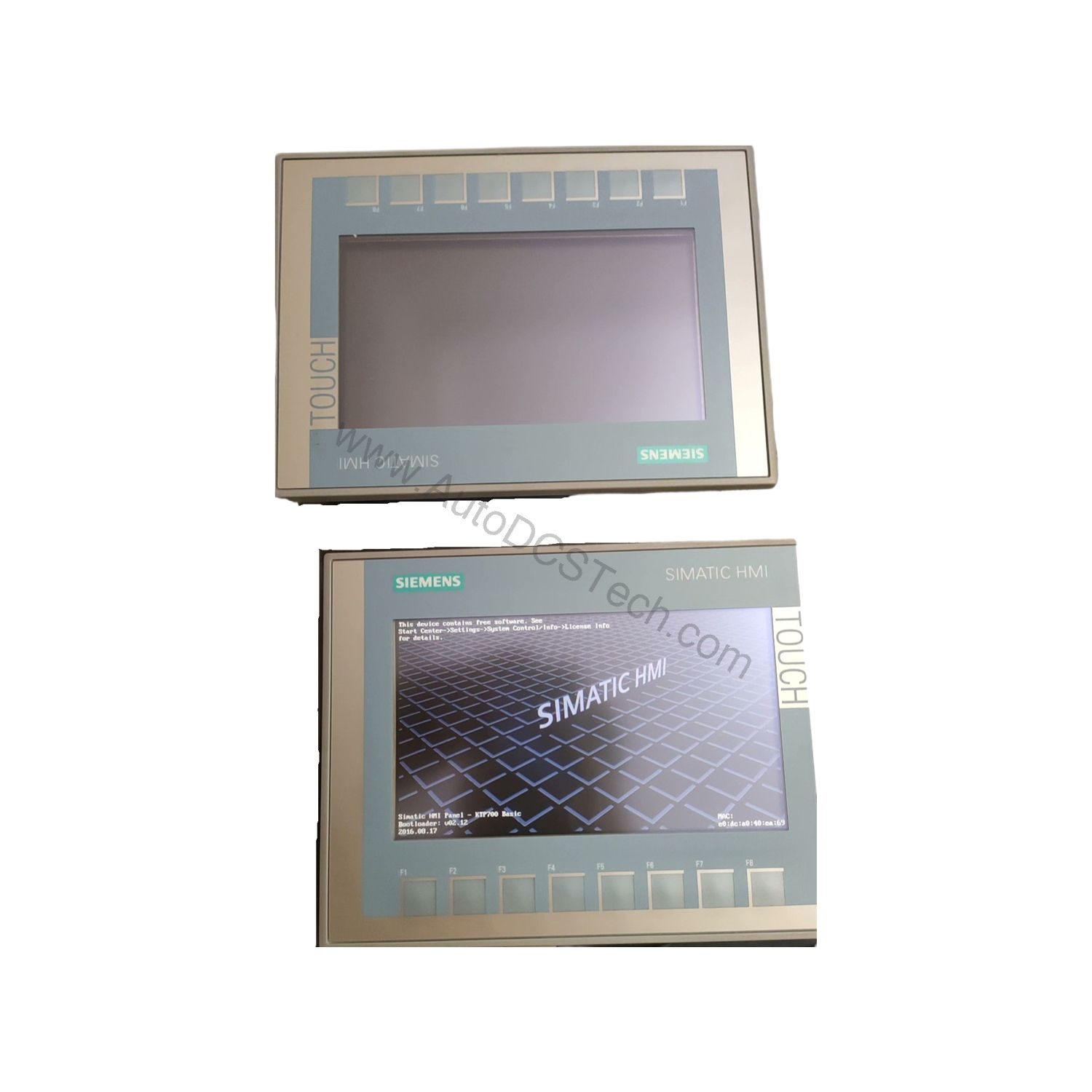
Installation & Setup
Mounting the 6AV2124-0XC02-0AX1 is straightforward. It fits into a 542 x 362 mm cutout with an overall depth of 73.2 mm. You can install it in portrait or landscape orientation, and the maximum permissible tilt angle is 35° without external ventilation.
For power, connect a 24 V DC supply within the 19.2 to 28.8 V range. Use the two Ethernet ports for network redundancy or daisy-chaining. The RS 422/485 interface supports legacy connections, while USB ports allow for data transfer and peripheral devices.
Maintenance & Reliability
To keep the HMI functioning reliably, inspect the front seal and mounting gaskets periodically. The unit is rated IP65 at the front, so ensure the seal remains intact to prevent dust and moisture ingress. Also, verify that the ambient temperature stays within the specified range to avoid overheating.
The backlight has a long MTBF, but if it dims over time, you can replace the backlight unit. For software updates and backups, use the SD card slots or USB ports. Regularly back up your configuration to avoid data loss.
Compatibility & Integration
This HMI works with WinCC Comfort (TIA Portal) V14 SP1 and higher, as well as WinCC Advanced and Professional. It supports 32 online languages and 32 project languages, making it ideal for global deployments.
Communication options include PROFINET (with IRT), PROFIBUS, MPI, EtherNet/IP, and Modbus. It also acts as an OPC UA client and server, enabling data exchange with higher-level systems. For web-based access, it supports HTTP, HTTPS, and HTML, and it includes a web browser and PDF viewer.
Troubleshooting & Common Issues
If the HMI does not power up, check the DC supply voltage and ensure it is within 19.2 to 28.8 V. For network issues, verify the Ethernet cable connections and IP settings. If the touch screen becomes unresponsive, recalibrate it via the operating system settings.
For alarm or message issues, confirm that the configuration is downloaded correctly and that the PLC communication is active. If you encounter persistent problems, consult the Siemens documentation or contact AutoDCSTech for support.
Product Support & Availability
The 6AV2124-0XC02-0AX1 is available from AutoDCSTech. We offer competitive pricing and fast delivery. Contact our team for availability and lead times.
Availability & Condition at AutoDCSTech
| Part Number | 6AV2124-0XC02-0AX1 |
|---|---|
| Availability | In Stock |
| Condition | New |
| Warranty | One Year |
| Origin | Germany |