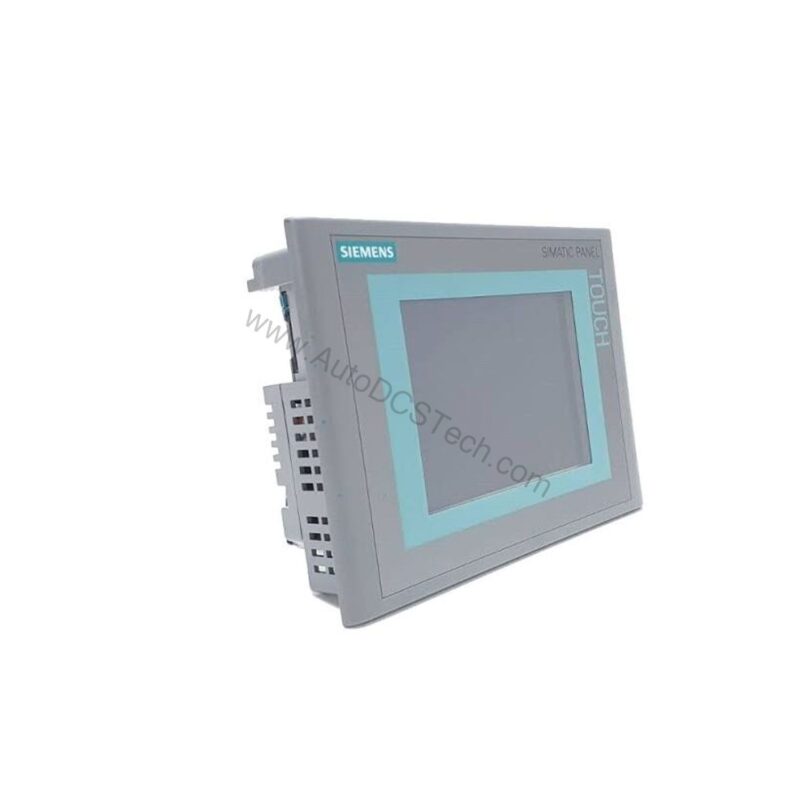
Key Features & Technical Specifications
The 6AV6643-0CD01-1AX1 is built around a proven Siemens platform, offering a balance of performance and durability. Below are the core specifications extracted from the official datasheet:
- Display: TFT, 10.4-inch diagonal, color, 65,536 colors
- Resolution: 640 x 480 pixels
- Control: Touch screen
- Memory: Flash/RAM, 6 MB user data, 128 MB main memory max
- Storage: 1x Multimedia Card slot, up to 128 MB
- Dimensions (Housing Front): 335 mm x 275 mm
- Mounting Cutout: 310 mm x 248 mm
- Overall Depth: 61 mm
- Weight: 2.65 kg
One distinctive feature is the generous 6 MB user memory, which allows for complex screen layouts and data logging without performance lag. This is particularly valuable in applications where operators need to review historical trends or manage multiple recipes.
Real-World Applications
In a typical packaging line, the 6AV6643-0CD01-1AX1 can serve as the central HMI, displaying machine status, alarm lists, and production counters. Its touch interface simplifies navigation, allowing operators to acknowledge alarms and adjust parameters quickly. Moreover, the 10.4-inch screen size fits well in control cabinets, providing ample viewing area without consuming excessive panel space.
For a material handling system, this panel can be mounted on a swing arm, giving operators local control over conveyors and sorters. The 640x480 resolution ensures that even detailed schematics remain legible, while the 65,536 colors help differentiate between normal, warning, and fault states.
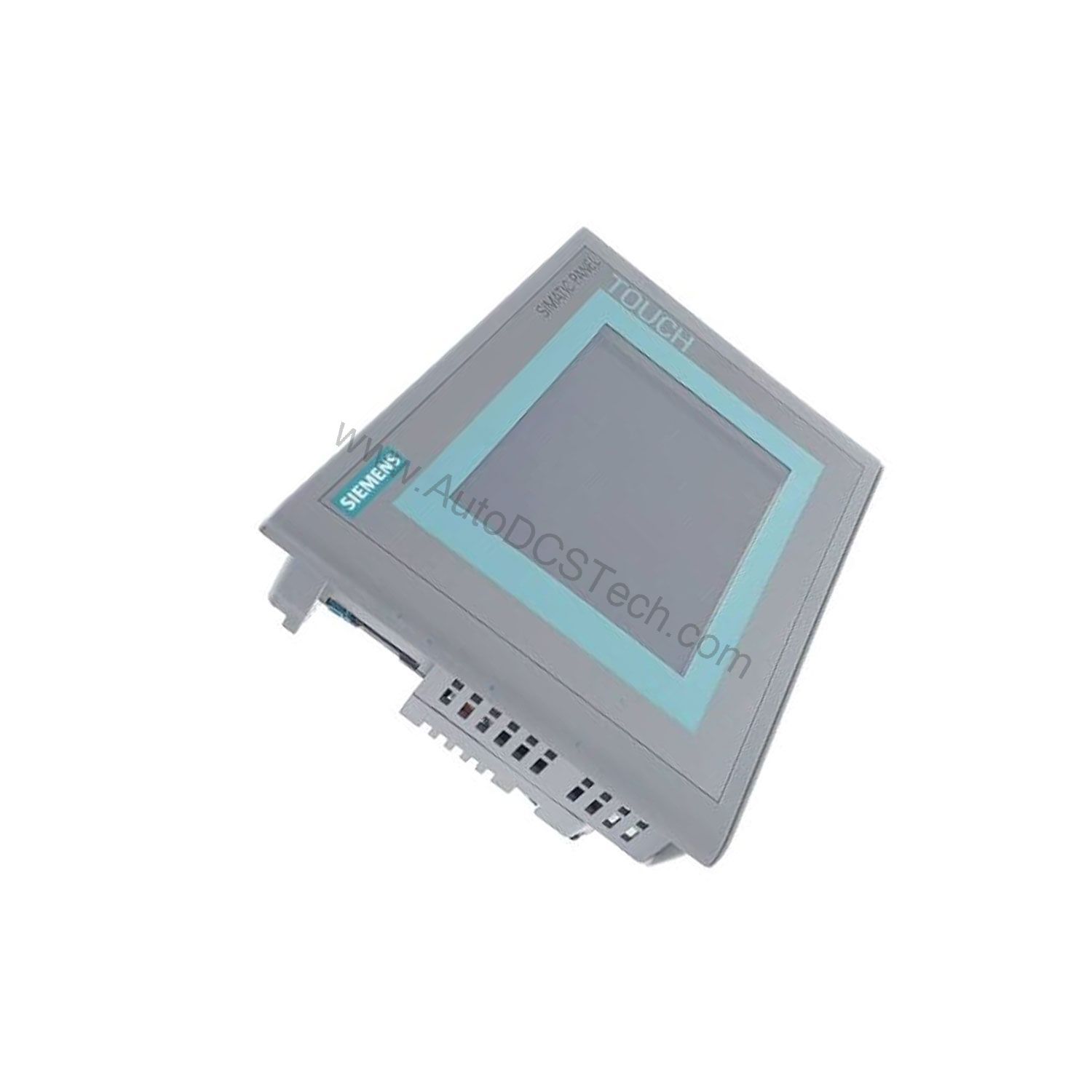
Installation & Setup
When installing the 6AV6643-0CD01-1AX1, ensure the mounting cutout (310 mm x 248 mm) is precisely prepared to achieve a proper seal. The panel is designed for front-panel mounting, with the housing front measuring 335 mm x 275 mm. Verify that the overall depth of 61 mm is accommodated within the enclosure, leaving sufficient space for cables and connectors.
For electrical connections, follow the Siemens installation manual to avoid EMC issues. Use shielded cables for communication lines and maintain separation from power wiring. After mounting, power up the unit and verify that the touch screen responds accurately to calibration points.
Maintenance & Reliability
To ensure long-term reliability, periodically inspect the panel for dust accumulation on the screen and ventilation areas. Use a soft, dry cloth to clean the touch surface; avoid abrasive cleaners that could damage the protective layer. Check that all mounting screws remain tight to prevent vibration-induced loosening.
The flash memory used in this panel is rated for many write cycles, but regular backups of the user program are recommended to prevent data loss in case of unexpected failures. Siemens provides tools for creating and restoring backups, which can be scheduled during routine maintenance windows.
Engineering Challenge: Reliable HMI in Harsh Environments
When production lines demand continuous operator visibility and precise touch control, the 6AV6643-0CD01-1AX1 from Siemens provides a robust solution. This SIMATIC MP 277 10" Touch Multi Panel is designed for industrial environments where clarity and responsiveness are non-negotiable. Its 10.4-inch TFT color display with 65,536 colors ensures operators can quickly identify process states, reducing the risk of errors and downtime.
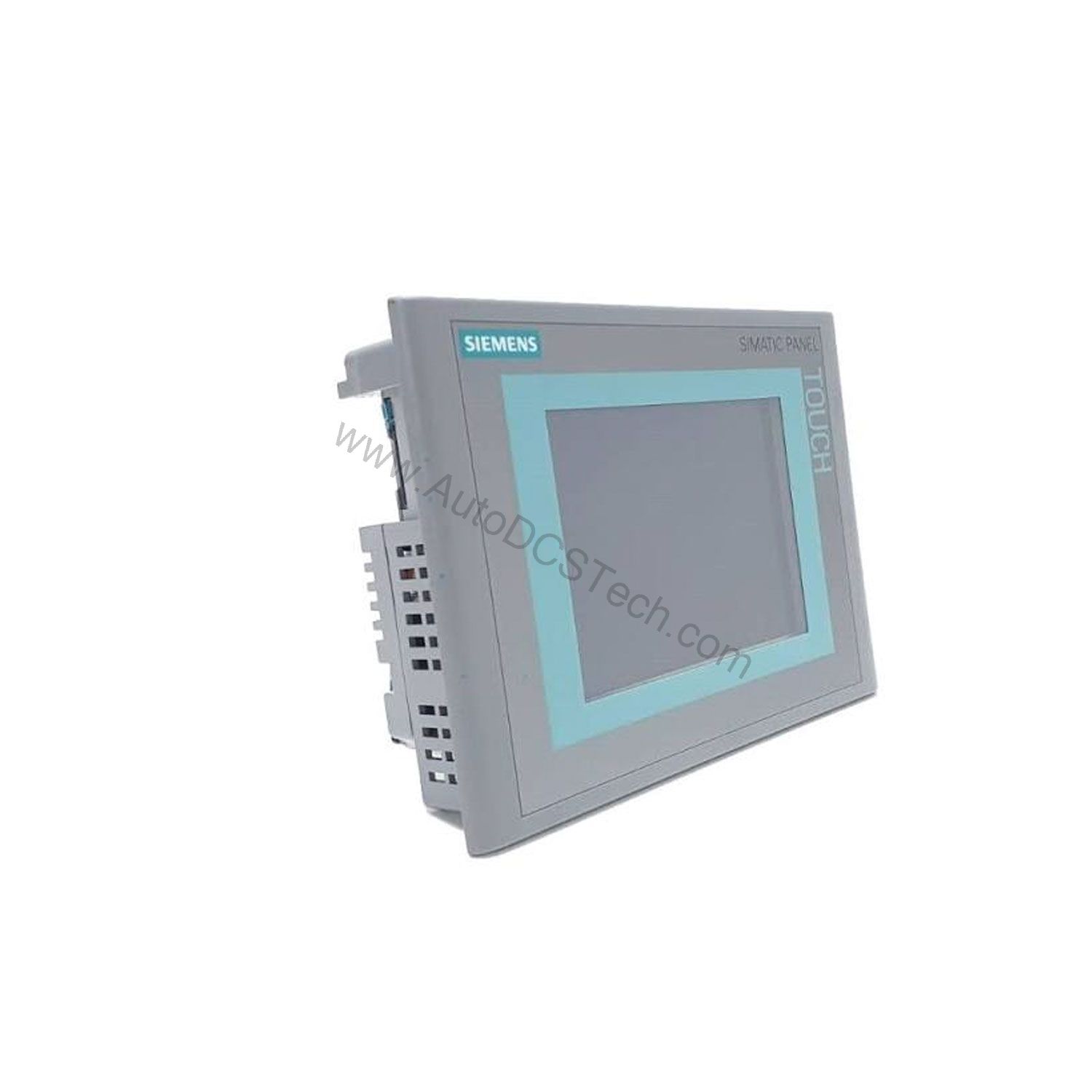
Compatibility & Integration
The 6AV6643-0CD01-1AX1 is part of the SIMATIC MP 277 family, designed to integrate with Siemens automation environments. It supports communication with SIMATIC S7 controllers via the built-in interfaces (refer to the datasheet for exact protocols). The Multimedia Card slot allows for easy transfer of projects and firmware updates, simplifying deployment across multiple machines.
For existing installations, this panel can often replace older MP 270 or OP 277 units, provided the mounting cutout and communication settings are compatible. Always verify the current configuration before ordering to ensure a smooth upgrade path.
Troubleshooting & Common Issues
If the touch screen becomes unresponsive, first check the calibration settings and recalibrate if necessary. Ensure that no foreign objects are pressing on the screen. If the display shows artifacts or fails to light up, verify the backlight power supply and the connection to the main board. For persistent issues, consult the Siemens support documentation or contact AutoDCSTech for guidance.
Product Support & Availability
The 6AV6643-0CD01-1AX1 is available through AutoDCSTech. Please verify current lifecycle status and availability with AutoDCSTech before ordering, as Siemens may have phased out this model. Our team can provide datasheets, manuals, and compatibility advice to support your project.
Availability & Condition at AutoDCSTech
| Part Number | 6AV6643-0CD01-1AX1 |
|---|---|
| Availability | In Stock |
| Condition | New |
| Warranty | One Year |
| Origin | Germany |