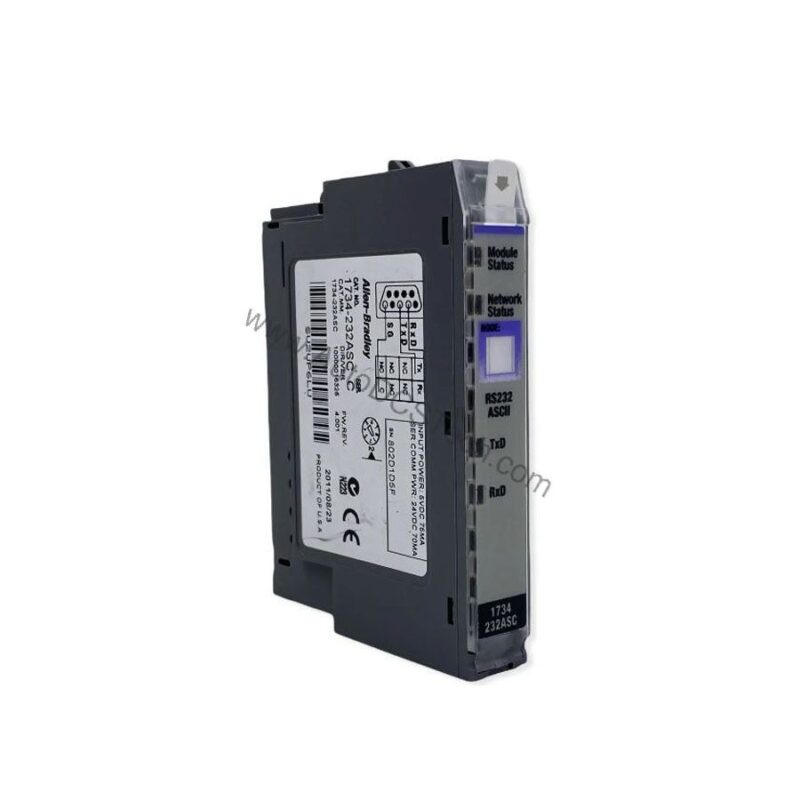
Product Overview
As a maintenance engineer, you need reliable communication modules that minimize downtime. The Allen-Bradley 1734-AENTR is a POINT I/O Dual Ethernet communication module designed to interface a POINT I/O rack with the central controller over an Ethernet/IP network. This module supports Ring, Star, and Tree Topology, offering flexibility for various network architectures. It requires 24 Volts DC Input Voltage and mounts on a DIN rail, simplifying installation in crowded cabinets.
Technical Specifications Breakdown
Key parameters for the 1734-AENTR are listed below for quick reference:
| Feature | Specification |
|---|---|
| Manufacturer | Rockwell Automation |
| Brand | Allen-Bradley |
| Part Number/Catalog No. | 1734-AENTR |
| Series | POINT I/O |
| Module Type | Ethernet/IP Adapter Module |
| Input Voltage Rating | 24 Volts DC |
| Enclosure Rating | Open |
| Operating Temperature | -20 to 60 degrees Celsius |
| Ethernet Communication Rate | 10/100 Mbits/s, Half or Full-Duplex |
| Maximum Power Consumption | 10.4 Watts at 28.8 Volts DC |
| Weight | 0.62 pounds |
| Input Overvoltage Protection | Reverse Polarity Protected |
| Isolation Voltage | 50 Volts (Continuous) |
| Maximum Expansion I/O Capacity | 63 Modules, 31 Direct Connections |
Industry Applications
For example, in a material handling line, the 1734-AENTR connects remote I/O racks to the PLC, supporting up to 63 modules and 31 direct connections. Its support for ring topology enables redundant paths, reducing the risk of network failure. In process plants, the wide operating temperature range (-20 to 60 degrees Celsius) ensures stable operation in harsh environments.
Installation and Setup Guidance
Mount the module vertically on a DIN rail at the leftmost position of the POINT I/O system. Connect an external 24VDC supply to power the adapter. Use Category 5 or Category 6 cable with RJ-45 connectors for Ethernet connections. Assign the IP address via the thumbwheel switches, BOOT-P, or DHCP utility. For static IP, configure the address in nonvolatile memory to avoid changes after power cycles. Ensure the DHCP server is set with the same IP if using dynamic assignment.
Maintenance and Reliability
Inspect the module periodically for dust accumulation on the open enclosure. Verify that the 24VDC supply remains within tolerance to prevent overvoltage. The reverse polarity protection guards against wiring errors. Check Ethernet cable connections for secure seating to avoid intermittent communication. No internal adjustments are required; rely on the embedded switch ports for pass-through connectivity.
Compatibility and Integration
The 1734-AENTR uses TCP/UDP/IP protocol over Ethernet/IP. It supports simultaneous communication with multiple scanner modules, making it compatible with various Rockwell Automation controllers. The two RJ-45 ports act as embedded switches for daisy-chain or ring topologies. No network scheduling or routing tables are needed, simplifying integration into existing networks.
Selection Guide and Purchasing Advice
When selecting this module, verify that your application requires a dual Ethernet adapter with ring topology support. Please verify current lifecycle status and availability with AutoDCSTech before ordering. AutoDCSTech offers genuine Allen-Bradley parts with expert support to ensure you get the right component for your system.
Troubleshooting and Common Issues
If the module fails to communicate, first check the 24VDC power supply and Ethernet cable connections. Verify that the IP address is correctly set via thumbwheel switches or DHCP. If using dynamic IP, ensure the DHCP server assigns a consistent address to avoid communication errors. For ring topology, confirm that both ports are properly connected and the network loop is closed. If the module does not appear in the controller's scan list, check the maximum expansion capacity (63 modules, 31 direct connections) and ensure no limit is exceeded.
Availability & Condition at AutoDCSTech
| Part Number | 1734-AENTR |
|---|---|
| Availability | In Stock |
| Condition | New |
| Warranty | One Year |
| Origin | US |