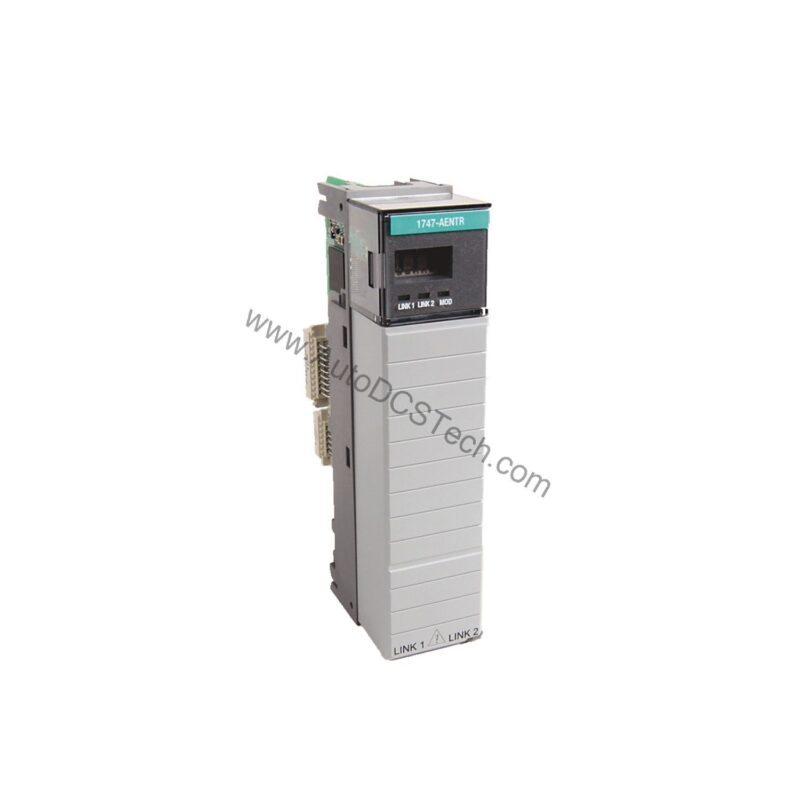
Technical Specifications Breakdown
Key parameters for the 1747-SDN are listed below for quick reference:
| Feature | Specification |
|---|---|
| Part Number | 1747-SDN |
| Brand | Allen-Bradley |
| Module Type | DeviceNet Scanner Module |
| Compatible Controllers | SLC 5/02, 5/03, 5/04, 5/05 |
| Communication Port | One (1) DeviceNet |
| Data Transfer Speed | 125 Kbps |
| Backplane Current (5 Volts) | 500 milliamps |
| Backplane Current (24 Volts) | 90 milliamps |
| Operating Temperature | 0 to 55 °C (32 to 131 °F) |
| Storage Temperature | -40 to 85 °C (-40 to 185 °F) |
| Weight | 1 pound (0.45 kilograms) |
Industry Applications for the DeviceNet Scanner Module
In manufacturing environments, the 1747-SDN enables centralized control of DeviceNet devices such as sensors, actuators, and drives. For example, in a packaging line, it can coordinate multiple I/O points via polled or change-of-state messaging, reducing wiring complexity. In material handling, its pass-through capability allows bridging separate DeviceNet segments, improving network scalability without additional hardware.
Installation and Setup Guidance
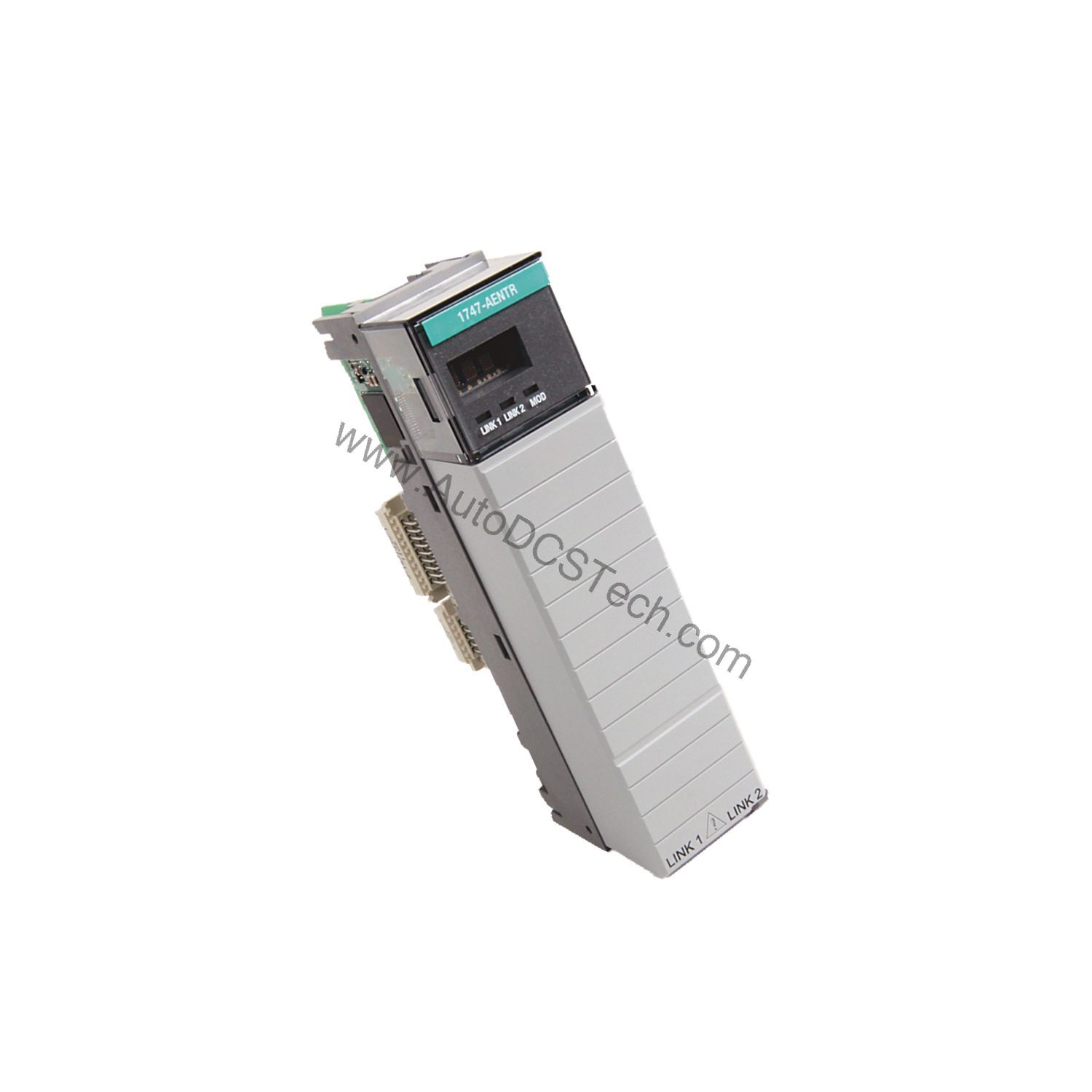
Mount the module in any SLC 500 chassis slot using DIN rail or panel mounting. Ensure the SLC processor is version 5/02 or later. Connect the DeviceNet trunk line to the 10-pin linear plug (1787-PLUG10R) behind the access door. Set the node address and baud rate via the LCD display and rotary switches. Use RSNetWorx for DeviceNet to configure the scanner's scan list and I/O mapping.
Maintenance and Reliability
Periodically inspect the module's LED indicators (Mod/Net Status and I/O Status) for normal operation. Keep the enclosure free of dust and moisture. The module is tested to withstand 5 g vibration at 10-500 Hz per IEC 68-2-6 and 30 g peak shock. Store within -40 to 85 °C when not in use.
The Evolution of DeviceNet Integration in SLC 500 Systems
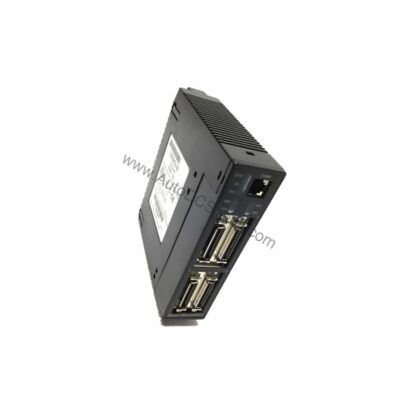
The Allen-Bradley 1747-SDN SLC 500 DeviceNet Scanner Module emerged as a key solution, enabling efficient communication across DeviceNet networks while maintaining compatibility with existing SLC platforms. This module simplifies data exchange in slave mode and supports multiple I/O configurations, making it a versatile choice for modernizing legacy systems.
Compatibility and Integration
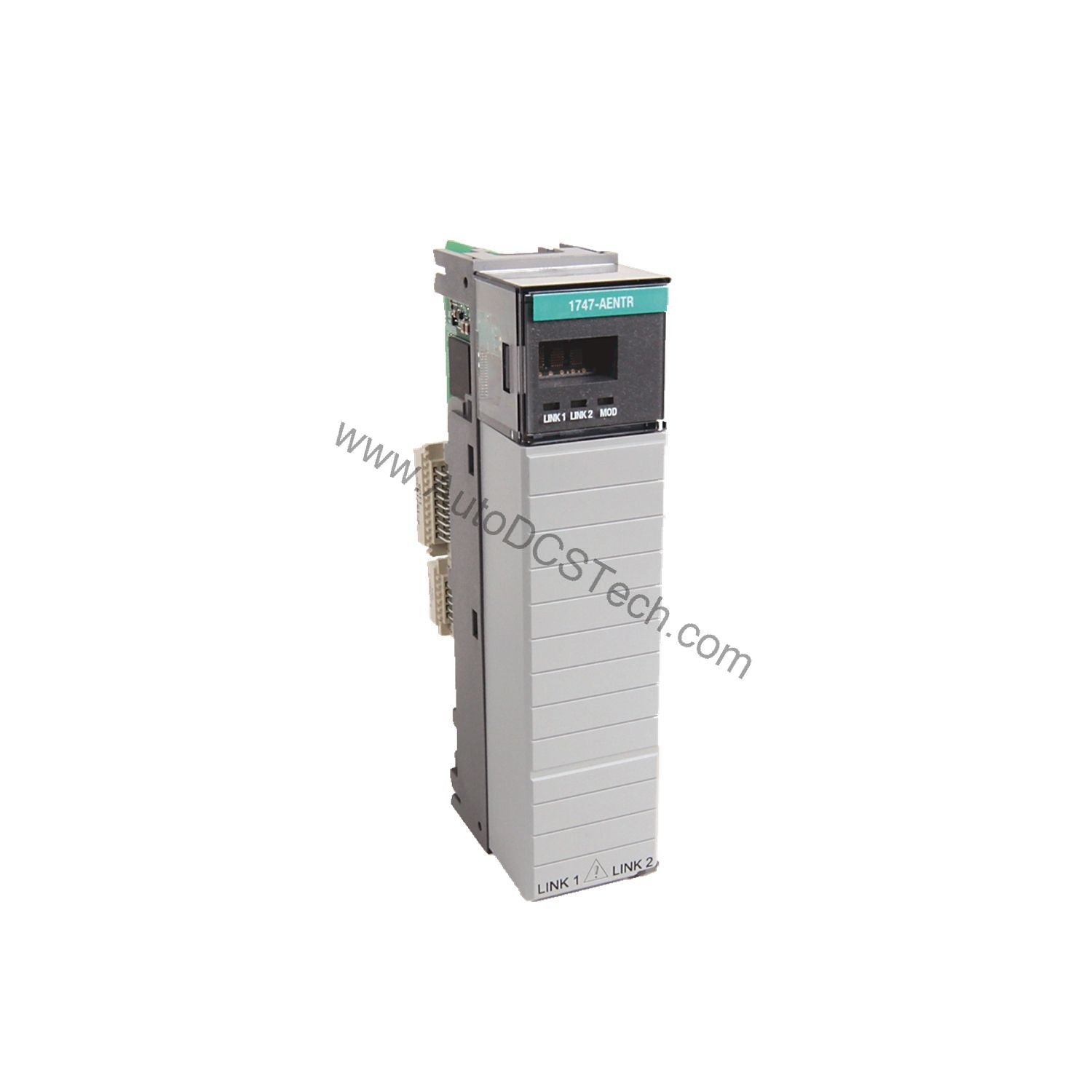
The 1747-SDN integrates with SLC 5/02, 5/03, 5/04, and 5/05 processors via M1/M0 file transfers and discrete I/O. It supports up to 63 nodes at 125 Kbps. The pass-through feature replaces legacy DeviceNet interfaces like the 1770-KFD. The module also provides 30 Volts circuit isolation between DeviceNet and backplane.
Selection Guide and Purchasing Advice
When selecting a DeviceNet scanner, verify that your SLC processor is compatible (5/02 or later) and that your network requires 125 Kbps data rate. The 1747-SDN is a reliable choice for new installations or as a replacement. For current pricing and availability, contact AutoDCSTech, your trusted source for industrial automation parts.
Troubleshooting and Common Issues
If the module fails to communicate, check the DeviceNet cable connections and termination resistors. Verify that the node address is unique and the baud rate matches all devices. If the Mod/Net LED shows red, inspect the backplane power (5V at 500 mA, 24V at 90 mA). For persistent errors, consult the module's LCD display for error codes.
Availability & Condition at AutoDCSTech
| Part Number | 1747-SDN |
|---|---|
| Availability | In Stock |
| Condition | New |
| Warranty | One Year |
| Origin | US |