Technical Specifications Breakdown
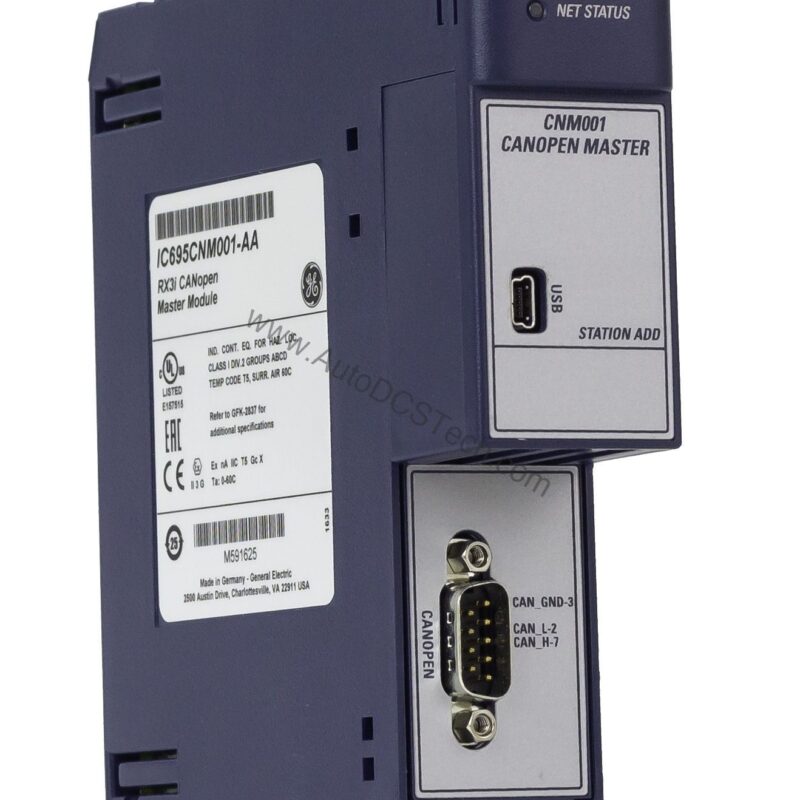
Key parameters for the IC695CNM001 are listed below for quick reference:
| Feature | Specification |
|---|---|
| Brand | GE Fanuc |
| Series | RX3i PacSystem |
| Part Number | IC695CNM001 |
| Product Description | CANopen Master Module |
| Backplane Current Consumption | 800 mA at 3.3 Volts DC |
| Number of Slave Devices | 5 |
| Baud Rate | 10 kbits to 1 Mbits |
| Data Transport Layer | CAN Frame |
| CAN Frame Type | 11 Bit |
| Hot-Swappable | Yes |
| Mounting Location | RX3i system main rack |
| Status LEDs | POWER, MOD Status, NET Status |
Real-World Applications in Manufacturing
For example, in packaging lines, the IC695CNM001 coordinates multiple servo drives as slave devices, ensuring precise timing. Its baud rate range from 10 kbits to 1 Mbit allows adaptation to both low-speed sensor networks and high-speed actuator control.
Installation and Setup Guidance
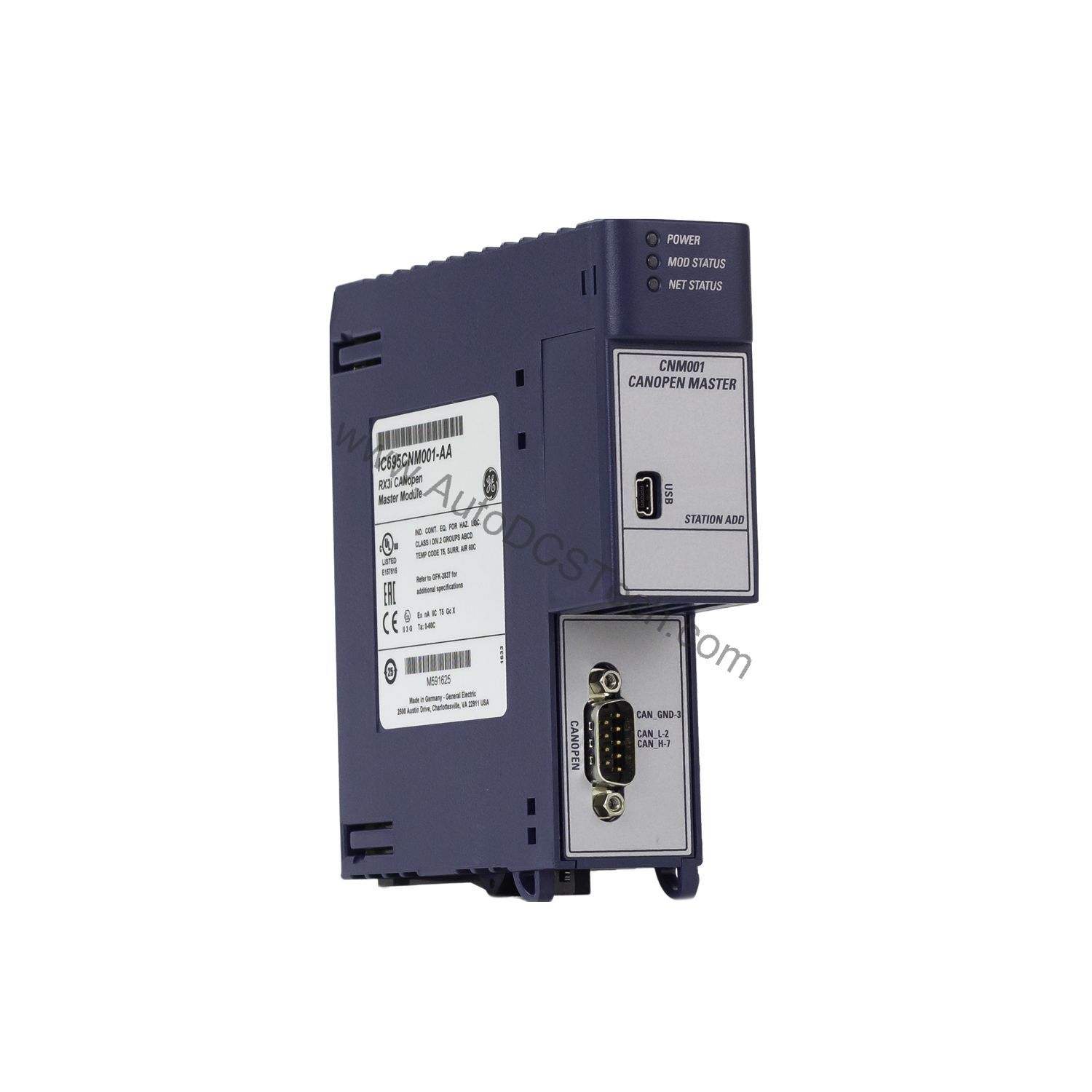
Install the module in any slot of the RX3i main rack except Slot 0 or the expansion slot. Ensure the RX3i CPU firmware is version 7.70 or later for compatibility. Use the USB Mini Type B port to configure the CANopen network via SYCON.NET software. The hot-swappable design enables replacement without powering down the system, reducing downtime.
Maintenance and Reliability Insights
Periodically inspect the status LEDs (POWER, MOD Status, NET Status) to verify operational health. A steady green MOD Status indicates normal operation, while blinking patterns can signal configuration errors. Keep the backplane slot clean and ensure proper ventilation to maintain the module's 800 mA current draw within limits.
Compatibility and Integration
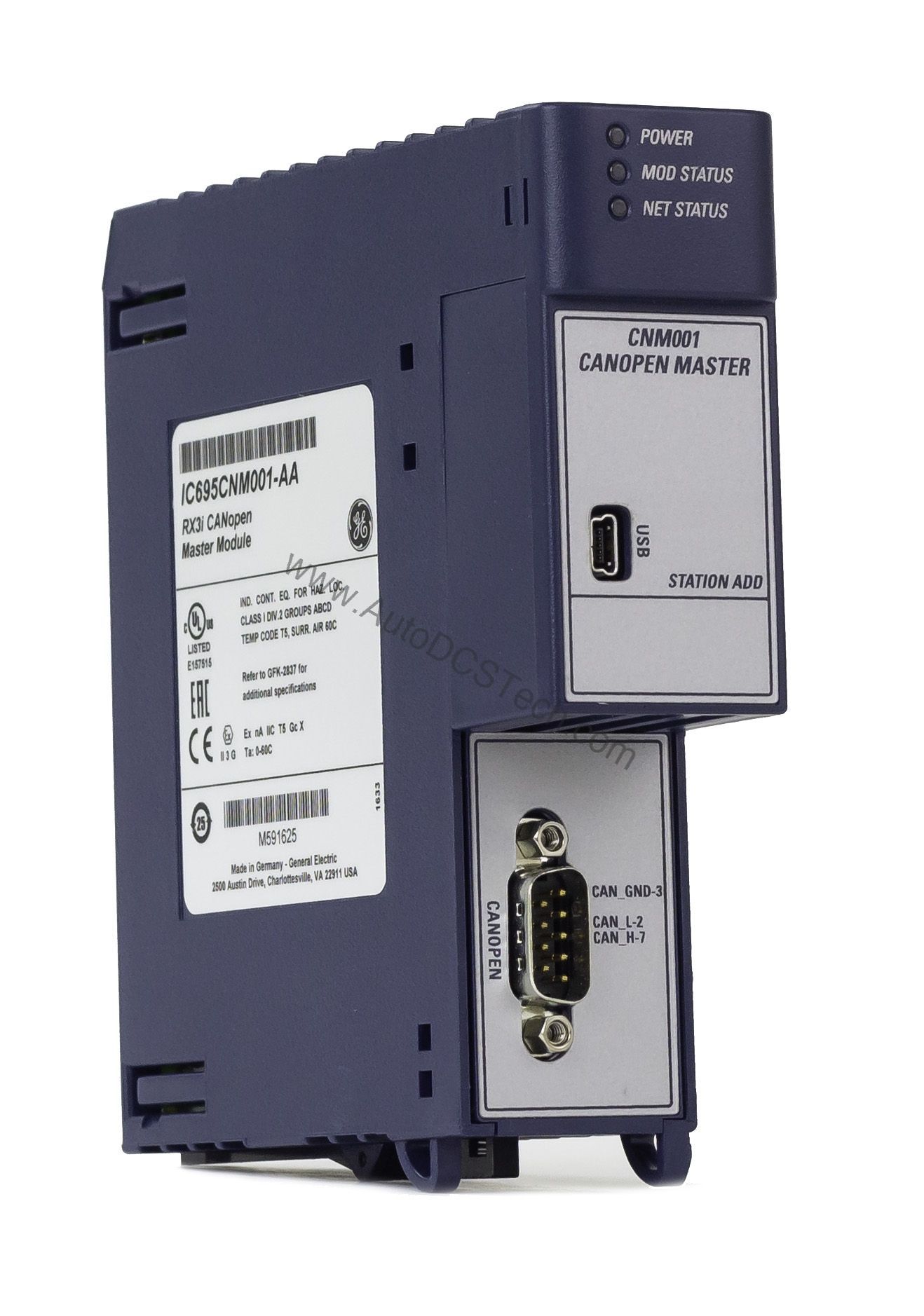
It uses an 11-bit CAN frame data transport layer, compatible with standard CANopen devices. The module supports up to 5 slave devices, making it suitable for small to medium-sized networks.
Selection Guide and Purchasing Advice
When selecting a CANopen master module, verify that your CPU firmware meets the 7.70 requirement. The IC695CNM001 offers a balanced feature set for applications needing up to 5 slaves. For purchasing, contact AutoDCSTech to confirm availability and lifecycle status before ordering.
Troubleshooting Common Issues
If the NET Status LED is off, check the CANopen bus cabling and termination. A flashing MOD Status LED may indicate a configuration mismatch; re-download the network setup via SYCON.NET. Ensure the baud rate setting matches all slave devices on the network.
Please verify current lifecycle status and availability with AutoDCSTech before ordering.
Availability & Condition at AutoDCSTech
| Part Number | IC695CNM001 |
|---|---|
| Availability | In Stock |
| Condition | New |
| Warranty | One Year |
| Origin | US |