Product Overview
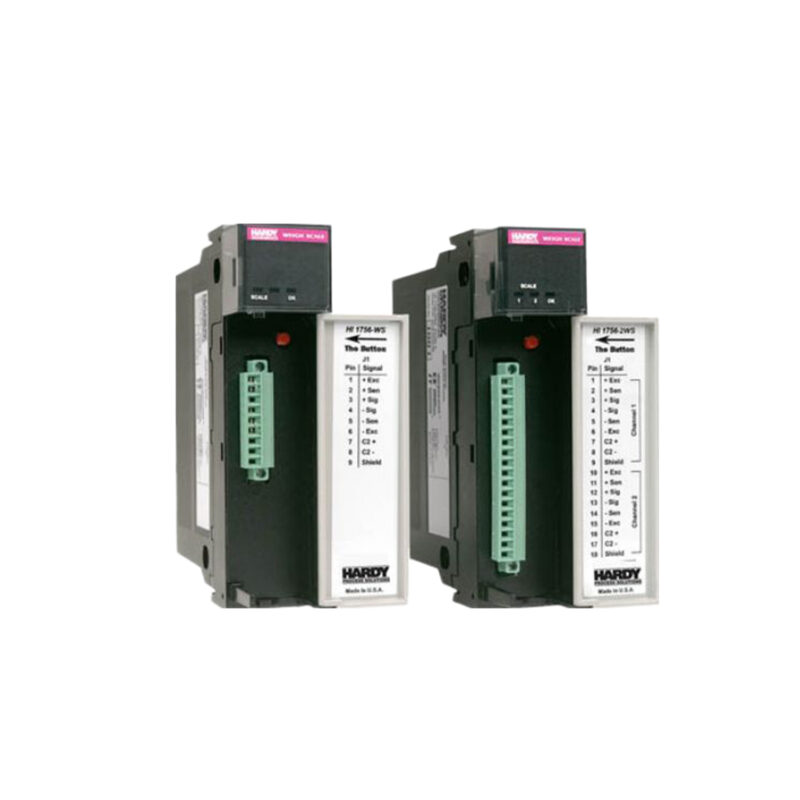
The Allen-Bradley 1756-IB16I is a ControlLogix discrete input module designed for reliable signal acquisition in industrial automation. Manufactured by Rockwell Automation, this module provides sixteen (16) individually isolated input channels, each accepting a voltage range of 10-30 VDC with a nominal 24 VDC. The module installs into any 1756 ControlLogix chassis, supporting local, remote, or distributed I/O architectures.
Technical Specifications Breakdown
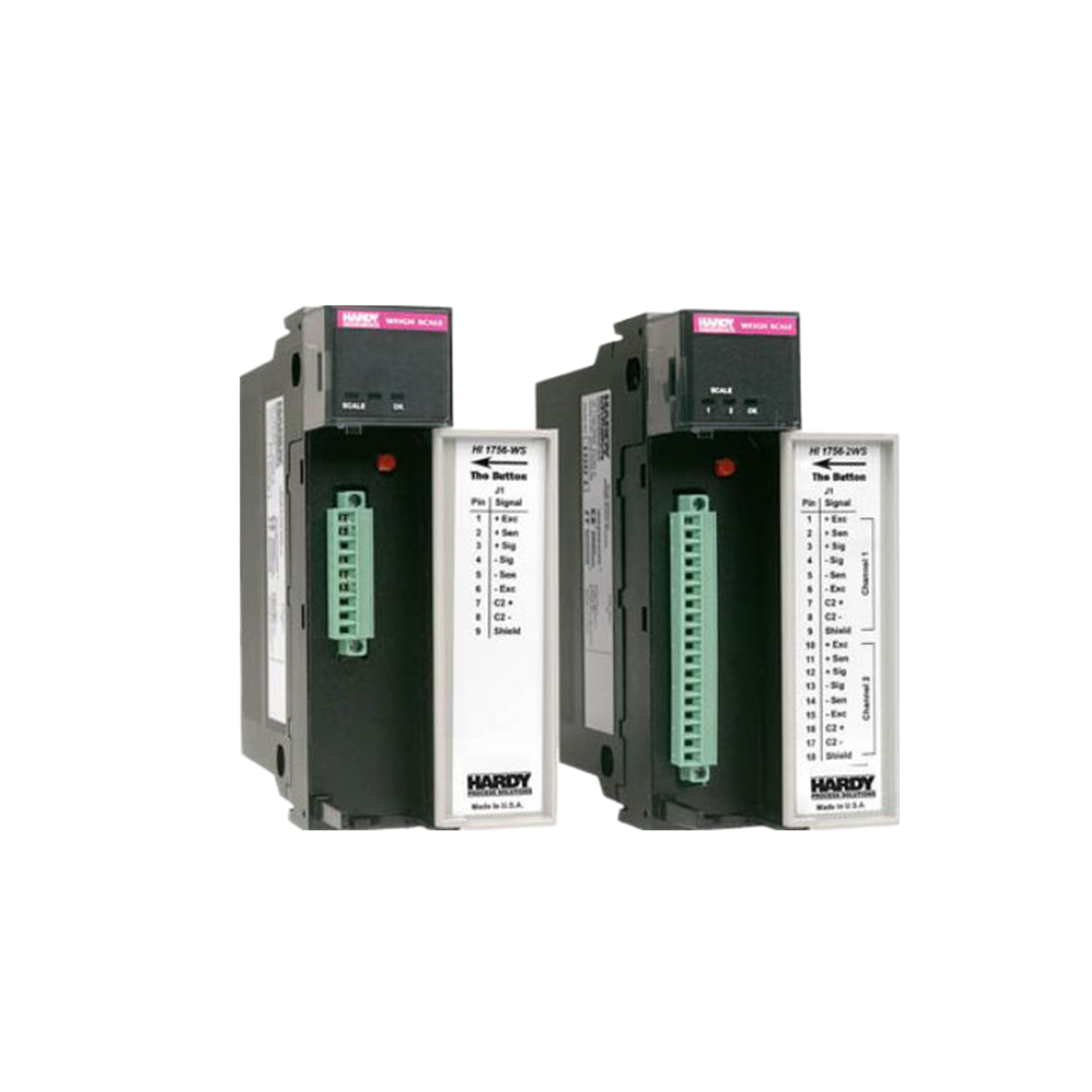
Key parameters for the 1756-IB16I are listed below for quick reference:
| Feature | Specification |
|---|---|
| Manufacturer | Rockwell Automation |
| Brand | Allen-Bradley |
| Series | ControlLogix |
| Part Number | 1756-IB16I |
| Module Type | DigitalDC Input module |
| Number of Inputs | Sixteen (16) individually isolated |
| Input Voltage Range | 10-30 VDC |
| ON-state Current, min. | 2 mA @ 10V DC |
| ON-state Current, max. | 10 mA @ 30V DC |
| Cyclic Update Time | 200 µs…750 ms |
| Signal Delay, ON Transition | Hardware delay: 1 ms max + filter time (0, 1, or 2 ms) |
| Signal Delay, OFF Transition | Hardware delay: 4 ms max + filter time (0, 1, 2, 9, or 18 ms) |
| Backplane Current, 5.1 VDC | 100 mA |
| Backplane Current, 24 VDC | 3 mA |
| Total Backplane Power | 0.58 W |
| Removable Terminal Block (RTB) | 1756-TBNH, 1756-TBSH |
Industry Applications
The 1756-IB16I is well-suited for discrete manufacturing, process control, and material handling systems where individual channel isolation is critical. For example, in automotive assembly lines, each isolated input can monitor a separate limit switch or proximity sensor without ground loop interference. In water treatment plants, the module reliably reads status from pumps and valves over long cable runs. The 10-30 VDC range allows direct connection to 24 VDC industrial sensors without external converters.
Installation & Setup Guidance
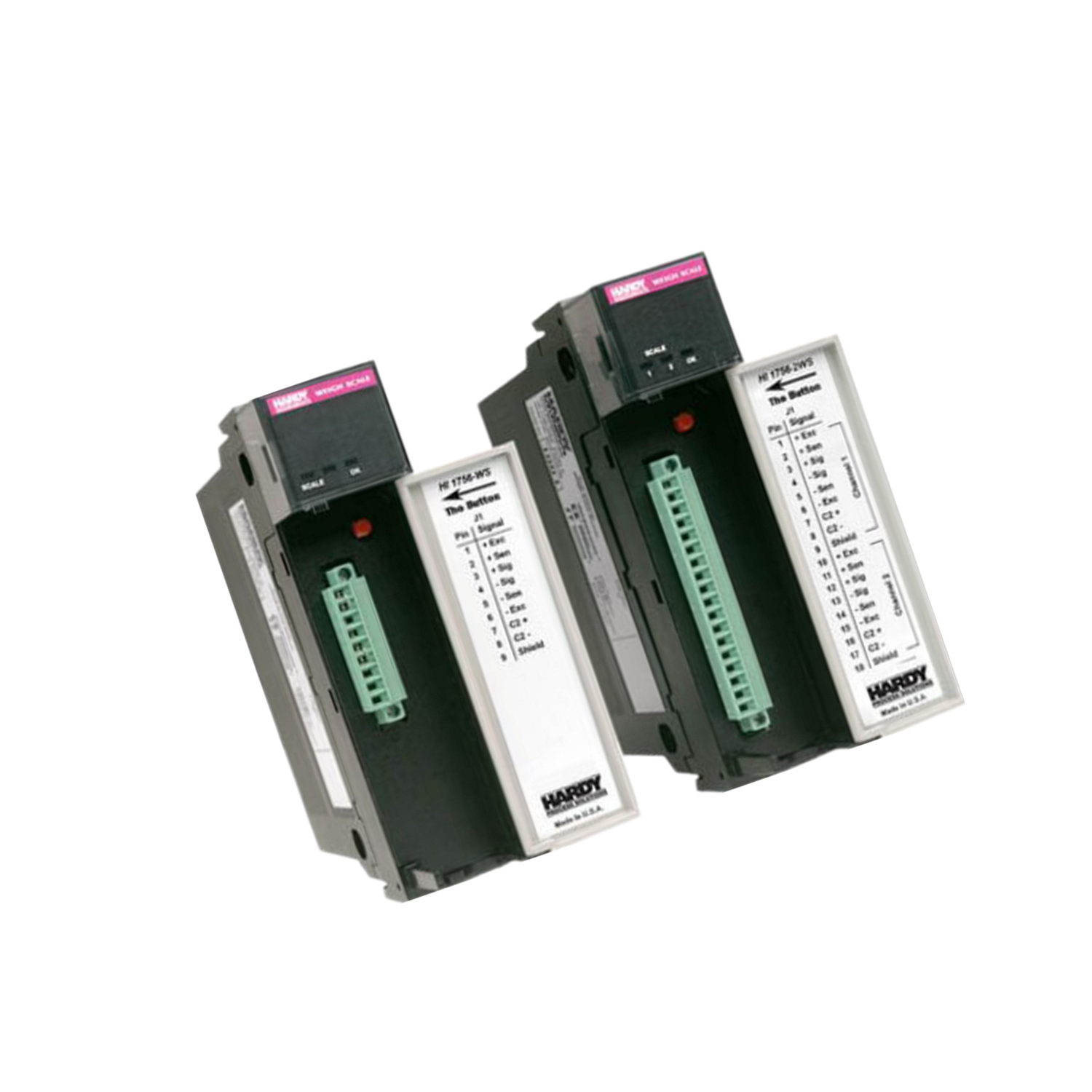
Install the module into any available slot of a 1756 ControlLogix chassis, except the leftmost slot reserved for the processor or communication adapter. Use a compatible removable terminal block (RTB) such as the 1756-TBCH or 1756-TBS6H for wiring. Ensure the RTB is properly keyed and seated before powering the system. Configure input filter times via the ControlLogix programming software to match the application's noise environment: use 0 ms for fast signals, 1 ms or 2 ms for moderate filtering, and up to 18 ms for high-noise areas.
Maintenance & Reliability
Periodically inspect the module and RTB connections for signs of corrosion or loose wiring. Keep the chassis environment within specified temperature limits (refer to the ControlLogix system manual). The module's maximum power dissipation is 5 Watts at 60 degrees Celsius, so ensure adequate airflow around the chassis. No routine calibration is required for this digital input module.
Compatibility & Integration
The 1756-IB16I is compatible with all 1756 ControlLogix chassis and works with both local and remote I/O configurations. It uses the same backplane communication as other ControlLogix modules, allowing seamless integration with processors like the 1756-L7x series. The module supports the 1756-TBNH and 1756-TBSH RTBs for field wiring.
Selection Guide & Purchasing Advice
When selecting the 1756-IB16I, verify that your system requires individually isolated inputs. If isolation is not needed, consider the non-isolated 1756-IB16. For new installations, order the appropriate RTB separately. AutoDCSTech stocks the 1756-IB16I and compatible accessories. Please verify current lifecycle status and availability with AutoDCSTech before ordering.
Troubleshooting & Common Issues
If an input channel fails to respond, check the wiring and RTB connection first. Verify that the input voltage is within the 10-30 VDC range and that the ON-state current meets the minimum 2 mA at 10 VDC. For erratic readings, adjust the input filter time to a higher value (e.g., 2 ms or 9 ms) to reject noise. If the module does not power up, confirm that the backplane is supplying 5.1 VDC and 24 VDC as required.
Availability & Condition at AutoDCSTech
| Part Number | 1756-IB16I |
|---|---|
| Availability | In Stock |
| Condition | New |
| Warranty | One Year |
| Origin | US |