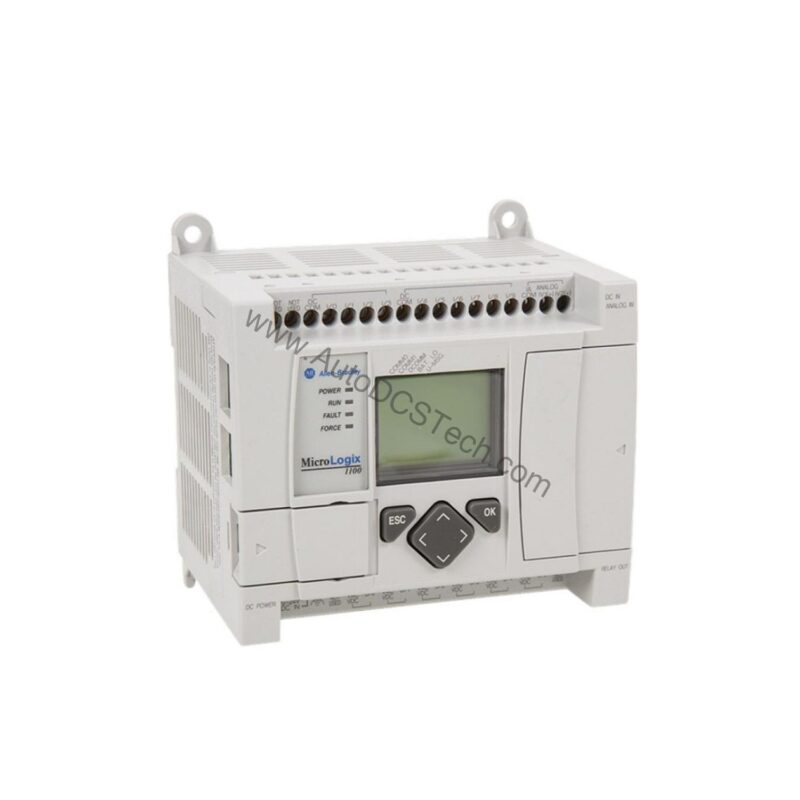
Product Overview
The 1763-MM1 is a memory module from Allen-Bradley, designed for the MicroLogix 1100 series of programmable logic controllers. This accessory module provides 128 KB of non-volatile memory, enabling reliable storage of recipe and program data without requiring a battery. It supports automatic data transfer to the controller's RAM at startup, helping prevent program loss during unplanned shutdowns. The module also features write protection and program compare functions, making it a practical choice for applications where program integrity is critical.
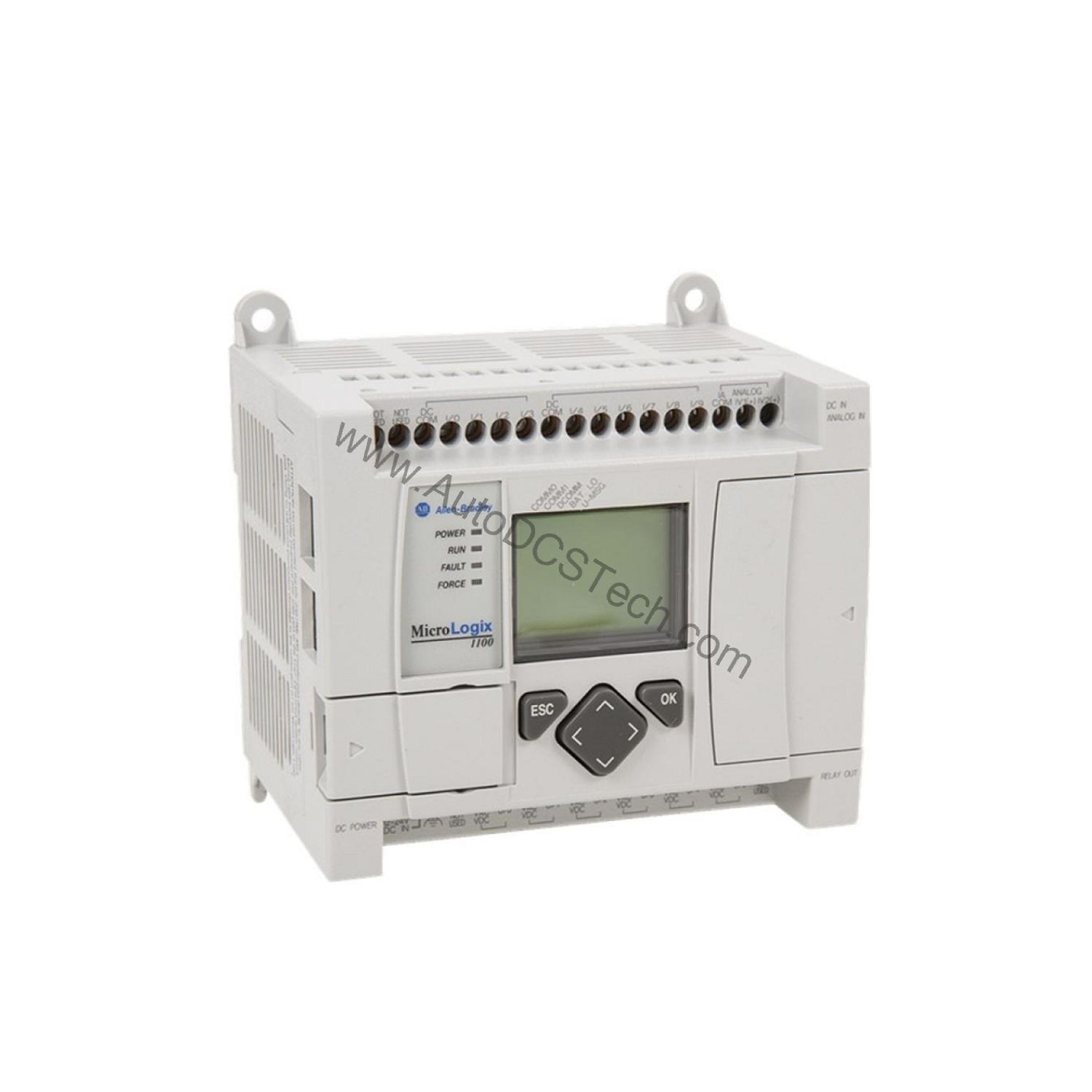
Technical Specifications Breakdown
Key parameters for the 1763-MM1 are listed below for quick reference:
| Feature | Specification |
|---|---|
| Manufacturer | Rockwell Automation / Allen-Bradley |
| Part Number | 1763-MM1 |
| Series | MicroLogix 1100 |
| Product Type | Accessory module |
| Module Type | Memory Module |
| Memory Size | 128 KB |
| Memory Type | Non-volatile memory |
| Compatible Controllers | MicroLogix 1100 |
| Recipe Logging | Supported |
| Data Logging | Not Supported |
| Write Protection | Supported |
| Program Compare | Supported |
| Removal and Insertion Under Power (RIUP) | Supported |
| Product Lifecycle | End of life |
| Discontinuation Date | 1-Apr-22 |
| Replacement Product | Micro 800 |
Industry Applications
Recipe Management in Batch Processing
In food, beverage, or chemical batch processes, the 1763-MM1 stores multiple recipe sets in its 128 KB non-volatile memory. Operators can quickly switch between product formulations without reprogramming the controller. The write protection feature prevents accidental overwrites, ensuring consistent quality across batches.
Program Transfer for Machine Builders
Original equipment manufacturers (OEMs) can use the memory module to transfer a master program between multiple MicroLogix 1100 controllers on the production line. This reduces commissioning time and eliminates manual programming errors. The program compare function verifies that the loaded program matches the intended version.
Backup for Critical Infrastructure
In water treatment or material handling systems, unplanned downtime can be costly. The non-volatile memory retains the user program even during power loss, allowing the controller to resume operation automatically after a restart. This minimizes production interruptions and enhances system reliability.
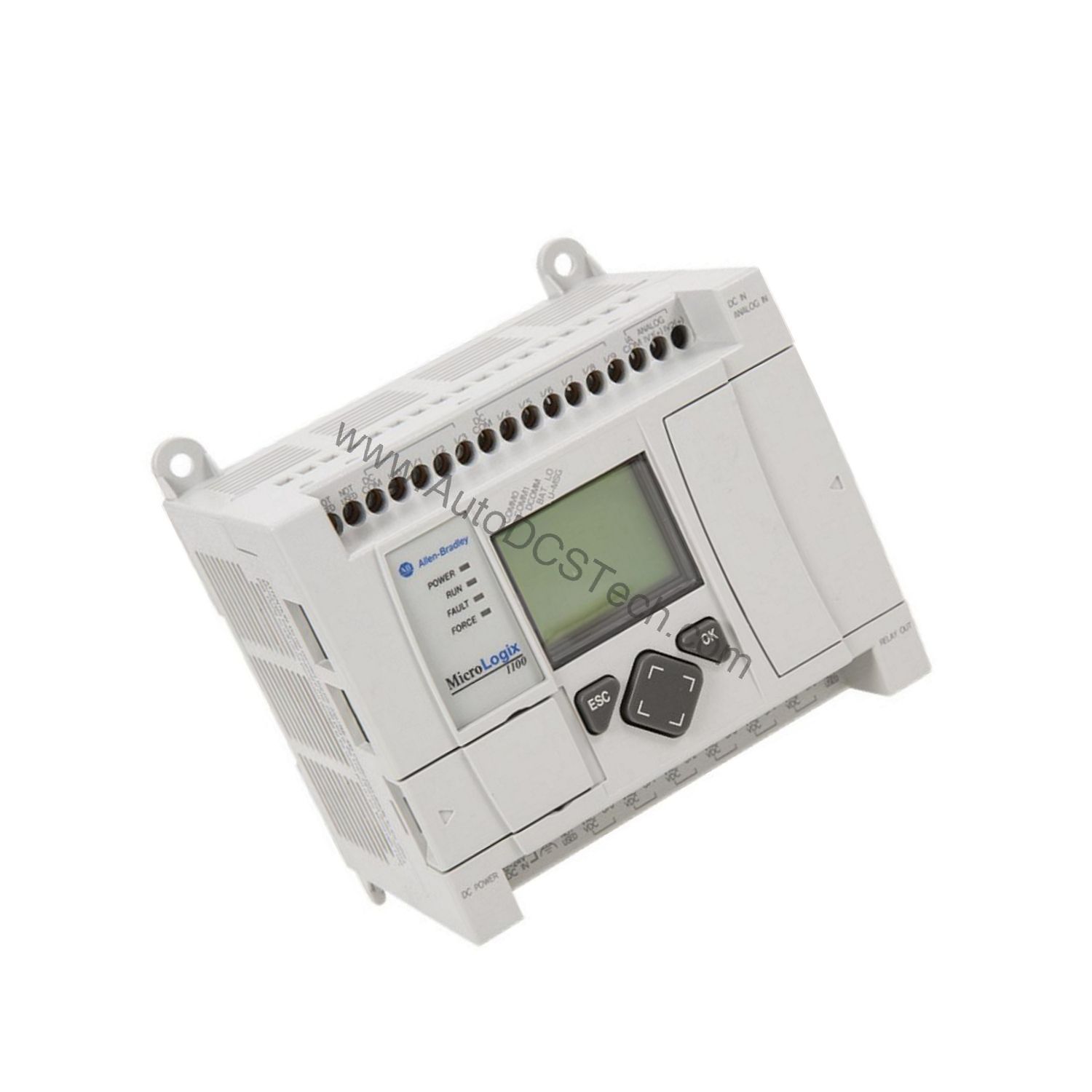
Installation & Setup Guidance
Before installing the memory module, remove the port cover shipped with the MicroLogix 1100 controller. Align the module with the mounting guides on the controller and gently push it into place. If you feel unusual resistance, pull the module back and reattempt insertion. The module supports Removal and Insertion Under Power (RIUP), but the controller must be power cycled or transitioned to program mode, suspend mode, or a faulted state to recognize the new hardware. After installation, verify that the program compare function confirms the correct data transfer.
Maintenance & Reliability
Since the 1763-MM1 uses non-volatile memory, it requires no battery replacement. Inspect the module periodically for physical damage or contamination. Ensure the mounting guides are clean and free of debris. The module is compliant with EMC, LVD, and RoHS directives, supporting reliable operation in industrial environments.
Compatibility & Integration
The module is specifically designed for MicroLogix 1100 controllers. It does not increase the built-in memory of the host controller but provides a removable backup for user data and programs. The module supports recipe logging, write protection, and program compare, but does not support data logging. For new installations, consider the Micro 800 series as a replacement product, as the 1763-MM1 has reached end of life.
Selection Guide & Purchasing Advice
When selecting a memory module for your MicroLogix 1100 system, confirm that the 128 KB capacity meets your recipe and program storage needs. At AutoDCSTech, we stock this module for customers who need a reliable replacement or spare part. Please verify current lifecycle status and availability with AutoDCSTech before ordering, as the product has been discontinued.
Troubleshooting & Common Issues
If the controller does not recognize the module after installation, power cycle the unit or transition the controller to program mode. If unusual resistance is felt during insertion, check for bent pins or debris in the port. The write protection switch should be set correctly to allow program transfers. If the program compare function indicates a mismatch, re-insert the module and verify the source program.
Availability & Condition at AutoDCSTech
| Part Number | 1763-MM1 |
|---|---|
| Availability | In Stock |
| Condition | New |
| Warranty | One Year |
| Origin | US |