Technical Specifications Breakdown
Key parameters for the 1771-IM are listed below for quick reference:
| Feature | Specification |
|---|---|
| Module Type | Digital AC/DC Input Module |
| Number of Inputs | 8 Inputs |
| Voltage Category | 220 Volts AC/DC |
| AC Operating Voltage | 184-276 Volts |
| DC Operating Voltage | 184-276 Volts |
| Backplane Current | 75 Miliamperes |
| Max AC Off-State Current | 1.0 Miliamperes |
| Max DC Off-State Current | 1.0 Miliamperes |
| Typical AC Signal Delay (On) | 20 (+/- 6) ms |
| Typical DC Signal Delay (On) | 10 (+/- 4) ms |
| Typical AC Signal Delay (Off) | 20 (+/- 6) ms |
| Typical DC Signal Delay (Off) | 20 (+/- 9) ms |
| Wiring Arm | 1771-WA |
| Mounting | Rack Mountable |
Industry Applications for the 1771-IM
For example, connecting float switches in a tank level monitoring system—the 1771-IM reliably senses 220V AC/DC signals from the switch, providing a clean on/off state to the PLC-5 processor. The wide operating voltage range (184-276V) ensures stable operation even in plants with fluctuating line voltages, reducing false trips and improving process uptime.
Installation and Setup Guidance
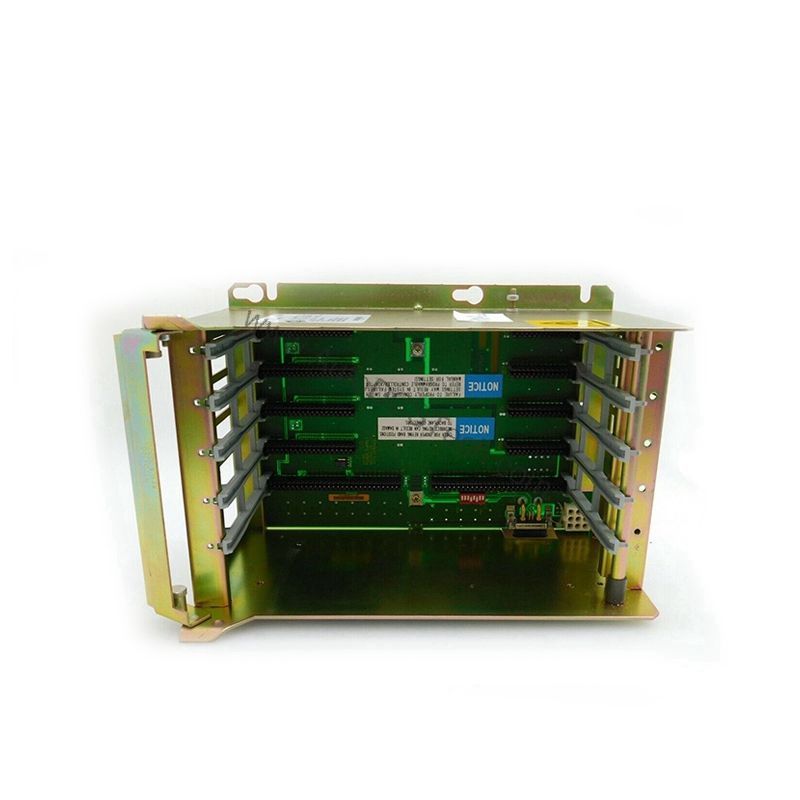
Mount the 1771-IM into any standard 1771 I/O rack. Use the provided 1771-WA wiring arm for field wiring connections. Ensure the backplane connector is fully seated before applying power. The module draws 75 mA from the backplane; verify your rack power supply can support this load. For AC inputs, connect the line and neutral per your plant wiring standards. For DC inputs, observe polarity—the module accepts both AC and DC, but wiring consistency prevents noise issues. No software configuration is required for basic operation; the module is automatically recognized by the PLC-5 processor.
Maintenance and Reliability
Periodically inspect the module for dust accumulation on the LED indicators and ventilation slots. The 1771-IM is designed for rack-mount environments with typical industrial temperature ranges. Ensure the backplane connection remains tight to avoid intermittent faults. The module's solid-state design provides long service life with minimal wear. No routine calibration is needed.
Solving High-Voltage Input Challenges in Industrial Automation
In many manufacturing plants, integrating 220V AC/DC field devices like selector switches, pushbutton switches, and limit switches into a PLC-5 system can be a wiring and compatibility challenge. The Allen-Bradley 1771-IM digital AC/DC input module directly addresses this by providing eight dedicated inputs designed for 220 Volts AC/DC nominal voltage. This module eliminates the need for external signal conditioners, simplifying cabinet wiring and reducing installation costs.
Compatibility and Integration
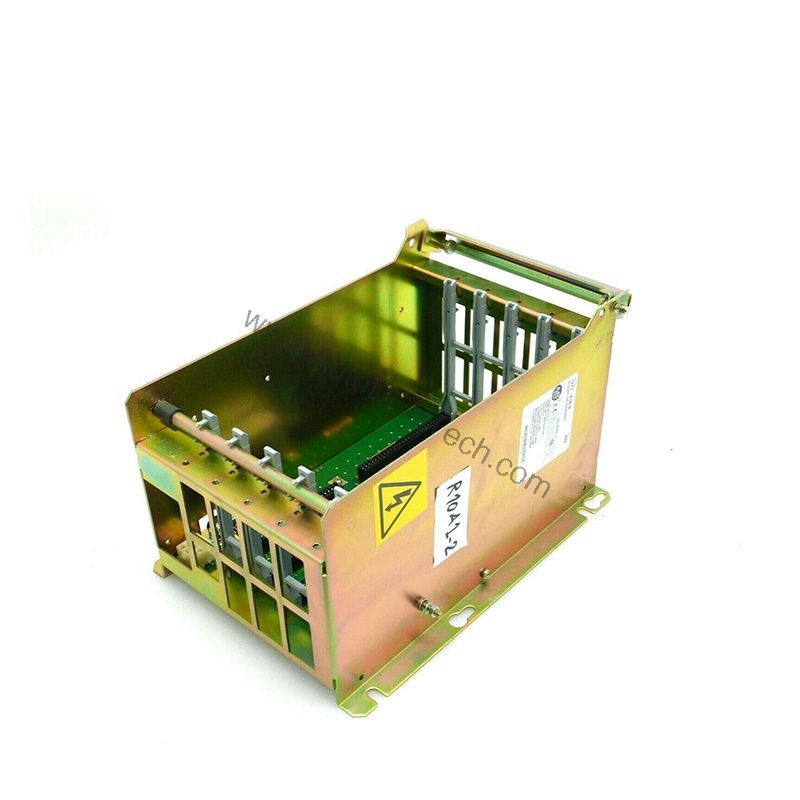
The 1771-IM is part of the Allen-Bradley PLC-5 product family, compatible with all 1771 I/O racks and PLC-5 processors. It works with 1771-WA wiring arms for field wiring. The module interfaces directly with the backplane, requiring no additional communication adapters. It supports both AC and DC input types, making it versatile for mixed-signal environments.
Selection Guide and Purchasing Advice
When selecting a digital input module for 220V applications, the 1771-IM is a proven choice. Ensure your rack has an available slot and sufficient backplane current capacity. AutoDCSTech stocks this module and can assist with availability and lifecycle status. Please verify current lifecycle status and availability with AutoDCSTech before ordering.
Troubleshooting and Common Issues
If the module does not power on, check the backplane connection and rack power supply. For inputs that remain on or off incorrectly, verify the field wiring voltage is within 184-276V AC/DC. Use a multimeter to measure the input voltage at the wiring arm terminals. If the module's LED indicators are erratic, inspect for loose wiring or high resistance connections. The 1771-IM has no user-serviceable internal components; if faulty, replace the module.
Availability & Condition at AutoDCSTech
| Part Number | 1771-IM |
|---|---|
| Availability | In Stock |
| Condition | New |
| Warranty | One Year |
| Origin | US |