Product Overview
The Allen-Bradley 1791-8BR is a compact Block I/O combination module designed for distributed control applications. It integrates eight 24VDC input channels and eight normally open relay output channels in a single, space-saving unit. This module supports Remote I/O (RIO) protocol, enabling direct communication with PLC-2, PLC-3, PLC-5/20, and PLC-5 controllers via compatible scanner modules like the 1771-SN or 1772-SD2. Its rackless design allows direct mounting on a standard DIN rail or panel, reducing installation complexity and eliminating long cable runs.
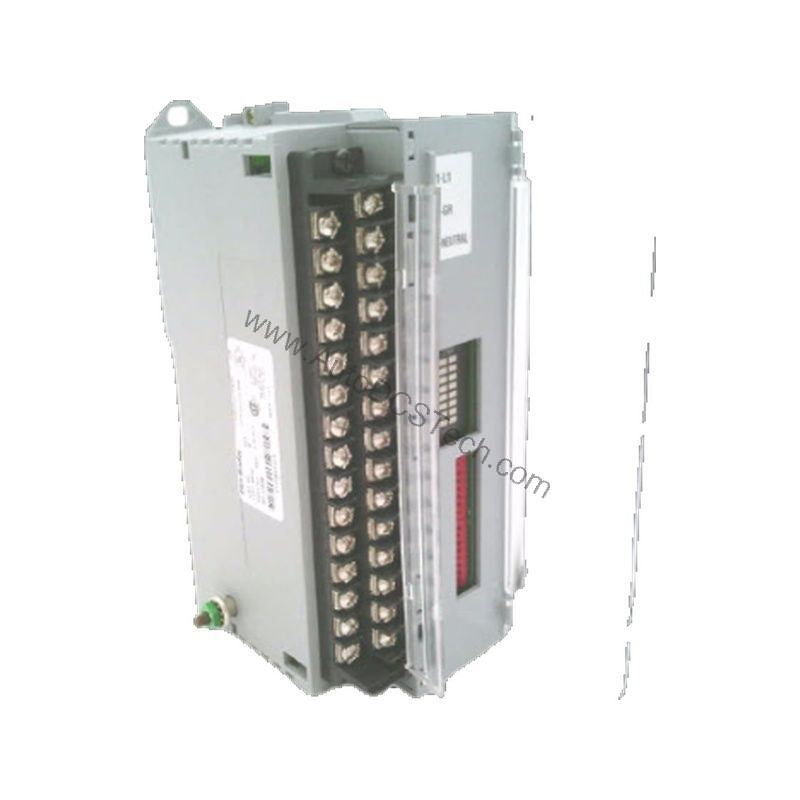
Technical Specifications Breakdown
Key parameters for the 1791-8BR are listed below for quick reference:
| Feature | Specification |
|---|---|
| Manufacturer | Allen Bradley |
| Part Number | 1791-8BR |
| Module Type | Block I/O combination module |
| Number of Inputs | Eight (8) |
| Input On-state Voltage Range | 10-30V dc |
| Input Off-state Voltage | 5V dc max. |
| Number of Outputs | Eight (8) |
| Output Voltage Range | 20-30V dc @ 1A resistive max. |
| Module Power | 24VDC |
| Weight | 1.00 lbs (0.45 kg) |
Industry Applications
Typical applications include material handling systems where proximity switches and limit switches provide input signals, and relay outputs control solenoid valves or motor starters. In packaging lines, the 1791-8BR reduces wiring costs by placing I/O close to sensors and actuators. Its 24VDC inputs and dry-contact relay outputs make it suitable for both DC and AC loads, offering flexibility in mixed-voltage control panels.
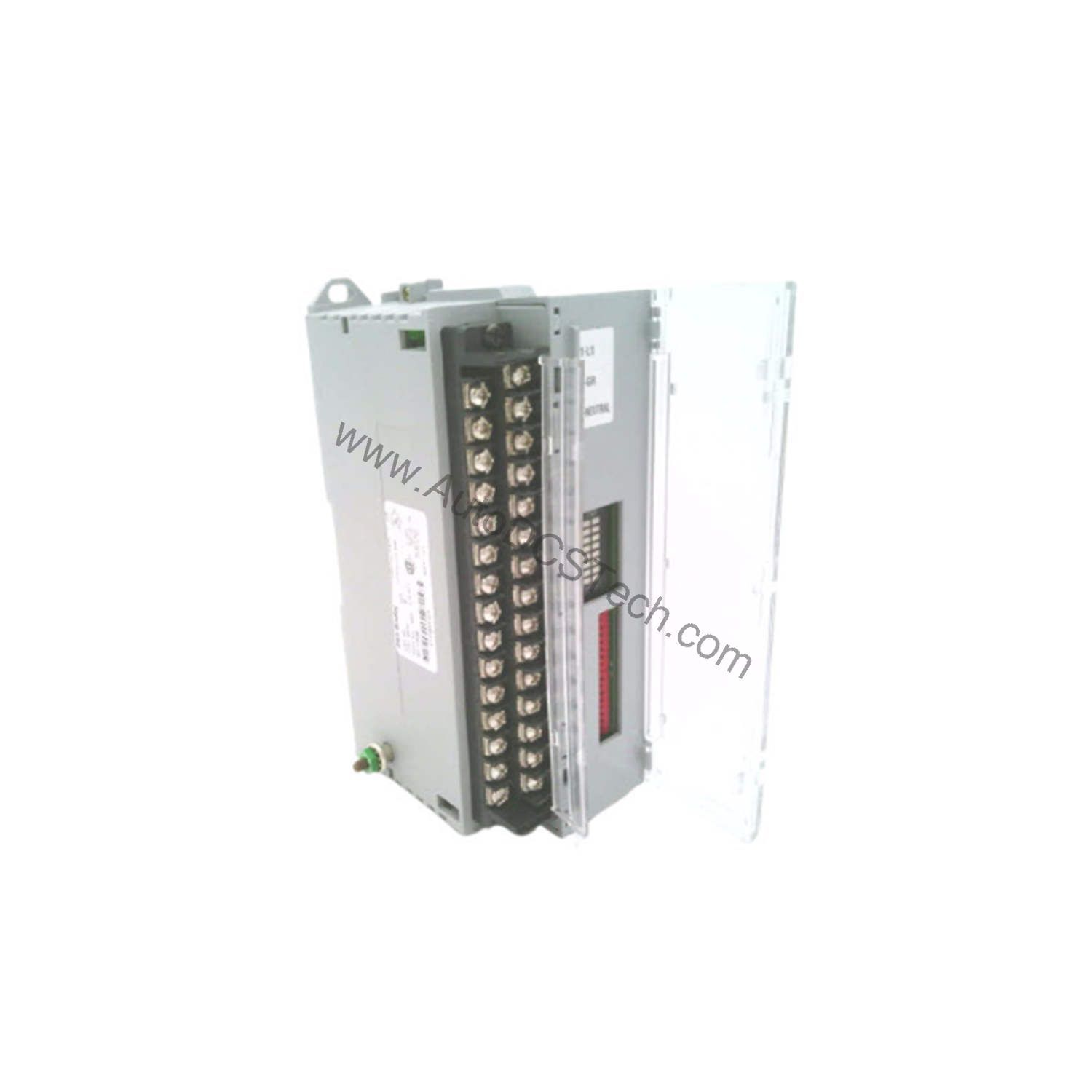
Installation & Setup Guidance
Mount the 1791-8BR vertically or horizontally on a standard DIN rail or directly to a panel using the integrated mounting holes. Connect incoming power to terminals +24 (1), RET +24 (3), and GND (2) using 19.2-30V DC external power. For Remote I/O communication, wire the RIO cable to terminals BLU (6), CLR (8), and SHD (7). Use 14-gauge stranded wire with 3/64 maximum insulation thickness for signal terminations. The module does not include internal fusing; install external fuses on output circuits to protect against overcurrent and surge conditions. Avoid parallel output connections as they lower overall circuit resistance.
Maintenance & Reliability
Periodically inspect the module for signs of dust accumulation or loose connections. Ensure the ambient environment stays within the module's unspecified temperature range; avoid exposure to excessive moisture or corrosive gases. Since the 1791-8BR lacks internal surge protection for external circuits, verify that external fuses or circuit breakers are properly rated and functional. Check input and output wiring for wear or damage during routine maintenance cycles.
Compatibility & Integration
Compatible controllers include PLC-2, PLC-3, PLC-5/20, and PLC-5 systems. Use scanner modules such as the 1771-SN, 1772-SD2, or 1775-S5 to establish communication. The module also works with SLC automation product families when paired with appropriate RIO scanners. Its built-in power supply and communication interface allow standalone operation as a distributed I/O station.
Selection Guide & Purchasing Advice
When selecting the 1791-8BR, confirm that your control system supports RIO protocol and that the input/output voltage ranges match your field devices. For applications requiring higher output current or AC output capability, consider external relays or contactors. AutoDCSTech offers this module with verified authenticity and fast shipping. Please verify current lifecycle status and availability with AutoDCSTech before ordering.
Troubleshooting & Common Issues
If the module does not power on, check the external DC supply voltage (19.2-30V DC) at terminals +24 and RET. For input channels not detecting signals, verify that the input voltage is within 10-30V DC and that the input device is functioning. If relay outputs fail to energize, measure the output voltage at the terminals; ensure the load does not exceed 1A resistive. For communication faults, inspect the RIO cable connections and verify that the scanner module is configured correctly. Since the module has no internal fusing, a blown external fuse may cause output loss.
Availability & Condition at AutoDCSTech
| Part Number | 1791-8BR |
|---|---|
| Availability | In Stock |
| Condition | New |
| Warranty | One Year |
| Origin | US |