Product Overview
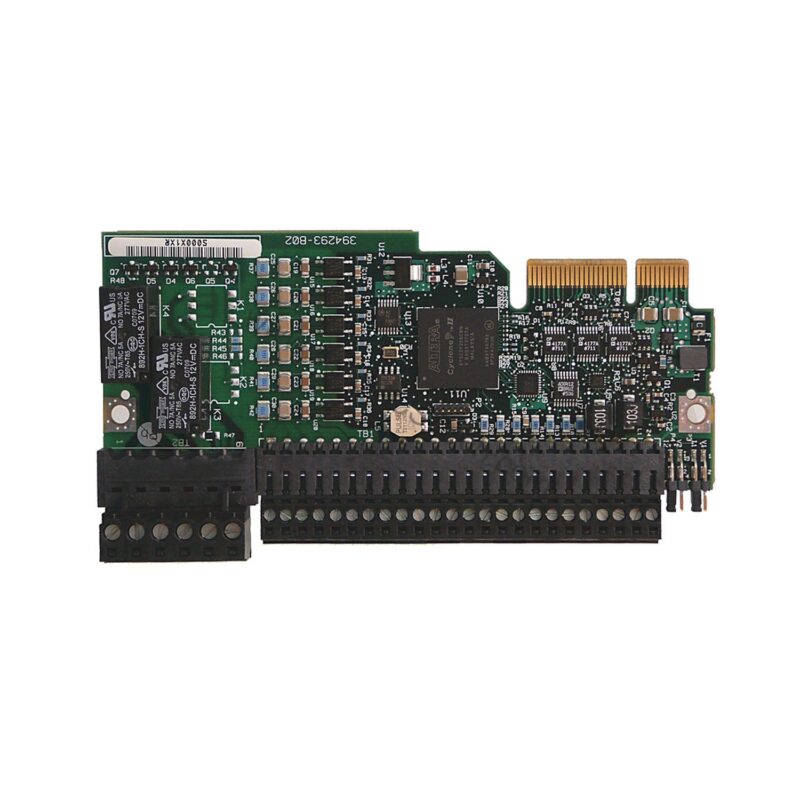
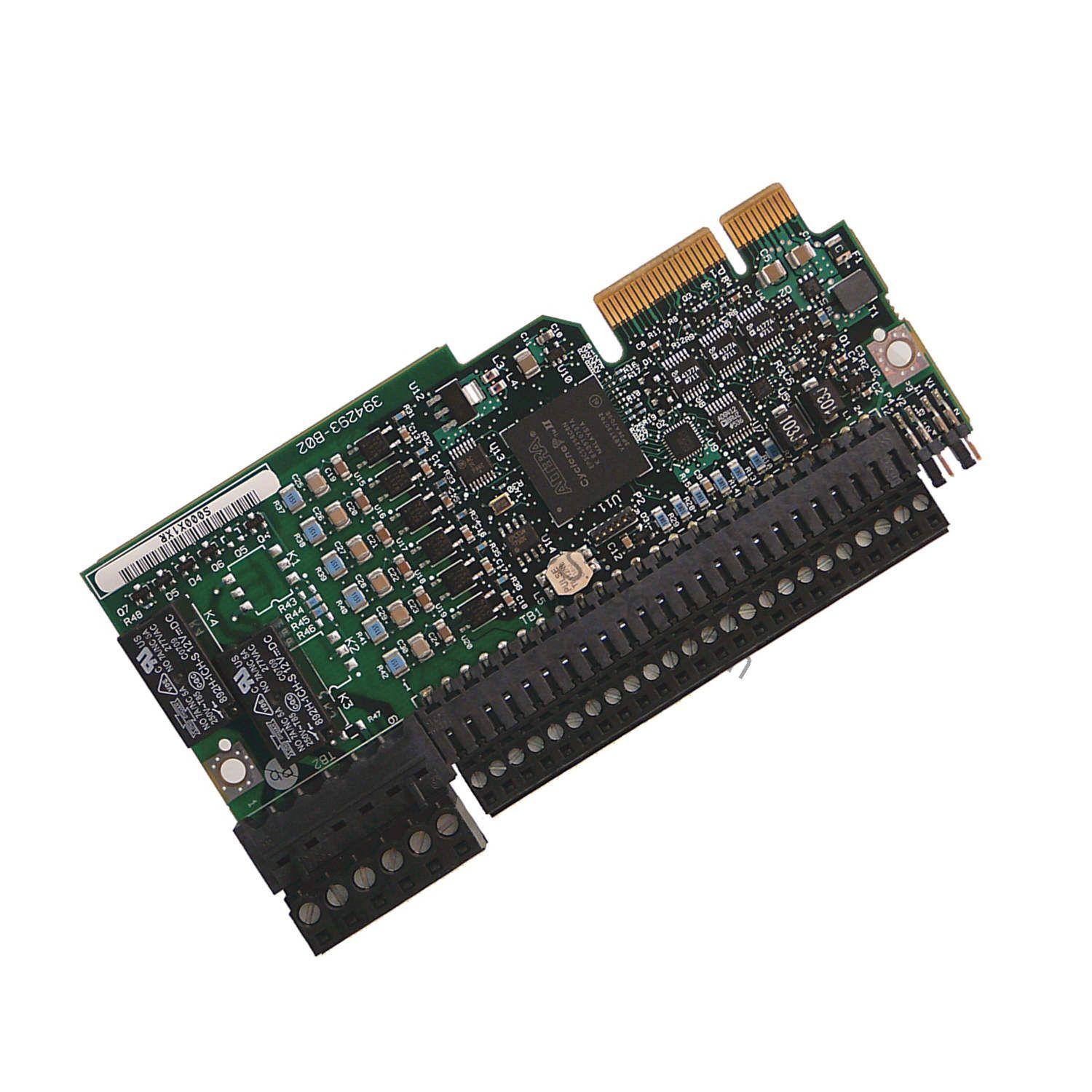
The Allen-Bradley 20-750-2262D-2R is an I/O module within the PowerFlex 753 series, designed for efficient control in various applications. It operates at a voltage rating of 120V AC and supports both voltage and current input modes, as well as 3-wire control. This module is compatible with Ethernet/IP networks and features a designated valid port (Port 7) for connectivity. It provides 6 digital inputs, 2 analog inputs, 2 analog outputs, and 2 relay outputs, making it a versatile choice for managing drive-level I/O.
Technical Specifications Breakdown
Key parameters for the 20-750-2262D-2R are listed below for quick reference:
| Feature | Specification |
|---|---|
| Manufacturer | Allen Bradley |
| Product Type | I/O Module |
| Product Line | PowerFlex 753 |
| Part Number | 20-750-2262D-2R |
| UPC | 884951062542 |
| Weight | 5.00 lbs (2.27 kg) |
| Voltage Type | AC |
| Voltage Rating | 120V AC |
| 3-Wire Control | Supported |
| Voltage Input Mode | Supported |
| Current Input Mode | Supported |
| Ethernet/IP Networks | Supported |
| Valid Port | Port 7 |
| Operating Temperature | 0 to 40 degrees Celsius |
| Storage Temperature | -40 to 70 degrees Celsius |
| Atmosphere | Clean, Non-Corrosive Atmosphere |
| Maximum Relative Humidity | 80%, non-condensing |
Industry Applications
Conveyor and Material Handling Systems
In conveyor systems, the module's 120V AC digital inputs can monitor limit switches and photo-eyes, while the relay outputs control motor contactors. The analog inputs allow for precise speed feedback from encoders, improving throughput.
Pump and Fan Control
For pump and fan applications, the analog outputs can send 0-10V or 4-20mA signals to adjust drive speed. The 3-wire control support simplifies start/stop and direction commands from a remote panel.
Packaging Machinery
In packaging lines, the module's fast digital inputs handle registration marks, and the analog inputs process pressure or temperature sensors.
Installation and Setup Guidance
Mount the module in a clean, non-corrosive atmosphere with ambient temperature between 0 and 40 degrees Celsius. Ensure the drive is powered down before insertion. Connect the module to Port 7 of the PowerFlex 753 drive. Use shielded twisted-pair cables for analog signals to minimize noise. For 3-wire control, wire the start, stop, and common terminals per the drive manual. Configure the module parameters via the drive's LCD or connected software.
Maintenance and Reliability
Inspect the module periodically for dust accumulation and ensure the enclosure maintains a clean atmosphere. Verify that the maximum relative humidity of 80% (non-condensing) is not exceeded. Check all connections for tightness annually. The module's solid-state design requires minimal maintenance, but environmental monitoring extends its life.
The Evolution of Drive Control: Why the Right I/O Module Matters
Industrial automation has transitioned from simple relay logic to sophisticated networked systems. Today, a single I/O module can bridge the gap between a variable frequency drive and a plant-wide control architecture. The Allen-Bradley 20-750-2262D-2R exemplifies this evolution, offering a compact yet powerful interface for the PowerFlex 753 series. It allows engineers to integrate analog and digital signals directly into the drive, reducing cabinet complexity and improving system response.
Compatibility and Integration
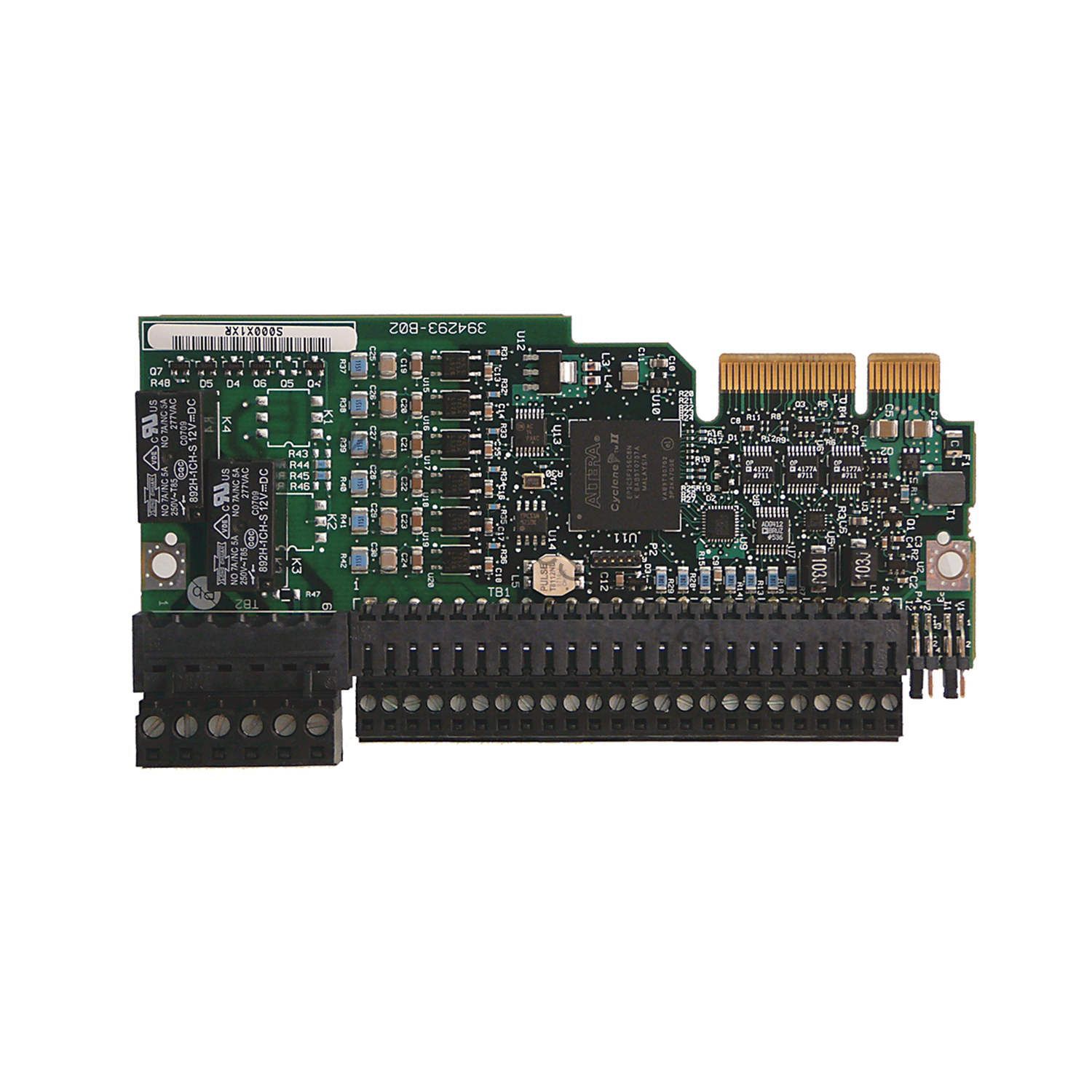
This module is designed exclusively for the PowerFlex 753 series. It supports Ethernet/IP networks, allowing integration with ControlLogix, CompactLogix, and other Allen-Bradley controllers. Port 7 is the designated valid port for this module. The module works with both voltage and current input modes, providing flexibility for various sensors.
Selection Guide and Purchasing Advice
When selecting the 20-750-2262D-2R, verify that your PowerFlex 753 drive has an available Port 7 slot. For availability and lifecycle status, contact AutoDCSTech. Our team can confirm stock and provide compatible accessories.
Troubleshooting and Common Issues
If the module does not communicate, check that it is securely seated in Port 7 and that Ethernet/IP cabling is intact. Verify the drive firmware supports the module. If analog readings are erratic, inspect wiring for noise sources. For digital input issues, confirm the 120V AC supply is present and within tolerance. If the module fails to power up, check the drive's internal power supply.
Availability & Condition at AutoDCSTech
| Part Number | 20-750-2262D-2R |
|---|---|
| Availability | In Stock |
| Condition | New |
| Warranty | One Year |
| Origin | US |