Product Overview
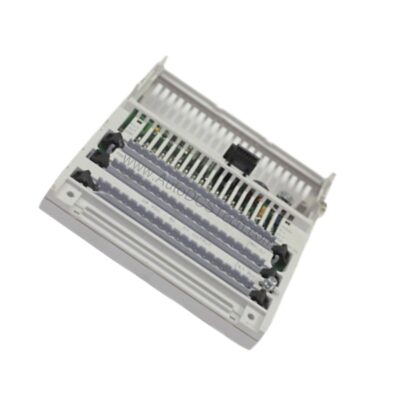
As a maintenance engineer, you know that reliable I/O connectivity is critical for uptime. This 18mm base supports both 4-point and 8-point I/O modules, giving you flexibility to match your application's density requirements. Whether you are retrofitting an existing line or building a new distributed I/O network, the 1792D-CB18 reduces installation complexity and improves serviceability.
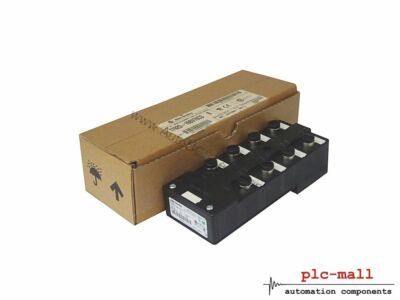
Technical Specifications Breakdown
Key parameters for the 1792D-CB18 are listed below for quick reference:
| Feature | Specification |
|---|---|
| Manufacturer | Allen Bradley |
| Product Type | I/O Cable Base |
| Product Line | 1792D ArmorBlock MaXum I/O |
| Part Number | 1792D-CB18 |
| UPC | 612598186426 |
| Weight | 3.00 lbs (1.36 kg) |
| Base Size | 18mm |
| Compatible Modules | 4-Point and 8-Point |
| Enclosure Required | No |
| Mounting Options | Vertical or Horizontal |
| Mounting Screws | 3 Screws |
Industry Applications
In automotive assembly lines, the 1792D-CB18 enables compact I/O distribution directly on machine frames, eliminating bulky junction boxes. Its enclosure-free design reduces panel space and simplifies troubleshooting. For material handling systems, the base supports both trunk and drop cable configurations, allowing you to daisy-chain multiple modules along a conveyor line. This reduces wiring costs and speeds up commissioning. In packaging machinery, the ability to mount vertically or horizontally helps fit I/O points into tight spaces, improving overall equipment reliability.
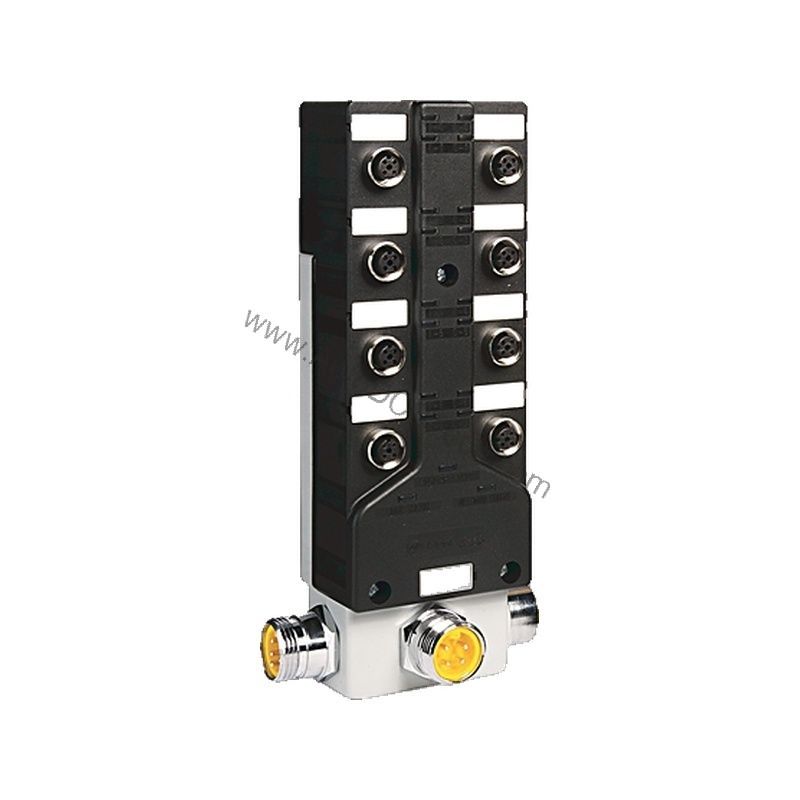
Installation & Setup Guidance
Mount the base securely using the three provided screws. Ensure the mounting surface is flat and grounded to minimize electrical noise. For trunk cable installations, route the main cable through the base and connect drop cables as needed. Verify that the module type (4-point or 8-point) matches your I/O requirements before snapping it onto the base. Torque screws to manufacturer specifications (not provided here; refer to the manual). Always power down the system before making connections.
Maintenance & Reliability
Inspect the base periodically for signs of corrosion or physical damage, especially in harsh environments. Keep the mounting screws tight to maintain a solid ground path. The enclosure-free design means the base is exposed to ambient conditions, so ensure the environment is within the module's operating range. Clean contacts with a dry cloth if needed; do not use solvents. Replace any base that shows cracks or deformation.
Compatibility & Integration
The 1792D-CB18 is designed exclusively for the 1792D ArmorBlock MaXum I/O series. It is compatible with all 4-point and 8-point I/O modules in that family. The base supports both trunk and drop cable topologies, making it suitable for distributed I/O architectures. No additional enclosure is required, simplifying integration into existing systems.
Selection Guide & Purchasing Advice
When selecting a cable base, consider your module density and mounting constraints. For higher density, consider a larger base from the same series. AutoDCSTech stocks this part and can confirm availability and lifecycle status. Please verify current lifecycle status and availability with AutoDCSTech before ordering.
Troubleshooting & Common Issues
If a module fails to communicate, check that the base is properly grounded and the trunk cable is intact. Loose mounting screws can cause intermittent connections. Verify that the module is fully seated onto the base. If the base is damaged, replace it immediately to avoid signal degradation. For persistent issues, inspect the cable terminations for shorts or opens.
Availability & Condition at AutoDCSTech
| Part Number | 1792D-CB18 |
|---|---|
| Availability | In Stock |
| Condition | New |
| Warranty | One Year |
| Origin | US |