Technical Specifications Breakdown
Key parameters for the 1794-IB16 are listed below for quick reference:
| Feature | Specification |
|---|---|
| Product Type | Flex I/O Digital Input Modules |
| Number of Inputs | Sixteen (16), sinking inputs |
| ON state Voltage, min | 19.2 VDC |
| ON state Voltage, max | 31.2 VDC |
| ON state Voltage, nom | 24 VDC |
| Indicators | 16 Yellow status indicators |
| Mounting | DIN Rail |
| Operating Temperature | 0 to 55 C (32 to 131 F) |
| Storage Temperature | -40 to 85 C (-40 to 185 F) |
| Vibration | 5g @ 10 to 500 Hz |
| Operating Shock | 30 g |
Industry Applications
This module is well-suited for discrete manufacturing lines where 24VDC sensors are common. For example, in automotive assembly, it can monitor limit switches and proximity sensors. In packaging, it handles inputs from photo-eyes and pushbuttons. The distributed I/O architecture reduces cable runs, lowering installation costs and simplifying maintenance. Using the 1794-IB16 with a 1794-AENT adapter enables remote monitoring over Ethernet.
Installation and Setup Guidance
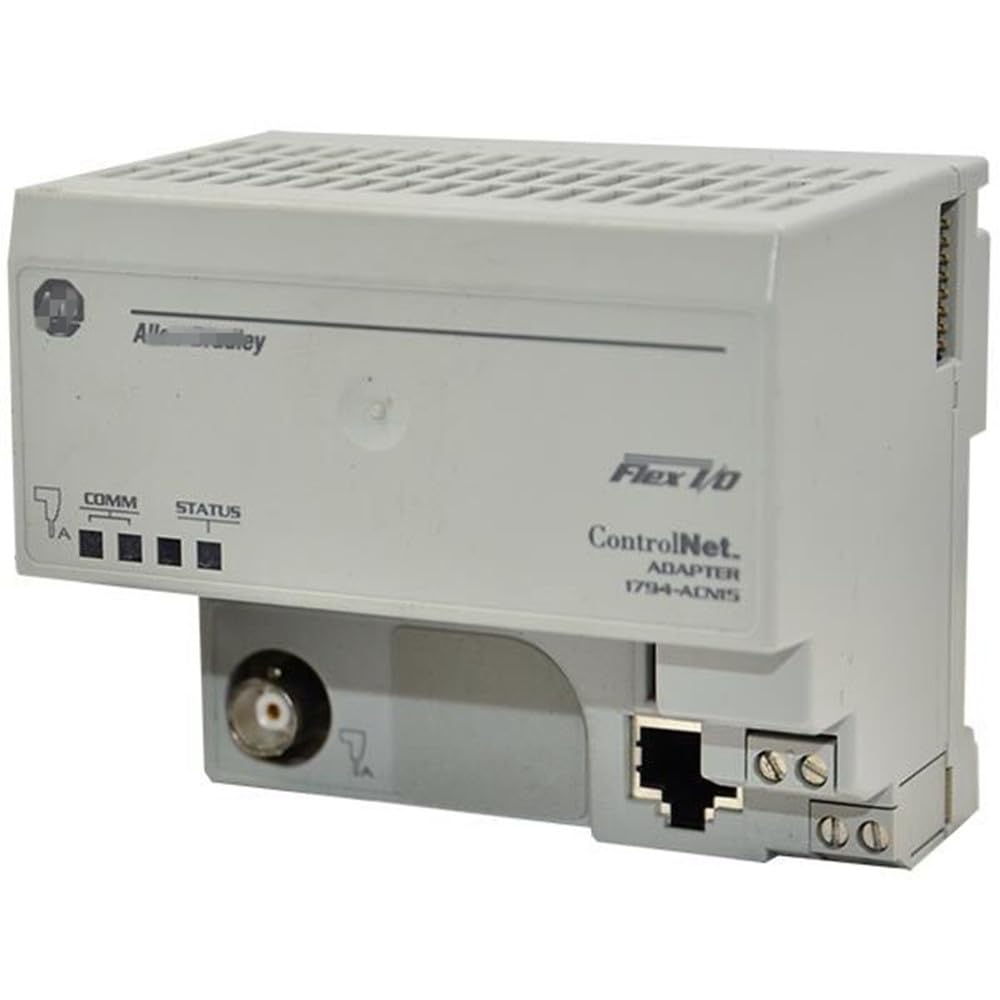
Mount the module on a standard DIN rail. Select a compatible terminal base from the list: 1794-TB3, 1794-TB3S, 1794-TB3K, 1794-TB3SK, 1794-TBKD, or 1794-TB37DS. Wire size is determined by the installed terminal base. Connect a communication adapter such as 1794-ADN (DeviceNet), 1794-ASB (Remote I/O), 1794-AENT (Ethernet), 1794-APB (Profibus), or 1794-ACN (ControlNet) to transfer I/O data to the controller. Ensure proper sinking wiring configuration for each of the 16 input channels.
Maintenance and Reliability
Periodically inspect the module for dust accumulation and ensure the operating temperature stays within 0 to 55 C (32 to 131 F). The 16 yellow status indicators provide quick visual feedback for each channel. For storage, keep the module in environments between -40 to 85 C (-40 to 185 F). The module withstands vibration of 5g at 10 to 500 Hz and operating shock of 30 g, making it robust for industrial environments.
The Evolution of Distributed I/O in Industrial Automation
In modern manufacturing, the shift from centralized control to distributed architectures has transformed how signals are acquired and processed. The Allen-Bradley 1794-IB16 Flex I/O Digital Input Module exemplifies this evolution, enabling placement of I/O near sensors and actuators. This reduces wiring costs, simplifies troubleshooting, and improves system uptime. As part of the Rockwell Automation Flex I/O family, this module supports a range of communication adapters for seamless integration into diverse networks.
Compatibility and Integration
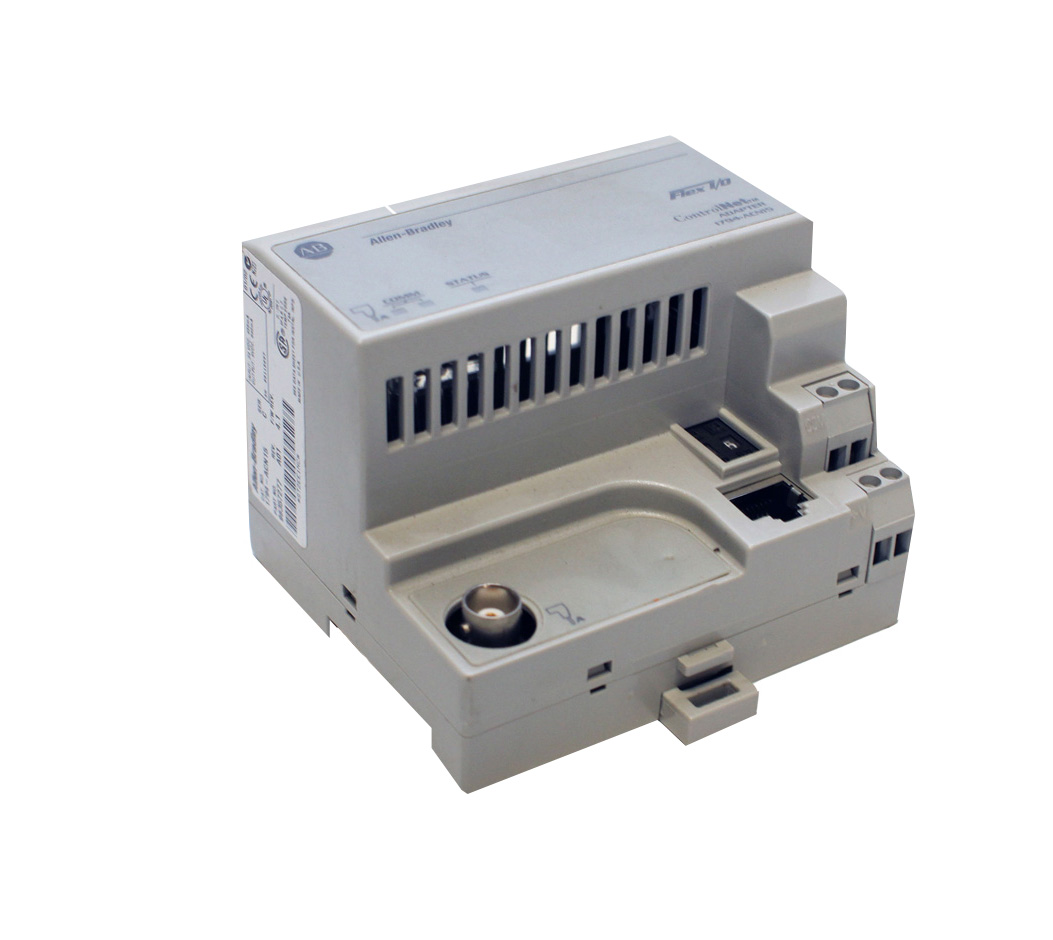
The 1794-IB16 works with any 1794 Flex I/O adapter, including DeviceNet (1794-ADN), Remote I/O (1794-ASB), Ethernet (1794-AENT), Profibus (1794-APB), and ControlNet (1794-ACN). It is also compatible with terminal bases 1794-TB3, 1794-TB3S, 1794-TB3K, 1794-TB3SK, 1794-TBKD, and 1794-TB37DS. This flexibility allows integration into various control system architectures.
Selection Guide and Purchasing Advice
When selecting the 1794-IB16, verify your system voltage requirements and communication network. AutoDCSTech offers this module along with compatible adapters and terminal bases. Please verify current lifecycle status and availability with AutoDCSTech before ordering.
Troubleshooting and Common Issues
If a channel does not indicate an ON state, check the input voltage: it must be at least 19.2 VDC (min) and not exceed 31.2 VDC (max). Confirm the sinking wiring configuration and that the terminal base is properly seated. If the module does not communicate, verify the adapter connection and Flexbus current (30mA @ 5V DC). The 16 yellow LEDs help isolate faulty channels.
Availability & Condition at AutoDCSTech
| Part Number | 1794-IB16 |
|---|---|
| Availability | In Stock |
| Condition | New |
| Warranty | One Year |
| Origin | US |