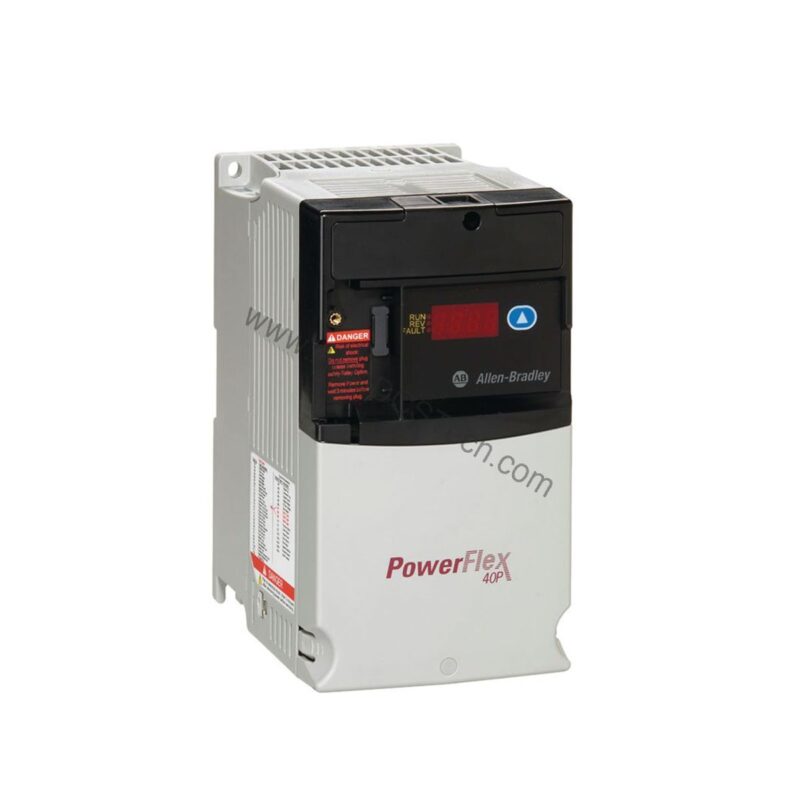
PowerFlex 40P VFD Overview
The Allen-Bradley 22D-D010N104 is a PowerFlex 40P Variable Frequency Drive (VFD) engineered for precise speed control of three-phase AC motors. This compact drive delivers reliable performance in demanding industrial environments, offering a cost-effective solution for applications ranging from conveyors to pumps.
With a rugged panel-mount design and IP20 / NEMA UL Type Open enclosure, the 22D-D010N104 is built to integrate into existing control cabinets. Its built-in RS485 communication port simplifies networking, while optional adapters expand connectivity to DeviceNet, Ethernet, and more.
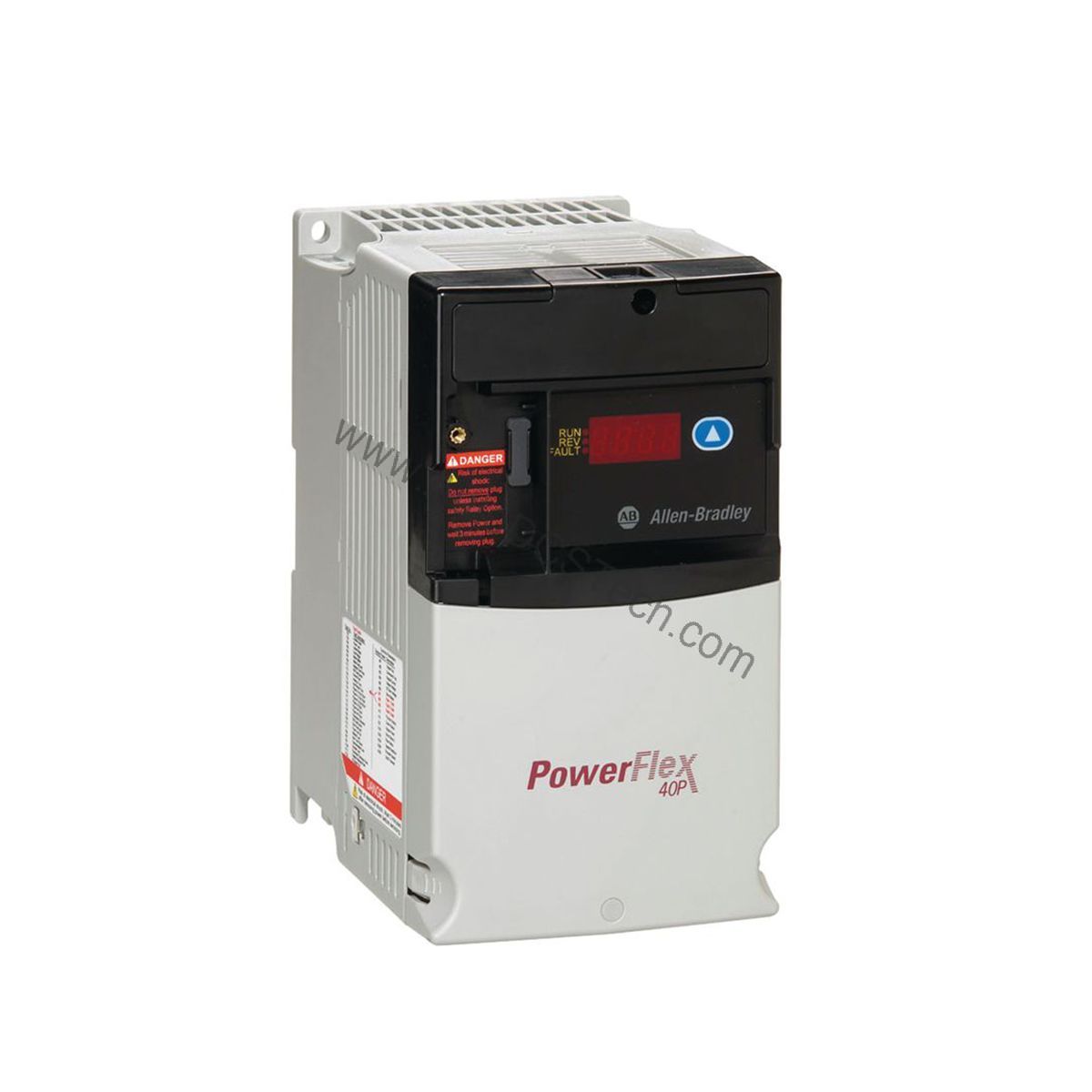
Technical Specifications Breakdown
Key parameters for the 22D-D010N104 are listed below for quick reference:
| Feature | Specification |
|---|---|
| Manufacturer | Rockwell Automation / Allen-Bradley |
| Input Voltage | 380-480 VAC |
| Input Phase | 3-Phase |
| Input Current | 13.0 A |
| Output Voltage | 0-460VAC |
| Output Power | 4.0 kW (5.0 HP) |
| Installation | Panel Mount |
| Enclosure Rating | IP20 / NEMA UL Type Open |
| Built-in Communication Port | RS485 |
| Optional Communication Protocols | BacNet; LonWorks; ProfiBus; Ethernet; DeviceNet; ControlNet |
Industry Applications
This VFD is well-suited for industries such as beverage and brewing, fibers and textiles, automotive, and material handling. For example, in a bottling line, the drive maintains consistent conveyor speed, reducing product damage and improving throughput. In material handling, it provides smooth acceleration and deceleration, extending equipment life.
From a maintenance perspective, the 22D-D010N104 simplifies troubleshooting with a 4-digit display and LED status indicators. This visibility allows technicians to quickly assess drive health and reduce downtime.
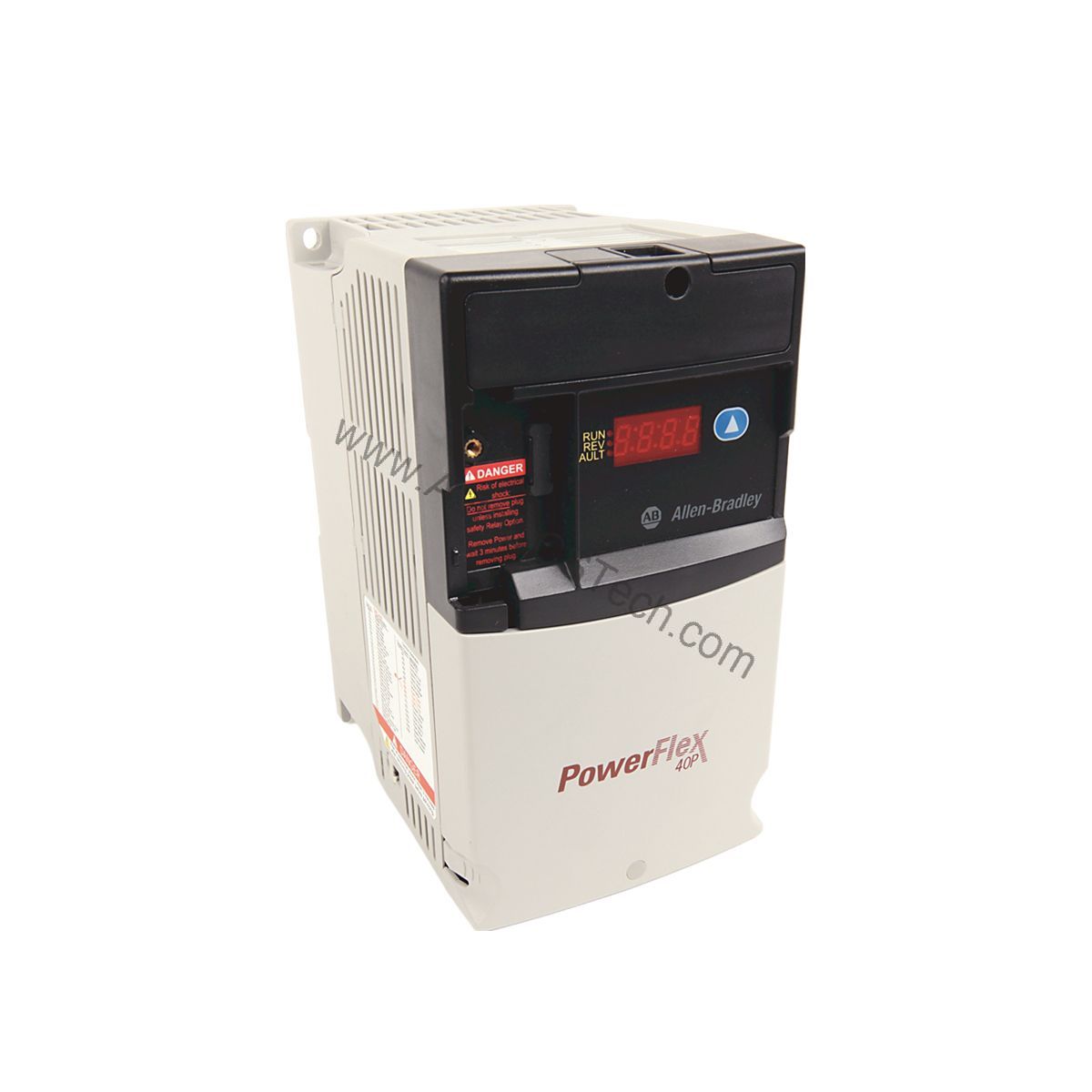
Installation & Setup Guidance
When installing the drive, ensure the panel provides adequate ventilation and clearance for airflow. Mount the unit securely using the provided slots, and verify that the input voltage matches the nameplate rating (380-480 VAC). Connect the motor leads to the output terminals, observing correct phase sequence.
For RS485 communication, use a 3-conductor cable for Transmit (TX), Receive (RX), and Ground (GND). Set the node address and baud rate via the keypad or software. If using optional communication adapters, install them per the manual and configure the network parameters.
Maintenance & Reliability
Regular inspection is key to long service life. Periodically check for dust buildup on the heatsink and clean with dry compressed air. Verify that all power terminals are torqued to specification. Monitor the drive's internal temperature and ensure the ambient environment stays within limits.
Because the enclosure is IP20, the drive is not protected against water ingress. Install it in a clean, dry cabinet. Avoid exposing the drive to conductive dust or corrosive gases.
Compatibility & Integration
The built-in RS485 port supports Modbus RTU, enabling straightforward integration with PLCs and HMIs. For higher-level networks, optional adapters are available: ControlNet (22-COMM-C), DeviceNet (22-COMM-D), Ethernet (22-COMM-E), LonWorks (22-COMM-L), and Profibus DP (22-COMM-P). This flexibility allows the drive to fit into both legacy and modern automation architectures.
Selection Guide & Purchasing Advice
When selecting a VFD, confirm that the motor's full-load current does not exceed the drive's output rating. The 22D-D010N104 provides 10.5 A output, suitable for 4.0 kW (5.0 HP) motors. Also consider the required communication protocol and any optional accessories like dynamic braking resistors or line reactors.
AutoDCSTech offers the Allen-Bradley 22D-D010N104 with fast shipping and competitive pricing. Our team can assist with compatibility questions and lifecycle status. Please verify current availability before ordering.
Troubleshooting & Common Issues
If the drive trips on overvoltage, check the input line for voltage spikes or regenerative loads. For undervoltage faults, verify the supply is within the 380-480 VAC range. If the motor does not start, confirm that the start command is present and the enable signal is active.
Use the keypad to view fault codes and clear them after resolving the root cause. Always disconnect power before opening the enclosure or performing any maintenance. For persistent issues, consult the product manual or contact AutoDCSTech for technical support.
Availability & Condition at AutoDCSTech
| Part Number | 22D-D010N104 |
|---|---|
| Availability | In Stock |
| Condition | New |
| Warranty | One Year |
| Origin | US |