Technical Specifications Breakdown
Key parameters for the 2711P-B10C10D2 are listed below for quick reference:
| Feature | Specification |
|---|---|
| Manufacturer | Allen Bradley |
| Series | PanelView Plus 1000 |
| Part Number | 2711P-B10C10D2 |
| Product Type | Display |
| Display Type | 10.4-inch color TFT |
| Touchscreen | Analog resistive touch input |
| Display Resolution | 640 x 480 (VGA) |
| Backlight Life | 50,000 hours (typical) |
| Processor | x86-based, 1 GHz CPU |
| RAM Memory | 512 MB |
| Flash Storage | 512 MB non-volatile memory |
| Communication Ports | Ethernet, RS-232, USB x2 |
| Input Power | 24V DC |
| Mounting Type | Panel mount |
| Enclosure Rating | NEMA Type 12, 13, 4X (indoor) |
Why the 2711P-B10C10D2 Stands Out in Industrial HMI Applications
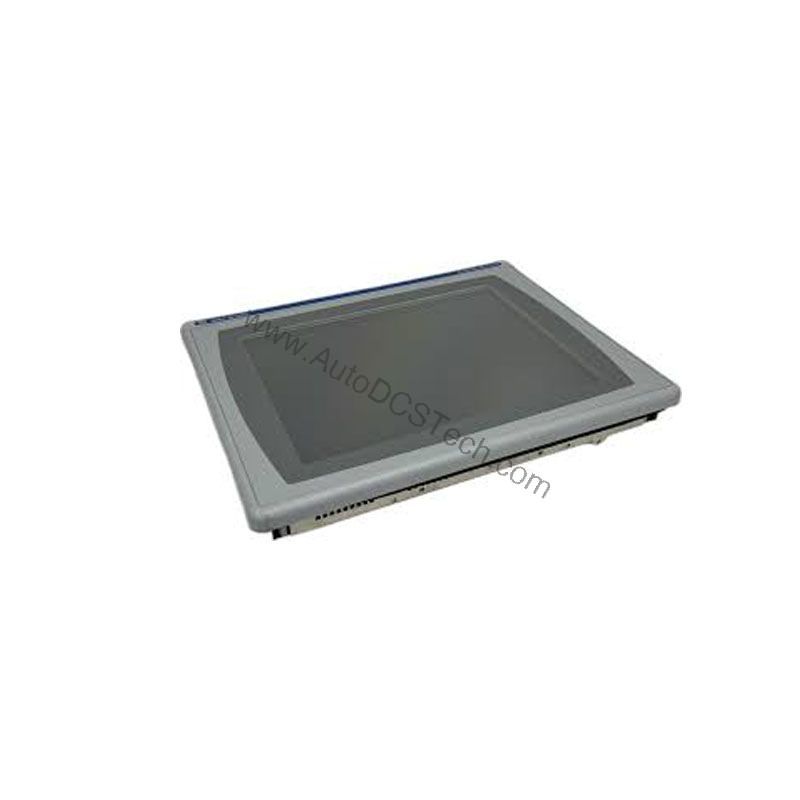
This 10.4-inch color TFT display is engineered for demanding industrial environments. It combines a responsive analog resistive touchscreen with a sharp VGA resolution of 640 x 480. Operators can navigate screens quickly and accurately, even with gloved hands. The x86-based processor running at 1 GHz ensures smooth screen transitions and responsive control. With 512 MB of RAM, the unit handles multitasking efficiently, reducing lag during critical operations.
Real-World Applications That Benefit from This HMI
The 2711P-B10C10D2 fits into multiple industrial settings. Its 10.4-inch screen size offers a balanced view for monitoring and control. In a packaging line, operators can monitor machine status, adjust parameters, and acknowledge alarms from a single interface. The analog resistive touchscreen works reliably even in dusty or slightly wet conditions, which is common in food processing plants. The NEMA Type 12, 13, and 4X ratings (indoor) mean the unit resists dust, splashing water, and oil. This makes it suitable for machine tools, material handling, and process control applications. The Ethernet port enables remote monitoring and data logging, allowing supervisors to track production KPIs without being physically at the machine.
Installation and Setup Guidance for the PanelView Plus 1000
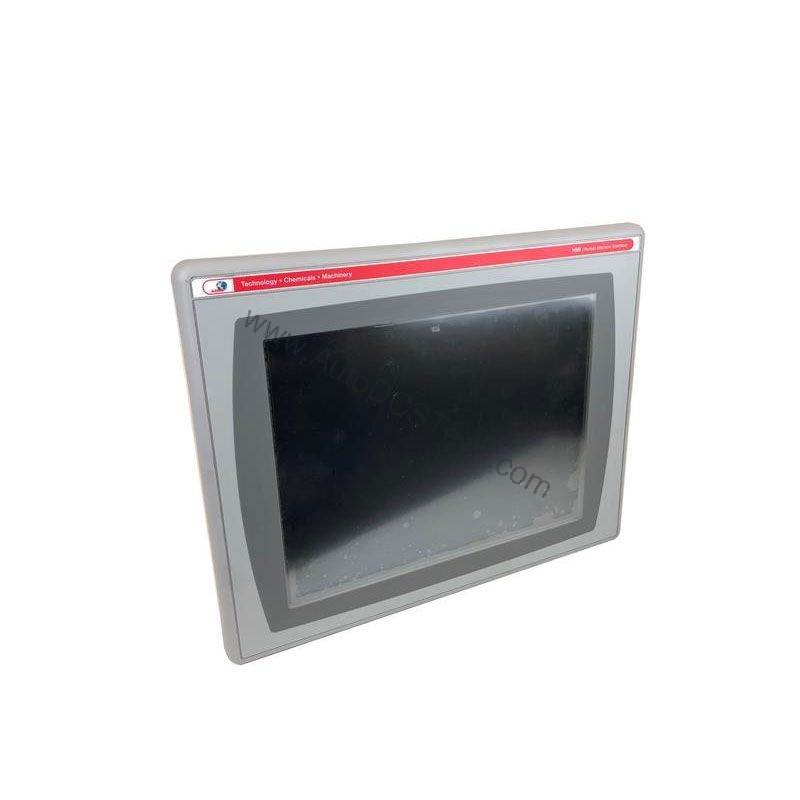
Proper installation ensures long-term reliability. The 2711P-B10C10D2 is designed for panel mounting. Cut an opening that matches the unit's dimensions and secure it with the provided clamps. Ensure the gasket sits correctly to maintain the NEMA rating. Connect 24V DC power to the designated terminals. Verify polarity before energizing. Use the Ethernet port for network communication and the RS-232 port for connecting to legacy devices. The two USB ports allow you to connect a keyboard, mouse, or USB drive for data transfer and firmware updates. After mounting, power up the unit and configure the communication settings via the built-in configuration menu. Always follow the user manual for specific wiring and grounding instructions.
Maintenance and Reliability Best Practices
The backlight life of 50,000 hours (typical) reduces the need for frequent replacements. To maximize the lifespan of your HMI, keep the screen clean using a soft, dry cloth. Avoid abrasive cleaners that can damage the resistive layer. Inspect the enclosure gasket periodically to ensure it remains intact. Check the power supply voltage regularly to prevent overvoltage or undervoltage conditions. Since the unit is rated for indoor use only, avoid exposing it to direct sunlight or extreme temperatures. If the unit is in a high-vibration area, verify that the mounting clamps remain tight. These simple steps help prevent unexpected downtime and extend the operational life of your investment.
Compatibility and Integration Considerations
The 2711P-B10C10D2 offers multiple communication options to fit your existing architecture. The Ethernet port supports standard industrial protocols, allowing integration with PLCs and SCADA systems. The two USB ports provide flexibility for peripherals and data exchange. When planning your integration, verify that your control system supports the same communication protocols. For example, if you use a ControlLogix or CompactLogix PLC, you can connect via Ethernet and configure the HMI as a remote display. The 512 MB non-volatile flash memory ensures your application and settings persist even after power cycles, which is critical for consistent operation.
Selection Guide and Purchasing Advice
When choosing an HMI, consider your specific application requirements. The 2711P-B10C10D2 is a robust choice if you need a 10.4-inch display with proven reliability. Evaluate your communication needs: do you require Ethernet, RS-232, or USB? This model covers all three. Check your power availability—it needs 24V DC, which is common in industrial control panels. Also, confirm that your enclosure meets the NEMA rating for your environment. If this model fits your needs, AutoDCSTech offers genuine Allen-Bradley products. Contact AutoDCSTech to verify current lifecycle status and availability before ordering. Our team can help you confirm that this part is the right fit for your application.
Troubleshooting Common Issues with the 2711P-B10C10D2
If the display does not power on, first check the 24V DC supply and wiring. Verify that the power source is active and within the specified voltage range. If the touchscreen is unresponsive, recalibrate it using the built-in calibration tool. Ensure the screen is clean and free of debris. For communication issues, check the Ethernet cable connection and IP address settings. Verify that the RS-232 port is configured with the correct baud rate and protocol. If the screen shows a blank image, check the backlight and the display settings. In case of persistent problems, consult the user manual or contact AutoDCSTech for technical support. Always follow safety procedures when working with electrical equipment.
Availability & Condition at AutoDCSTech
| Part Number | 2711P-B10C10D2 |
|---|---|
| Availability | In Stock |
| Condition | New |
| Warranty | One Year |
| Origin | US |