Technical Specifications Breakdown
Key parameters for the FE7070IP are listed below for quick reference:
| Feature | Specification |
|---|---|
| Display | 7” 16:9 TFT LCD |
| Serial Port | COM1: RS485 |
| Rated Voltage | DC 24 V, Working range: DC 9 V~28 V |
| Protection Level | Front: IP65 |
Built for Industrial IoT Applications
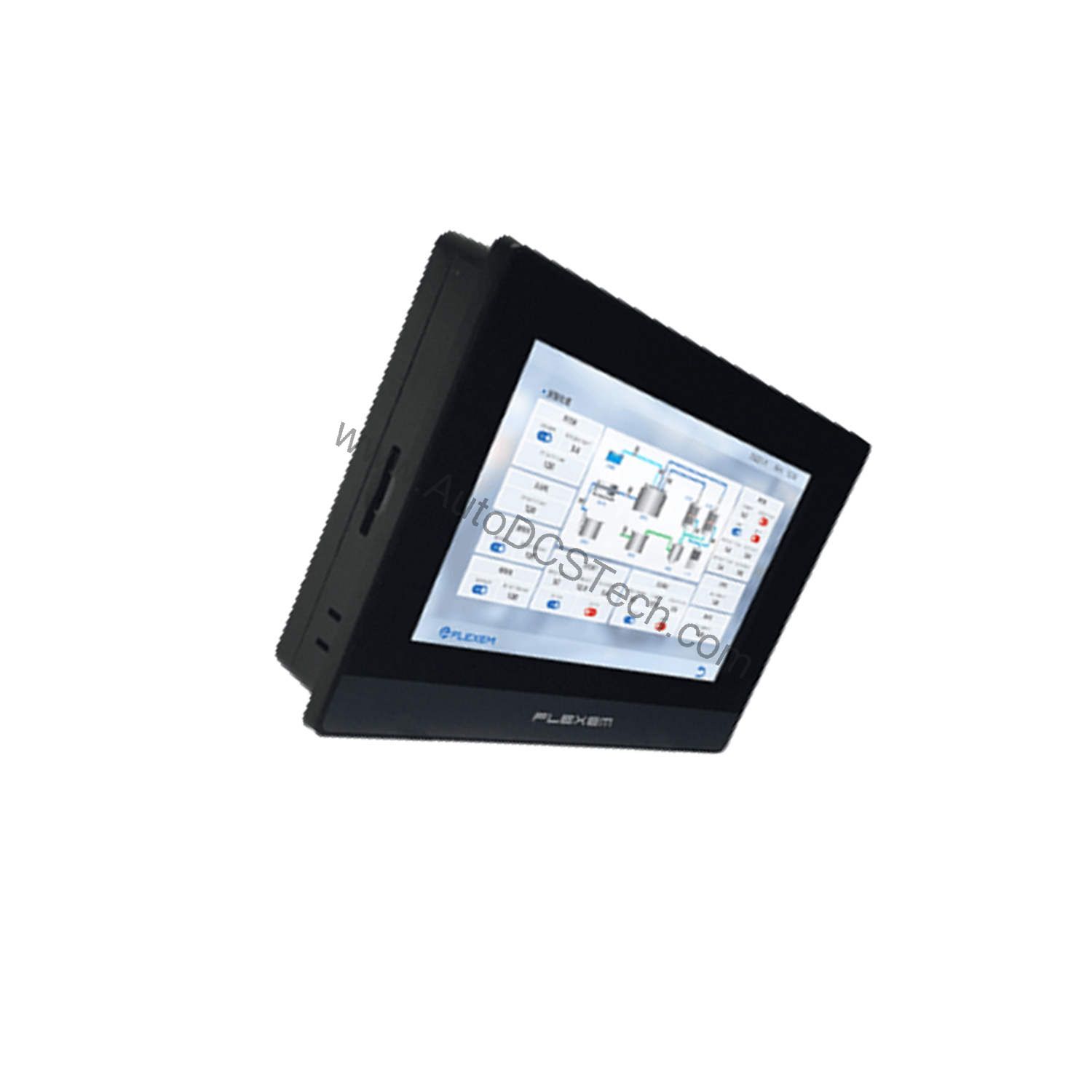
The FE7070IP is designed for use in industrial IoT scenarios where reliable data visualization and operator interaction are critical. Its 7-inch TFT LCD with 800 × 480 resolution provides a clear and responsive interface for monitoring and controlling processes. The 4-wire industrial resistive touchscreen ensures accurate input even when operators wear gloves. With a 1 GHz ARM Cortex-A7 CPU, 128 MB DDR3 RAM, and 128 MB Flash storage, this HMI can handle complex screen layouts and data logging tasks efficiently.
Installation and Setup Guidance
When installing the FE7070IP, follow these engineering best practices:
- Mounting: Ensure the cutout size matches the specified dimensions (192 × 138 mm or 190 × 136 mm) to guarantee a proper seal and maintain the IP65 front protection.
- Power Supply: Connect a DC power source within the rated voltage range of DC 9 V~28 V, with a nominal rating of DC 24 V. Use a regulated power supply to avoid voltage fluctuations that could affect performance.
- Serial Communication: Use the COM1 RS485 port for connecting to PLCs, sensors, or other industrial devices. Ensure proper termination and grounding to avoid communication errors.
- Program Download: The FE7070IP supports program download via USB slave (Type-C) or an USB flash drive (USB host 2.0). This flexibility simplifies updates in the field.
Maintenance and Reliability
The FE7070IP is built with multilayer silicone seals and an IP65-rated front panel, making it resistant to dust and water jets. To maintain reliability:
- Periodic Inspection: Inspect the seals and enclosure regularly for signs of wear or damage. Replace any damaged seals to preserve the protection rating.
- Cleaning: Clean the touchscreen with a soft, dry cloth. Avoid abrasive cleaners that could scratch the surface.
- Environmental Conditions: Operate within the specified temperature range of 0~50 °C and humidity of 10~90% RH (non-condensing). Do not expose the unit to high UV environments, as this is prohibited.
- Vibration: The unit is designed to withstand vibrations of 10~25 Hz (X, Y, Z direction, 2 G/30 min). Ensure that the mounting is secure to avoid excessive vibration stress.
Robust HMI for Demanding Environments
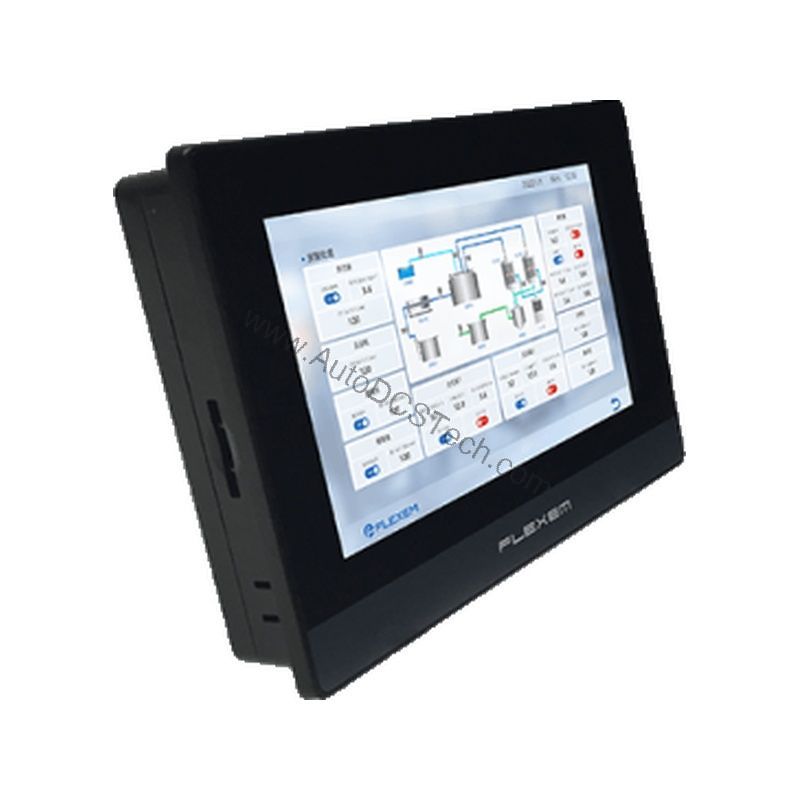
Industrial environments demand reliable human-machine interfaces that can withstand moisture, dust, and vibration. The Flexem FE7070IP combines a powerful CPU with an array of waterproof features and multilayer silicone seals to deliver a robust IoT touchscreen suitable for a range of applications. This 7-inch HMI is engineered to provide clear visualization and dependable control in challenging settings.
Compatibility and Integration
The FE7070IP includes a built-in RTC (real-time clock) for timestamping data, and its RS485 serial port allows integration with a wide range of industrial equipment. The USB host port enables connection of an USB flash drive for data logging or program updates. This HMI is an choice for retrofitting older machinery or for new IoT-enabled installations.
Selection Guide and Purchasing Advice
When selecting an HMI for your application, consider factors such as display size, environmental protection, and communication interfaces. The FE7070IP offers a balanced feature set for many industrial applications. Please verify current lifecycle status and availability with AutoDCSTech before ordering, as product availability may change.
Troubleshooting and Common Issues
- No Display: Check the power supply voltage (DC 9 V~28 V) and ensure the unit is properly powered. Verify that the backlight is functioning.
- Touchscreen Unresponsive: Clean the screen and check for any obstructions. If the issue persists, recalibrate the touchscreen via the HMI software.
- Communication Errors: Verify RS485 wiring, termination, and baud rate settings. Ensure that the connected devices use the same protocol.
- Program Download Failures: Use a compatible USB cable or flash drive, and ensure the HMI is in the correct mode for downloading.
For further assistance, contact AutoDCSTech for expert advice and replacement parts.
Availability & Condition at AutoDCSTech
| Part Number | FE7070IP |
|---|---|
| Availability | In Stock |
| Condition | New |
| Warranty | One Year |
| Origin | US |