Product Overview
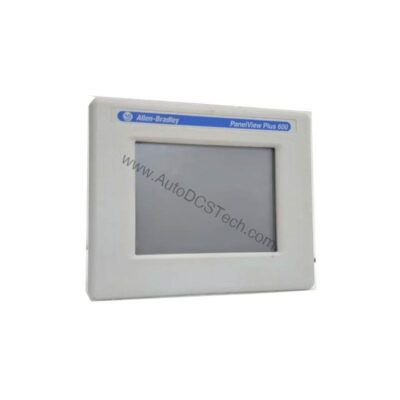
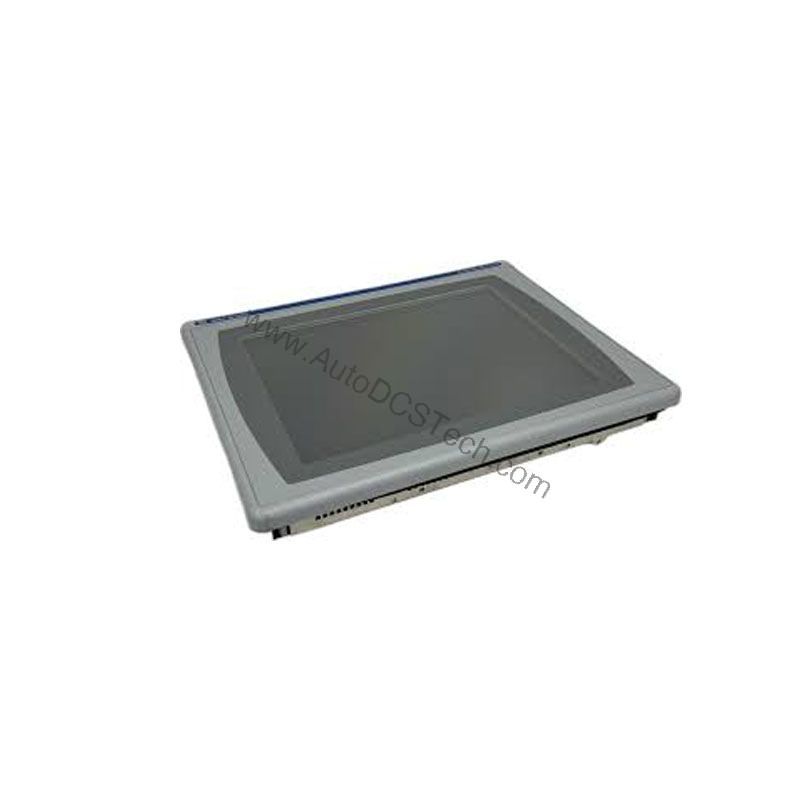
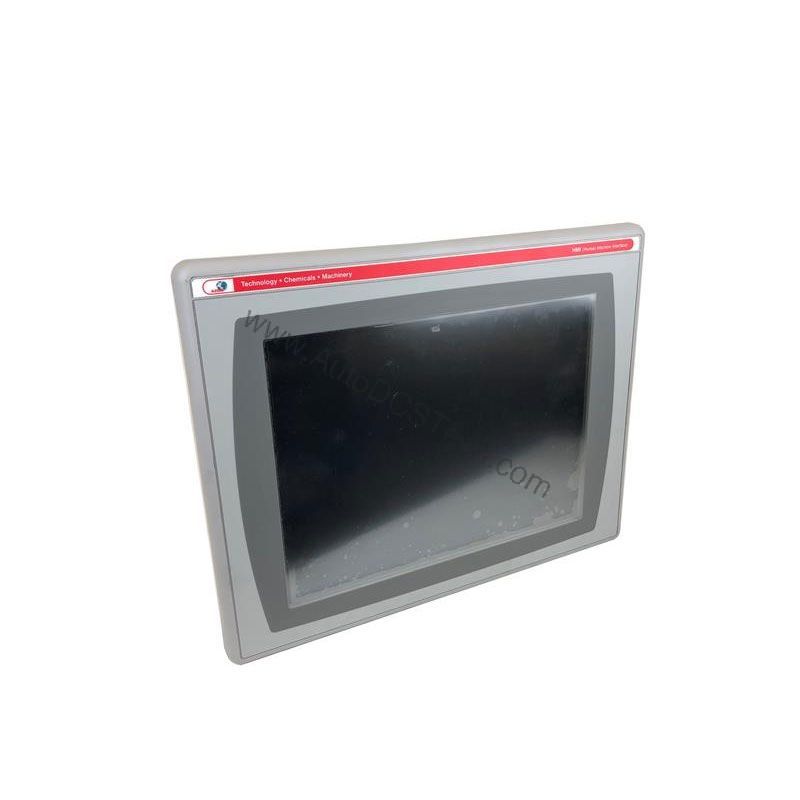
The Allen-Bradley 2711P-B10C4D2 is an operator terminal from the PanelView Plus 1000 series, designed for machine interface and control. This HMI combines a 10.4-inch color display with both keypad and touchscreen input, allowing flexible data entry and system navigation. It is part of the Rockwell Automation family and is now discontinued/obsolete, making it a valuable spare for existing installations. The terminal supports Ethernet and RS-232 communication, enabling seamless integration into industrial networks.
Technical Specifications Breakdown
Key parameters for the 2711P-B10C4D2 are listed below for quick reference:
| Feature | Specification |
|---|---|
| Manufacturer | Rockwell Automation |
| Brand | Allen-Bradley |
| Part Number/Catalog No. | 2711P-B10C4D2 |
| Product Line | PanelView Plus 1000 |
| Display Size | 10.4 in. |
| Display Color | Color |
| Input Type | Keypad/Touchscreen |
| Communication | Ethernet and RS-232 |
| Input Power | 18-32 VDC |
| Memory | 128 MB |
| Backlight | 2711P-RL10C |
| Communication Cable | 1761-NET-ENI |
| Shipping Weight | 10 lbs. |
| Shipping Dimensions | 18 x 14 x 8 in |
| Series | Ser A, B, C, D, and F |
| UPC | 10662073071362 |
Industry Applications
Common uses include:
- Machine Control: Monitor and control production machinery, with programmable function keys for quick access to frequently used operations.
- Process Monitoring: Display real-time process data and alarms, enabling operators to respond quickly to changes.
- Data Entry: Use the touchscreen or keypad to input setpoints, recipes, and other parameters, improving operational efficiency.
Installation & Setup Guidance
When installing the 2711P-B10C4D2, ensure the power supply provides a stable 18-32 VDC within the specified range. Mount the terminal in a location that allows easy access to the touchscreen and keypad. Connect the Ethernet port using an RJ45 connector (10/100Base-T) to your network; the port supports MDI/MDI-X auto-detection. For RS-232 communication, use the appropriate cable (e.g., 1761-NET-ENI) to connect to controllers or other serial devices. Configure the Ethernet/IP settings via the terminal's display to match your network requirements.
Maintenance & Reliability
Regularly inspect the terminal for dust accumulation on the screen and enclosure. Clean the touchscreen with a soft, dry cloth to maintain responsiveness. Periodically verify that the backlight (part number 2711P-RL10C) is functioning correctly; if the display dims, consider replacing it. Since the unit is discontinued, keep spare parts on hand to minimize downtime. Check all cable connections for wear and secure fit.
Compatibility & Integration
The 2711P-B10C4D2 supports EtherNet/IP, an open industrial network for real-time I/O messaging and message exchange. The Ethernet port allows connection to controllers on an EtherNet/IP network, as well as application transfers and printing. For additional communication ports, the 2711P-RN20 Ethernet module is compatible with PanelView Plus 700 to 1500 terminals. Each module has an unique IP address, and parameters can be downloaded with the application.
Selection Guide & Purchasing Advice
When selecting a replacement for your 2711P-B10C4D2, verify the current lifecycle status and availability with AutoDCSTech before ordering. As a discontinued product, availability may be limited. AutoDCSTech offers a wide range of industrial automation parts, including this model, to support your legacy systems. Contact their team to confirm stock and ensure compatibility with your existing setup.
Troubleshooting & Common Issues
- Display not turning on: Check the input power (18-32 VDC) and connections. Verify the backlight is operational.
- Touchscreen unresponsive: Clean the screen and ensure no debris is interfering. If the issue persists, the touch panel may need service.
- Communication errors: Confirm the Ethernet cable is properly connected and the IP address is configured correctly. For RS-232, check the cable and port settings.
- Program not loading: Ensure the memory (128 MB) has sufficient space and the application file is compatible with the terminal's firmware.
For advanced troubleshooting, consult the Rockwell Automation documentation or contact AutoDCSTech for technical support.
Availability & Condition at AutoDCSTech
| Part Number | 2711P-B10C4D2 |
|---|---|
| Availability | In Stock |
| Condition | New |
| Warranty | One Year |
| Origin | US |