Technical Specifications Breakdown
Key parameters for the 2711P-B15C1D2 are listed below for quick reference:
| Feature | Specification |
|---|---|
| Manufacturer | Allen Bradley |
| Series | PanelView Plus 1500 |
| Part Number | 2711P-B15C1D2 |
| Product Type | HMI Operator Interface |
| Rated Voltage | 24 VDC |
| Display Size | 15 inches (381 mm) |
| Color Graphics | Yes |
| Display Type | LCD |
| Graphics | Yes |
| Keypad | Yes |
| Touch | Yes |
| Remote I/O Support | Yes |
| Memory | 128 MB |
| Environment | No corrosive gases |
Real-World Applications That Cut Costs
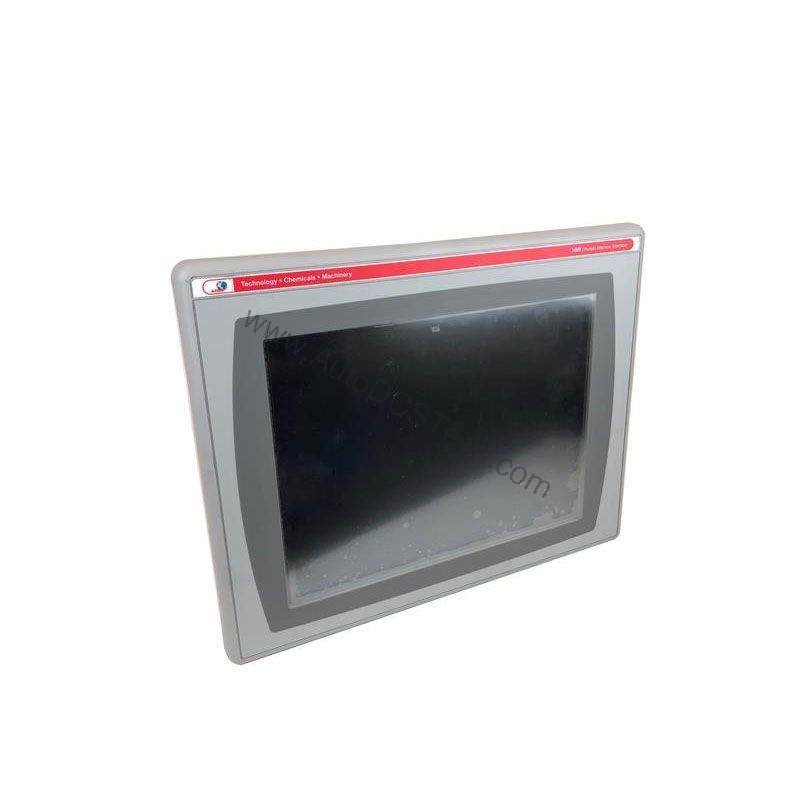
The 2711P-B15C1D2 shines in applications where operators need clear, real-time data and quick response. In a packaging line, the 15-inch color LCD lets operators spot machine faults instantly, reducing downtime. The touchscreen and keypad allow fast recipe changes without digging through menus. In a water treatment plant, remote I/O support means the HMI can monitor pumps and valves across a wide area, saving wiring costs. The 128 MB memory handles complex screens and data logging, which helps maintenance teams spot trends before failures occur. Every feature contributes to a lower cost per hour of operation.
Installation and Setup Guidance
Ensure the enclosure is free from corrosive gases, as specified, to protect the LCD and internal electronics. Connect 24 VDC power using properly sized wiring and a fuse or breaker. Because the unit supports remote I/O, verify your network topology and addressing before commissioning. Use the PanelView Plus configuration software to upload your application. Test all touch and keypad inputs before putting the machine into service. Keep the display bezel clean and avoid abrasive cleaners.
Maintenance and Reliability
Routine inspection is the key to long service life. Check the power supply voltage regularly to ensure it stays within the rated 24 VDC. Inspect the display for cracks or dead pixels. Clean the touchscreen with a soft, damp cloth. Verify that the enclosure ventilation is not blocked, as overheating can shorten component life. Because the unit is rated for environments without corrosive gases, avoid installing it near chemical processes that could release fumes. A simple monthly checklist can prevent costly unplanned downtime.
Why the 2711P-B15C1D2 Delivers Cost-Effective HMI Performance
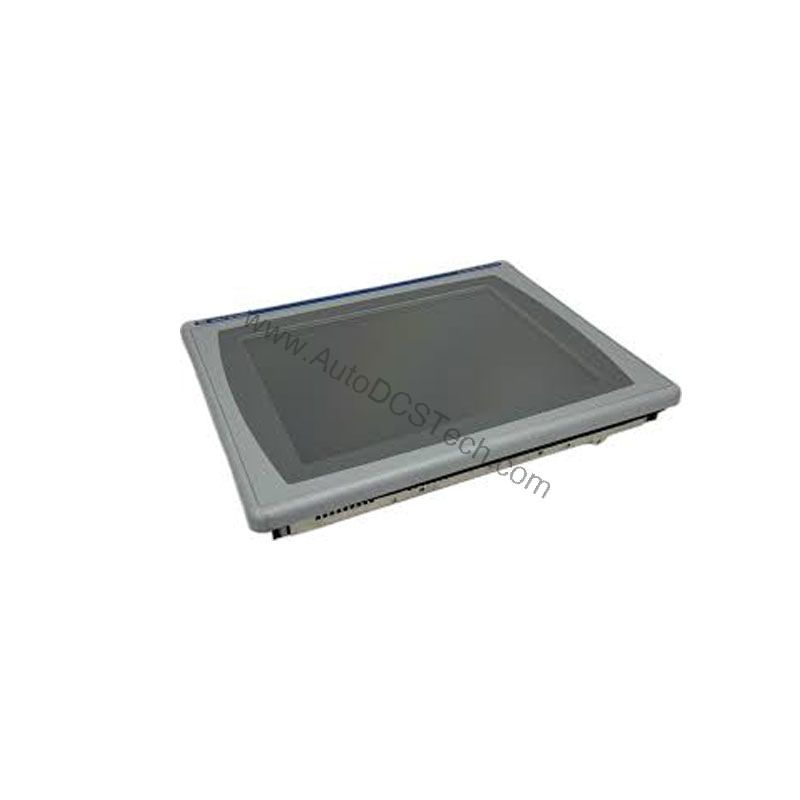
For plant engineers and maintenance managers, an operator interface must balance uptime, usability, and total cost of ownership. The Allen-Bradley 2711P-B15C1D2 from the PanelView Plus 1500 series offers a proven way to reduce engineering time and operator errors. This HMI combines a 15-inch LCD with color graphics, a touchscreen, and a keypad, giving operators flexible input options that can speed up navigation and data entry. Because it runs on 24 VDC, it integrates easily into standard control panels, avoiding the need for additional power conversion. That simplicity translates directly into lower installation and maintenance costs.
Compatibility and Integration
Remote I/O support is a major advantage for integrating the 2711P-B15C1D2 into existing control systems. It allows the HMI to communicate with PLCs and other devices over a remote I/O network, reducing the need for additional interface hardware. The 128 MB memory ensures smooth operation even with large applications. When planning your integration, confirm that your PLC supports the same remote I/O protocol. This compatibility simplifies upgrades and can extend the life of your existing field devices, saving capital costs.
Selection Guide and Purchasing Advice
Before ordering, verify the lifecycle status of the 2711P-B15C1D2 with AutoDCSTech. They can confirm availability and provide guidance on alternative models if needed. AutoDCSTech offers genuine Allen-Bradley parts and fast shipping to minimize your downtime. When comparing prices, factor in the cost of installation, configuration, and potential downtime. The 2711P-B15C1D2's combination of touch, keypad, and remote I/O often reduces overall system cost compared to separate components. Contact AutoDCSTech for a quote and lead time.
Troubleshooting Common Issues
If the display is blank, check the 24 VDC power supply and fuses. If the touchscreen is unresponsive, clean the surface and check for calibration issues. If the keypad does not respond, verify the cable connection. For remote I/O communication errors, inspect the network wiring and node addresses. Always power down before checking connections. If problems persist, consult the Allen-Bradley manual or contact AutoDCSTech for technical support.
Availability & Condition at AutoDCSTech
| Part Number | 2711P-B15C1D2 |
|---|---|
| Availability | In Stock |
| Condition | New |
| Warranty | One Year |
| Origin | US |