Product Overview
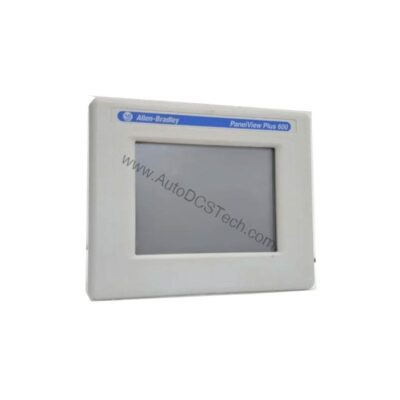
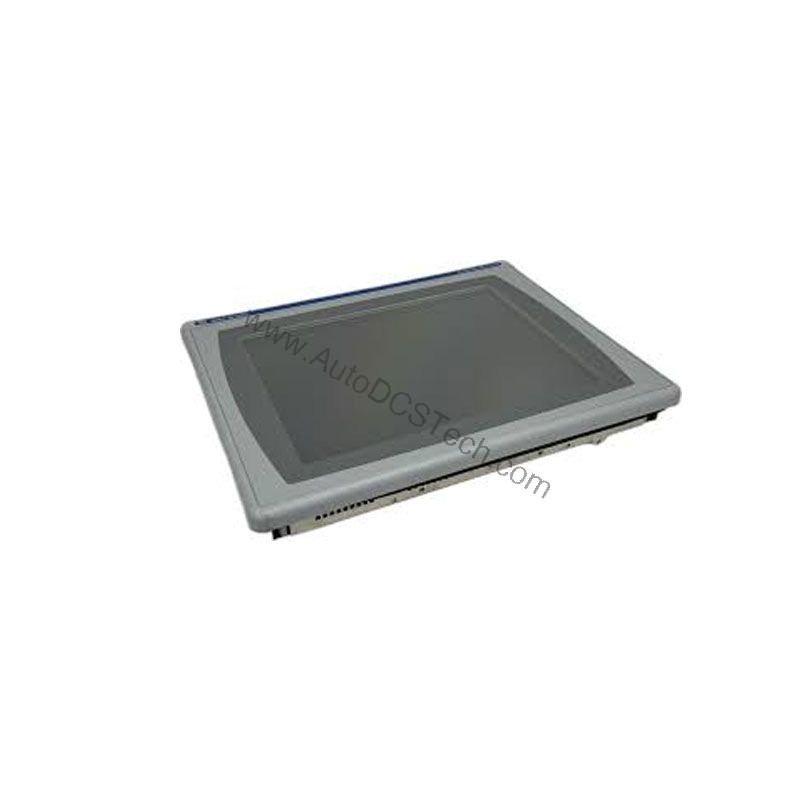
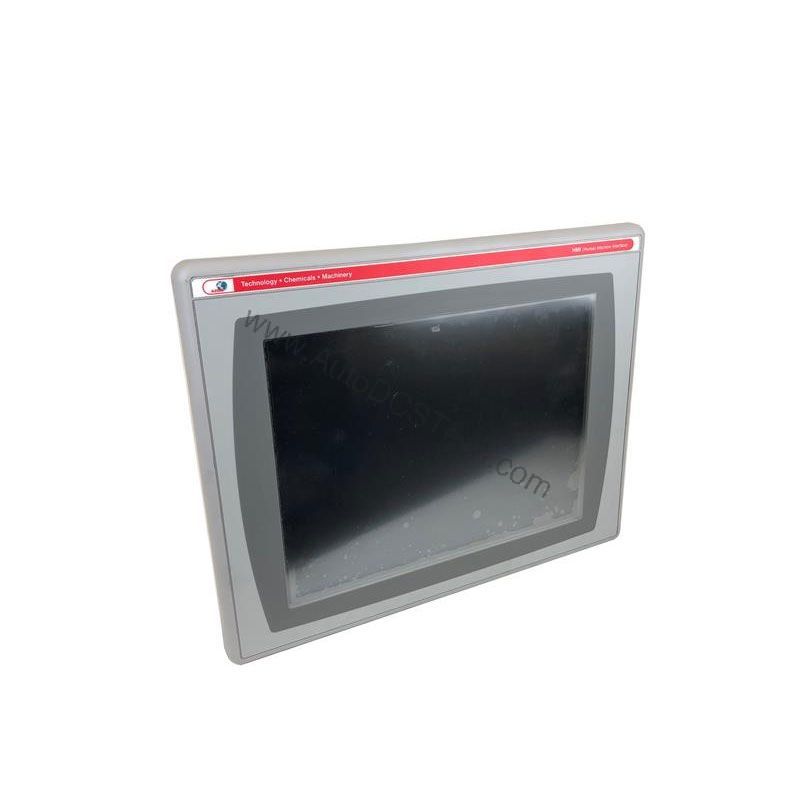
The Allen-Bradley 2711P-B10C15A2 is a discontinued operator terminal from the PanelView Plus 1000 series, designed for controlling large-scale industrial machines and device systems. This HMI combines a 10.4-inch color display with both touchscreen and keypad input options, giving operators flexible control in demanding environments.
Technical Specifications Breakdown
Key parameters for the 2711P-B10C15A2 are listed below for quick reference:
| Feature | Specification |
|---|---|
| Manufacturer | Rockwell Automation |
| Brand | Allen-Bradley |
| Part Number/Catalog No. | 2711P-B10C15A2 |
| Product Line | PanelView Plus 1000 |
| Display Size | 10.4 in. |
| Display Color | Color |
| Input Type | Keypad/Touchscreen |
| Communication | ControlNet |
| Input Power | 85-264 VAC |
| Memory | 128 MB |
| Backlight | 2711P-RL10C |
| Communication Cable | 1747-KFC15A |
| Shipping Weight | 10 lbs. |
| Shipping Dimensions | 18 x 14 x 8 in |
| Series | Ser A, B, C, D, and F |
| Product Lifecycle Status | Discontinued/Obsolete |
Industry Applications
The 2711P-B10C15A2 is well-suited for applications where operators need reliable, real-time control over complex machinery. Typical uses include:
- Manufacturing assembly lines: Monitor and control conveyor systems, robotic cells, and automated assembly processes.
- Process control: Manage batch processes, temperature loops, and material handling in food, chemical, or pharmaceutical plants.
- Material handling: Operate cranes, hoists, and sorting systems where precise input and clear display are critical.
Installation & Setup Guidance
When installing the 2711P-B10C15A2, follow these practical steps:
- Mounting: Ensure the enclosure provides adequate ventilation and meets the environmental requirements for the installation site.
- Power connection: Connect the input power to a reliable 85-264 VAC source, verifying that the supply is stable and within the specified range.
- Communication: Use the 1747-KFC15A communication cable for ControlNet connections. Ensure proper termination and network addressing.
- Backlight replacement: The backlight part number 2711P-RL10C is the only approved replacement. Always power off the unit before servicing.
Maintenance & Reliability
Although the 2711P-B10C15A2 is obsolete, it can still provide reliable service with proper care. Regular maintenance should include:
- Periodic inspection: Check the display and keypad for wear or damage. Inspect cables and connectors for signs of stress.
- Cleaning: Use a soft, dry cloth to clean the screen. Avoid harsh chemicals that may damage the touchscreen.
- Environmental control: Keep the unit in a clean, dry environment with stable temperature and humidity to extend its lifespan.
Since the product is discontinued, it is essential to verify the lifecycle status and availability with AutoDCSTech before ordering.
Compatibility & Integration
The 2711P-B10C15A2 is part of the PanelView Plus 1000 series and is designed to work with ControlNet networks. It supports symbolic CIP addressing when communicating with ControlLogix systems. The terminal offers a Network Access port for local access to the ControlNet network, simplifying diagnostics and configuration.
Selection Guide & Purchasing Advice
When selecting a replacement or spare unit, consider the following:
- Lifecycle: Since the 2711P-B10C15A2 is discontinued, check with AutoDCSTech for availability and alternative options.
- Compatibility: Ensure that your system uses ControlNet and that the HMI's input power matches your facility's supply (85-264 VAC).
- Condition: Confirm that the unit is in good working condition and includes all necessary accessories, such as the backlight and communication cable.
AutoDCSTech specializes in industrial automation parts and can help you source this model or recommend a suitable upgrade path.
Troubleshooting & Common Issues
Common issues with the 2711P-B10C15A2 include:
- Display not powering on: Check the input power supply and connections. Verify that the power source is within the 85-264 VAC range.
- Touchscreen unresponsive: Clean the screen and check for any physical damage. If the issue persists, the touchscreen may need replacement.
- Communication errors: Ensure that the ControlNet cable is properly connected and that the network is configured correctly. Check the network address and termination.
Always refer to the official Rockwell Automation documentation for detailed troubleshooting steps.
Availability & Condition at AutoDCSTech
| Part Number | 2711P-B10C15A2 |
|---|---|
| Availability | In Stock |
| Condition | New |
| Warranty | One Year |
| Origin | US |