Technical Specifications Breakdown
Key parameters for the 2711P-B7C10D6 are listed below for quick reference:
| Feature | Specification |
|---|---|
| Manufacturer | Allen Bradley |
| Series | PanelView Plus 700 |
| Product Type | HMI Operator Terminal |
| Input Method | Keypad & Touch |
| Display Type | Color TFT-LCD |
| Screen Size | 6.5 inches |
| Resolution | 640 × 480 pixels |
| Power Supply | 24V DC (18–32V DC) |
| Power Consumption | 11 W max (DC) |
| Heat Dissipation | 240 BTU/hr |
| Operating Temperature | 0°C to 55°C (32°F to 131°F) |
| Backlight Type | CCFL (50,000 h min. life) |
| Runtime Memory | 128 MB |
| External Storage | 512 MB max (CompactFlash) |
| Enclosure Rating | NEMA 12/13/4X, IP54/65 (Indoor) |
| Clock Drift | ±2 min/month |
| Backup Battery Life | ≥ 4 yr @ 25 °C |
Where This HMI Shines: Practical Applications
Process Monitoring in Food & BeverageOperators can quickly call up recipes or alarm screens using either the keypad or touch input, even with wet gloves.
Machine Control in Automotive Assembly – In high-vibration settings, the keypad provides a reliable backup to the touchscreen. The 128 MB runtime memory ensures smooth screen transitions, while the 512 MB CompactFlash slot allows data logging for quality audits.
Packaging Line Integration – With a 6.5-inch display and 640 × 480 resolution, this terminal gives operators a clear view of machine status, fault messages, and production counts. The ±2 min/month clock drift keeps timestamped logs accurate, supporting traceability requirements.
Installation and Setup Guidance
When mounting the 2711P-B7C10D6, follow the cutout dimensions provided in the user manual and ensure the gasket sits correctly to maintain the NEMA/IP rating. Power the unit with a 24V DC supply (18–32V DC) and verify that the source is stable and free of spikes. Use shielded cables for communication lines and route them away from high-voltage wiring to avoid interference. For initial configuration, connect via the appropriate programming software and download your application. Remember to format the CompactFlash card in the terminal before use to ensure compatibility.
Maintenance and Reliability Tips
Regular inspection is key to long service life. Periodically check the enclosure seals for cracks or wear, especially if the unit is exposed to oils or solvents. Keep the screen clean using a soft, damp cloth—never use abrasive cleaners. The backup battery, rated for at least 4 years at 25°C, should be replaced proactively as part of a scheduled maintenance plan. Also, monitor the CCFL backlight; if the display dims significantly, plan for a backlight replacement to avoid unplanned downtime.
Why the 2711P-B7C10D6 Stands Out in Your Control Panel
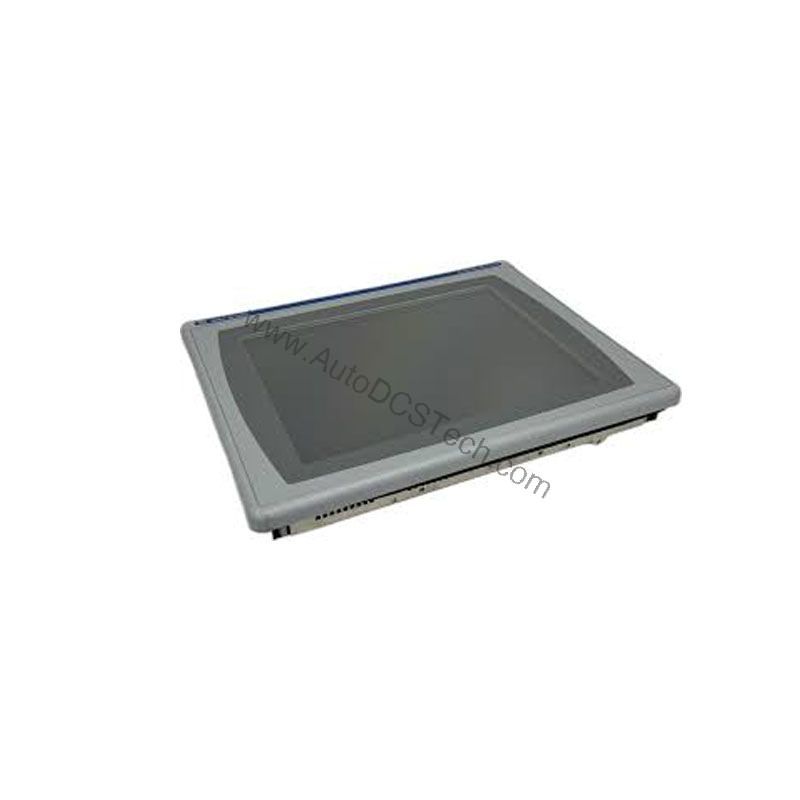
Its dual-input design—combining a physical keypad with a touchscreen—ensures that even gloved hands or high-vibration environments won't slow down your team.
Built for Real-World Industrial Environments
The 2711P-B7C10D6 is not just a screen; it's a robust interface designed to survive the shop floor. Its enclosure meets NEMA 12/13/4X and IP54/65 standards, meaning it can handle dust, splashing water, and even occasional washdowns—all while keeping internal components safe. The operating temperature range of 0°C to 55°C (32°F to 131°F) allows installation in unheated areas or near machinery that generates moderate heat. With a CCFL backlight rated for at least 50,000 hours, you can expect years of clear, bright displays before any maintenance is needed.
Compatibility and Integration Considerations
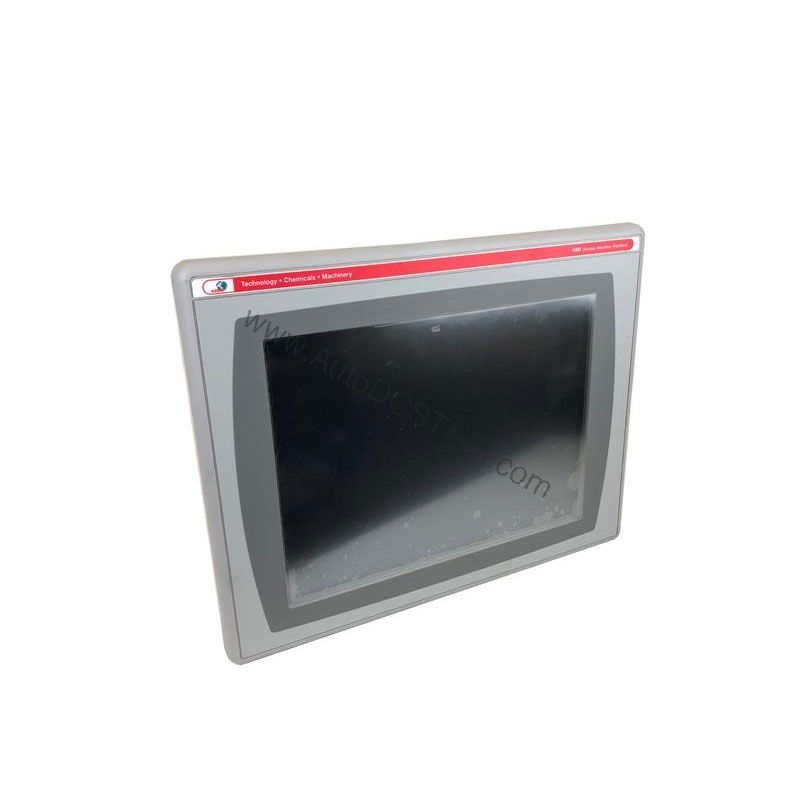
The PanelView Plus 700 series is designed to communicate with a wide range of Allen-Bradley controllers and other industrial devices. While specific protocol details are not listed here, the terminal's CompactFlash slot and runtime memory support application transfer and data logging. For integration assistance, consult your system integrator or refer to the product documentation to ensure seamless connectivity with your existing PLCs and networks.
Selecting the Right HMI for Your Project
When choosing an operator terminal, consider factors like screen size, input method, and environmental ratings. The 2711P-B7C10D6 offers a compact 6.5-inch display that fits well in control panels with limited space, and the combination of keypad and touch input provides flexibility for different operator preferences. If your application requires a larger screen or different communication options, explore other models in the PanelView Plus 700 series. For current pricing and availability, contact AutoDCSTech—they specialize in industrial automation parts and can help you find the right solution for your needs.
Troubleshooting Common Issues
If the display remains blank, first check the power supply voltage (should be within 18–32V DC) and verify that the terminal is receiving power. If the touchscreen is unresponsive, recalibrate it via the configuration menu. For keypad issues, check for debris or stuck keys. If the unit fails to boot, try removing the CompactFlash card and restarting. For persistent problems, consult the product manual or contact AutoDCSTech for technical support.
Please verify current lifecycle status and availability with AutoDCSTech before ordering.
Availability & Condition at AutoDCSTech
| Part Number | 2711P-B7C10D6 |
|---|---|
| Availability | In Stock |
| Condition | New |
| Warranty | One Year |
| Origin | US |