Technical Specifications Breakdown
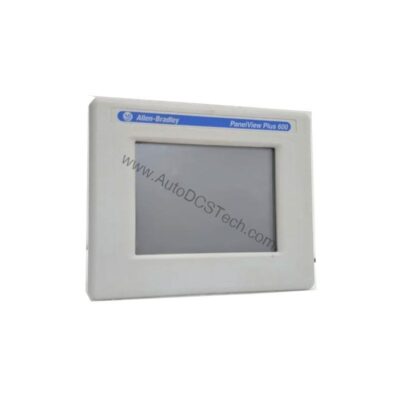
Key parameters for the 2711P-B6M20A8 are listed below for quick reference:
| Feature | Specification |
|---|---|
| Manufacturer | Rockwell Automation |
| Product Family | PanelView Plus 6 Operator Terminals |
| Product Type | PanelView Plus 6 600 Operator Terminals |
| Operator Input | Keypad / Touch |
| Display Type | Grayscale TFT LCD |
| Display Area | 115 x 86 mm (4.5 x 3.4 in.) |
| Resolution | 320 x 240, 16-levels gray |
| Keypad | 1 million presses |
| Keypad Function Keys | F1-F10 function keys, numeric input, navigation |
| Touch | Analog Resistive |
| Internal Memory | 256 MB RAM, 512 MB nonvolatile memory (approx. 79 MB free user memory) |
| Integrated Ports | Ethernet, RS-232 |
| Input Voltage Range | 100-240VAC |
| Input Frequency | 50-60 Hz |
Real-World Applications for the 2711P-B6M20A8
This HMI is well-suited for applications where operators need to monitor and adjust machine parameters. For example, in a packaging line, the terminal can display real-time status of sensors and actuators, allowing quick response to jams or faults. Its Ethernet port enables integration into a plant-wide network, while RS-232 supports direct connection to controllers or legacy devices.
In a batch processing plant, the keypad and touch interface let operators navigate through recipes and enter setpoints without needing a separate PC. The 5.7-inch screen, though compact, provides enough information for effective process control. Because the unit is end-of-life, it is often used as a replacement in existing installations where the original HMI has failed, helping to extend the life of the machinery.
Installation and Setup Guidance
When mounting the 2711P-B6M20A8, ensure proper spacing around the unit for ventilation and cable connections. The display is designed for panel mounting, typically in an enclosure rated NEMA/UL Type 12, 13, 4X (indoor use only), and IEC IP66. Verify that the ambient temperature remains within the specified range of 32 to 131 degrees Fahrenheit (as mentioned in the full description).
Connect the power supply to the input terminals, ensuring the voltage is within 100-240VAC and frequency is 50-60 Hz. Use the integrated Ethernet port for network communication and RS-232 for serial connections. The communication cable 2711-NC14 is listed as a compatible accessory. For application transfers or printing, the Ethernet port can be used.
Maintenance and Reliability
Although the 2711P-B6M20A8 is end-of-life, it still offers reliable performance when properly maintained. The backlight has a minimum life of 25,000 hours at 25 °C (77 °F), which is non-replaceable. To maximize the lifespan, keep the display clean and avoid prolonged exposure to extreme temperatures. Periodically inspect the unit for dust accumulation and ensure ventilation paths are clear.
The keypad and touch are rated for 1 million presses, so they are durable for typical industrial use. For long-term reliability, consider stocking a spare unit, especially since the product is no longer in production.
Why the 2711P-B6M20A8 Remains a Reliable Choice for Legacy HMI Upgrades
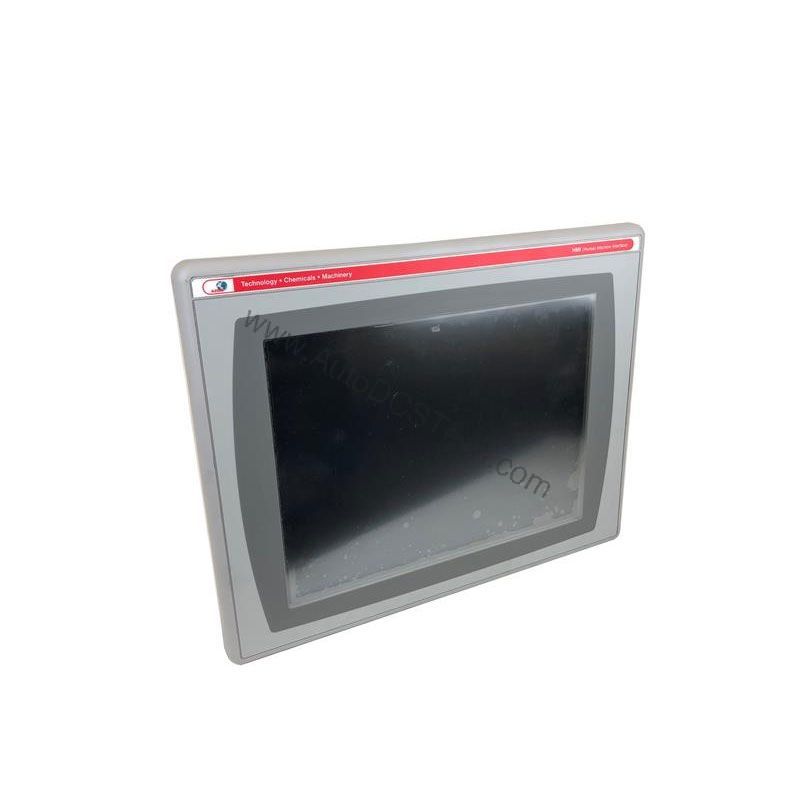
On a busy production line, operators need a clear, responsive interface to monitor and control processes. The Allen-Bradley 2711P-B6M20A8 delivers exactly that, even in demanding industrial environments. As a PanelView Plus 6 600 operator terminal, it combines a compact 5.7-inch display with robust communication options, making it a practical solution for machine builders and end users alike.
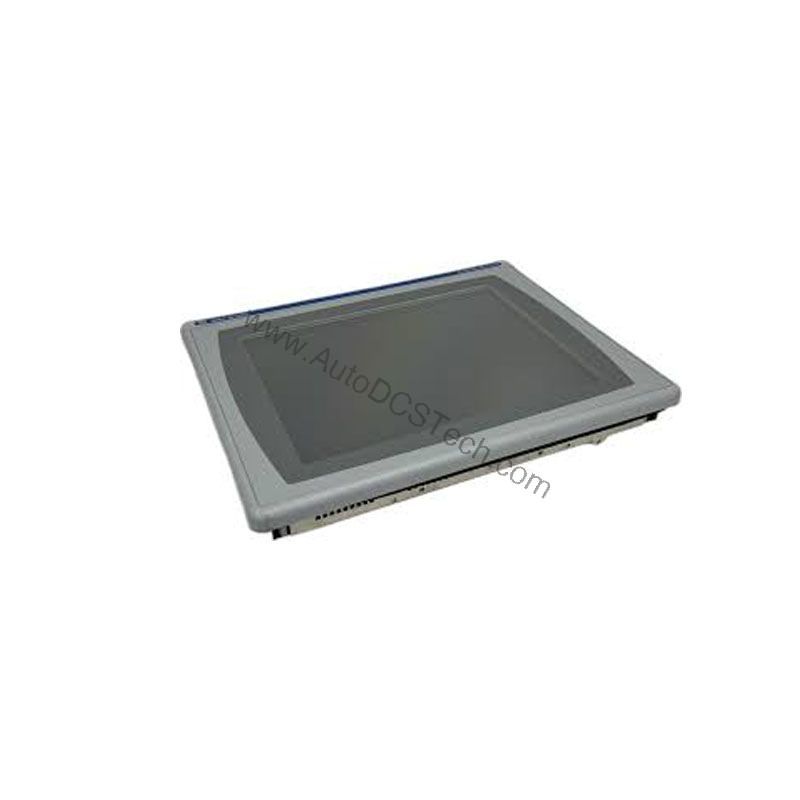
This unit is part of the PanelView Plus 6 family from Rockwell Automation, designed for applications that require reliable operator interaction. With its keypad and touch input, it offers flexibility for different operator preferences. The grayscale TFT LCD provides a crisp 320 x 240 resolution with 16 levels of gray, ensuring clear visibility of process data.
Compatibility and Integration
The 2711P-B6M20A8 supports Ethernet and RS-232 communication interfaces. Ethernet allows integration into a plant network, enabling data exchange with PLCs and other devices. RS-232 is useful for point-to-point connections to controllers or for connecting to peripheral devices like printers. The unit also supports FTP, VNC access, and PDF file viewing, which can be useful for remote monitoring and documentation.
For software, Machine Edition is compatible with operator terminals only, while Site Edition supports both operator terminals and SCADA systems. This flexibility makes the 2711P-B6M20A8 a versatile choice for various automation architectures.
Purchasing Advice
Because the 2711P-B6M20A8 is end-of-life, availability may be limited. AutoDCSTech specializes in supplying industrial automation parts, including legacy components like this HMI. When ordering, verify the current lifecycle status and availability with AutoDCSTech to ensure the part meets your needs. If you are upgrading an existing system, consider whether this model is the right fit or if a newer PanelView Plus 6 model would be more suitable.
Troubleshooting Common Issues
If the display does not power on, check the input voltage and frequency. Ensure the power supply is within 100-240VAC and 50-60 Hz. If the screen shows a blank or garbled display, verify the backlight operation and check the communication connections. For network issues, confirm the Ethernet cable is properly seated and that the IP address is configured correctly.
If the touchscreen is unresponsive, clean the surface and ensure no debris is interfering. For keypad issues, check that the function keys are not stuck. If problems persist, consult the user manual or contact AutoDCSTech for technical support.
Availability & Condition at AutoDCSTech
| Part Number | 2711P-B6M20A8 |
|---|---|
| Availability | In Stock |
| Condition | New |
| Warranty | One Year |
| Origin | US |