Technical Specifications Breakdown
Key parameters for the 2711P-B7C10D2 are listed below for quick reference:
| Feature | Specification |
|---|---|
| Manufacturer | Allen Bradley |
| Series | PanelView Plus 700 |
| Part Number | 2711P-B7C10D2 |
| Product Type | Operator Terminal |
| Keypad Type | Membrane keypad |
| Internal Memory Capacity | 128 megabytes |
| Display Type | Liquid Crystal Display (LCD) with Color |
| Operator Input Type | Keypad and touchscreen |
| Supported Communication Slot | DeviceNet |
| Display Size | 6.5 inches |
| Display Resolution | 640 x 480 pixels |
| Protection Rating | IP65 (front panel) |
| Display Brightness | 300 candela per square meter |
| Humidity Tolerance | 5% to 95% relative humidity (without condensation) |
| Shock Resistance | Up to 15G in 11 milliseconds |
| Ambient Operating Temperature | 0 to 55°C (in a non-condensing environment) |
| Storage Temperature | -25 to 70°C (in a non-condensing environment) |
| Display Backlight Type | Cold-cathode Fluorescent Lamps (CCFL) |
1. Machine Control on Packaging Lines
With a 6.5-inch color LCD and 640 x 480 resolution, operators can monitor machine status, set parameters, and acknowledge alarms without missing details. DeviceNet communication lets the terminal exchange data with PLCs and sensors on a proven industrial network.
2. Material Handling and Conveyor Systems
Conveyor systems often run in environments with moderate vibration. The 2711P-B7C10D2’s shock resistance ensures reliable operation. Its 0 to 55°C operating range covers most indoor facilities, and the 5% to 95% non-condensing humidity tolerance handles seasonal changes without failure.
3. Batch Processing in Food & Beverage
IP65 protection makes this terminal suitable for areas where hoses are used for cleaning. Operators can input recipe parameters via the keypad or touchscreen, and the bright 300 cd/m² display remains readable even in well-lit rooms.
Installation & Setup Guidance
Proper installation maximizes the 2711P-B7C10D2’s lifespan. Follow these practical steps:
- Mounting: Ensure the panel cutout is clean and the gasket seats properly to maintain the IP65 rating. Use the provided clamps to secure the terminal firmly.
- Wiring: Connect DeviceNet wiring according to the network design. Use proper termination resistors and follow standard trunk/drop line guidelines. Verify that the network power supply meets the requirements of all connected devices.
- Configuration: Use FactoryTalk View Studio software to create or download applications. Set the communication driver to DeviceNet and assign a valid node address. Test the connection before deployment.
- Environment: Avoid direct sunlight on the display to prevent overheating. Maintain ambient temperature within 0 to 55°C. Ensure airflow around the unit for cooling.
Maintenance & Reliability
Preventive maintenance keeps the terminal operating at peak performance. Follow these guidelines:
- Inspect the front panel periodically for cracks or worn gaskets that could compromise the IP65 seal.
- Clean the screen with a soft, damp cloth. Do not use abrasive cleaners or solvents that could damage the anti-glare coating.
- Check connections at least every six months. Loose DeviceNet connectors can cause intermittent communication errors.
- Monitor ambient conditions—if the temperature exceeds the rated range, install additional ventilation or air conditioning.
- Backlight care: The CCFL backlight has a limited lifespan. If the display becomes dim, plan for replacement to avoid downtime.
The Allen-Bradley 2711P-B7C10D2: A Compact HMI Built for Tough Environments
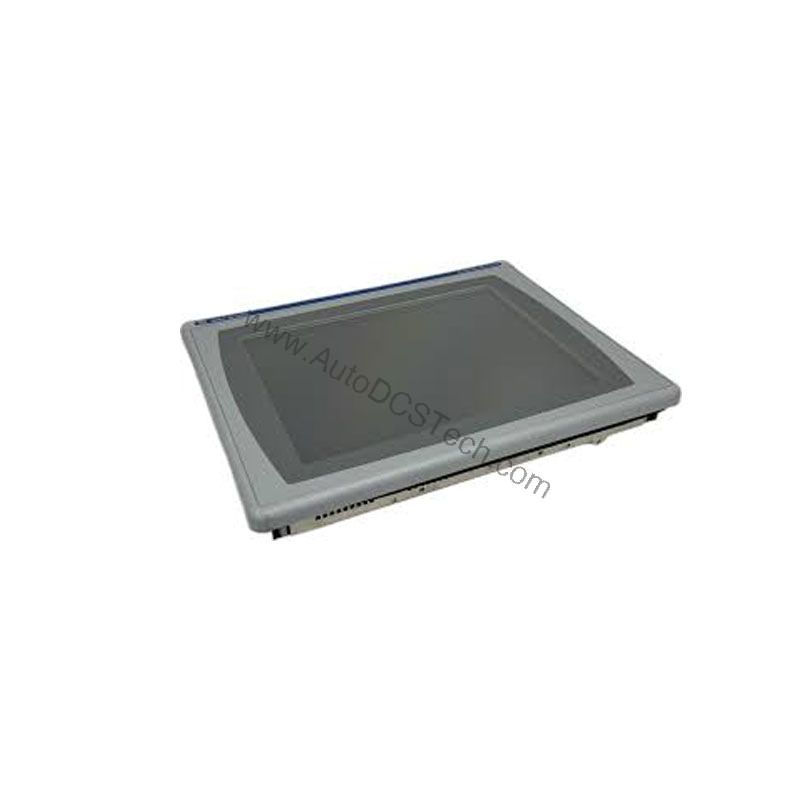
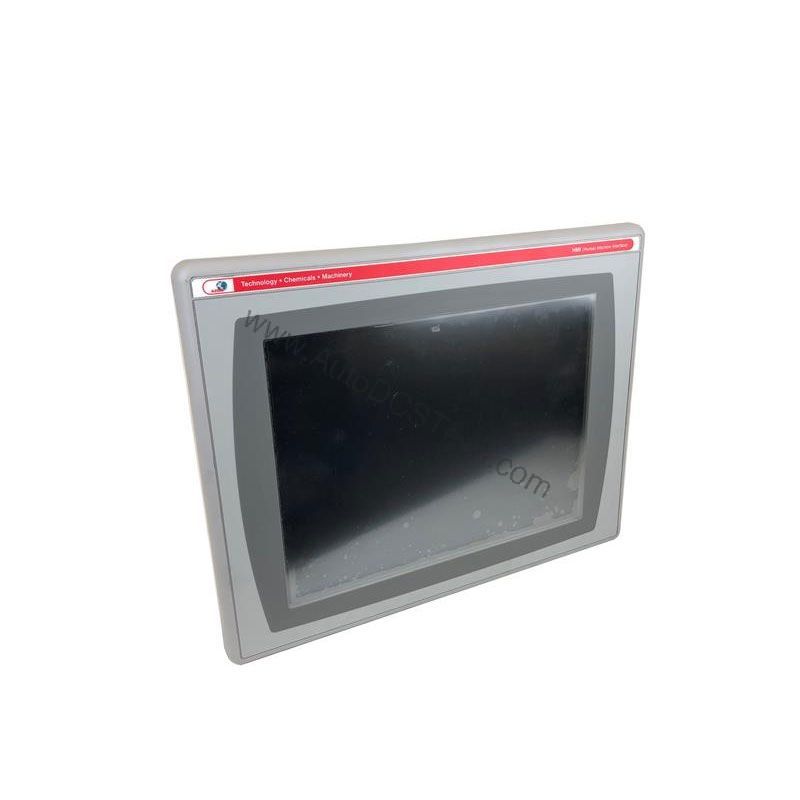
This PanelView Plus 700 terminal combines a 6.5-inch color LCD with both a membrane keypad and touchscreen, giving operators flexible control in a compact footprint. With 128 MB of internal memory and DeviceNet connectivity, it integrates smoothly into existing Rockwell Automation architectures.
Why This HMI Stands Out in Harsh Industrial Settings
Industrial environments punish fragile electronics. Dust, moisture, vibration, and temperature swings can quickly disable a standard display. The unit also withstands shock up to 15G in 11 milliseconds, so it survives the jolts common near heavy machinery.
Compatibility & Integration
DeviceNet is the key communication interface for the 2711P-B7C10D2. This open network protocol is widely used in industrial automation, allowing the terminal to exchange data with PLCs, sensors, and actuators from multiple vendors. The 128 MB internal memory provides ample space for application files, recipes, and logs. When integrating, ensure your PLC supports DeviceNet master functionality. Common platforms include ControlLogix, CompactLogix, and SLC 500 with a DeviceNet scanner module.
Selection Guide & Purchasing Advice
When choosing an operator terminal, consider the display size, input method, and network compatibility. The 2711P-B7C10D2 fits applications requiring a compact color display with both keypad and touch input. If you need a different communication protocol or a larger screen, consult AutoDCSTech for alternatives. We stock a wide range of Allen-Bradley HMIs and can help you find the right fit. Contact us for current availability and lifecycle status before ordering.
Troubleshooting & Common Issues
Even reliable equipment can encounter issues. Here are common problems and solutions:
- Blank display: Check the backlight. If the screen is dark but the terminal is powered, the CCFL may need replacement. Also verify that the application is running and not in a fault state.
- Touchscreen unresponsive: Calibrate the touchscreen via the terminal’s configuration menu. If the problem persists, check for physical damage or debris on the surface.
- DeviceNet communication errors: Verify the network termination and node address. Use a DeviceNet scanner to monitor network traffic. Ensure the baud rate matches across all devices.
- Intermittent reboots: Check the power supply for stability. Loose wiring or an undersized power source can cause resets.
- Dim display: This indicates the CCFL backlight is aging. Plan for a backlight replacement or consider upgrading to a newer LED-based terminal.
Final Thoughts
The Allen-Bradley 2711P-B7C10D2 is a dependable operator terminal that balances functionality and durability. Its combination of keypad and touchscreen, IP65 protection, and DeviceNet connectivity makes it a versatile choice for many industrial applications. For current pricing and availability, contact AutoDCSTech—your trusted partner for industrial automation parts.
Availability & Condition at AutoDCSTech
| Part Number | 2711P-B7C10D2 |
|---|---|
| Availability | In Stock |
| Condition | New |
| Warranty | One Year |
| Origin | US |