Product Overview
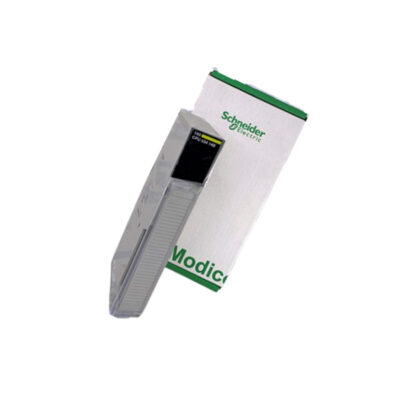
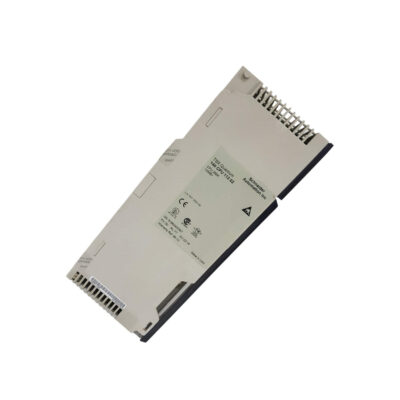
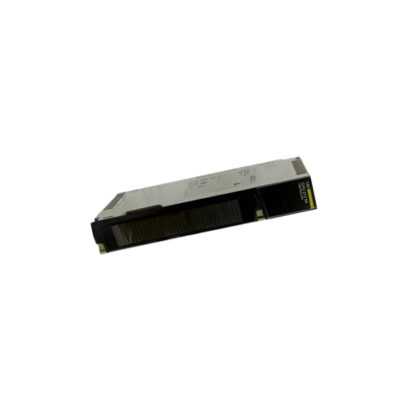
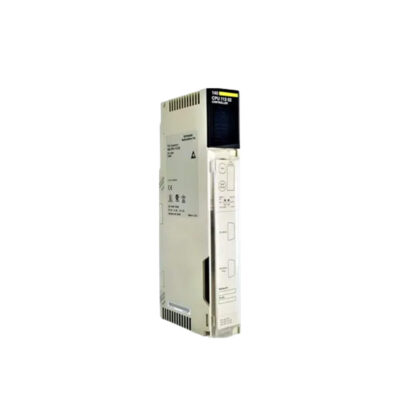
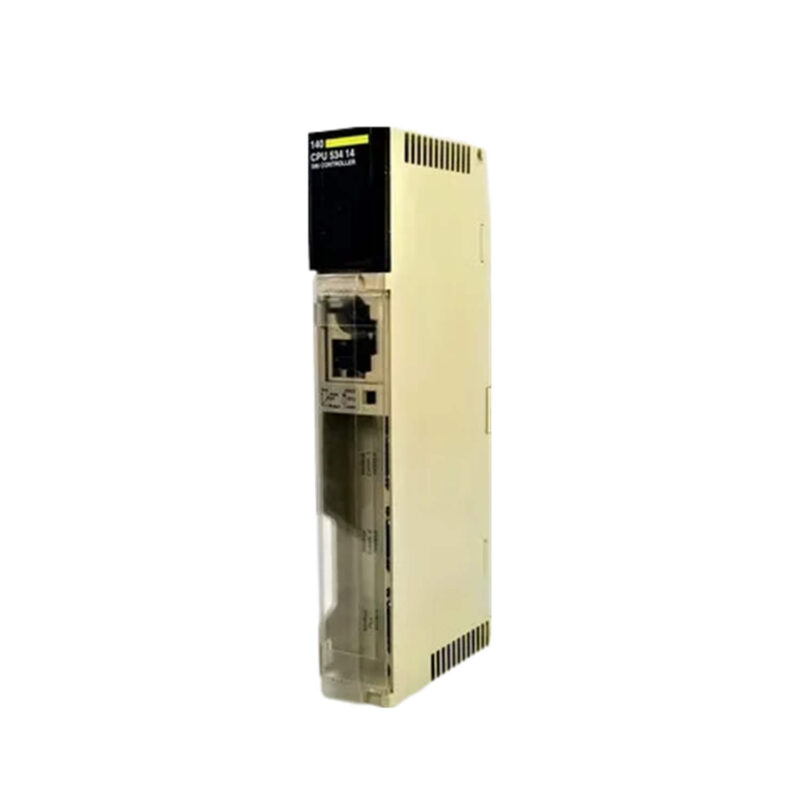
Industrial automation systems demand reliable and powerful processing to manage complex control tasks efficiently. The Schneider Electric 140CPU53414UC CPU Module from the Modicon Quantum platform delivers robust performance for mid-to-large-scale applications. Equipped with a Quantum Unity processor, this module supports two local racks, enabling expanded system configurations without sacrificing speed. With 586 KB of RAM and 4 MB of program memory, it handles intricate logic and data-intensive operations.
Technical Specifications Breakdown
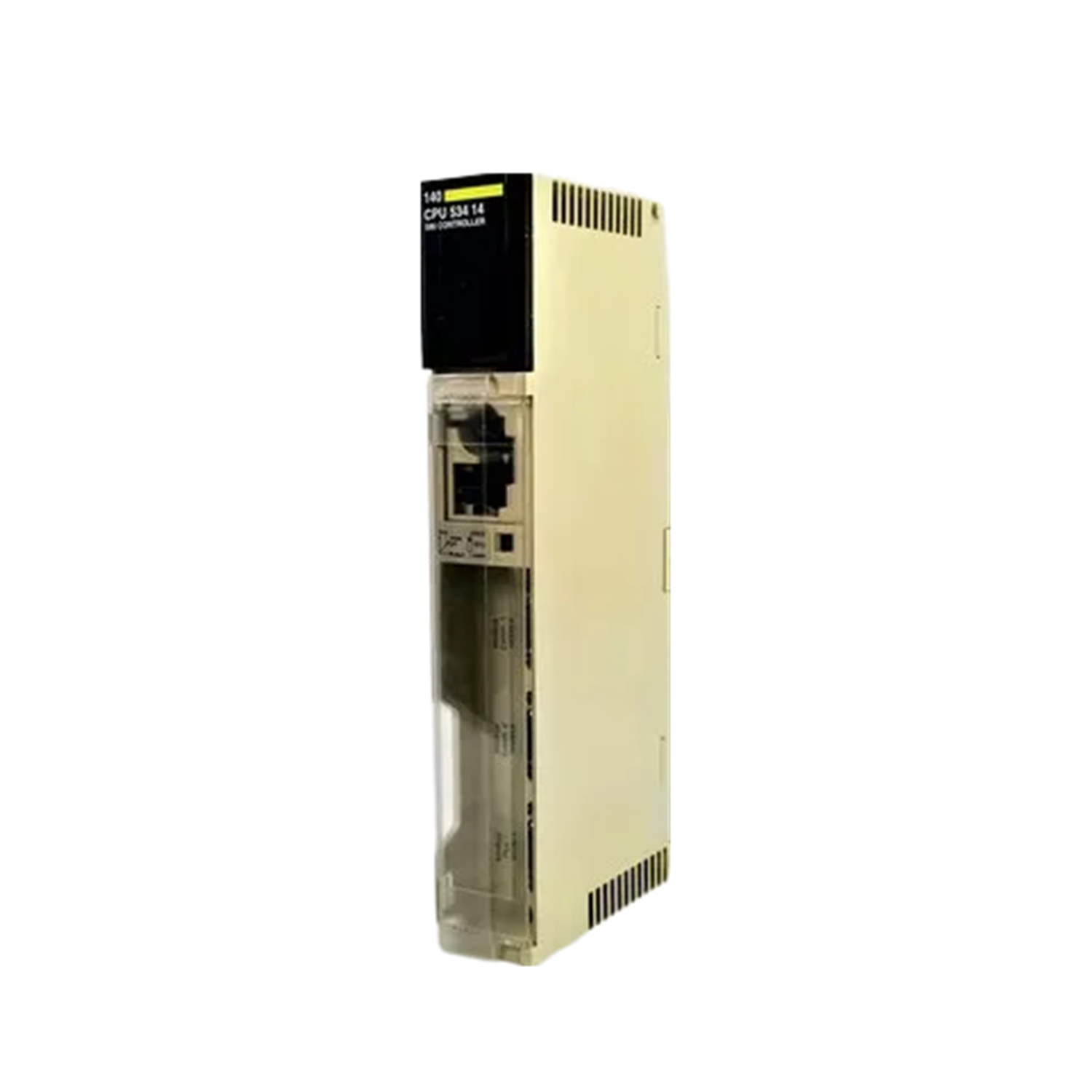
Key parameters for the 140CPU53414UC are listed below for quick reference:
| Feature | Specification |
|---|---|
| Manufacturer | Schneider Electric |
| Product Type | CPU Module |
| Product Line | Modicon Quantum |
| Part Number | 140CPU53414UC |
| Processor Type | Quantum Unity |
| Number of Racks | 2 local racks |
| RAM | 586 KB |
| Instruction Rate | 1.86–2.49 Kinst/ms |
| Memory Type | Internal RAM |
| Communication Ports | Modbus RS232/Plus |
| Program Memory | 4 MB |
| Power Supply | 5 V DC |
| Execution Time (Boolean) | 0.1–0.27 µs |
| Communication Memory | 1 MB + CC |
| Protective Coating | Yes (CC) |
| LED Indicators | Status and Error LEDs |
Industry Applications
The Boolean execution time of 0.1–0.27 µs enables high-speed sorting, packaging, and assembly line operations. In water treatment or HVAC systems, the Modbus RS232/Plus ports allow straightforward integration with SCADA and remote I/O networks. The ability to manage two local racks makes it suitable for applications requiring moderate expansion without a full backplane upgrade.
Installation & Setup Guidance
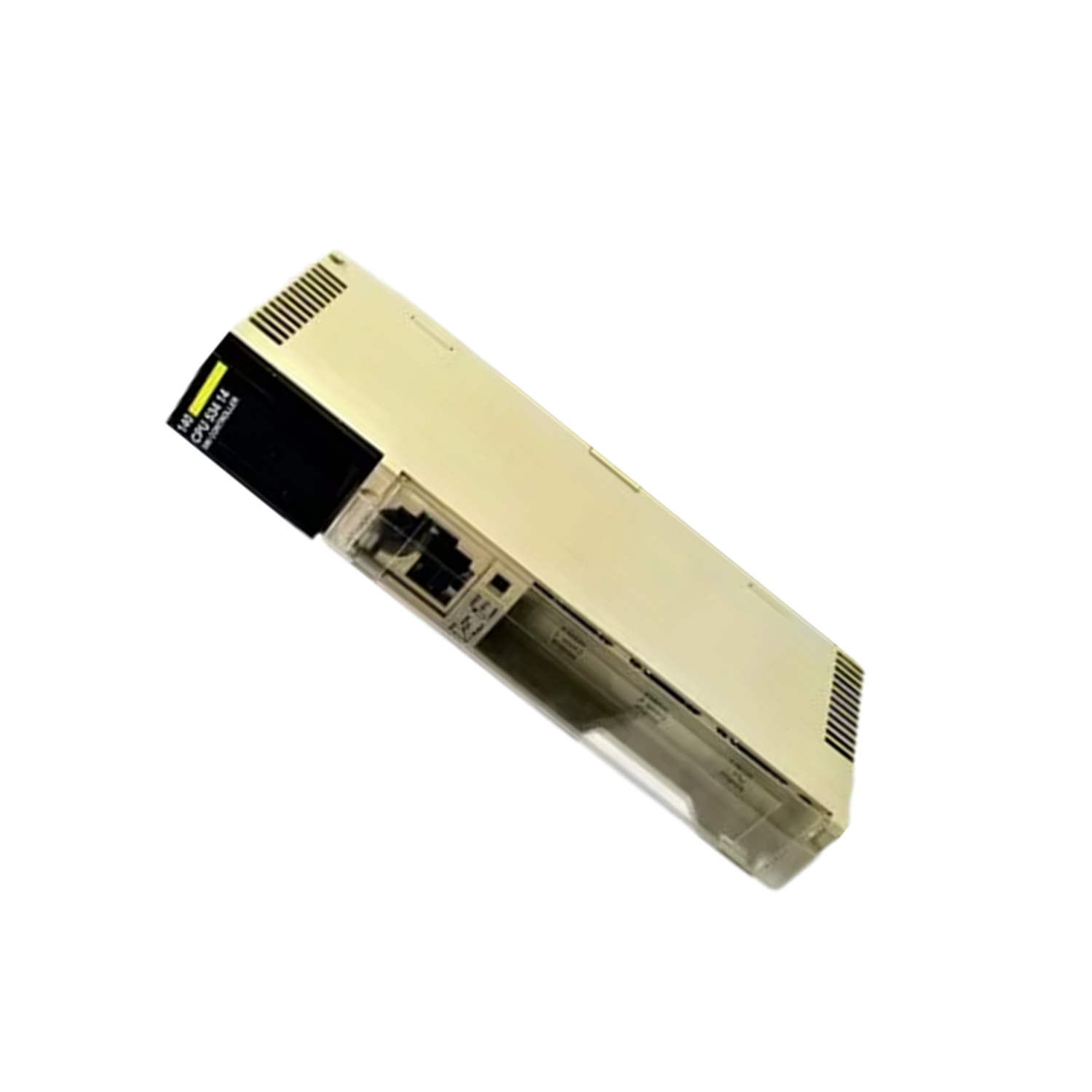
Mount the module securely in a standard Modicon Quantum rack, ensuring proper alignment with the backplane connectors. Connect a 5 V DC power supply to the designated terminals, verifying polarity and voltage stability. Configure the processor using ProWORX 32 or Concept software, which support the Quantum Unity architecture. Set the key switch to the desired operating mode (e.g., Run, Stop) before powering the system. Always ground the rack according to local electrical codes to minimize noise interference.
Maintenance & Reliability
The protective coating on the module guards against dust, moisture, and corrosive atmospheres, extending service life in industrial settings. Inspect the LED indicators periodically: a steady green status LED indicates normal operation, while a red error LED signals a fault requiring attention. Operate the unit within the industrial temperature range (32…140 °F / 0…60 °C) and avoid exposure to condensation (95% relative humidity without condensation). The battery (lithium, 1.2 Ah, 10-year life) retains memory during power loss; replace it every 10 years or as indicated by the system diagnostic.
Compatibility & Integration
It supports up to 31 remote drops and 63 distributed drops per network, with up to 500 I/O words per network in distributed mode. The module is compatible with ProWORX 32 and Concept programming environments, allowing straightforward migration from legacy Quantum systems. For mixed-brand environments, the Modbus protocol ensures interoperability with many PLCs and HMIs.
Selection Guide & Purchasing Advice
When selecting a CPU module for your automation project, consider the required memory, processing speed, and communication needs. For higher performance, models with faster instruction rates or additional communication ports are available. Contact AutoDCSTech to verify current lifecycle status and availability before ordering. Our team can help match the right processor to your system requirements.
Troubleshooting & Common Issues
If the module fails to power on, check the 5 V DC supply voltage and verify that the rack backplane is properly seated. An error LED may indicate a corrupted program; reload the configuration using ProWORX 32 or Concept. Communication issues over Modbus RS232/Plus often stem from incorrect baud rate or parity settings—confirm these match the connected devices. For persistent faults, isolate the module by removing it from the rack and testing with a known-good power supply.
Availability & Condition at AutoDCSTech
| Part Number | 140CPU53414UC |
|---|---|
| Availability | In Stock |
| Condition | New |
| Warranty | One Year |
| Origin | France |