Product Overview
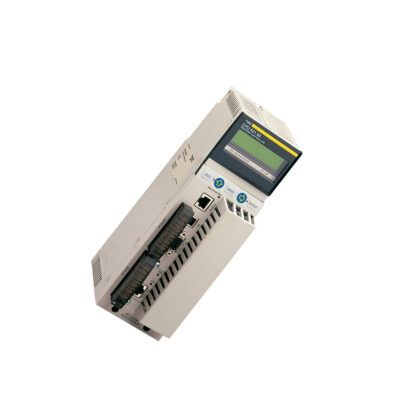
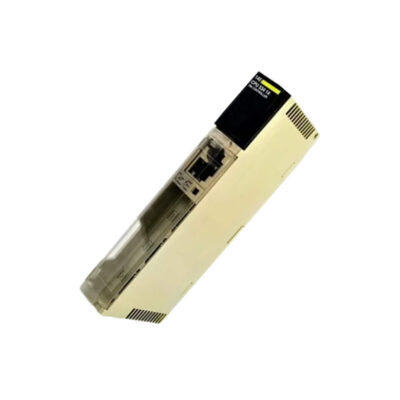
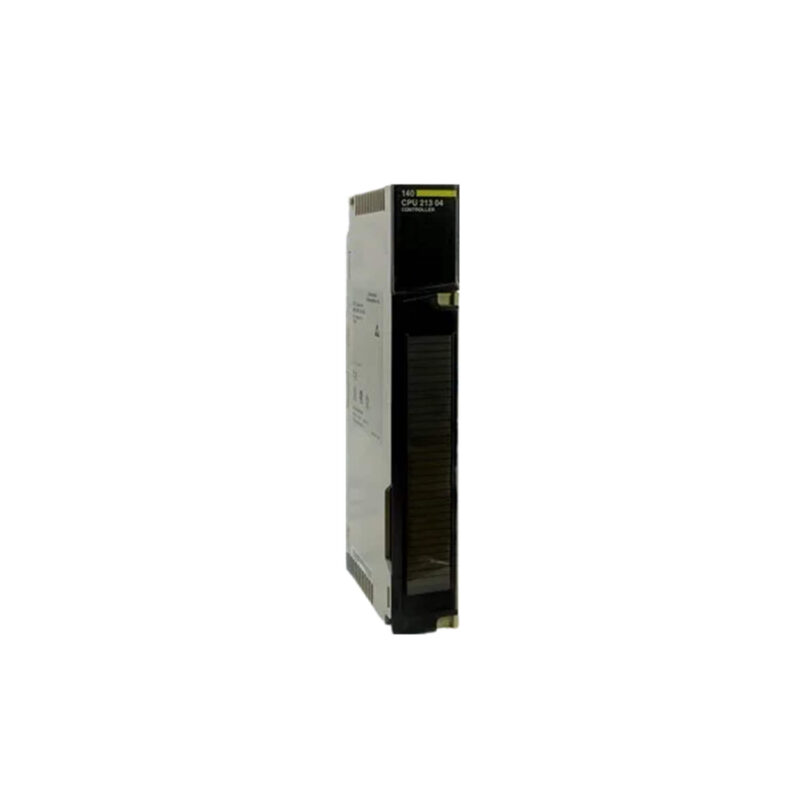
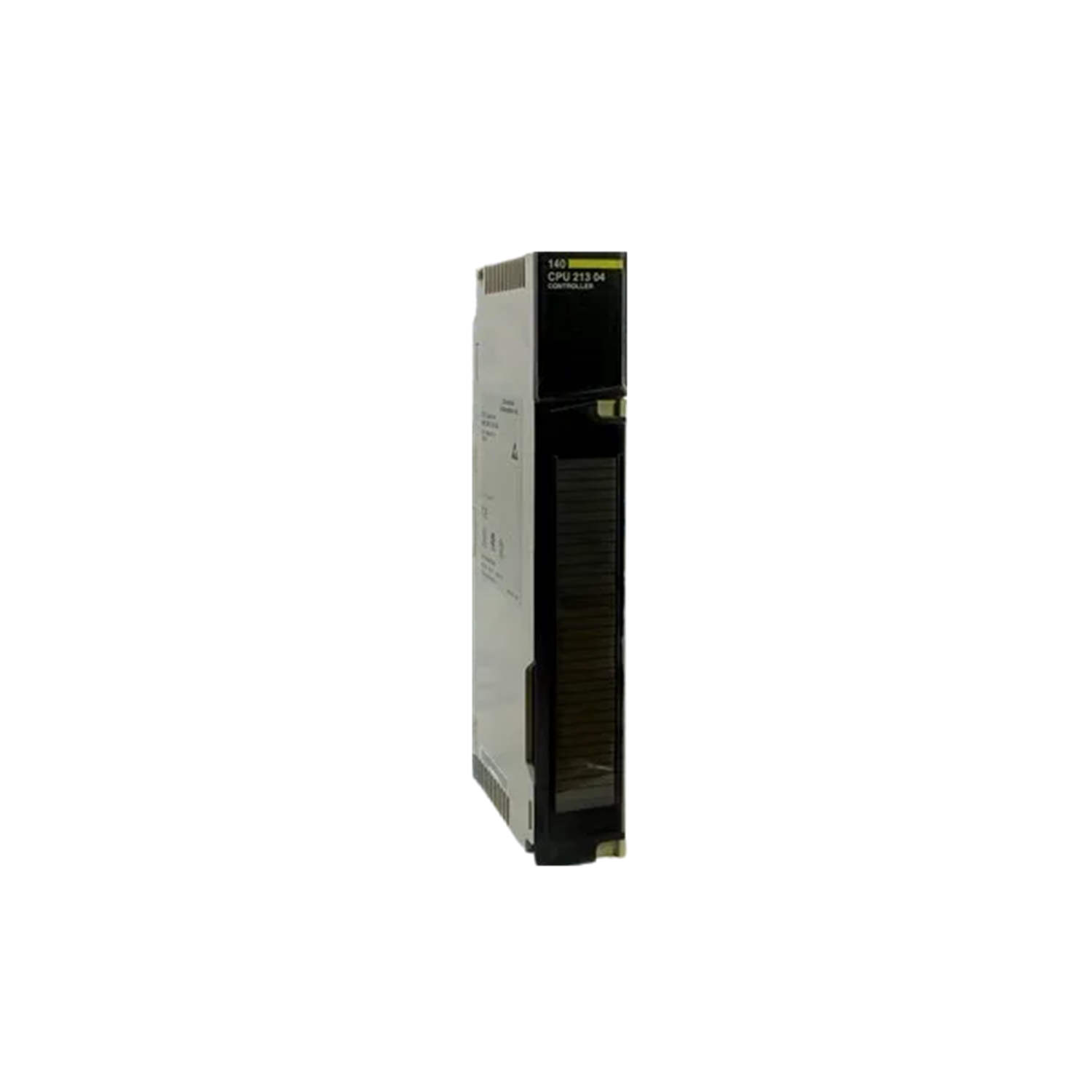
Industrial automation has evolved from simple relay logic to sophisticated distributed control systems. The Schneider Modicon Quantum 140CPU21304C CPU module exemplifies this progression, offering robust processing for demanding applications. Designed for harsh environments, this rack-mounted controller includes a conformal coating that protects against moisture, dust, and corrosive atmospheres. With 768 KB of RAM and 16 KB of program memory, it handles complex math instructions efficiently. The module supports both local and remote I/O configurations, making it a versatile choice for system architects seeking reliability and flexibility.
Technical Specifications Breakdown
Key parameters for the 140CPU21304C are listed below for quick reference:
| Feature | Specification |
|---|---|
| Manufacturer | Schneider Electric |
| Product Type | CPU Module |
| Product Line | Modicon Quantum |
| Part Number | 140CPU21304C |
| Coating Type | Conformal Coated (Harsh Env) |
| Mounting Type | Rack-mounted |
| RAM | 768 KB |
| Program Memory | 16 KB |
| Execution Time (Boolean) | ~0.3 µs |
| Battery-backed RAM | Yes |
| Modbus Port | 1 x RS232 |
| Modbus Plus Port | 1 x Modbus Plus |
| I/O Support | Local and Remote |
| Watchdog Function | Integrated |
| Status LEDs | RUN, ERR, I/O, COMM |
| Operating Temp | 0…60°C |
Industry Applications
Process Manufacturing with Harsh Conditions
In chemical plants or food processing facilities, airborne contaminants can degrade standard electronics. The conformal coating on this module ensures reliable operation in such environments. Its 768 KB RAM supports data logging from multiple sensors, while the 16 KB program memory handles control loops. The integrated watchdog function automatically resets the system if a fault occurs, minimizing downtime.
Remote I/O for Distributed Systems
For large-scale operations like water treatment plants, the ability to support both local and remote I/O is critical. This controller communicates with remote I/O racks via Modbus Plus, reducing wiring costs. The RS232 Modbus port allows connection to HMIs or SCADA systems for real-time monitoring.
High-Speed Discrete Control
The battery-backed RAM retains program data during power outages, ensuring quick recovery without reprogramming.
Installation & Setup Guidance
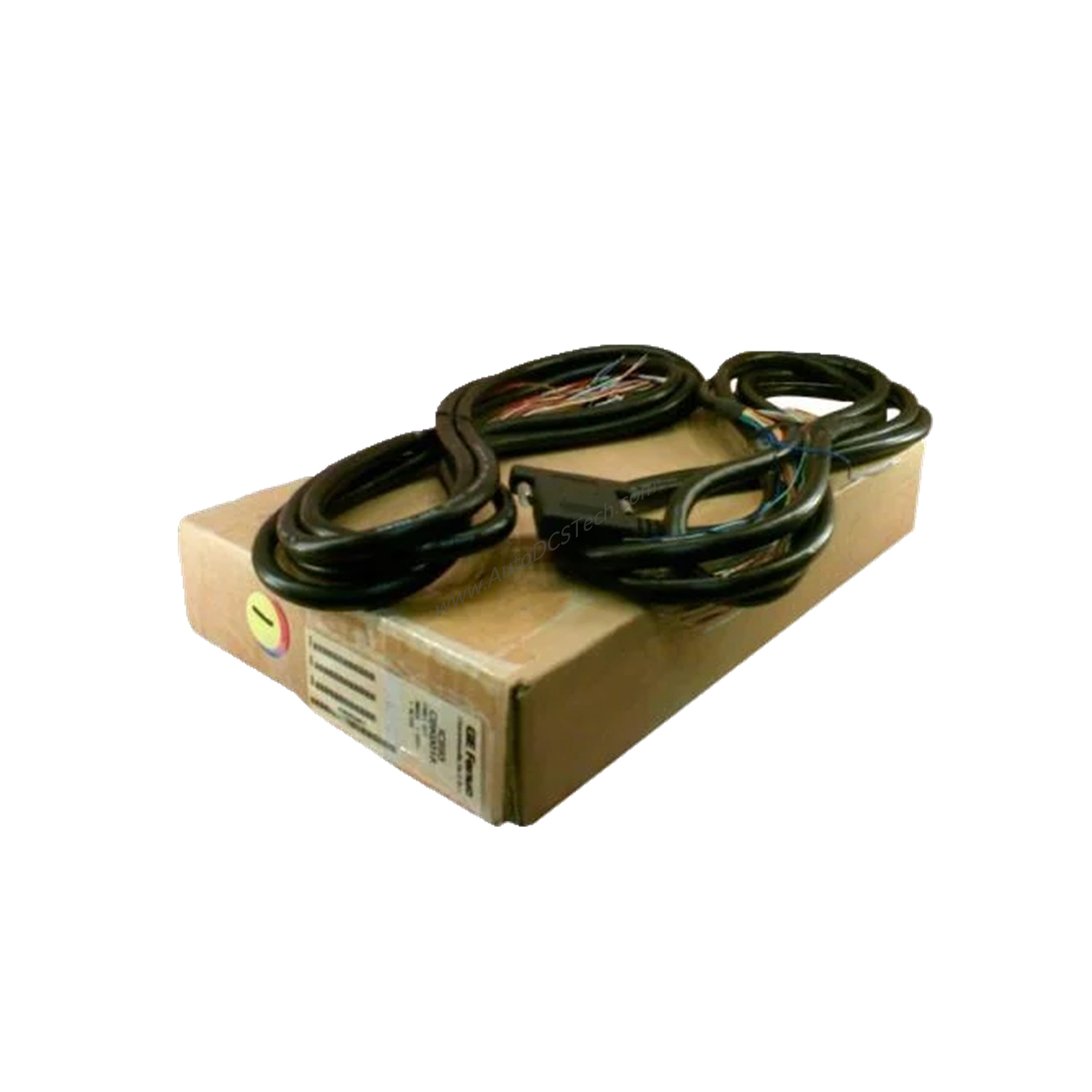
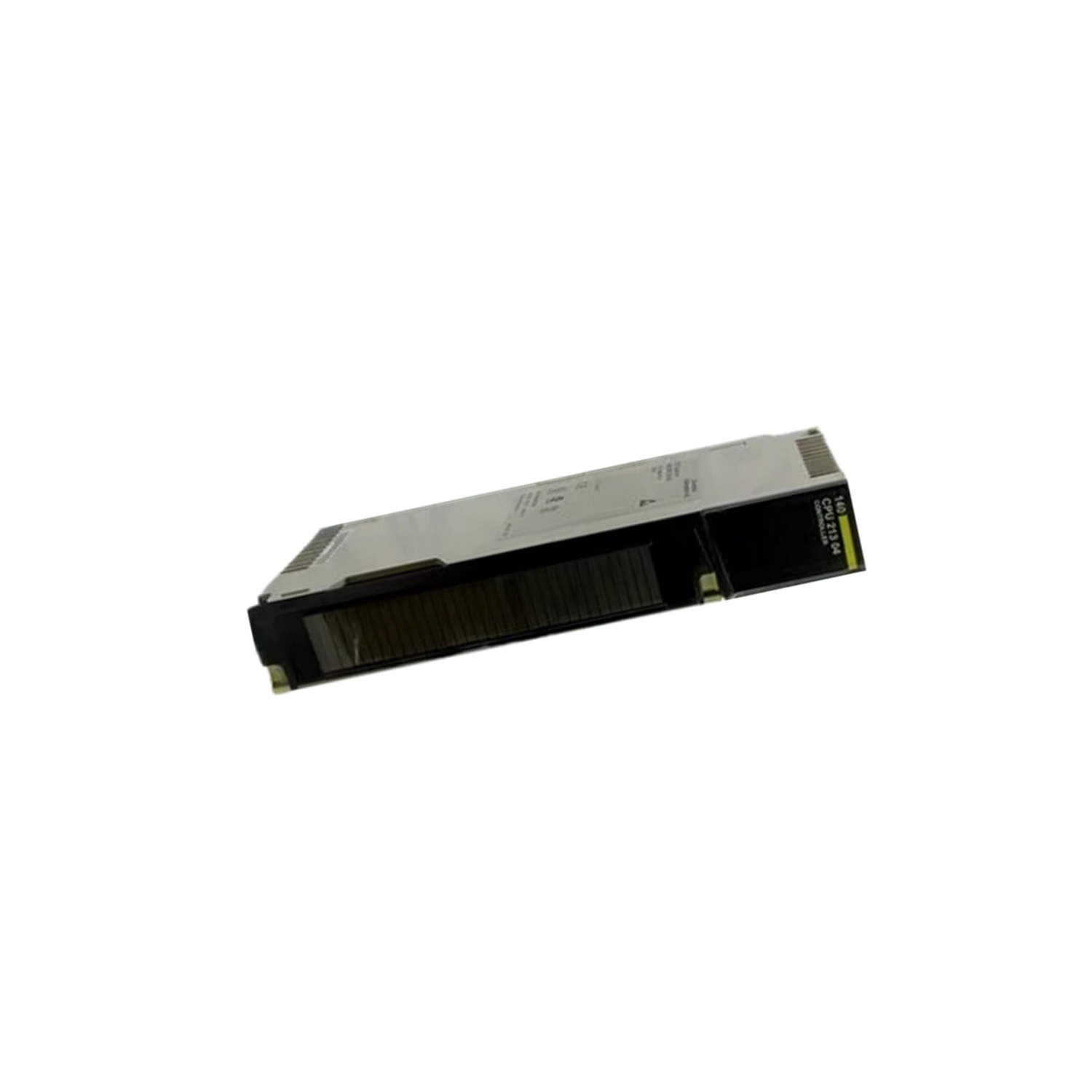
Mount the module into a compatible Modicon Quantum rack. Ensure the rack is properly grounded. Connect the RS232 Modbus port to a programming device using a standard serial cable. For Modbus Plus networking, use dedicated cabling and terminators. Configure I/O mapping in the programming software to assign local and remote points. Set the watchdog timeout according to application needs. Verify that ambient temperature stays within 0 to 60°C to avoid overheating.
Maintenance & Reliability
Inspect the conformal coating periodically for cracks or wear, especially in high-vibration environments. Clean the module with a dry, lint-free cloth; avoid solvents that may damage the coating. Check battery-backed RAM status; replace the lithium battery every 5 years or as indicated by the ERR LED. Monitor the COMM LED for network communication errors.
Compatibility & Integration
It supports Modbus RTU over RS232 for legacy device connectivity and Modbus Plus for high-speed peer-to-peer networking. For system expansion, use remote I/O drops connected via Modbus Plus. The 140CPU21304C is compatible with Schneider Electric's Unity Pro and Concept programming software.
Selection Guide & Purchasing Advice
When selecting a CPU module for harsh environments, prioritize conformal coating and sufficient memory. The 140CPU21304C offers a balanced combination of processing speed and I/O flexibility. For applications requiring extensive program memory, consider higher-tier Quantum CPUs. Contact AutoDCSTech to verify current lifecycle status and availability before ordering. Our team can help match this module to your existing system.
Troubleshooting & Common Issues
- RUN LED off: Check power supply and rack connection. Ensure the module is properly seated.
- ERR LED flashing: Indicates a hardware fault. Cycle power; if persistent, replace the module.
- I/O LED red: Verify I/O module connections and configuration. Check for short circuits.
- COMM LED off: Inspect Modbus/Modbus Plus cabling and terminator resistors.
- Battery-backed RAM lost: Replace the battery and reload the program.
Availability & Condition at AutoDCSTech
| Part Number | 140CPU21304C |
|---|---|
| Availability | In Stock |
| Condition | New |
| Warranty | One Year |
| Origin | France |