Product Overview
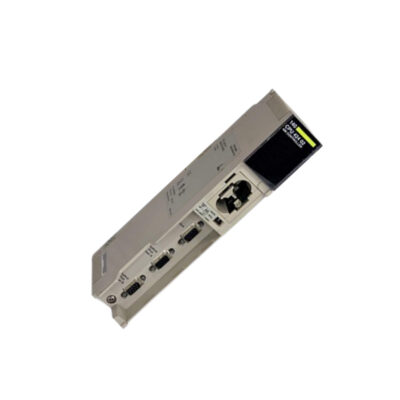
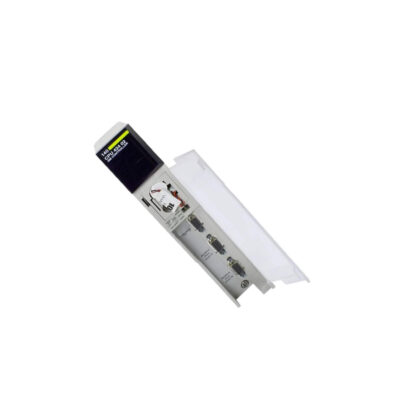
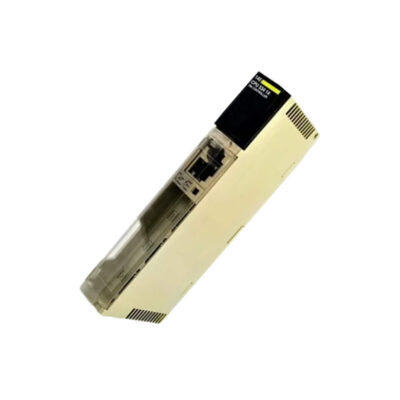
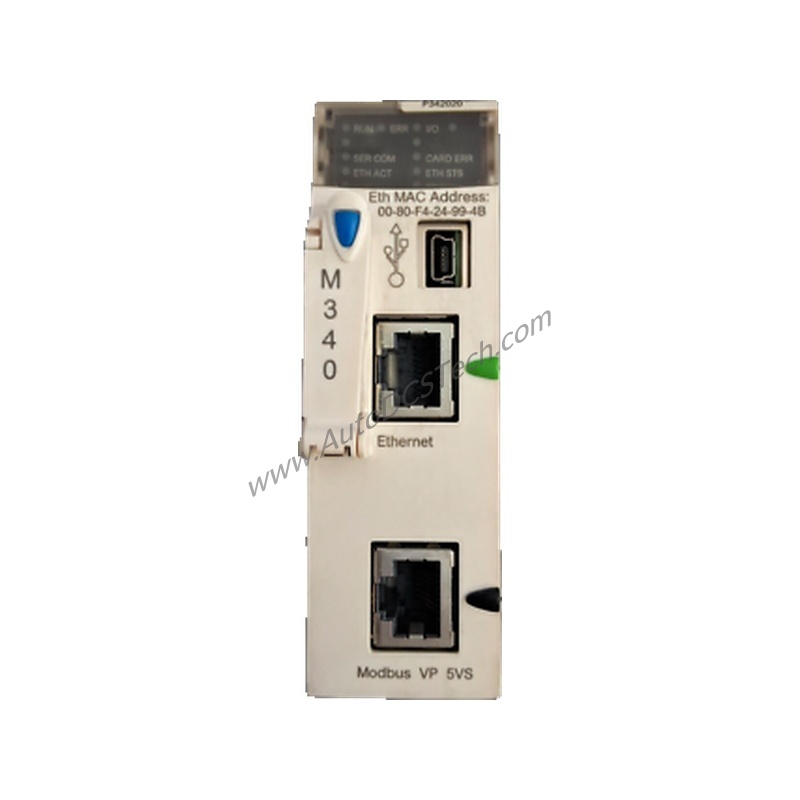
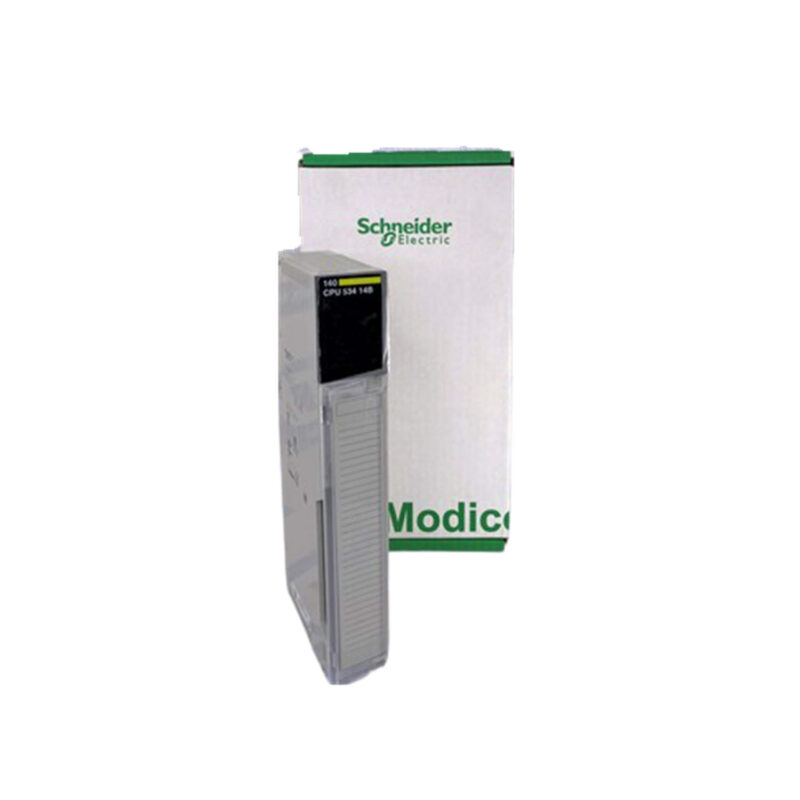
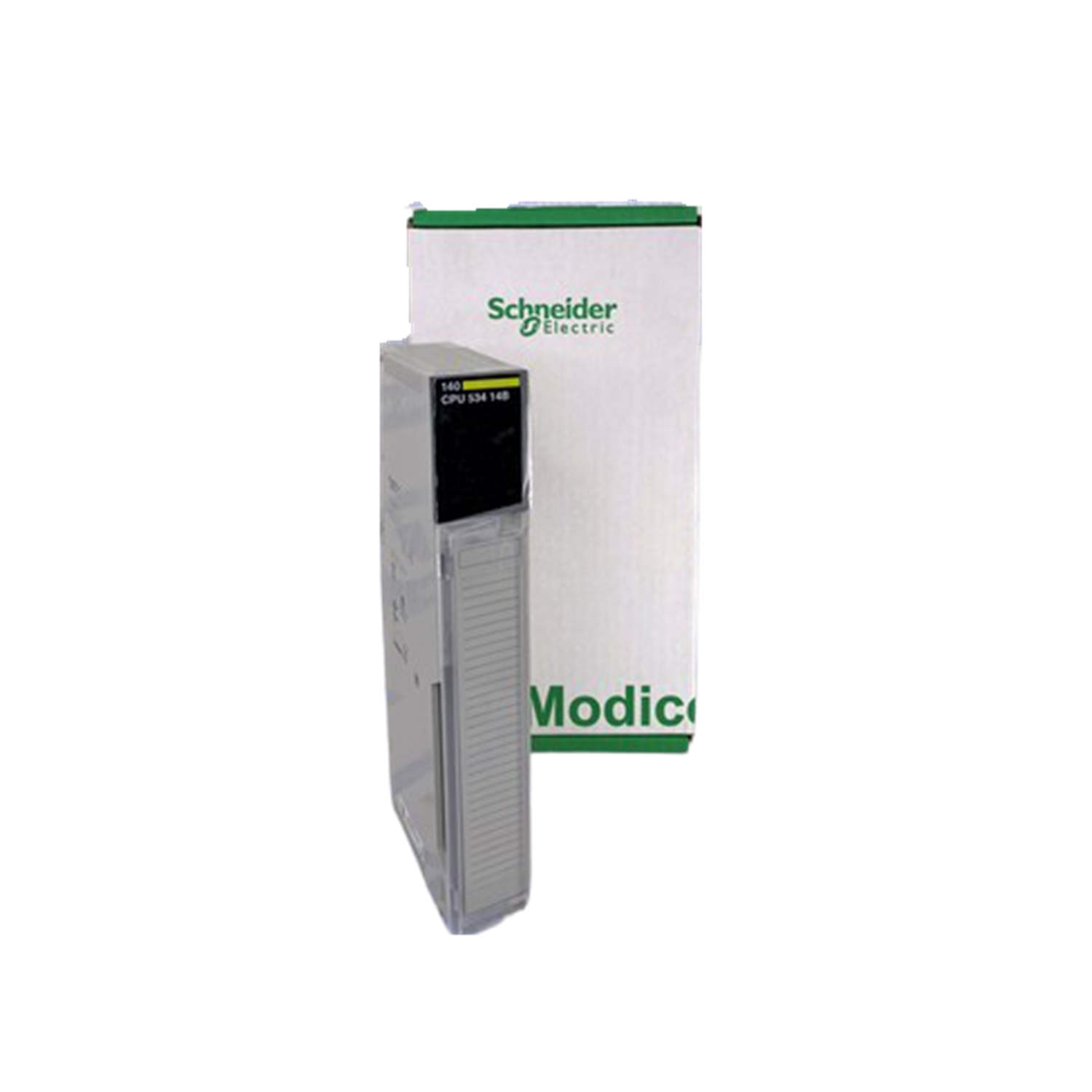
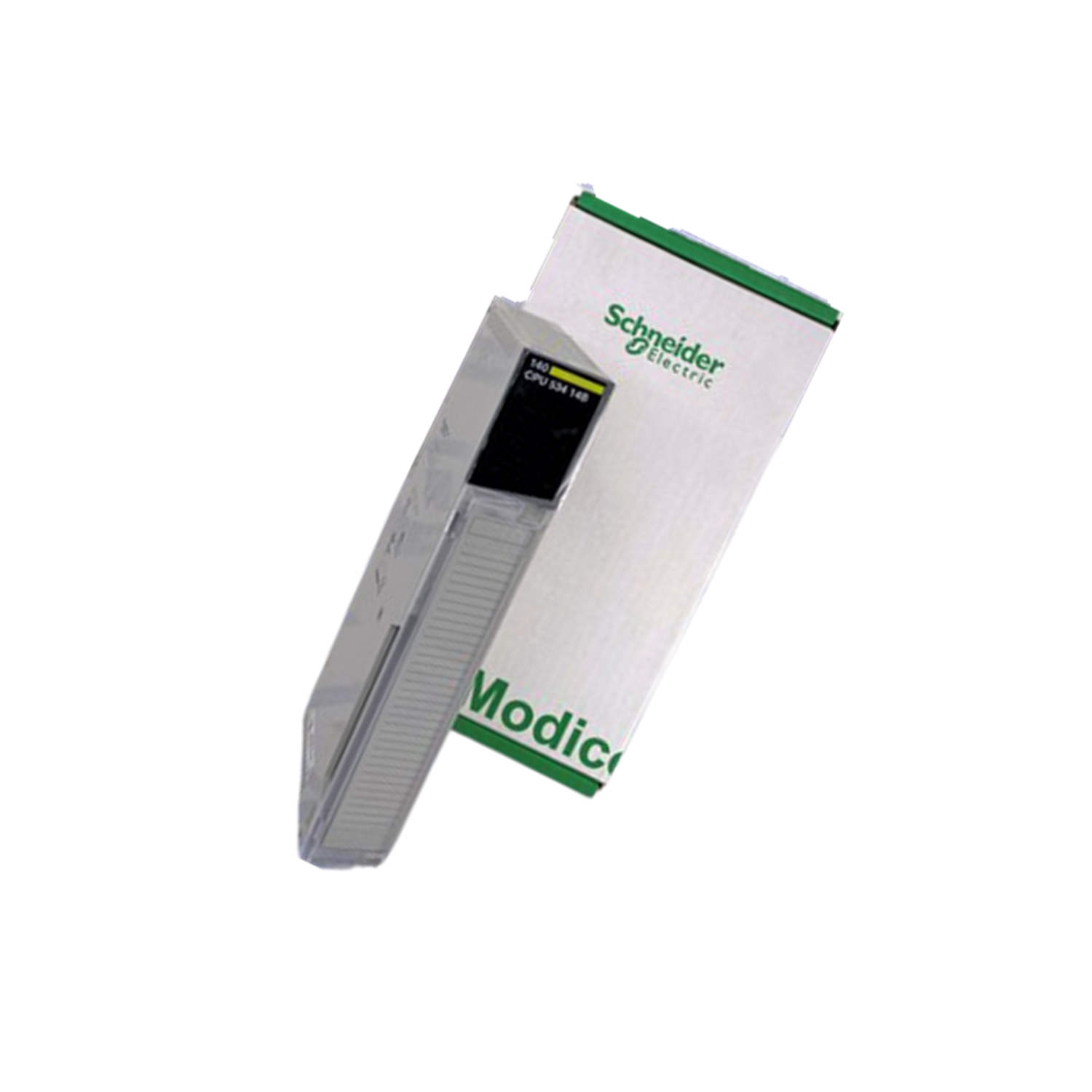
The Schneider Electric 140CPU53414C is a CPU module from the Modicon Quantum series, designed to deliver reliable processing for complex industrial automation tasks. Its robust construction includes a protective coating (CC) for enhanced durability in harsh environments.
Technical Specifications Breakdown
Key parameters for the 140CPU53414C are listed below for quick reference:
| Feature | Specification |
|---|---|
| Manufacturer | Schneider Electric |
| Product Type | CPU Module |
| Product Line | Modicon Quantum |
| Part Number | 140CPU53414C |
| Memory Type | Internal RAM |
| RAM | 586 KB |
| Program Memory | 4 MB |
| Communication Ports | Modbus RS232/Plus |
| Power Supply | 5 V DC |
| Max Number of I/O Slots | Up to 24 |
| Communication Memory | 1 MB+ CC |
| Execution Time (Boolean) | ~0.2 µs |
| Processor Type | Quantum Processor |
| Instruction Rate | ~2 Kinst/ms |
| Memory Expansion | Yes (PCMCIA slot) |
| Protective Coating | Yes (CC) |
| Operating Temperature | Industrial Range |
Industry Applications
With a Boolean execution time of ~0.2 µs and an instruction rate of ~2 Kinst/ms, it handles fast-paced assembly lines and packaging systems efficiently. The Modbus RS232/Plus ports enable seamless integration with existing SCADA and HMI systems, reducing integration costs. For facilities facing memory constraints, the 4 MB program memory and PCMCIA expansion slot allow scalable automation solutions without replacing the entire controller.
Installation & Setup Guidance
When installing the 140CPU53414C, ensure the power supply is 5 V DC and stable. Mount the module in a Modicon Quantum backplane with up to 24 I/O slots. Use the Modbus RS232/Plus ports for initial configuration via a programming tool like Unity Pro. Verify the protective coating (CC) is intact before installation. For memory expansion, insert a compatible PCMCIA card into the slot. Always follow Schneider Electric's standard ESD precautions.
Maintenance & Reliability
The protective coating (CC) enhances resistance to moisture and contaminants, making this module suitable for industrial environments. Periodically inspect the module for dust accumulation and ensure proper ventilation. The operating temperature range is designed for industrial conditions, but avoid extreme thermal cycling. Check communication memory usage (1 MB+ CC) regularly to prevent data bottlenecks. No specific disassembly is recommended; contact AutoDCSTech for service inquiries.
Compatibility & Integration
This CPU module integrates with Modicon Quantum I/O modules via the backplane. The Modbus RS232/Plus communication ports support peer-to-peer and master-slave configurations, enabling connectivity with drives, sensors, and other controllers. The PCMCIA slot allows memory upgrades, ensuring long-term adaptability. For mixed-protocol environments, use a Modbus gateway if needed.
Selection Guide & Purchasing Advice
When selecting the 140CPU53414C, consider your program size and I/O count. With 4 MB program memory and support for up to 24 I/O slots, it fits medium-scale applications. The 586 KB RAM handles complex logic, while the ~0.2 µs execution time suits high-speed tasks. For enhanced memory, use the PCMCIA slot. AutoDCSTech offers this module with verified stock and fast shipping. Please verify current lifecycle status and availability with AutoDCSTech before ordering.
Troubleshooting & Common Issues
If the module fails to communicate, check the Modbus RS232/Plus connections and verify the power supply is 5 V DC. For memory errors, ensure the PCMCIA card is properly seated. If the execution time seems slow, review program complexity and scan cycle settings. The protective coating (CC) should remain intact; if damaged, contact AutoDCSTech for replacement options. For persistent issues, consult the Schneider Electric documentation.
Availability & Condition at AutoDCSTech
| Part Number | 140CPU53414C |
|---|---|
| Availability | In Stock |
| Condition | New |
| Warranty | One Year |
| Origin | France |