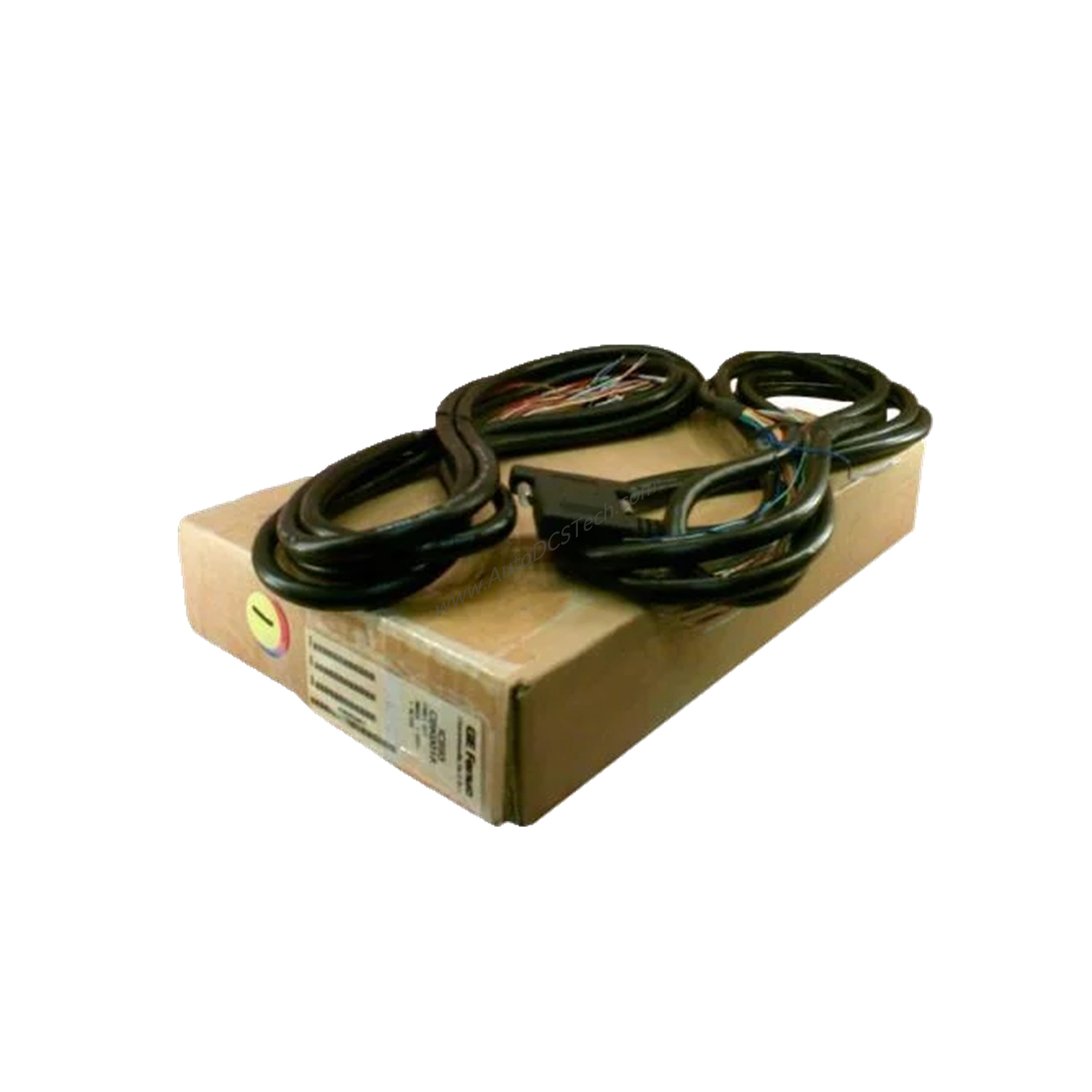
Product Overview
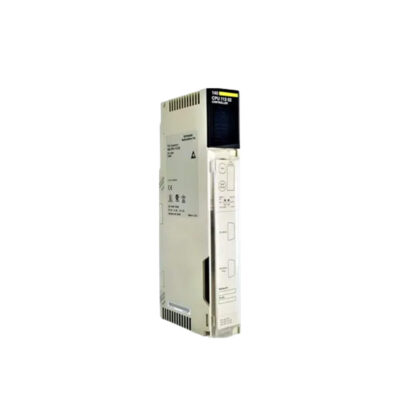
This 10-slot baseplate hosts the CPU, I/O modules, power supply, and expansion bus port in a single unit. Designed for maintenance engineers who value straightforward setup and dependable operation, it simplifies system architecture while ensuring robust performance.
Technical Specifications Breakdown
- Voltage: Operates at 5 Volts DC, providing stable power to attached modules.
- Current: Draws 420 milliAmperes, ensuring efficient energy use.
- Slot Configuration: Ten slots total, with one dedicated CPU slot and nine I/O slots. An unnumbered slot handles the power supply module.
- Connector: A 25-Pin female connector on the right side links expansion or remote baseplates.
- Default Rack Address: Set to rack number 0, adjustable via programming software.
Industry Applications
In manufacturing lines, the IC693CHS391 serves as the central hub for controlling conveyor systems, packaging machines, and assembly stations. Its nine I/O slots accommodate diverse modules like analog inputs, discrete outputs, or specialty cards. For example, a bottling plant uses this baseplate to manage fill-level sensors and motor starters, benefiting from the modular design that simplifies troubleshooting and upgrades.
Installation & Setup Guidance
Mount the IC693CHS391 baseplate on a panel using screws and washers through the provided holes. Install the power supply in the leftmost unnumbered slot, then place the CPU in slot 1. I/O modules occupy slots 2 through 10. Connect expansion baseplates via the 25-pin female connector using a cable less than 700 feet long. Set the default rack address to 0 using the DIP switch, then modify it in the programming software if needed. Ensure the environment stays within specified temperature ranges and away from water, dust, and chemicals.
Maintenance & Reliability
From a maintenance perspective, the IC693CHS391 offers easy access to all slots for module replacement without disturbing wiring. Inspect the baseplate periodically for loose connections or signs of corrosion. Keep the area clean and avoid exposure to harmful chemicals. Since the product is discontinued/obsolete, verify current lifecycle status and availability with AutoDCSTech before ordering. Regular inspection ensures long-term reliability in critical automation tasks.
Compatibility & Integration
It supports one CPU baseplate per system, with up to four or seven expansion baseplates depending on the CPU model. Connect to a personal computer using a PCI card for programming and monitoring. The IC693CHS391 works with both CPU and specialty modules like FIP Bus Remote I/O scanners in slot 1.
Selection Guide & Purchasing Advice
Before purchasing the IC693CHS391, confirm your system requires a single CPU baseplate with ten slots. Check that your power supply module fits the unnumbered slot and that your I/O modules are Series 90-30 compatible. AutoDCSTech stocks this discontinued/obsolete model, but availability may be limited. Contact our team to verify stock and explore replacement options if needed. We ensure fast, reliable service for your industrial automation needs.
Availability & Condition at AutoDCSTech
| Part Number | IC693CHS391 |
|---|---|
| Availability | In Stock |
| Condition | New |
| Warranty | One Year |
| Origin | US |