Technical Specifications Breakdown
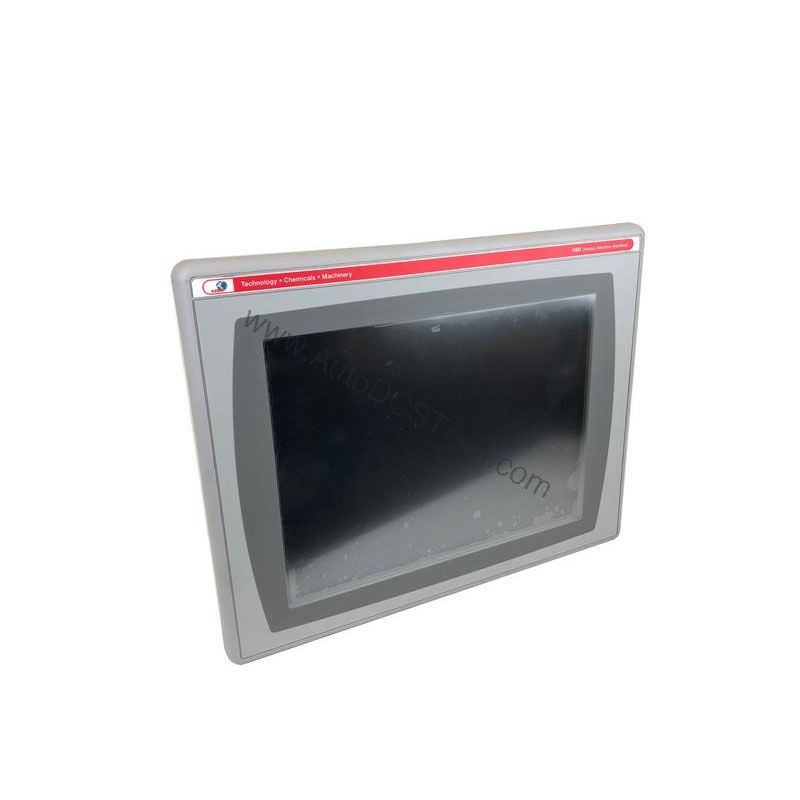
Key parameters for the 2711P-B4C20D are listed below for quick reference:
| Feature | Specification |
|---|---|
| Brand | Allen-Bradley |
| Manufacturer | Rockwell Automation |
| Part Number | 2711P-B4C20D |
| Product Line | PanelView Plus 400 |
| Display Size | 3.5 inch |
| Display Color | Color |
| Input Type | Keypad/Touchscreen |
| Communication | Ethernet and RS-232 Ports |
| Input Power | DC |
| Memory | 64 MB |
| Series | A, B, C, D, E |
Industry Applications
This operator terminal is well-suited for discrete manufacturing, process control, and material handling applications where space is at a premium. For example, on a packaging machine, the 2711P-B4C20D can display real-time production counts and allow operators to enter batch parameters via the keypad or touchscreen. In a small water treatment skid, it can show pump status and alarm messages while providing a simple interface for manual override. Its compact size and dual-input capability make it a versatile choice for OEMs looking to standardize on a single HMI across multiple machine types.
Installation & Setup Guidance
When installing the 2711P-B4C20D, mount it in a panel cutout that provides adequate clearance for ventilation and cable routing. Ensure the DC power supply is within the specified range and properly filtered to avoid noise-induced resets. For communication, connect the Ethernet port to your network switch and the RS-232 port to serial devices such as barcode scanners or printers. Use the development environment to configure the display, tag database, and user access levels. Because the terminal is designed for industrial environments, avoid installing it where ambient gases may have an ignition temperature below the safe threshold—refer to the product manual for exact limits.
Maintenance & Reliability
To maintain reliable operation, inspect the terminal periodically for dust accumulation on the screen and enclosure. Clean the touchscreen with a soft, dry cloth; avoid solvents that could damage the overlay. Check all cable connections for tightness and signs of wear. Since the unit is discontinued, it is wise to keep a spare on hand to minimize downtime. Verify that the operating environment stays within the recommended temperature range to prevent overheating and premature component failure.
Compatibility & Integration
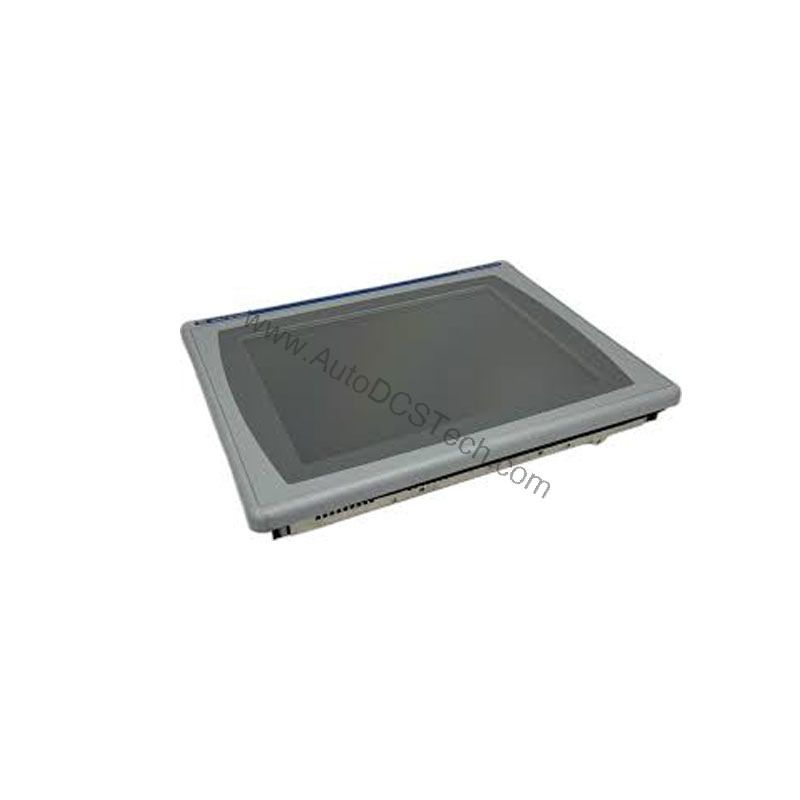
The 2711P-B4C20D supports Ethernet and RS-232 communication, allowing it to connect to a wide range of PLCs and controllers. Use the Ethernet port for high-speed data exchange with modern Rockwell Automation controllers, and the RS-232 port for legacy serial devices. The 64 MB memory provides ample space for application files and data logging. With support for multiple series (A through E), this terminal can be used in various system revisions, making it a flexible replacement option.
Selection Guide & Purchasing Advice
Before ordering, confirm that the 2711P-B4C20D meets your application requirements in terms of display size, input method, and communication ports. Since this product is discontinued, verify current availability and lifecycle status with AutoDCSTech. Our team can help you source genuine Allen-Bradley parts and recommend alternatives if needed. Contact us for a quote and fast shipping options.
Troubleshooting & Common Issues
If the display is blank, check the DC power supply and fuses. If communication fails, verify IP settings on the Ethernet port and baud rate on the RS-232 port. For touchscreen calibration issues, use the built-in calibration utility. If the keypad is unresponsive, ensure that no object is pressing on the screen. For persistent problems, consult the user manual or contact AutoDCSTech for technical support.
Availability & Condition at AutoDCSTech
| Part Number | 2711P-B4C20D |
|---|---|
| Availability | In Stock |
| Condition | New |
| Warranty | One Year |
| Origin | US |
Datasheet & Downloads
Specification sheet for 2711P-B4C20D. For lead time, condition and price, contact our team.