Technical Specifications Breakdown
Key parameters for the 2711P-B6C5A8 are listed below for quick reference:
| Feature | Specification |
|---|---|
| Manufacturer | Rockwell Automation |
| Brand | Allen-Bradley |
| Part Number/Catalog No. | 2711P-B6C5A8 |
| Product Line | PanelView 6 Plus |
| Display Size | 5.7 in. |
| Display Color | Color |
| Input Type | Keypad/Touchscreen |
| Communication | RS-232 |
| Input Power | 100-240 VAC |
| Memory | 256 MB RAM |
| Backlight | Non-replaceable |
| Communication Cable | 2711-NC14 |
| Shipping Weight | 6 lbs. |
| Shipping Dimensions | 14 x 11 x 8 in |
| Series | Series A and Series B |
Industry Applications
This HMI is well-suited for applications where operators need a clear, interactive view of machine status. In a food and beverage plant, for example, the 2711P-B6C5A8 can display real-time process values and allow operators to enter batch parameters via the keypad or touchscreen. In a water treatment facility, the RS-232 port can connect to a PLC for remote monitoring and control, helping to maintain consistent water quality.
Installation & Setup Guidance
When installing the 2711P-B6C5A8, ensure the AC input power is within the specified range of 100-240 VAC. Use the included communication cable (2711-NC14) for RS-232 connections. For serial communication, the RS-232 port supports DH-485, DF1 full-duplex, and third-party point-to-point protocols. You can also use this port for application transfers and printing. The serial port is a 9-pin male connector with a cable length of 15.24 meters, so plan your cable routing accordingly. For uploads and downloads between the terminal and a computer, a direct connection is supported. Always follow the manufacturer's guidelines for panel cutout and clearance to ensure proper ventilation.
Maintenance & Reliability
The backlight for the touchscreen is non-replaceable, so plan for the eventual need to replace the entire unit. To extend the life of the HMI, keep the display clean and avoid exposing it to excessive dust or moisture. Inspect the unit periodically for any signs of wear on the keypad or touchscreen. Since the backlight is not user-serviceable, avoid disassembling the unit; instead, contact a qualified service provider if the display becomes dim or unreadable. The unit's non-volatile memory (512 MB) helps preserve your application data, but regular backups are still recommended.
A Compact HMI That Keeps Your Line Running
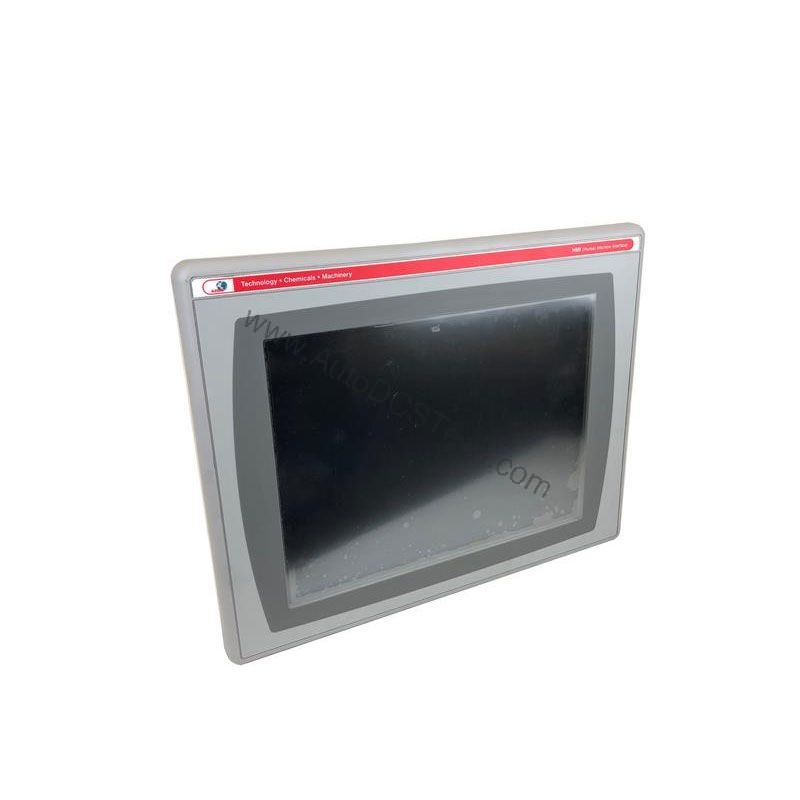
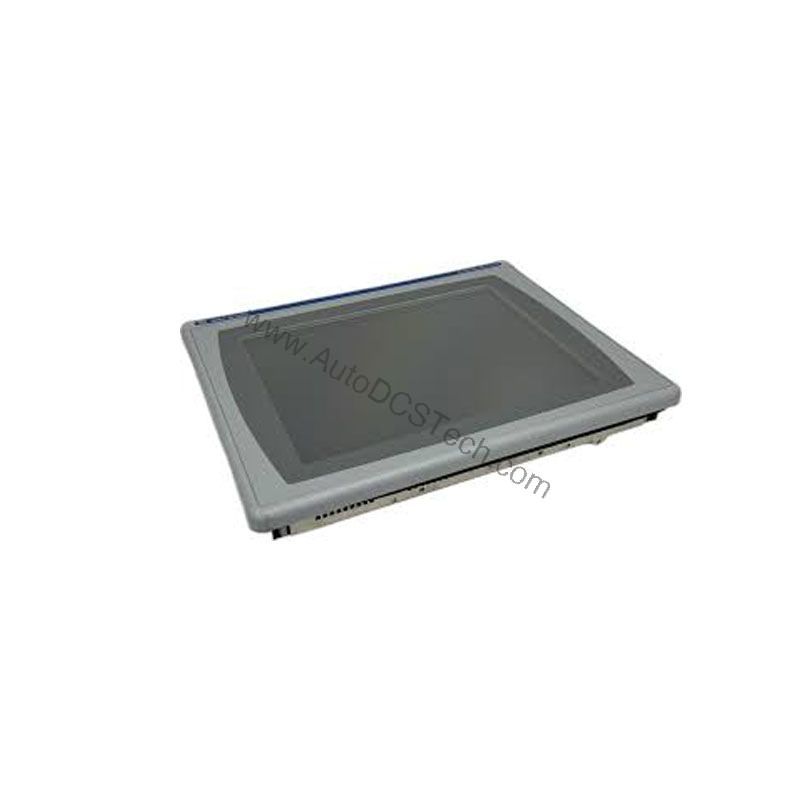
On a busy packaging line, a machine operator needs to monitor and adjust parameters quickly. A slow or unresponsive interface can cause costly downtime. The Allen-Bradley 2711P-B6C5A8 from the PanelView Plus 6 series addresses this challenge with a 5.7-inch color display and dual input options. This operator interface terminal lets you interact with your machine using either the keypad or the touchscreen, giving you flexibility in how you control your processes.
Compatibility & Integration
The 2711P-B6C5A8 is part of the PanelView Plus 6 series, which is designed to work with various Rockwell Automation controllers. The RS-232 port provides a versatile communication interface, supporting DH-485 and DF1 full-duplex protocols. This allows you to connect to Allen-Bradley PLCs and other devices that use these protocols. The port also supports third-party point-to-point communication, giving you flexibility in integrating with non-Rockwell equipment. For application transfers and printing, the same port can be used, simplifying your wiring. When integrating, ensure that your controller's communication settings match the HMI's configuration.
Selection Guide & Purchasing Advice
When selecting an HMI for your application, consider the display size, input method, and communication options. The 2711P-B6C5A8 offers a balanced combination of a 5.7-inch color display, keypad/touchscreen input, and RS-232 communication. If you need a compact, reliable operator interface for a machine that requires frequent operator interaction, this model is a solid choice. For availability and current lifecycle status, contact AutoDCSTech. They can confirm if the 2711P-B6C5A8 is in stock and provide guidance on alternatives if needed. AutoDCSTech specializes in industrial automation parts and can help you find the right solution for your control system.
Troubleshooting & Common Issues
If the HMI does not power up, first verify that the AC input voltage is within the 100-240 VAC range and that the power supply is functioning. If the display is dim or the backlight fails, the backlight is non-replaceable, so the unit may need to be replaced. For communication issues, check the RS-232 cable connection and ensure that the cable length does not exceed 15.24 meters. Verify that the communication parameters (baud rate, parity, etc.) match the connected device. If the touchscreen or keypad becomes unresponsive, try a soft reset or reboot the unit. If problems persist, consult the user manual or contact AutoDCSTech for technical support. Always follow safety guidelines when working with electrical equipment.
Availability & Condition at AutoDCSTech
| Part Number | 2711P-B6C5A8 |
|---|---|
| Availability | In Stock |
| Condition | New |
| Warranty | One Year |
| Origin | US |