Technical Specifications Breakdown
Key parameters for the 2711P-K10C4A9 are listed below for quick reference:
| Feature | Specification |
|---|---|
| Manufacturer | Rockwell Automation |
| Brand | Allen-Bradley |
| Part Number | 2711P-K10C4A9 |
| Product Line | PanelView Plus 6 |
| Display Size | 10.4 in. |
| Display Color | Color |
| Input Type | Keypad |
| Communication | Ethernet and RS-232 |
| Input Power | 100-240 VAC |
| Memory | 512 MB RAM |
| Backlight | 2711P-RL10C2 |
| Communication Cable | 2711-NC14 |
| Shipping Weight | 8 lbs. |
| Shipping Dimensions | 16 x 14 x 8 in |
| Series | Series A and Series B |
The 2711P-K10C4A9 is a versatile operator interface suited for a range of industrial settings. Its keypad input is especially useful in environments where touchscreens are impractical, such as when operators wear gloves. Consider these scenarios:
- Packaging Lines: Operators use the keypad to start/stop cycles, monitor output counts, and adjust timing parameters. The Ethernet port allows the HMI to communicate with a PLC over EtherNet/IP, enabling real-time I/O messaging and data exchange.
- Material Handling Systems: In conveyor systems, the HMI displays status of sensors and motors. The RS-232 port can connect to legacy devices for data logging or recipe management. The 10.4-inch color display makes it easy to spot alarms at a glance.
- Process Control Panels: For batch processing, the HMI provides a clear interface for setting temperatures, pressures, and flow rates. The 512 MB RAM ensures smooth screen transitions and responsive control.
Installation and Setup Guidance
Proper installation is key to reliable operation. Here are some practical tips:
- Mounting: The terminal is designed for panel mounting. Ensure the cutout is clean and the gasket seals properly to maintain the enclosure rating.
- Power Connection: Connect the input power to a 100-240 VAC source. Verify the supply voltage matches the rating before energizing. Use a dedicated circuit to avoid electrical noise.
- Communication Wiring: For Ethernet, use a standard RJ45 cable. The port supports MDI/MDI-X, so crossover cables are not needed. For RS-232, use the 2711-NC14 cable or equivalent. Keep communication cables away from high-voltage lines to prevent interference.
- Configuration: Download the application via the Ethernet port. The EtherNet/IP settings can be adjusted directly from the terminal's screen. Each terminal on the network must have an unique IP address.
Maintenance and Reliability
To ensure long service life, follow these maintenance practices:
- Periodic Inspection: Check the display for any dead pixels or backlight issues. The backlight is replaceable; the part number is 2711P-RL10C2. Replace it when the display becomes dim.
- Cleaning: Use a soft, dry cloth to clean the screen. Avoid harsh solvents that can damage the protective overlay.
- Environmental Considerations: Keep the terminal away from excessive heat, moisture, and vibration. The unit's compact design (shipping dimensions 16 x 14 x 8 in) allows for flexible placement, but ensure adequate ventilation.
The Operator Interface That Keeps Production Lines Moving
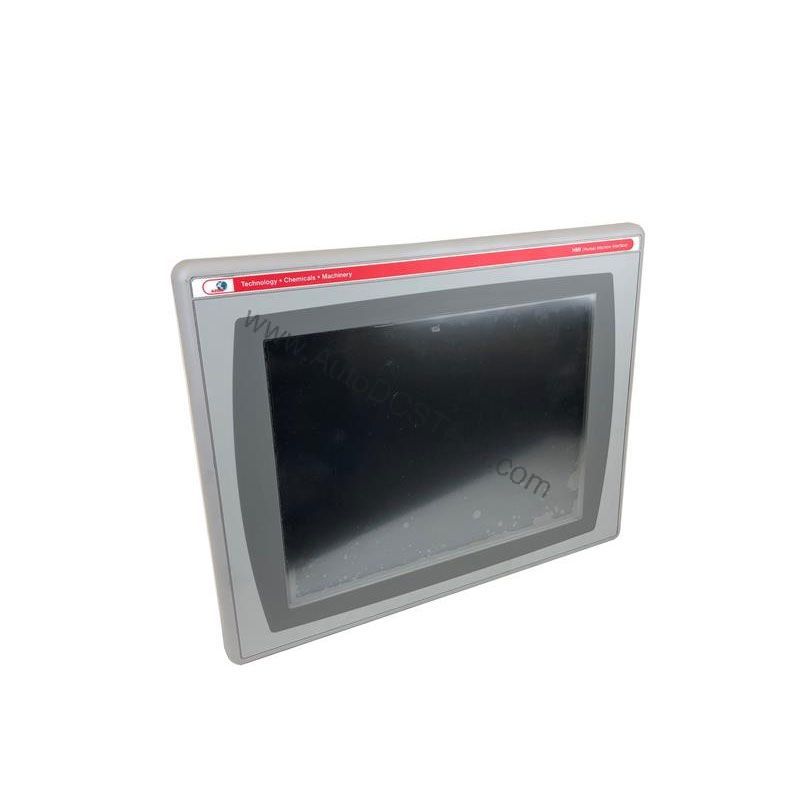
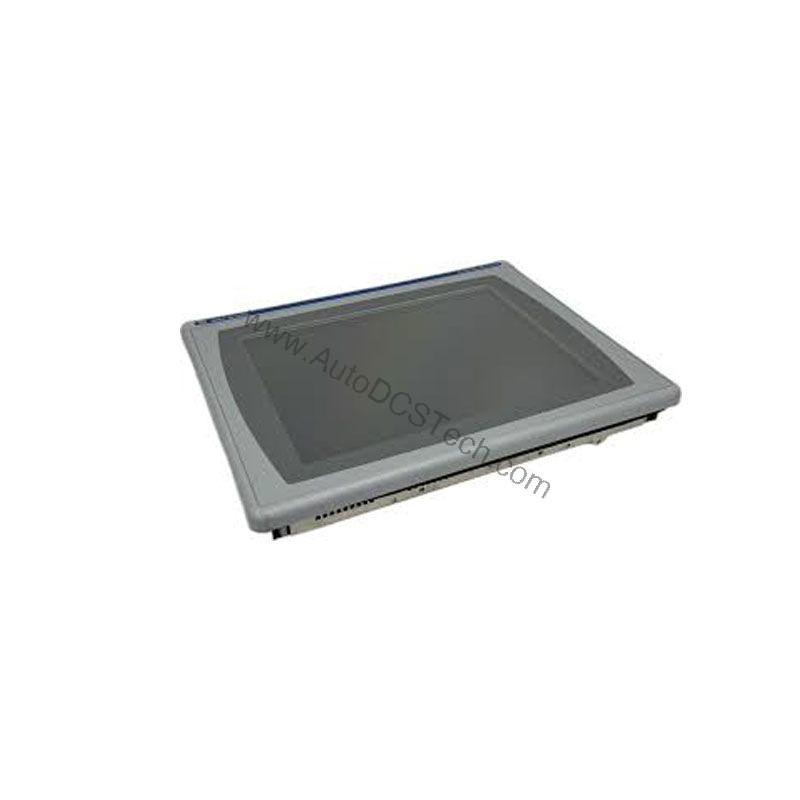
In a busy manufacturing environment, operators need a reliable window into their machines. The Allen-Bradley 2711P-K10C4A9 is an operator interface terminal designed for exactly that purpose. It sits between the user and the industrial machine, displaying real-time data and accepting commands. With a 10.4-inch color display and a keypad for data entry, this HMI provides a practical, rugged solution for controlling equipment on the factory floor.
Compatibility and Integration
The Ethernet port supports EtherNet/IP, an open industrial network that enables real-time I/O messaging and message exchange. This allows the HMI to communicate with PLCs, drives, and other devices on the same network. The RS-232 port provides a serial connection for older equipment or for programming. If additional Ethernet ports are needed, the 2711P-RN20 module is available for terminals in the 700 to 1500 range, each with its own IP address.
Selection Guide and Purchasing Advice
When selecting an operator interface, consider the display size, input method, and communication options. The 2711P-K10C4A9 offers a balanced feature set for most applications. If you need a larger screen or touch input, other PanelView Plus 6 models are available. For this specific model, AutoDCSTech can provide availability and lifecycle information. Contact AutoDCSTech to confirm stock and lead times before ordering.
Troubleshooting Common Issues
- No Display: Check power supply and connections. Verify the input voltage is within 100-240 VAC.
- Communication Failure: Ensure the Ethernet cable is securely connected and the IP address is correct. Test with a known-good cable.
- Unresponsive Keypad: Restart the terminal. If the issue persists, the keypad may need service.
- Backlight Dimming: Replace the backlight with the 2711P-RL10C2 part.
Please verify current lifecycle status and availability with AutoDCSTech before ordering.
Availability & Condition at AutoDCSTech
| Part Number | 2711P-K10C4A9 |
|---|---|
| Availability | In Stock |
| Condition | New |
| Warranty | One Year |
| Origin | US |