Technical Specifications Breakdown
Key parameters for the 2711P-K12C4D1 are listed below for quick reference:
| Feature | Specification |
|---|---|
| Brand | Allen-Bradley |
| Manufacturer | Rockwell Automation |
| Part Number | 2711P-K12C4D1 |
| Product Line | PanelView Plus 1250 |
| Display Size | 12.1 inches |
| Input Type | Keypad |
| Display Type | Full Color |
| Communication | Serial or Ethernet |
| Input Power | 18-32 Volts DC |
| Memory | 64 Megabytes |
Industry Applications
1. Batch Processing in Food & Beverage
In food and beverage plants, operators use the 2711P-K12C4D1 to monitor mixing tanks, temperatures, and valve positions. The full-color display provides clear visual feedback, while the keypad allows quick entry of recipe parameters. Ethernet communication enables seamless integration with PLCs and SCADA systems, improving overall equipment effectiveness (OEE).
2. Packaging Line Control
For packaging machinery, this terminal offers real-time status of conveyor speeds, sensor inputs, and alarm conditions. The 12.1-inch screen gives operators a comprehensive view of multiple machine zones, reducing the need for physical walk-throughs.
3. Water & Wastewater Treatment
In water treatment facilities, the 2711P-K12C4D1 can display pump status, flow rates, and chemical dosing levels. Serial communication supports legacy field devices, while Ethernet allows remote monitoring from a central control room. The DC input power range (18-32 Volts DC) makes it suitable for plants with DC control systems.
Installation & Setup Guidance
Before mounting the 2711P-K12C4D1, verify that the input power source is within the 18-32 Volts DC range. Use a dedicated power supply to avoid voltage fluctuations. The terminal is designed for panel mounting; ensure the cutout dimensions match the unit's physical size. Connect the Ethernet cable to a managed switch for reliable network communication. For serial connections, use the RS-232 port with proper shielding to minimize electromagnetic interference. After wiring, power up the unit and configure the communication parameters via the setup menu. Always follow the manufacturer's guidelines for grounding and wiring to prevent damage.
Maintenance & Reliability
To maintain reliable operation, inspect the terminal periodically for dust accumulation on the screen and keypad. Use a soft, dry cloth to clean the display; avoid harsh chemicals that may damage the protective overlay. Check all cable connections for tightness and signs of wear. Since the unit is discontinued, consider stocking spare parts or a replacement unit to avoid extended downtime. Regularly back up your application files to a CompactFlash card to prevent data loss.
Is Your HMI Holding Back Your Line Efficiency?
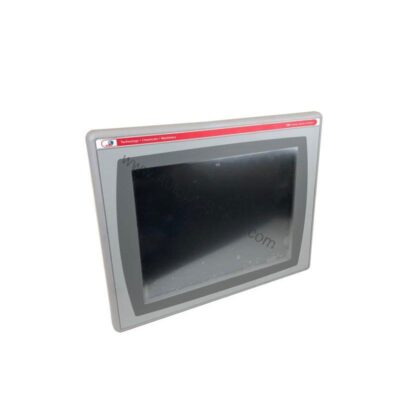
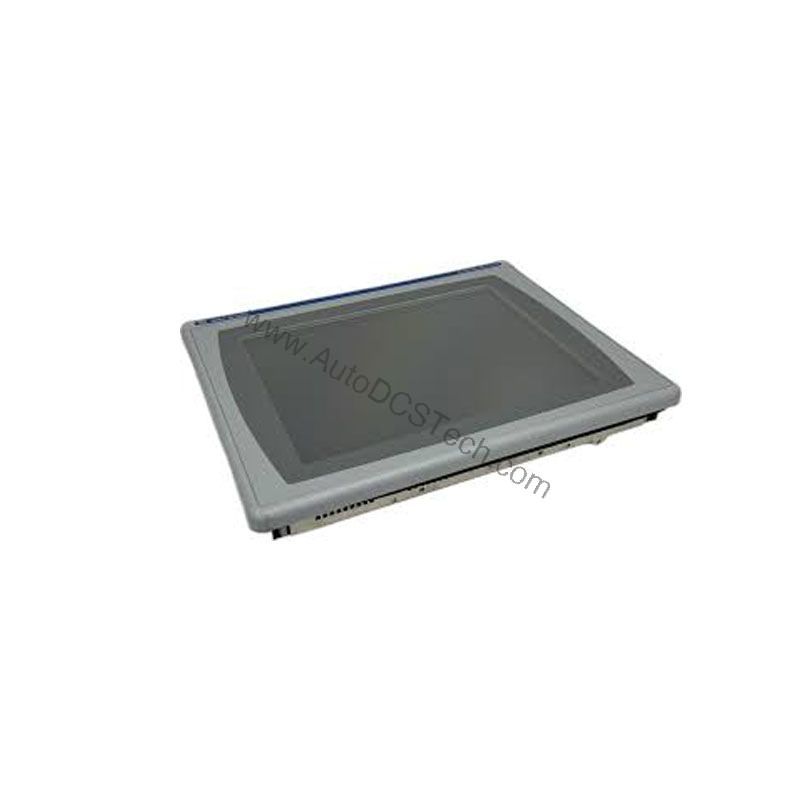
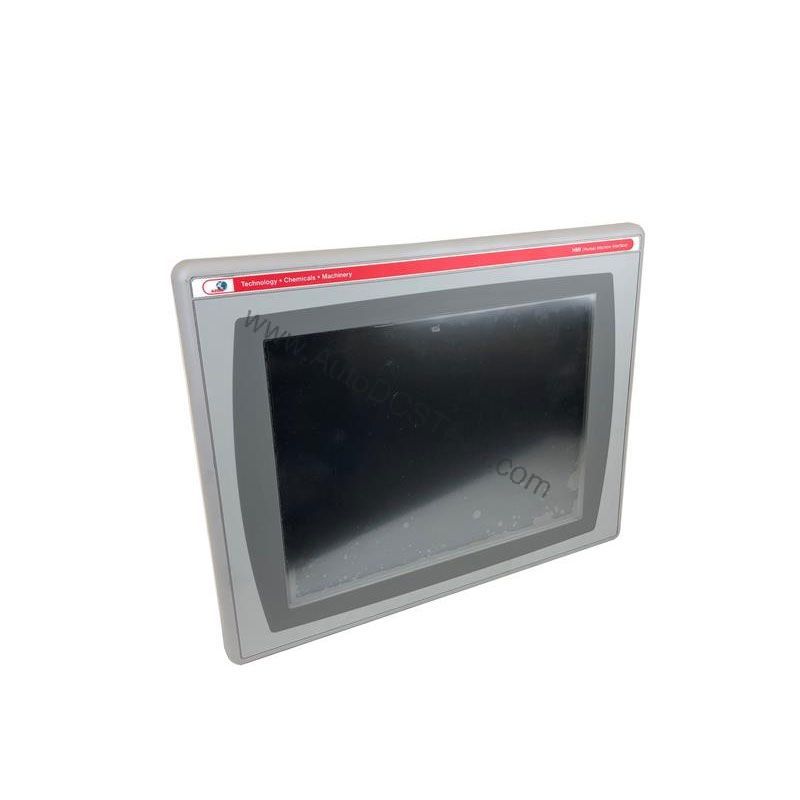
The Allen-Bradley 2711P-K12C4D1 from the PanelView Plus 1250 series addresses this challenge with a robust keypad-based interface designed for demanding industrial environments. This terminal combines a 12.1-inch full-color display with flexible communication options, making it a practical choice for monitoring and controlling automated processes.
Compatibility & Integration
The 2711P-K12C4D1 supports both serial and Ethernet communication, allowing integration with a wide range of Allen-Bradley PLCs, such as ControlLogix and CompactLogix, as well as third-party devices. The Ethernet port enables connection to plant networks for data acquisition and remote diagnostics. The RS-232 port is useful for connecting to legacy equipment or programming terminals. With 64 MB of memory, you can store multiple screens and application data, ensuring smooth operation even with complex HMI applications.
Selection Guide & Purchasing Advice
When selecting a replacement for the 2711P-K12C4D1, consider your application's communication requirements and display size. If you need Ethernet and a keypad interface, this model is a proven choice. However, because it is discontinued, you should verify current lifecycle status and availability with AutoDCSTech before ordering. AutoDCSTech specializes in supplying industrial automation parts, including hard-to-find and obsolete components. Contact them to confirm stock and lead times, and to discuss alternative options if needed.
Troubleshooting & Common Issues
If the display is blank, check the input power supply to ensure it is within the 18-32 Volts DC range. Verify that the power terminals are securely connected. If the unit does not communicate over Ethernet, confirm that the IP address and subnet mask are correctly configured. For serial communication issues, check the cable wiring and baud rate settings. If the keypad becomes unresponsive, reboot the terminal and test again. If problems persist, consult the Rockwell Automation documentation or contact AutoDCSTech for technical support.
Availability & Condition at AutoDCSTech
| Part Number | 2711P-K12C4D1 |
|---|---|
| Availability | In Stock |
| Condition | New |
| Warranty | One Year |
| Origin | US |