Technical Specifications Breakdown
Key parameters for the 2711P-T10C10D2 are listed below for quick reference:
| Feature | Specification |
|---|---|
| Manufacturer | Allen Bradley |
| Series | PanelView Plus |
| Part Number | 2711P-T10C10D2 |
| Product Type | Operator Interface Terminal |
| Display Size | 10.4 inches |
| Display Type | TFT Color |
| Power Supply | 10–32 VDC |
| USB Ports | 1 USB Host, 1 USB Device (typical configuration) |
| Mounting Type | Panel Mount |
| Ethernet Port | 1 Port |
| Communication | Ethernet and Serial |
| Enclosure Rating | NEMA Type 12, 13, 4X (Indoor), IP54/IP65 (front) |
| Input Type | Touchscreen |
| Serial Port | RS-232 |
| Efficiency | 0.987 |
Industry Applications and Operational Benefits
The 2711P-T10C10D2 is a versatile operator interface terminal suited for a wide range of industrial applications. The panel-mount design simplifies installation into existing control cabinets, while the robust enclosure ratings (NEMA Type 12, 13, 4X indoor, IP54/IP65 front) ensure reliable operation in dusty or splash-prone areas. The combination of Ethernet and RS-232 communication allows seamless integration into both modern networked systems and legacy serial-based equipment, offering a cost-effective upgrade path for older HMIs.
Installation and Setup Guidance
When installing the 2711P-T10C10D2, follow these engineer-level guidelines to ensure optimal performance:
- Power Supply: Connect a regulated DC power source within the 10–32 VDC range. Verify polarity and use appropriate circuit protection.
- Mounting: Use the provided panel-mounting clamps. Ensure the cutout is clean and the gasket is properly seated to maintain the NEMA/IP rating.
- Communication: For Ethernet, use a shielded CAT5e or better cable. For RS-232, use a shielded serial cable with correct pinout.
- USB: Use the host port for connecting peripherals like a mouse or keyboard; the device port is for PC connectivity.
- Grounding: Follow local electrical codes and ensure proper grounding of the panel and the unit.
Maintenance and Reliability
The 2711P-T10C10D2 is built to withstand harsh conditions, but regular maintenance extends its lifespan. Inspect the front bezel and gasket periodically for signs of wear or damage. Clean the touchscreen with a soft, lint-free cloth and a mild cleaning solution recommended for plastics. Check all cable connections periodically to ensure they are secure and free from corrosion. The high efficiency rating (0.987) means less heat generation, contributing to long-term reliability.
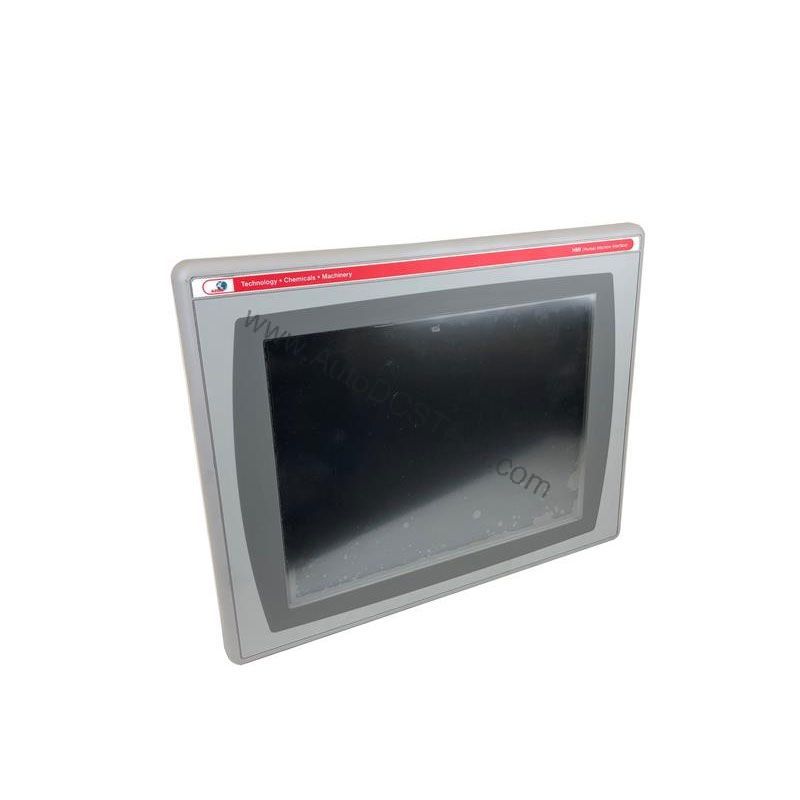
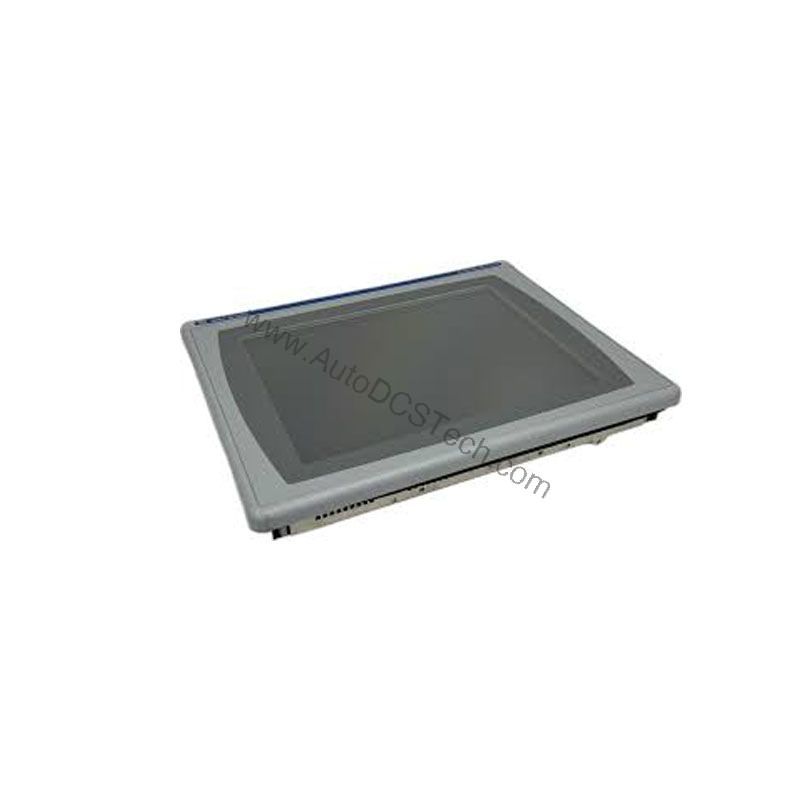
Allen-Bradley 2711P-T10C10D2 PanelView Plus Operator Interface Terminal
Industrial environments demand reliable, clear, and responsive operator interfaces. The Allen-Bradley 2711P-T10C10D2 from the PanelView Plus series delivers exactly that. This touch-enabled operator interface terminal features a 10.4-inch TFT color display, providing operators with a vivid and intuitive window into their processes. With a power supply range of 10–32 VDC and an impressive efficiency rating of 0.987, this HMI balances performance with energy-conscious operation.
Compatibility and Integration
The 2711P-T10C10D2 is part of the PanelView Plus series, designed to work with Allen-Bradley controllers such as ControlLogix, CompactLogix, and SLC 500. Its Ethernet port supports standard industrial protocols like EtherNet/IP, allowing seamless integration into Rockwell Automation architectures. The RS-232 port provides compatibility with legacy devices and supports serial communication for older PLCs. The two USB ports offer flexibility for data logging, recipe transfer, and firmware updates.
Selection Guide and Purchasing Advice
When selecting an operator interface terminal, consider the display size, power requirements, communication needs, and environmental ratings. The 2711P-T10C10D2 offers a balanced feature set for most applications. Before ordering, please verify current lifecycle status and availability with AutoDCSTech. Our team can help you confirm that this model meets your specific requirements and is in stock. Contact AutoDCSTech for a quote or to discuss alternative options if needed.
Troubleshooting and Common Issues
- Display not powering on: Check the DC power supply voltage (must be within 10–32 VDC) and verify polarity.
- Touchscreen unresponsive: Calibrate the touchscreen via the configuration menu. If the issue persists, check for physical damage or contamination on the screen surface.
- Communication failures: Verify Ethernet cable connections and IP settings. For RS-232, check baud rate and cable wiring.
- USB device not recognized: Ensure the USB device is compatible and properly connected to the host port. Try a different USB port if available.
For any persistent issues, consult the official Allen-Bradley documentation or contact AutoDCSTech for technical support.
Availability & Condition at AutoDCSTech
| Part Number | 2711P-T10C10D2 |
|---|---|
| Availability | In Stock |
| Condition | New |
| Warranty | One Year |
| Origin | US |