Technical Specifications Breakdown
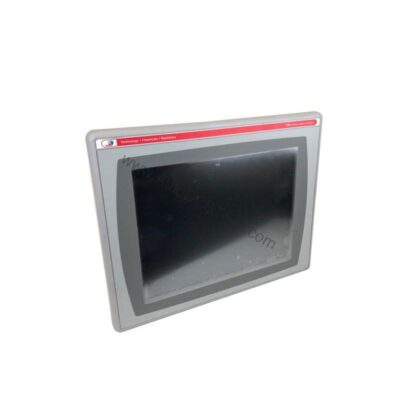
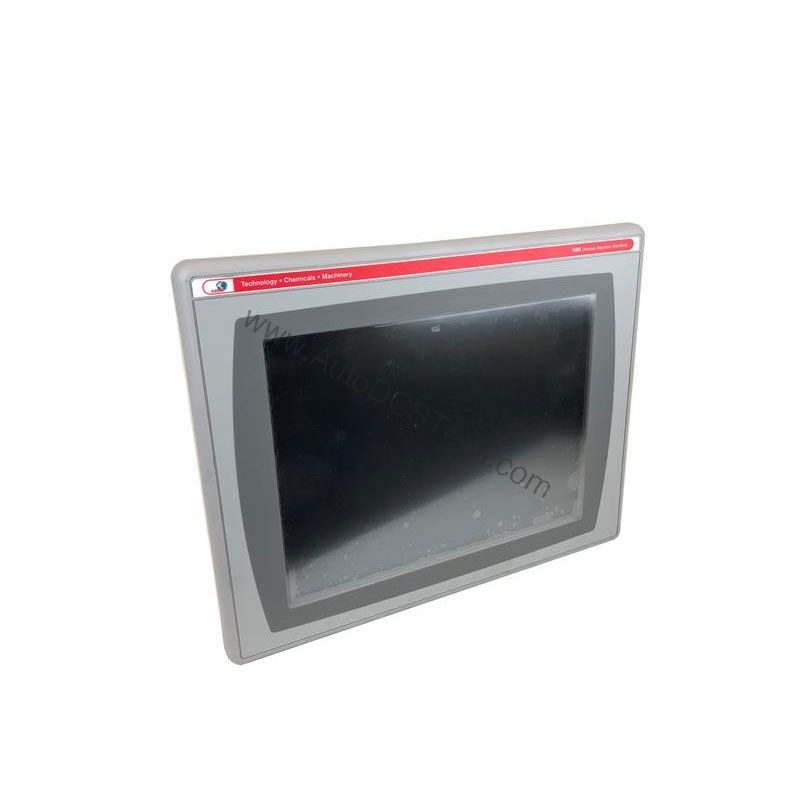
Key parameters for the 2711P-T12C4D9 are listed below for quick reference:
| Feature | Specification |
|---|---|
| Product Family | PanelView Plus 6 Graphic Terminals |
| Operator Input | Touch |
| Display Type | Color active-matrix TFT |
| Display Area | 246 x 184 mm (9.7 x 7.2 in.) |
| Resolution | 800 x 600, 18-bit color graphics |
| Touch Interface | 8-wire analog resistive; 1 million presses; operating force 10…110 g |
| Terminal Memory | 512 MB RAM, 512 MB nonvolatile memory (approx. 79 MB free user memory) |
| Communication Ports | Ethernet, RS-232, DH485, 2 USB host |
| Power Supply Input Voltage | 18-32VDC |
| Power Consumption | 70 W max (2.9 A at 24V DC), 39 W typical (1.6 A at 24V DC) |
Built for Real-World Industrial Applications
- Process Monitoring: Display live trends, alarms, and process values with high clarity. The large 12.1-inch screen reduces eye strain during long shifts.
- Machine Control: Use the responsive touchscreen to start/stop cycles, adjust parameters, and acknowledge faults. The 8-wire analog resistive touch interface withstands heavy use—rated for 1 million presses.
- Data Logging: With 512 MB RAM and nonvolatile memory, the terminal stores historical data and recipes locally, reducing dependence on a central server.
Installation & Setup Guidance
Proper installation ensures reliable operation. Follow these engineering best practices:
- Power Supply: Connect a regulated DC source within the 18-32VDC range. Use a dedicated supply to avoid voltage dips that could cause unexpected resets.
- Communication Wiring: For Ethernet, use shielded CAT5e or better. For RS-232, keep cable lengths under 15 meters. The DH485 port supports multi-drop networks—terminate properly.
- Mounting: Cut the panel opening according to the display area (246 x 184 mm). Secure the terminal firmly to prevent vibration-induced loosening.
- Memory Expansion: The nonvolatile memory can be expanded using Allen-Bradley SD cards (1784-SDx or 1784-SDHC). Alternatively, use the high-speed USB host ports for removable flash storage.
Maintenance & Reliability Tips
To maximize uptime, follow a simple maintenance routine:
- Periodic Inspection: Check the terminal for dust buildup on the screen and vents. Clean with a soft, dry cloth.
- Environmental Control: The terminal operates best in clean, dry environments. Avoid exposure to excessive humidity or corrosive gases.
- Backlight Care: The backlight (cat. no. 2711P-RL12C2) has a long lifespan, but if the display dims, replace it promptly to avoid downtime.
- Battery Backup: The real-time clock uses a field-replaceable CR2032 battery. Replace every 4 years at 25 °C to maintain accurate timestamps.
Why Upgrade to a PanelView Plus 6 Terminal?
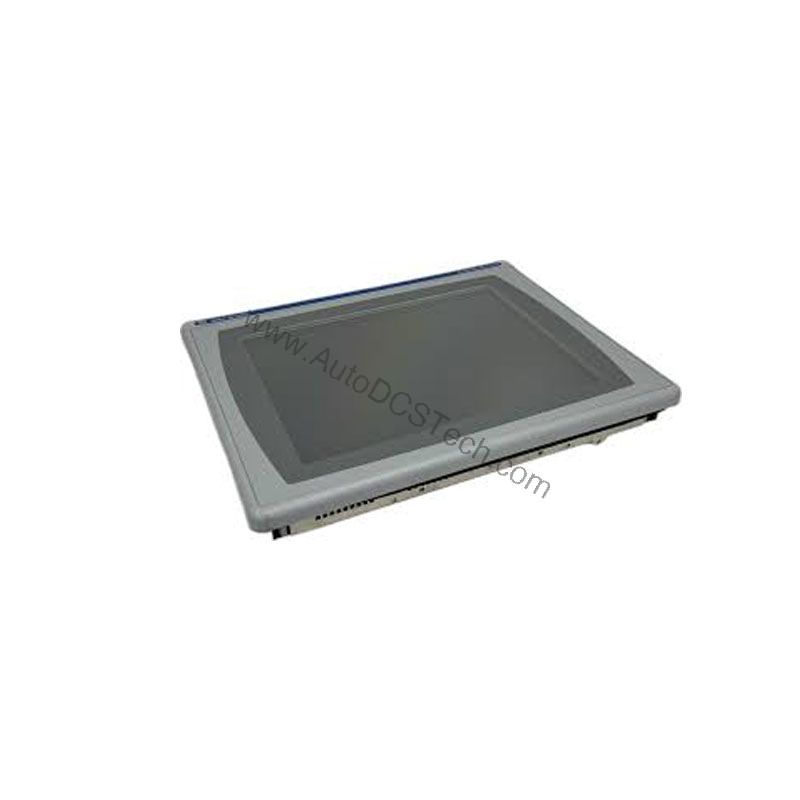
With a bright 12.1-inch color display and multiple communication options, this touchscreen terminal keeps operators informed and in control.
Compatibility & Integration
Use the Ethernet port for programming, data exchange, and remote monitoring via FactoryTalk View. The RS-232 port connects to legacy devices like barcode scanners or printers. The USB host ports allow quick data transfer from a PC or USB drive.
Selection Guide & Purchasing Advice
When selecting a replacement or upgrade, verify your application requirements. The 2711P-T12C4D9 is a proven performer, but always confirm the current lifecycle status and availability with AutoDCSTech before ordering. Our team can help you find the right PanelView Plus 6 solution for your operation.
For a reliable supply of Allen-Bradley automation parts, contact AutoDCSTech today.
Availability & Condition at AutoDCSTech
| Part Number | 2711P-T12C4D9 |
|---|---|
| Availability | In Stock |
| Condition | New |
| Warranty | One Year |
| Origin | US |