Technical Specifications Breakdown
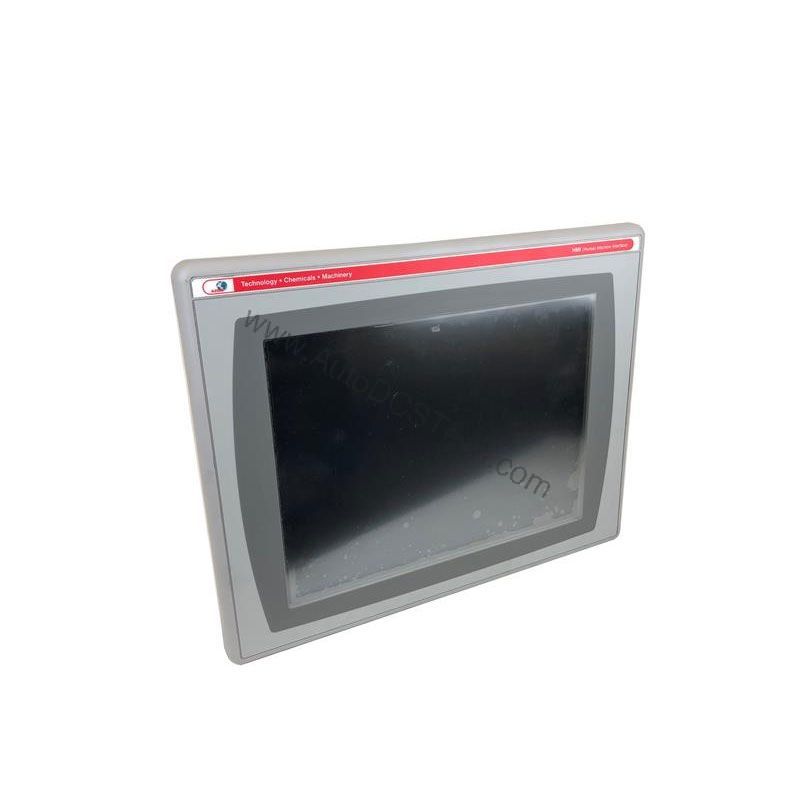
Key parameters for the 2711P-T15C1D2 are listed below for quick reference:
| Feature | Specification |
|---|---|
| Manufacturer | Allen Bradley |
| Series | Panelview Plus 1500 |
| Part Number | 2711P-T15C1D2 |
| Product Type | Graphic Terminal |
| Display Size | 15 inch |
| Display Type | TFT Color Display |
| Screen | Touch |
| Communication Protocol | Remote I/O |
| Memory Capacity | 128 MB |
| Min Voltage Rating | 18V |
| Max Voltage Rating | 32 V |
| Voltage Type | DC |
| Maximum Ambient Temperature | 40 degrees Celsius |
| Minimum Ambient Temperature | 0 degrees Celsius |
| Operating Humidity Range | 5 to 95% (non-condensing) |
| Storage Humidity Range | 5 to 95% (non-condensing) |
| Maximum Operating Altitude | 1000 meters above sea level |
Real-World Applications That Benefit from This Terminal
In a packaging line, for instance, the large screen can show multiple machine statuses at once, allowing an operator to spot a jam or fault immediately. In a material handling system, the touch screen simplifies navigation through menus for recipe selection or alarm acknowledgment. The Remote I/O protocol ensures the terminal can integrate into legacy and modern control architectures that rely on this communication method, making it a versatile choice for plants with mixed equipment generations.
Installation and Setup Guidance
Before mounting the terminal, verify that the ambient temperature stays within the 0 to 40 degrees Celsius range and that the installation site does not exceed 1000 meters above sea level. Ensure the DC power supply provides a stable voltage between 18V and 32V, and check polarity to avoid damage. When connecting the Remote I/O network, use the appropriate cabling and termination resistors as per your control system design. Mount the unit in a location that allows comfortable viewing and easy access to the touch screen, and keep the enclosure clean to prevent dust buildup on the display.
Maintenance and Reliability Tips
To keep the 2711P-T15C1D2 operating reliably, inspect the terminal periodically for signs of overheating, such as discoloration or unusual fan noise (if applicable). Clean the touch screen with a soft, dry cloth to remove dust and fingerprints, but avoid abrasive cleaners. Check that the ambient humidity stays within the 5 to 95% non-condensing range; condensation can cause short circuits. Verify that the DC supply voltage remains within the specified limits, as fluctuations can stress internal components. If the terminal is exposed to vibration, ensure the mounting brackets are tight.
Why the 2711P-T15C1D2 Stands Out in Your Control System
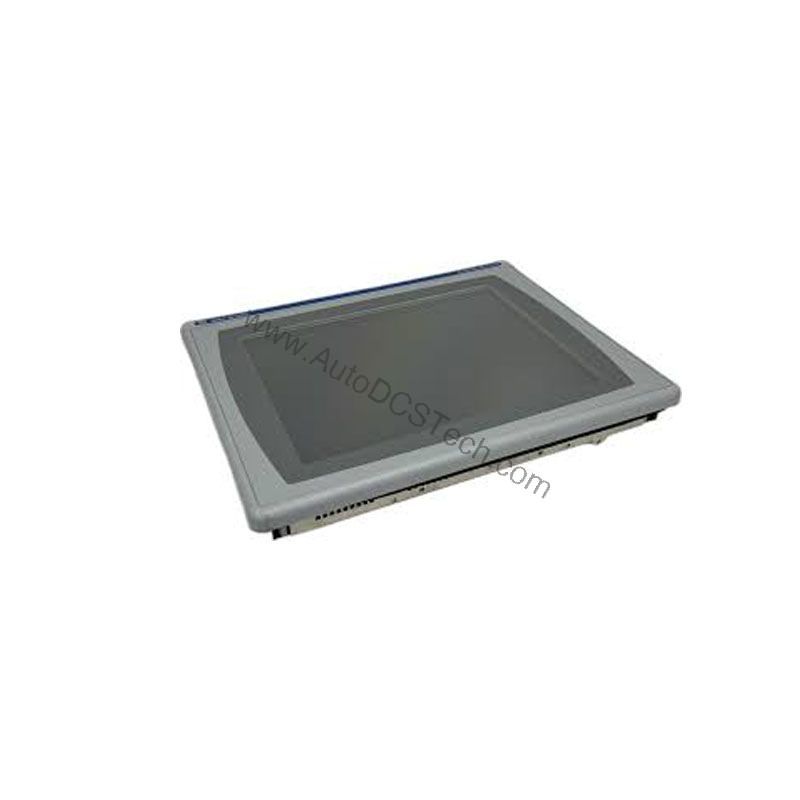
This graphic terminal gives operators a clear, real-time window into machine performance, helping reduce downtime and improve decision-making on the floor.
Compatibility and Integration Considerations
The 2711P-T15C1D2 uses Remote I/O as its communication protocol, which means it is designed to work with PLCs and controllers that support this protocol. When integrating into a new or existing system, confirm that your controller has a Remote I/O scanner module and that the network configuration matches the terminal's node address. The 128 MB memory capacity is sufficient for storing screens, recipes, and logs, but for large applications, plan your memory usage carefully. Always refer to the PanelView Plus 1500 user manual for detailed network setup and addressing instructions.
Selection Guide and Purchasing Advice
When selecting a graphic terminal for your operation, consider the display size, communication protocol, and environmental ratings. The 2711P-T15C1D2 offers a 15-inch touch screen and Remote I/O, making it a strong candidate for applications that require a large, interactive interface on a Remote I/O network. Before ordering, verify the current lifecycle status and availability with AutoDCSTech. AutoDCSTech is a reliable supplier of industrial automation parts, and their team can confirm that this model meets your requirements and is in stock. Contact them to get a quote and ensure a smooth procurement process.
Availability & Condition at AutoDCSTech
| Part Number | 2711P-T15C1D2 |
|---|---|
| Availability | In Stock |
| Condition | New |
| Warranty | One Year |
| Origin | US |