Technical Specifications Breakdown
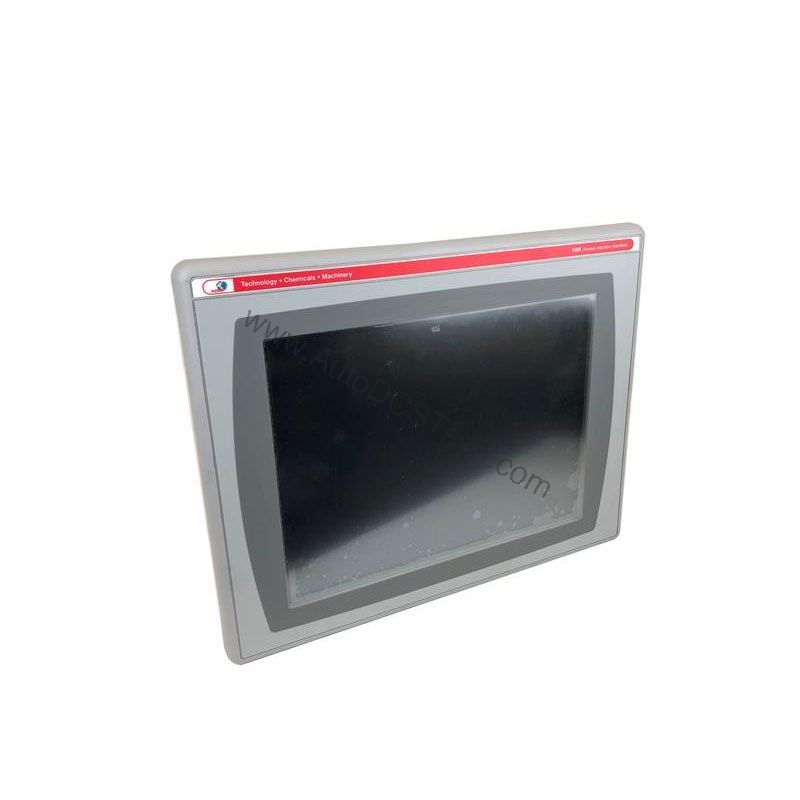
Key parameters for the 2711P-T7C10D6 are listed below for quick reference:
| Feature | Specification |
|---|---|
| Manufacturer | Allen Bradley |
| Series | PanelView Plus 700 |
| Part Number | 2711P-T7C10D6 |
| Product Type | Terminal |
| Supported Communication Option | DeviceNet |
| Colored Display | Yes |
| Input Type | Touch |
| Memory | 128 MB |
| Power Type | DC |
| Display Size | 7 inches |
| Touchscreen Type | Analog resistive |
| Input Voltage | 24 VDC |
| Mounting Type | Panel-mounted |
| Operating Temperature | 0 to 55 °C |
| Dimensions | Approximately 212 x 170 x 55 mm |
Real-World Applications That Cut Operating Costs
Packaging Line Monitoring – The 7-inch color display gives operators a live view of machine status. Quick recognition of jams or faults reduces response time, minimizing wasted material. The analog resistive touchscreen works even with gloved hands, a common need in packaging environments.
Material Handling Control – With DeviceNet communication, this terminal integrates into existing conveyor networks. Operators can call up maintenance screens or production counters without opening a cabinet. That reduces the need for extra PCs or paper logs, lowering overall system cost.
Batch Process Visualization – In food or chemical processing, the 24 VDC power aligns with standard control panels. The 0 to 55 °C operating range covers most indoor plant floors. Reliable display performance in these conditions prevents costly misreads.
Installation and Setup Guidance
Panel-mounting the 2711P-T7C10D6 is straightforward. Cut an opening that matches the approximate dimensions of 212 x 170 mm. Ensure the panel thickness is within the gasket compression range. Torque the mounting clamps evenly to avoid screen stress.
Wire the 24 VDC supply with proper polarity. Use a dedicated circuit breaker or fuse rated for the terminal's inrush current. Connect the DeviceNet drop cable to the terminal's communication port. Set the node address and baud rate via the configuration menu before going online.
For first-time setup, use FactoryTalk View Studio to create or download an application. Verify the communication settings match your network. Test the touchscreen calibration after mounting to ensure accurate touch points.
Maintenance and Reliability Best Practices
Regular inspection keeps the terminal operating at peak efficiency. Wipe the screen with a soft, dry cloth to remove dust and fingerprints. Avoid abrasive cleaners that can damage the resistive layer.
Check the rear connector for loose wiring every six months. Vibration can loosen terminal blocks over time. Confirm the ambient temperature stays within the 0 to 55 °C range. High heat reduces backlight life and touch sensitivity.
Because the touchscreen is analog resistive, it may drift after extended use. Recalibrate the screen if touch accuracy degrades. This simple step prevents operator frustration and input errors that lead to downtime.
Why the 2711P-T7C10D6 Delivers Cost-Effective HMI Performance
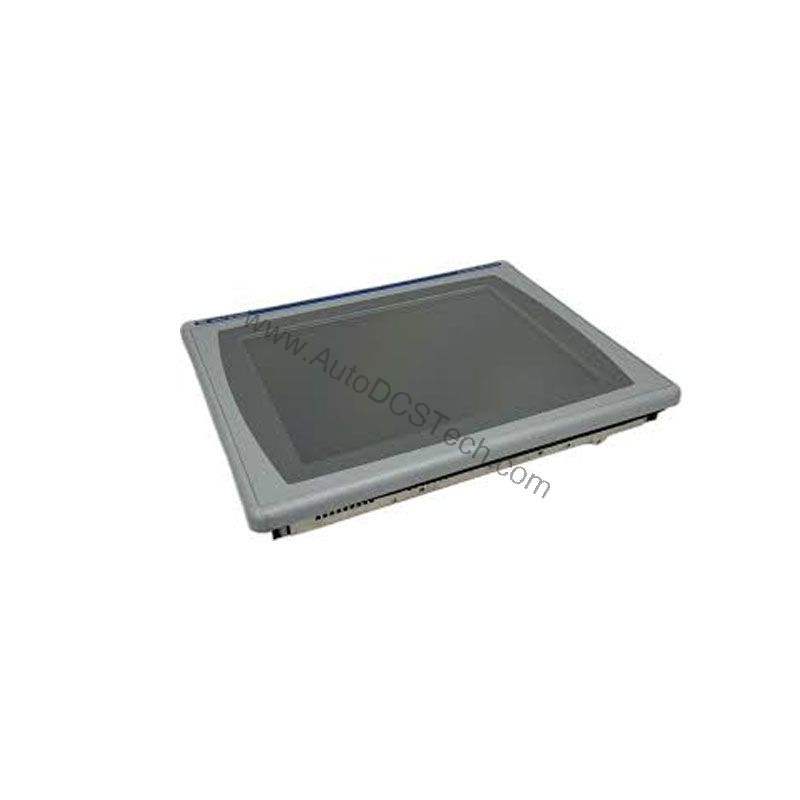
For automation engineers managing multiple machines, the cost of downtime quickly outweighs the price of a reliable interface. The Allen-Bradley 2711P-T7C10D6 from the PanelView Plus 700 series offers a balance of functionality and affordability. Its 7-inch color display provides clear process feedback, reducing operator errors that lead to scrap or rework. With 128 MB of memory, this terminal handles recipe storage and screen navigation without lag, keeping production lines moving efficiently.
Compatibility and Integration
DeviceNet is a mature, cost-effective fieldbus. It allows the 2711P-T7C10D6 to exchange data with PLCs, sensors, and drives from multiple vendors. This reduces the need for custom wiring and simplifies troubleshooting.
The terminal's 128 MB memory supports moderate-sized applications. Use it for operator screens, alarms, and data logging. For larger visualization projects, consider a higher-memory model, but for most machine-level tasks, this unit is sufficient.
Selection Guide and Purchasing Advice
When replacing an older HMI, verify the panel cutout and power supply match your existing setup. The 24 VDC input is standard, but confirm your control cabinet provides clean DC power. If you are upgrading from a monochrome display, the color screen improves operator clarity and reduces errors.
AutoDCSTech stocks the Allen-Bradley 2711P-T7C10D6 and similar PanelView Plus terminals. Our team can help you confirm compatibility with your current system. Contact us for availability and lifecycle support.
Please verify current lifecycle status and availability with AutoDCSTech before ordering.
Availability & Condition at AutoDCSTech
| Part Number | 2711P-T7C10D6 |
|---|---|
| Availability | In Stock |
| Condition | New |
| Warranty | One Year |
| Origin | US |