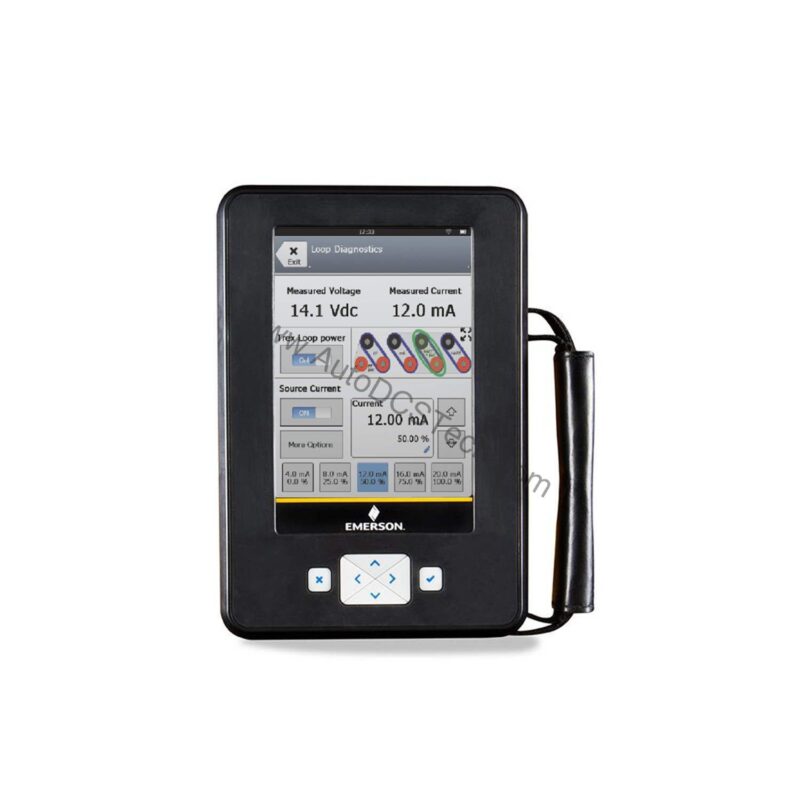
Technical Specifications Breakdown
Key parameters for the TREXCHPNAWP3 are listed below for quick reference:
| Feature | Specification |
|---|---|
| Manufacturer | Emerson |
| Product No. | TREXCHPNAWP3 |
| Product Type | AMS Trex Device Communicator |
| Platform | Base Trex Platform |
| Communication Module | Device Communicator communication module |
| Application | HART Application |
| Power Module | Rechargeable Li-Ion Power Module |
| Certifications | No Approval |
| Radio Options | Wireless |
| Support | Standard Support (3 Year) |
| Microprocessor | 800 MHz ARM Cortex A8/NXP |
| Internal Flash Memory | 2GB NAND and 32 GB extended flash |
| Operating System | Windows Embedded Compact 2013 |
| Display | 640 x 480 pixel |
Industry Applications
With HART application support, you can quickly connect to smart transmitters, valve positioners, and other HART-enabled devices. The wireless option allows you to move freely around the plant while staying connected, reducing downtime during loop checks and configuration changes.
Installation & Setup Guidance
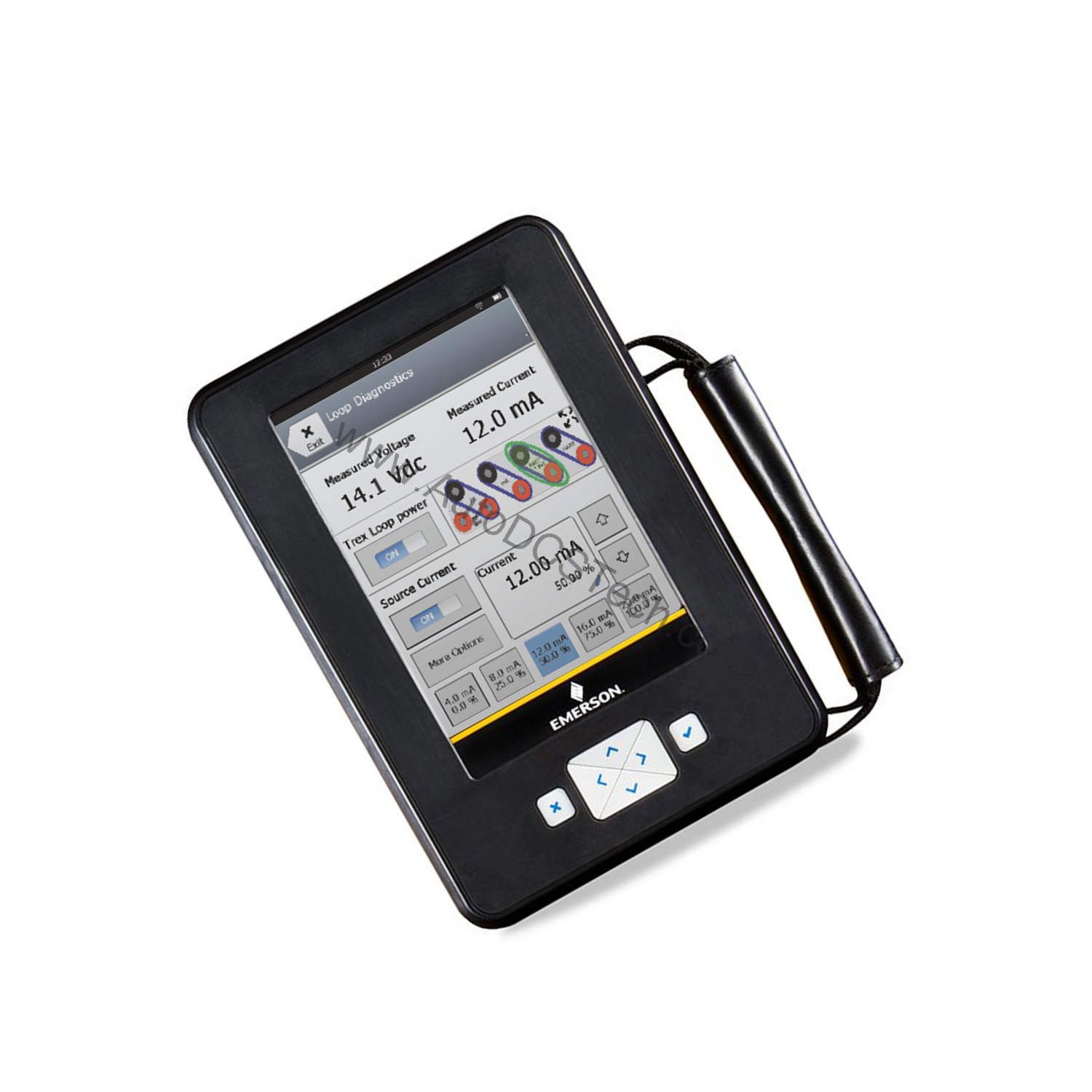
Before first use, fully charge the rechargeable Li-Ion power module. The device boots quickly from its Windows Embedded Compact 2013 OS. Connect the communication module to a HART device using the appropriate cables. Use the touchscreen interface to navigate menus and select the HART application. For wireless operation, ensure the radio option is enabled and paired with your plant's network. Always verify the device firmware is up to date to maintain compatibility with newer HART instruments.
Maintenance & Reliability
The TREXCHPNAWP3 is built for field use, but regular care extends its life. Inspect the display and connectors periodically for dirt or damage. Clean the screen with a soft, dry cloth. Keep the Li-Ion battery charged; store the device in a cool, dry place when not in use. Check for software updates from Emerson to ensure optimal performance. Avoid exposing the unit to extreme temperatures or moisture beyond its rated specifications.
Field-Proven Device Communicator for HART Networks
For maintenance engineers working in process plants, a reliable communicator is essential for quick diagnostics and configuration. Built on the Base Trex Platform, this unit combines a powerful processor with a clear display to help you troubleshoot and calibrate field instruments efficiently.
Compatibility & Integration
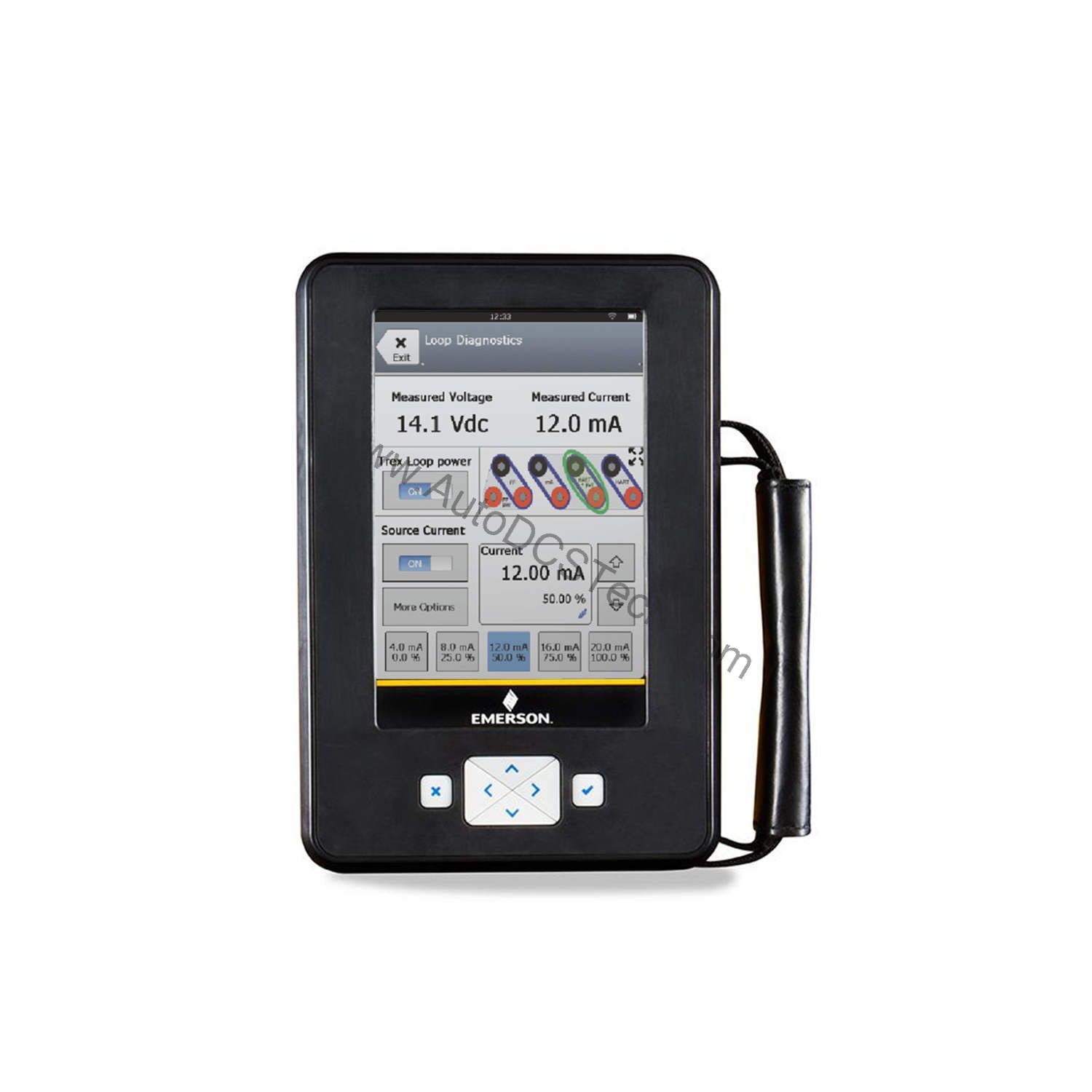
The device is designed for HART communication, making it compatible with a wide range of HART-enabled field instruments from various manufacturers. The wireless radio option supports integration with plant networks for remote monitoring and data logging. The standard support package includes three years of assistance, ensuring you have help when needed.
Selection Guide & Purchasing Advice
When selecting a device communicator, consider the protocols you use and the environment. The TREXCHPNAWP3 is a solid choice for HART-centric plants. For purchasing, contact AutoDCSTech to verify availability and current lifecycle status. They can provide genuine Emerson parts and support your maintenance needs.
Availability & Condition at AutoDCSTech
| Part Number | TREXCHPNAWP3 |
|---|---|
| Availability | In Stock |
| Condition | New |
| Warranty | One Year |
| Origin | US |