Technical Specifications Breakdown
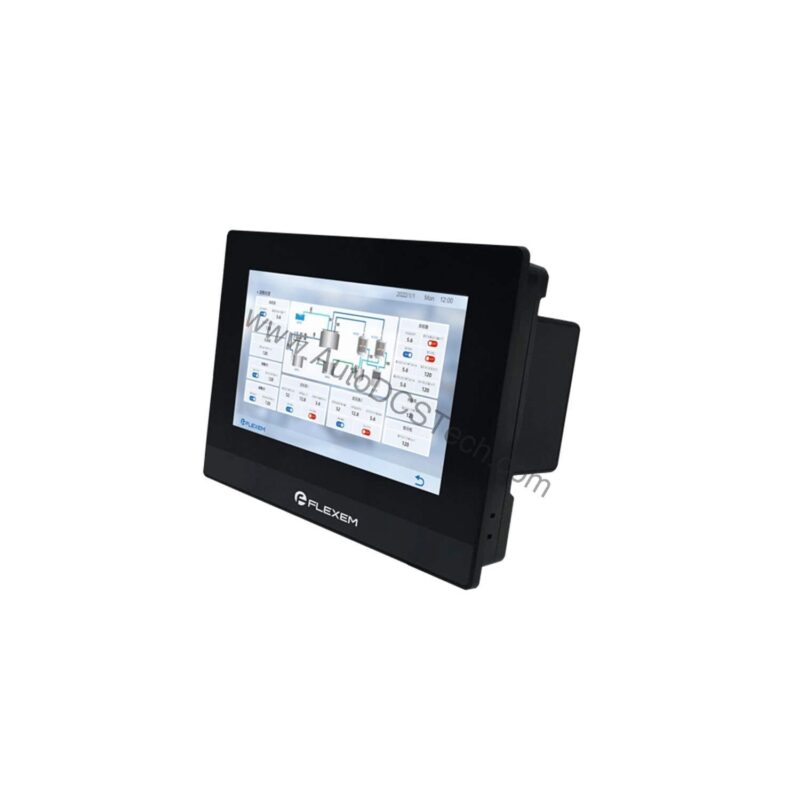
Key parameters for the FE6070H are listed below for quick reference:
| Feature | Specification |
|---|---|
| Display | 7” 16:9 TFT LCD |
| Resolution | 1024 × 600 |
| CPU (V2) | 600 MHz ARM Cortex-A8 |
| CPU (V3) | 1.2 GHz ARM Cortex-A7 |
| Memory (V2) | 128 MB Flash + 128 MB DDR3 |
| Memory (V3) | 4 GB EMMC + 256 MB DDR3 |
| Serial Ports | COM1: RS232/RS485/RS422; COM2: RS485; COM3: RS232 |
| Protection Level | Front: IP65 (NEMA panel), Rear: IP20 |
The FE6070H is versatile enough for a wide range of industrial settings. Its robust design and connectivity options make it a strong candidate for the following applications:
- Packaging Lines: The 7-inch display provides clear operator feedback for machine control. The resistive touchscreen works reliably even with gloves, and the IP65 front panel withstands washdowns. The Ethernet port enables quick recipe changes and production data logging.
- HVAC and Building Automation: With multiple serial ports (RS232/RS485/RS422), the HMI can interface with various controllers and sensors. The wide input voltage range (DC 9 V~28 V) accommodates unstable building power supplies, while the low power consumption (<10 W) reduces heat buildup in enclosures.
- Remote Monitoring for IIoT: By adding the Flink module, the FE6070H becomes an IIoT gateway. This allows maintenance teams to monitor equipment status remotely, receive alerts, and analyze historical trends—reducing unplanned downtime and improving overall equipment effectiveness (OEE).
Installation & Setup Guidance
Proper installation is critical for long-term reliability. Follow these practical guidelines when deploying the FE6070H:
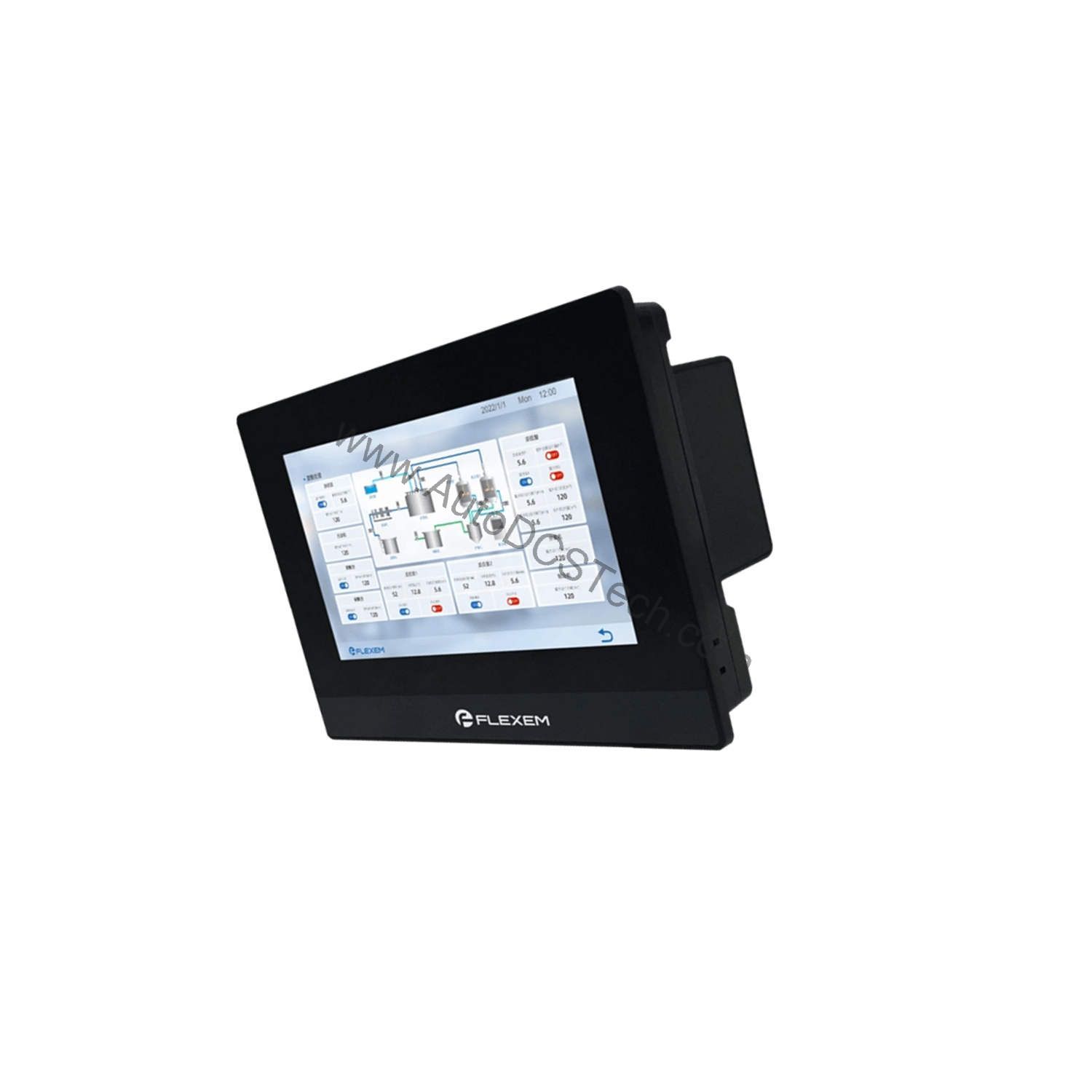
- Mounting: The cutout dimensions are 192 × 138 mm. Ensure the panel cutout is clean and deburred. The front gasket provides an IP65 seal, so tighten the mounting clamps evenly to avoid distorting the gasket.
- Power Supply: Connect a DC 24 V supply (working range DC 9 V~28 V). Use a regulated power supply to avoid voltage spikes. The unit has lightning surge protection, but proper grounding of the panel and power supply is still essential.
- Communication Wiring: For serial connections, use shielded twisted-pair cables, especially for RS485. Terminate the RS485 bus correctly (120 Ω resistor at each end) to prevent signal reflections. The Ethernet port supports 10/100 M, so use at least Cat5e cabling.
- Downloading Programs: You can download programs via USB Slave, an USB flash drive, or Ethernet. For initial setup, a direct USB connection is simplest. For subsequent updates, Ethernet is faster and allows remote updates.
Maintenance & Reliability
The FE6070H is designed for minimal maintenance, but a few routine checks can extend its life:
- Inspect the front seal periodically for cracks or wear, especially if the HMI is in a harsh environment. A compromised seal can allow moisture or dust into the unit, leading to failures.
- Keep the screen clean using a soft, dry cloth. Avoid abrasive cleaners that can damage the resistive touch layer.
- Check ambient conditions: The operating temperature range is 0~50 °C, and storage is -20~60 °C. Ensure the enclosure has adequate ventilation if the ambient temperature is high. Avoid high UV environments, as the unit is not UV-resistant.
- Verify power quality: Even with surge protection, frequent power interruptions can stress the internal components. The power interruption tolerance is less than 5 mS; if your site experiences longer drops, consider an uninterruptible power supply (UPS).
Flexem FE6070H: A Cost-Effective Gateway to Industrial IoT
Modern production lines demand interfaces that are both reliable and connected. The Flexem FE6070H industrial HMI from the 6000 Series offers a practical solution for operators seeking to upgrade to industrial IoT (IIoT) without overhauling their entire control system. This 7-inch touch screen combines a robust industrial ABS plastic shell with components, delivering low cost and high reliability in a single package.
As a maintenance engineer, you need equipment that minimizes downtime and simplifies troubleshooting. The FE6070H is designed with that in mind. Its resistive touchscreen is forgiving of gloved hands and dusty environments, while its wide input voltage range ensures stable operation even with fluctuating power supplies. By selecting the optional Flink IIoT module, you can immediately transform this HMI into a connected device, leveraging a complete and convenient industrial IoT cloud platform service. This capability allows for remote monitoring and data collection, which are essential for predictive maintenance and operational efficiency.
Compatibility & Integration
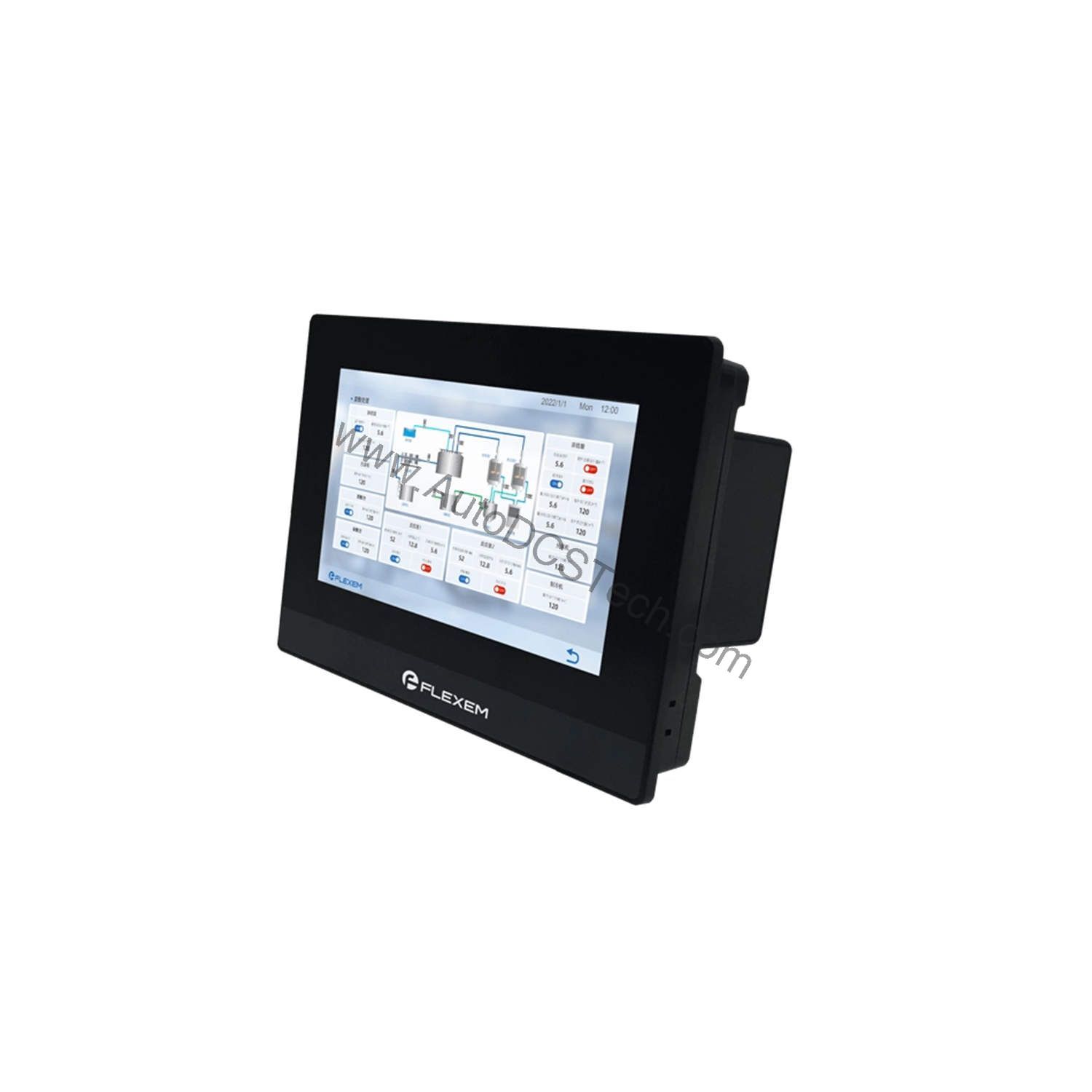
The FE6070H offers flexible connectivity to fit into existing systems. It includes one Ethernet port (10/100 M) and two USB ports (1 Slave, 1 Host). The three serial ports (COM1, COM2, COM3) support RS232, RS485, and RS422, allowing connection to PLCs, drives, sensors, and other industrial devices. This versatility ensures the HMI can serve as a central operator interface in a mixed-vendor environment.
Selection Guide & Purchasing Advice
When selecting an HMI, consider your application's specific needs. The FE6070H is an choice if you require a cost-effective, reliable touch screen with IIoT upgrade potential. It is available in two versions (V2 and V3) with different CPU and memory configurations—choose V3 if you need more storage for data logging or complex screens. For procurement, AutoDCSTech offers genuine Flexem products and can provide guidance on the right version for your project. Please verify current lifecycle status and availability with AutoDCSTech before ordering.
Troubleshooting & Common Issues
Even reliable HMIs can encounter issues. Here are common problems and general troubleshooting steps:
- Blank screen: Check the power supply voltage at the terminals. Ensure it is within DC 9 V~28 V. If the power is correct, the backlight may be faulty—contact technical support.
- Touch unresponsive: Calibrate the touch screen via the system settings. If the issue persists, check for debris or damage on the touch surface. The 4-wire resistive touchscreen can wear out over time; replacement may be necessary.
- Communication errors: Verify the serial port settings (baud rate, parity, etc.) match the connected device. Check wiring and termination for RS485. For Ethernet, confirm the IP address and subnet mask are correct.
- Program download fails: Try a different USB cable or port. Ensure the HMI is in the correct mode for downloading. If using Ethernet, verify the connection and firewall settings.
For persistent issues, consult the Flexem documentation or contact AutoDCSTech for technical assistance.
Availability & Condition at AutoDCSTech
| Part Number | FE6070H |
|---|---|
| Availability | In Stock |
| Condition | New |
| Warranty | One Year |
| Origin | US |