Product Overview
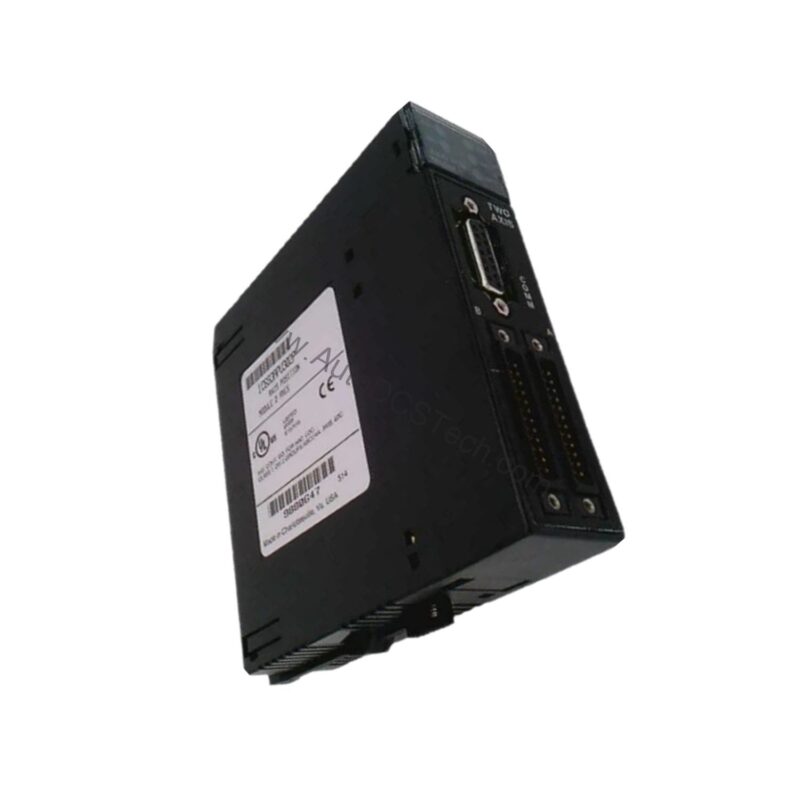
The GE Fanuc IC693APU305 is an I/O processor module from the Series 90-30 family, designed to operate as an independent controlling device. It receives information from field devices, processes it based on user-defined instructions, and produces output signals without needing a separate Central Processing Unit (CPU). This makes it ideal for decentralizing complex motion-control tasks such as speed measurement, bulk material processing, product packaging, labeling, and marking. By offloading these fast-response processes, the module helps maintain efficient throughput in demanding industrial environments.
Technical Specifications Breakdown
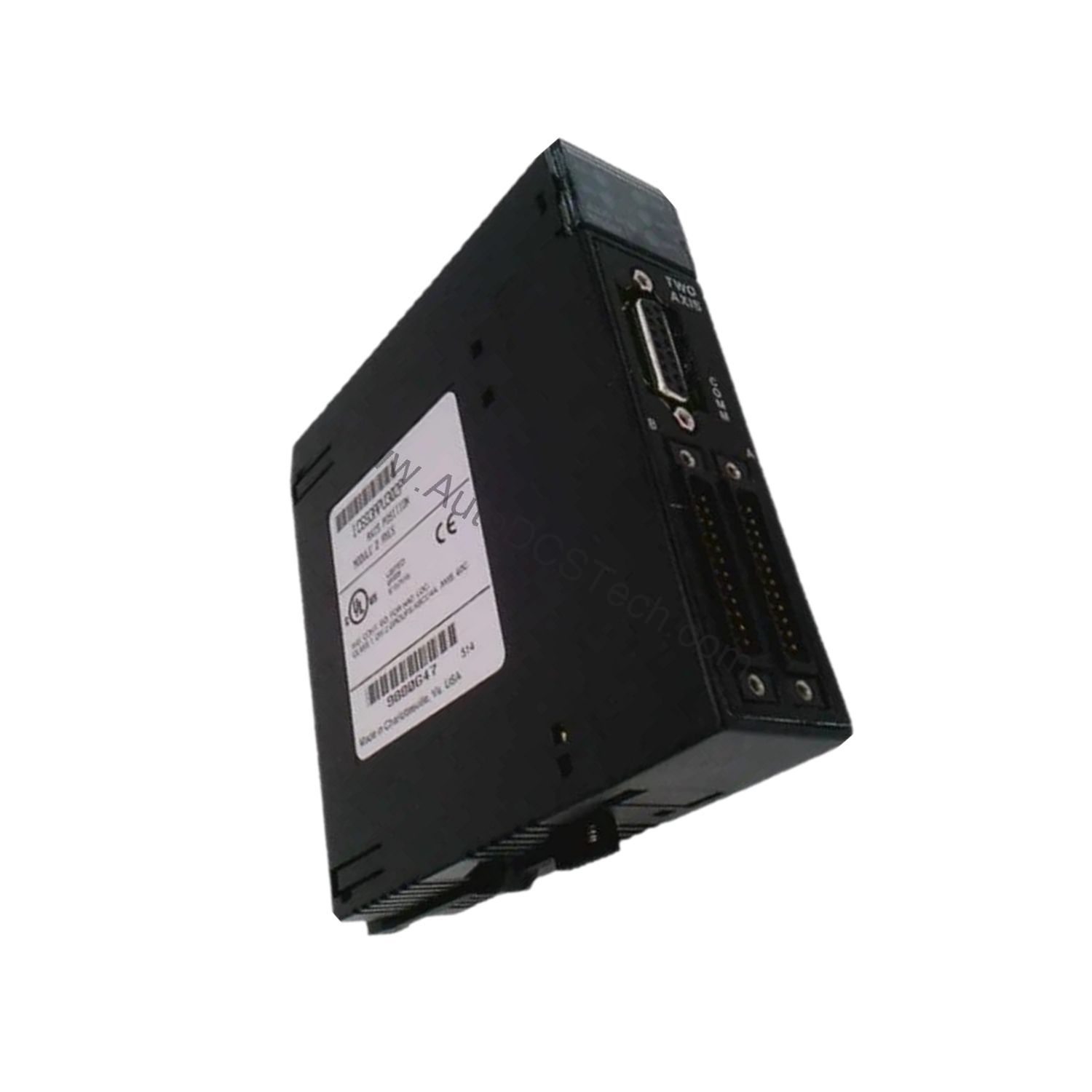
Key parameters for the IC693APU305 are listed below for quick reference:
| Feature | Specification |
|---|---|
| Brand | GE Fanuc |
| Series | Series 90-30 |
| Part Number | IC693APU305 |
| Type of Component | I/O processor module |
| Number of Inputs | 12 |
| Number of Outputs | 8 |
| Input Voltage Range | 5 VDC (TTL) or 10 to 30 VDC (non-TTL) |
| Output Current Rate | 4 outputs with 1 amp and 4 outputs with 0.5 amp current rates |
| Power Supply | 5 VDC from any available slot in a 90-30 PLC baseplate |
Industry Applications
Bulk Material Processing: In applications like conveyor belt monitoring or hopper level control, the module's 12 inputs can receive signals from sensors, while its 8 outputs actuate gates or alarms. The standalone processor ensures rapid decisions without burdening the main CPU.
Product Packaging and Labeling: For high-speed labeling machines, the IC693APU305 can handle pulse inputs from encoders (5 VDC TTL) and trigger outputs for label applicators. Its independent operation reduces latency and improves cycle consistency.
Marking Systems: In inkjet or laser marking lines, the module processes start/stop signals and synchronizes output pulses, maintaining precise timing even during line speed variations.
Installation & Setup Guidance
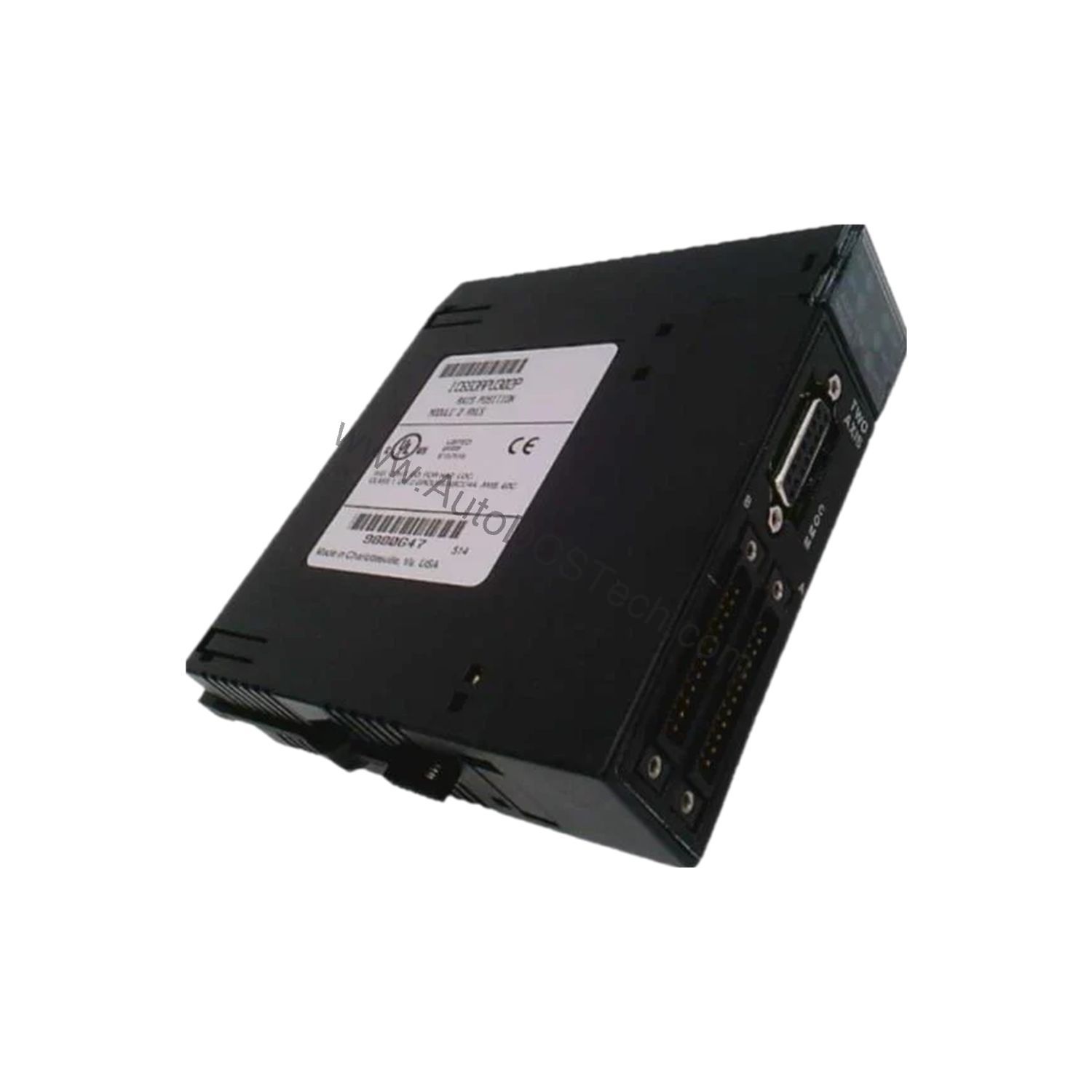
Install the IC693APU305 by inserting it into any available slot of a GE Fanuc Series 90-30 PLC baseplate backplane. The module draws its 5 VDC power from the backplane; no external power supply is needed for the module itself. However, field devices connected to the inputs and outputs must be powered from an independent supply, as the module does not source power to them. Use a detachable terminal board for wiring both inputs and outputs. Connect TTL pulse signals (off-state: 0 VDC, on-state: 5 VDC) or non-TTL signals between 10 and 30 VDC to the inputs. Ensure each output is fused; the module provides 4 outputs rated at 1 amp and 4 outputs rated at 0.5 amp.
Maintenance & Reliability
Periodically inspect the terminal board connections for tightness and signs of corrosion. Verify that the backplane power supply remains stable at 5 VDC. Given the module's fuse-protected outputs, check fuses if an output channel becomes unresponsive. Keep the module free of dust and moisture to maintain reliable operation in industrial environments. No internal adjustments are required.
Compatibility & Integration
The IC693APU305 is designed exclusively for the GE Fanuc Series 90-30 PLC platform. It integrates directly into the baseplate backplane and communicates with the rack without additional cabling. The module operates independently of the main CPU, making it suitable for distributed control architectures where fast local response is critical.
Selection Guide & Purchasing Advice
When selecting the IC693APU305, confirm that your application requires a standalone I/O processor with 12 inputs and 8 outputs. This module is ideal for tasks needing quick decisions without CPU intervention. SpareTechPLC stocks this part; verify current lifecycle status and availability before ordering. For assistance with compatibility or to discuss your specific application, contact our team.
Troubleshooting & Common Issues
If the module does not power on, check that it is fully seated in the baseplate and that the backplane provides 5 VDC. For unresponsive inputs, verify field device power and signal type (TTL or non-TTL within 10–30 VDC). If an output fails, inspect the corresponding fuse and replace if blown. Ensure the detachable terminal board is properly latched. For persistent issues, consult the Series 90-30 user manual.