Overview: The Allen-Bradley 2711P-T6M5A Operator Interface Terminal
This basic terminal features a touchscreen input that works with bare hands, gloved hands, or a stylus, making it versatile for various shop floor conditions. Its compact design and clear grayscale display help operators monitor and control processes efficiently.
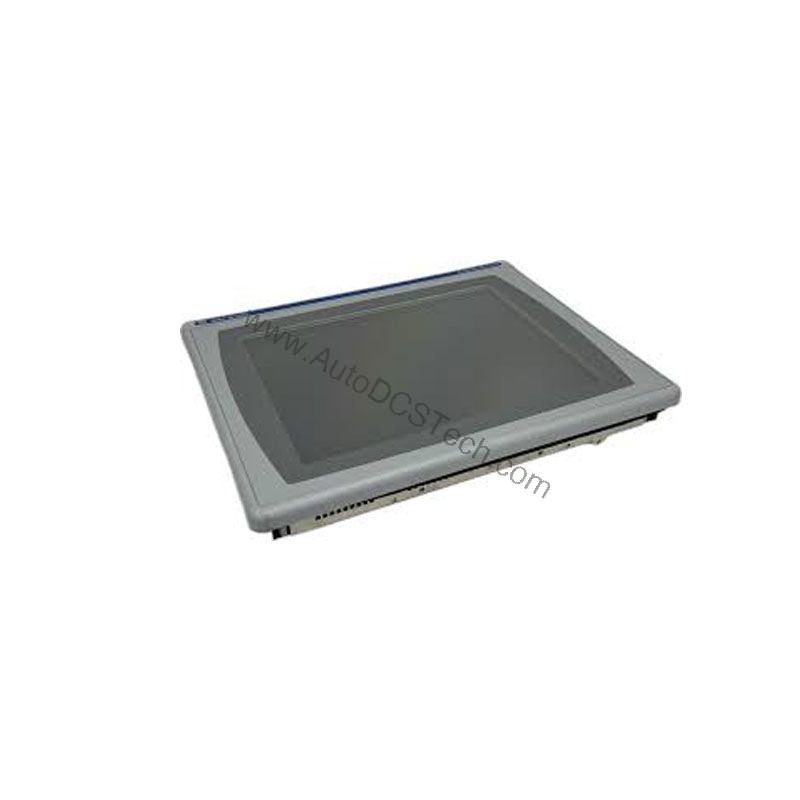
Technical Specifications Breakdown
Key parameters for the 2711P-T6M5A are listed below for quick reference:
| Feature | Specification |
|---|---|
| Manufacturer | Rockwell Automation |
| Brand | Allen-Bradley |
| Part Number | 2711P-T6M5A |
| Series | PanelView Plus 600 |
| Module Type | Operator Interface Terminal |
| Input Type | Touchscreen |
| Power Supply | 120 Volts AC |
| Communication | RS-232, USB ports |
| Display | 5.7-inch Monochrome |
Applications in Industrial Automation
The 2711P-T6M5A is well-suited for applications where operators need reliable local control and monitoring. Common uses include:
- Machine Control Panels: The touchscreen interface allows operators to start/stop sequences, adjust setpoints, and view real-time status without physical buttons, reducing panel complexity.
- Process Monitoring: With its 5.7-inch grayscale TFT LCD display and 320 x 240 resolution, the terminal can clearly present process values, alarms, and trends, even in bright lighting conditions.
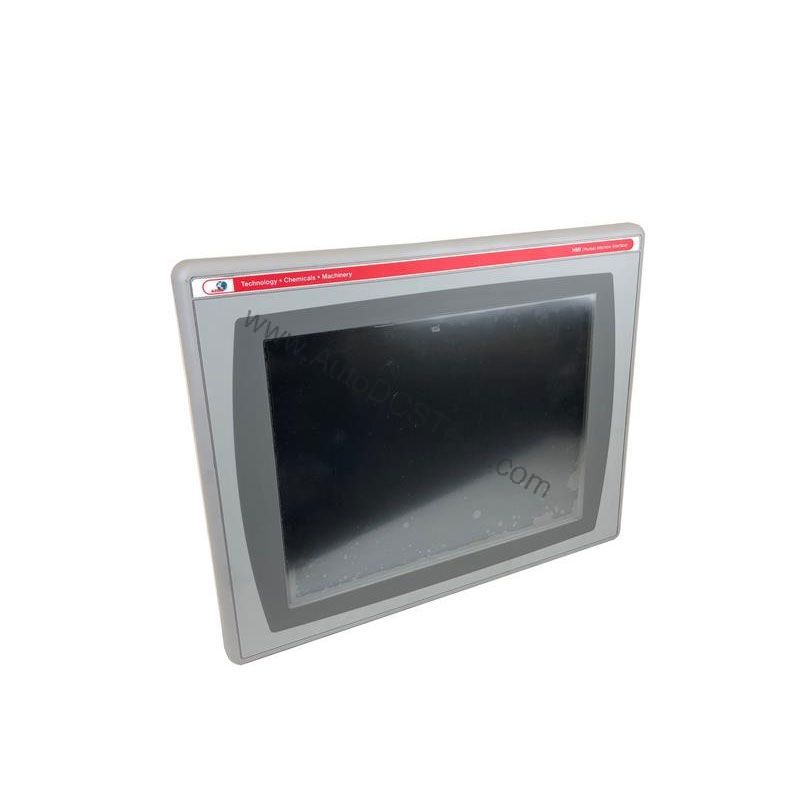
Installation and Setup Guidance
Proper installation ensures reliable operation. The required cut-out dimensions are 4.86 x 6.15 inches, so verify your panel opening matches these before mounting. The terminal accepts AC input voltages from 100 to 240 Volts AC, with a line frequency of 50 to 60 Hertz. Ensure the power supply is stable and within these ranges to avoid damage.
For communication, the terminal includes RS-232 and USB ports, plus an Ethernet interface supporting 10 Mbps and 100 Mbps speeds with auto MDI/MDI-X. When connecting, use appropriate cables and follow standard wiring practices. The logic module, display, and communication module are separate components; handle them carefully during installation.
Maintenance and Reliability
To maintain long-term performance, keep the ambient relative humidity between 5% and 95% (non-condensing). The recommended operating temperature range is 32 to 131 degrees Fahrenheit, while storage can be from -13 to 158 degrees Fahrenheit. Regularly inspect the terminal for dust buildup on the touchscreen and ensure ventilation openings are clear. The rated heat dissipation is 85 BTU per hour, so adequate airflow is important.
Compatibility and Integration
The 2711P-T6M5A supports RS-232 and USB ports for peripheral connections, and its Ethernet interface allows integration into plant networks. The storage memory is 512 MB, expandable via USB flash memory and SD cards, giving flexibility for recipe storage or data logging. The terminal's RAM is 256 MB, sufficient for typical HMI applications.
Selection Guide and Purchasing Advice
When selecting a replacement or new HMI, consider your application's specific needs. The 2711P-T6M5A is a discontinued/obsolete product, so verify availability and lifecycle status with AutoDCSTech before ordering. AutoDCSTech specializes in industrial automation parts and can help you source this unit or suggest alternatives. Always confirm that the power supply, communication requirements, and display size match your control system.
Troubleshooting and Common Issues
If the touchscreen becomes unresponsive, first check the power supply and connections. Ensure the AC input is within 100-240 Volts AC and the line frequency is 50-60 Hertz. If the display is dim, adjust the contrast settings. For communication issues, verify that the RS-232, USB, or Ethernet cables are properly seated and that network settings match your system. If problems persist, consult the user manual or contact AutoDCSTech for technical support.
Availability & Condition at AutoDCSTech
| Part Number | 2711P-T6M5A |
|---|---|
| Availability | In Stock |
| Condition | New |
| Warranty | One Year |
| Origin | US |