Technical Specifications Breakdown
Key parameters for the 2MLL-CH2A are listed below for quick reference:
| Feature | Specification |
|---|---|
| Modem connection with remote devices | √ (only on RS232C port) |
| Start Bit | 1 |
| Data Bits | 7 or 8 |
| Stop Bits | 1 or 2 |
| Parity | Odd/Even/None |
| Baud Rate | 300 / 600 / 1200 / 2400 / 4800 / 9600 / 19200 / 38400 / 57600 / 115200 bps |
| Synchronization | Asynchronous |
| Transmission Distance (RS232C) | 15m (extendable by modem) |
| Transmission Distance (RS422) | 500m max |
| Network Configuration (RS232C) | 1:1 |
| Network Configuration (RS422) | 1:1, 1:N, N:M |
| Station No. Setting Range | 0-31 (Max. 32 stations) |
| Network Diagnostics | Auto-scan, Frame Monitor, Link Monitor, Loop back |
| Current Consumption (mA) | 310 |
| Weight (g) | 119 |
Industry Applications
Remote Monitoring and Control
Use the RS232C port with a modem to establish a remote connection to distant equipment.
Multi-Drop Sensor Networks
With RS422 support for 1:N and N:M configurations, the module can connect multiple devices on a single bus.
Protocol Conversion and Integration
Supporting Modbus RTU/ASCII slave and P2P protocols, the module can bridge legacy devices to a modern control system. It also offers MODBUS RTU/ASCII master and user-defined protocol master capabilities, giving you the flexibility to interface with a wide range of third-party equipment.
Installation & Setup Guidance
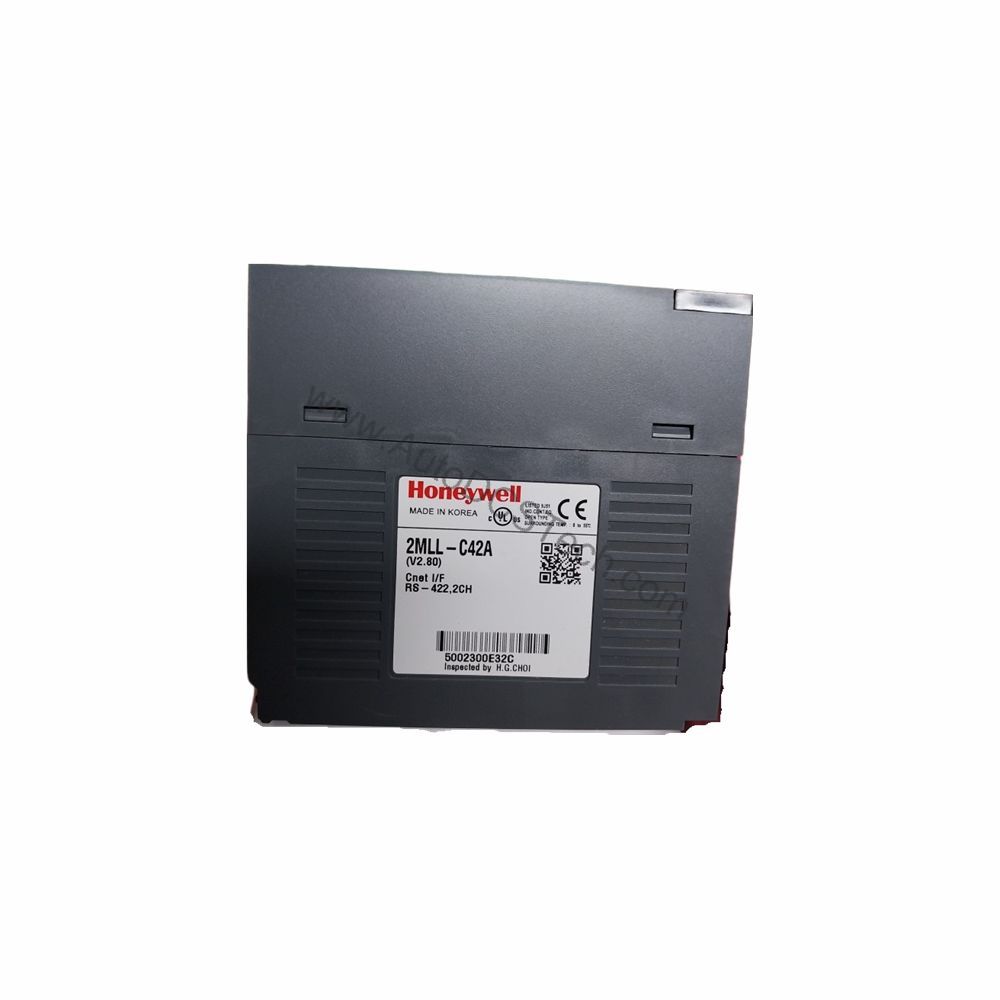
Before installation, verify that the module is compatible with your Master Logic-200 base unit. Configure the communication parameters using the SoftMaster-NM software. Set the station number within the 0-31 range, and choose the appropriate baud rate and data format. For RS232C connections, keep cable length under 15 meters unless using a modem. For RS422, you can extend up to 500 meters. Ensure proper termination and grounding to avoid signal reflections.
Maintenance & Reliability
Inspect the module periodically for dust accumulation and ensure that all connectors are secure. Check that the LEDs (RUN, I/F, TX, RX, ERR) indicate normal operation. If the ERR LED is lit, use the network diagnostics features (auto-scan, frame monitor, link monitor, loop back) to isolate the issue. Keep the firmware updated as per Honeywell recommendations.
Compatibility & Integration
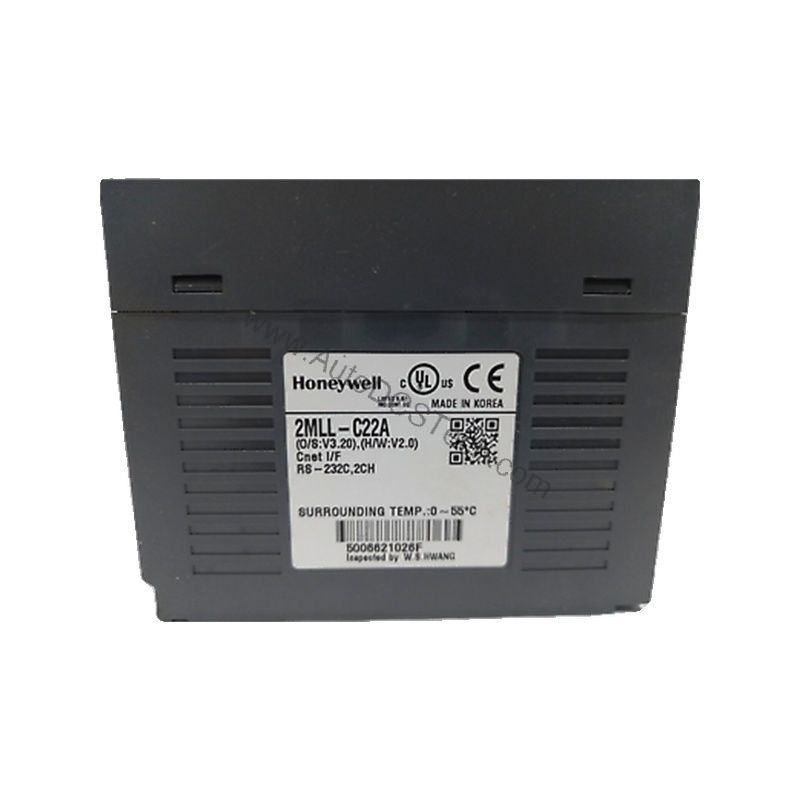
The 2MLL-CH2A is designed for the Honeywell Master Logic-200 series. It works with the SoftMaster-NM configuration software, which simplifies setup and monitoring. The module supports Modbus RTU/ASCII slave and P2P protocols, and can act as a master for Modbus RTU/ASCII or user-defined protocols, making it a versatile choice for mixed-vendor environments.
Selection Guide & Purchasing Advice
When selecting a communication module, consider the network topology, distance, and protocol requirements of your application. The Honeywell 2MLL-CH2A offers the flexibility to handle both simple point-to-point links and complex multi-drop networks. For a reliable source, AutoDCSTech provides genuine parts with expert support. Contact them to confirm availability and lifecycle status before ordering.
Troubleshooting & Common Issues
If communication fails, first verify the baud rate, data bits, stop bits, and parity settings match on both ends. Check the station number to ensure it is within range and unique on the network. Use the loop back diagnostic to test the port. If the issue persists, inspect cables and connectors for damage. For RS422 networks, ensure proper termination resistors are installed.
Availability & Condition at AutoDCSTech
| Part Number | 2MLL-CH2A |
|---|---|
| Availability | In Stock |
| Condition | New |
| Warranty | One Year |
| Origin | US |