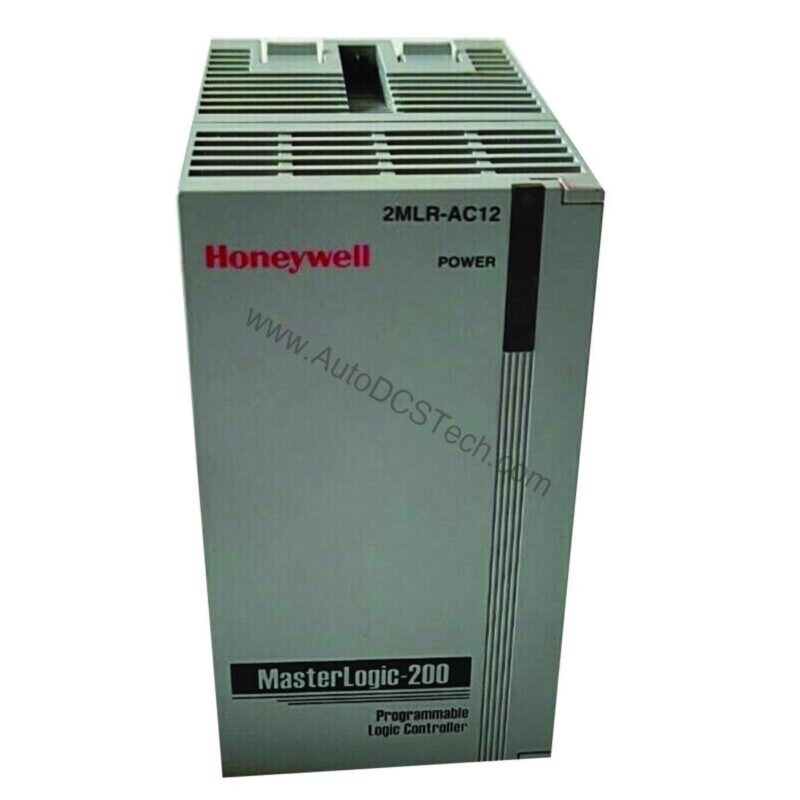
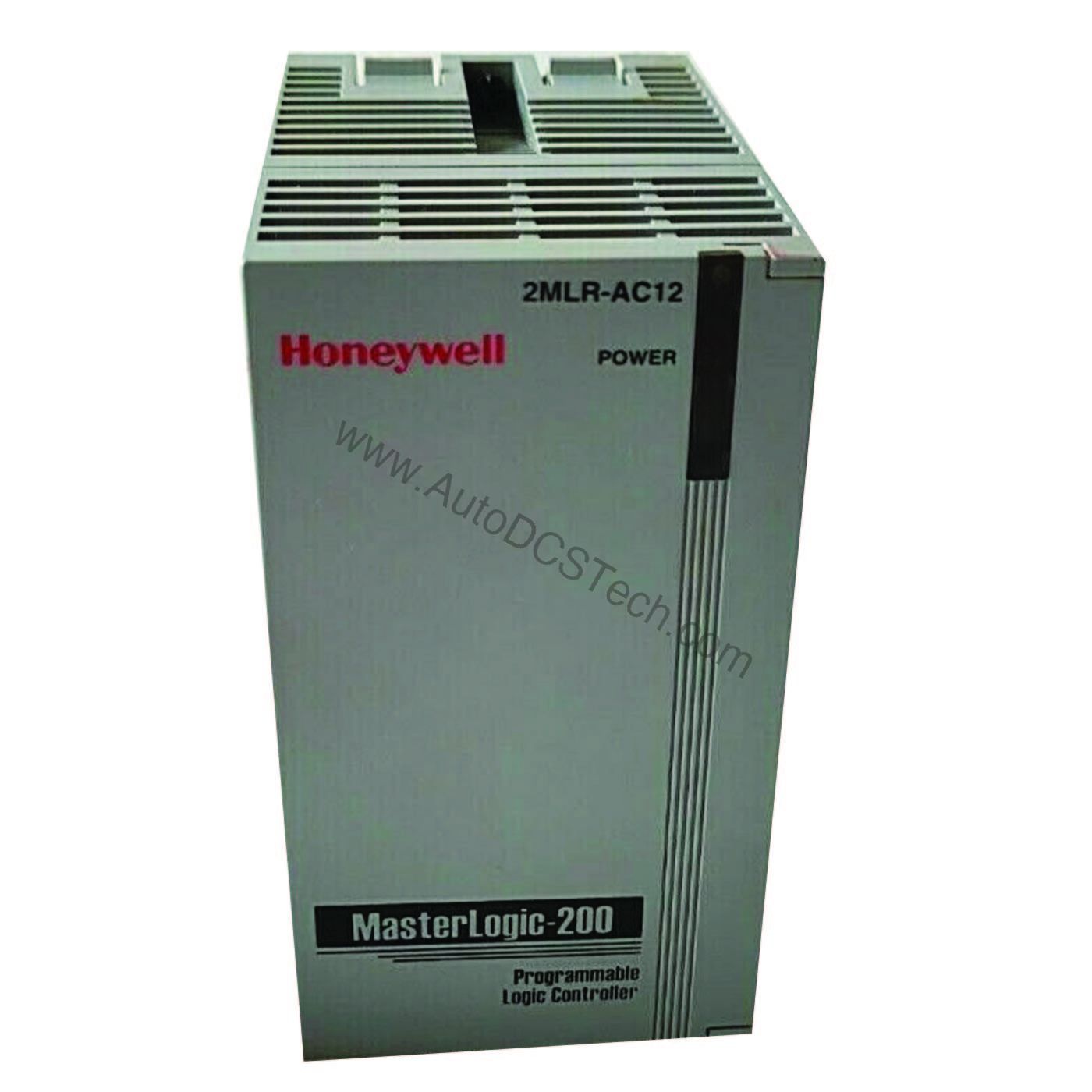
Honeywell 2MLR-DBST Expansion Driver TP: Reliable I/O Expansion for Your Control System
Industrial control systems often need to expand beyond the base CPU to accommodate more I/O points. The Honeywell 2MLR-DBST Expansion Driver TP serves as a critical bridge, enabling seamless communication between the CPU and extension bases. This module is specifically designed for use with Honeywell 2MLRCPUH/T and 2MLRCPUH/F processors, making it a targeted solution for existing Honeywell installations.
Technical Specifications Breakdown
Key parameters for the 2MLR-DBST are listed below for quick reference:
| Feature | Specification |
|---|---|
| Manufacturer | Honeywell |
| Part Number | 2MLR-DBST |
| Product Type | Expansion Driver, TP |
| Description | I/O interface modules (for 2MLRCPUH/T, 2MLRCPUH/F), TP/CAT5 |
| Media | Electrical |
| Max. distance between Extension bases | Electrical (100m) |
| Loader connection | Extension drive USB |
| Range of station no. | 1 ~ 31 (other no. will generate an error) |
| Install position | CPU parts (CPU0 connector) in extension base |
| Weight | 0.1 Kg |
Cost-Efficiency Through Reliable Expansion
Every component in a control system contributes to overall operational cost. The 2MLR-DBST helps minimize total cost of ownership by enabling a modular expansion strategy. Instead of replacing an entire CPU or investing in a larger system, you can add extension bases as your process grows. The module's support for up to 100 meters between extension bases (electrical media) allows flexible physical layout, potentially reducing the need for additional remote I/O cabinets. This distance capability is particularly valuable in large plants where equipment is spread across wide areas.
Industry Applications and Use Cases
- Process Manufacturing: In chemical or pharmaceutical plants, the ability to place I/O near field devices while keeping the CPU in a central control room reduces wiring costs and simplifies maintenance.
- Material Handling: For conveyor systems spanning long distances, the 100m extension capability allows I/O to be distributed along the line without signal degradation.
- Utilities and Infrastructure: Water treatment or power distribution facilities benefit from the modular expansion, enabling phased upgrades without system downtime.
Installation and Setup Guidance
Proper installation is key to reliable operation. The 2MLR-DBST installs in the CPU part (CPU0 connector) of the extension base. Ensure the station number is set between 1 and 31; any other number will generate an error. Use the extension drive USB for loader connection when configuring the system. Always follow Honeywell's guidelines for cable routing and grounding to maintain signal integrity over the 100m electrical link.
Maintenance and Reliability
Regular inspection of the module and its connections is recommended to prevent dust accumulation and ensure secure seating. Since the module weighs only 0.1 kg, it is lightweight and easy to handle during maintenance. Check the USB loader connection periodically for wear. Environmental conditions such as temperature and humidity should be kept within the system's specified range to prolong component life.
Compatibility and Integration
The 2MLR-DBST is designed exclusively for Honeywell 2MLRCPUH/T and 2MLRCPUH/F processors. It uses TP/CAT5 cabling, which is a standard twisted-pair Ethernet cable, making it cost-effective and readily available. The electrical media type ensures reliable data transfer over the 100m maximum distance. When integrating, verify that all extension bases are properly addressed and that the CPU firmware supports the number of stations used.
Selection Guide and Purchasing Advice
When selecting an expansion driver, confirm that your CPU model matches the 2MLR-DBST's compatibility list. This module is a genuine Honeywell part, ensuring quality and performance. For procurement, AutoDCSTech offers the 2MLR-DBST with competitive pricing and fast shipping. Contact AutoDCSTech to check current availability and lifecycle status before ordering.
Troubleshooting Common Issues
If the system reports a station number error, verify that the DIP switches or software settings are within the 1-31 range. If communication fails, inspect the TP/CAT5 cable for damage and ensure it does not exceed 100 meters. Check the USB loader connection for proper seating. If problems persist, consult the Honeywell documentation or contact technical support.
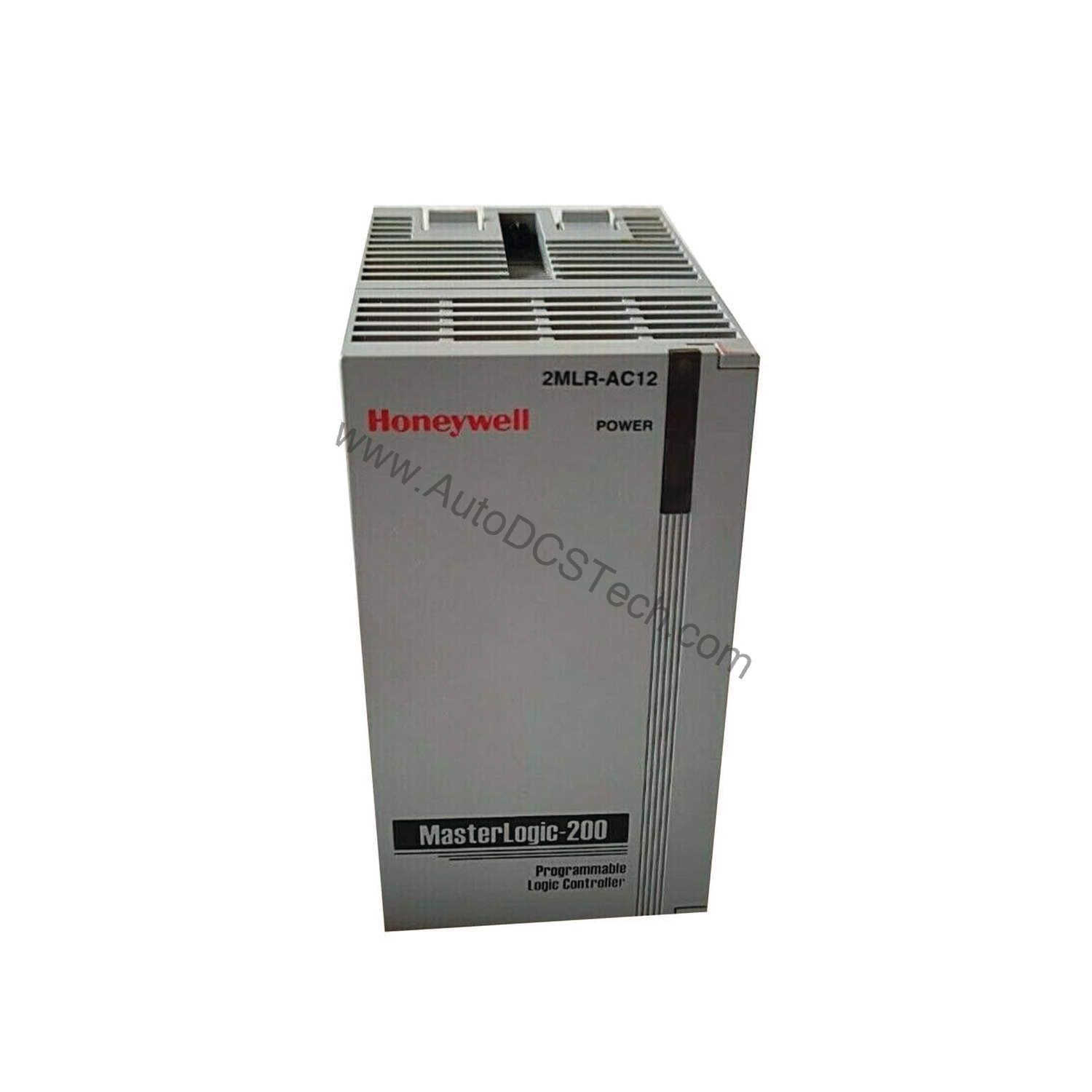
Availability & Condition at AutoDCSTech
| Part Number | 2MLR-DBST |
|---|---|
| Availability | In Stock |
| Condition | New |
| Warranty | One Year |
| Origin | US |