Technical Specifications Breakdown
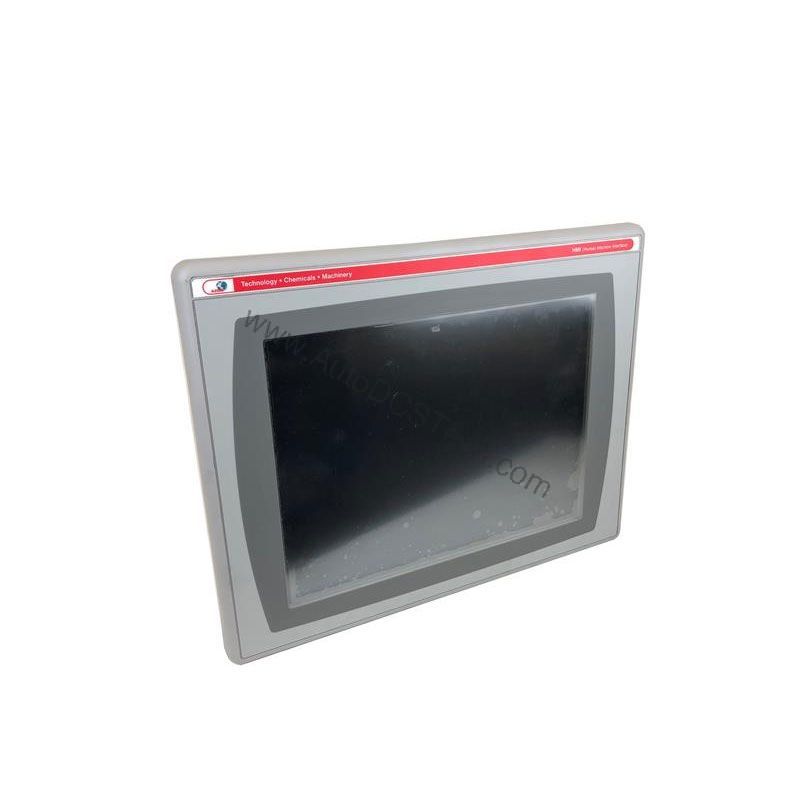
Key parameters for the 2711P-B10C4A9 are listed below for quick reference:
| Feature | Specification |
|---|---|
| Brand | Allen-Bradley |
| Manufacturer | Rockwell Automation |
| Part Number | 2711P-B10C4A9 |
| Product Line | PanelView Plus 6 |
| Display Size | 10.4 in. |
| Display Color | Color |
| Input Type | Keypad/Touchscreen |
| Communication | Ethernet and RS-232 |
| Input Power | 100-240 VAC |
| Memory | 512 MB RAM |
| Backlight | 2711P-RL10C2 |
| Communication Cable | 2711-NC14 |
| Shipping Weight | 8 lbs. |
| Shipping Dimensions | 16 x 14 x 8 in |
| Series | Series A and Series B |
Real-World Applications for the PanelView Plus 6
This operator interface fits naturally into packaging lines, material handling systems, and batch processing equipment. In a packaging line, operators use the touchscreen to adjust fill levels and monitor line speed. The keypad offers a backup input method when the screen is wet or when wearing heavy gloves. Because it supports Ethernet and RS-232, you can connect to PLCs over a plant network or directly to a controller for commissioning.
Installation and Setup Guidance
Before mounting, verify that the input power matches your facility supply. The 2711P-B10C4A9 accepts 100-240 VAC, so it works on standard industrial voltages. Ensure the panel cutout meets the dimensions for the 10.4-inch display, and leave adequate clearance for ventilation. Use the 2711-NC14 communication cable for RS-232 connections, and for Ethernet, use a standard RJ45 cable with 10/100Base-T capability. When configuring the terminal, set the IP address, subnet mask, and gateway to match your network. Download the application file using FactoryTalk View Studio, and verify that the communication driver matches your controller.
Maintenance and Reliability
To ensure long service life, keep the display clean and free of abrasive dust. Inspect the backlight periodically; if the screen dims, replace it with the 2711P-RL10C2 backlight. Check all cable connections for tightness and signs of wear. Because the unit is AC-powered, verify that the power supply is stable and free of surges. Regular visual inspections and firmware updates, when available, help maintain reliable operation.
Why the 2711P-B10C4A9 Stands Out in Your Control Panel
This HMI lets operators monitor processes, enter data, and respond to alarms without direct PLC access. Its 10.4-inch color display provides clear visuals, while the combined keypad and touchscreen input gives flexibility for gloved or precision operation.
Compatibility and Integration
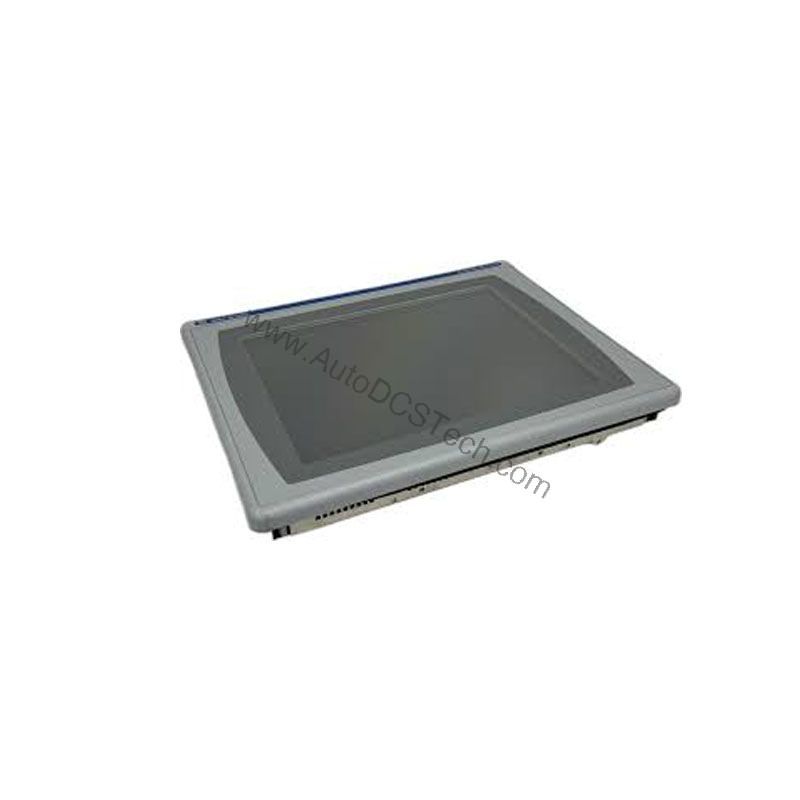
The 2711P-B10C4A9 includes an Ethernet port that supports EtherNet/IP, an open industrial network for real-time I/O and messaging. This port also allows application transfers and printing. For terminals that need an additional Ethernet port, the 2711P-RN20 module is available for 700 to 1500 models. The RS-232 port supports serial communication to legacy controllers or peripheral devices. Always confirm that your controller and software versions are compatible with the PanelView Plus 6 series.
Selection Guide and Purchasing Advice
When selecting an HMI, consider the display size, input method, and communication needs. The 2711P-B10C4A9 offers a 10.4-inch color display with both keypad and touch input, making it suitable for many applications. Verify the current lifecycle status and availability with AutoDCSTech before ordering, as this model may be approaching end-of-life. AutoDCSTech stocks genuine Allen-Bradley parts and can help you find the right replacement or upgrade path.
Troubleshooting Common Issues
If the screen is unresponsive, check the input type setting; the unit supports both keypad and touchscreen, so ensure the correct mode is selected. If communication fails, verify the Ethernet cable and IP settings. For RS-232 issues, confirm the baud rate and protocol match the connected device. If the display is dim, the backlight may need replacement. Always power down before inspecting internal components, and consult the user manual for detailed procedures.
Availability & Condition at AutoDCSTech
| Part Number | 2711P-B10C4A9 |
|---|---|
| Availability | In Stock |
| Condition | New |
| Warranty | One Year |
| Origin | US |