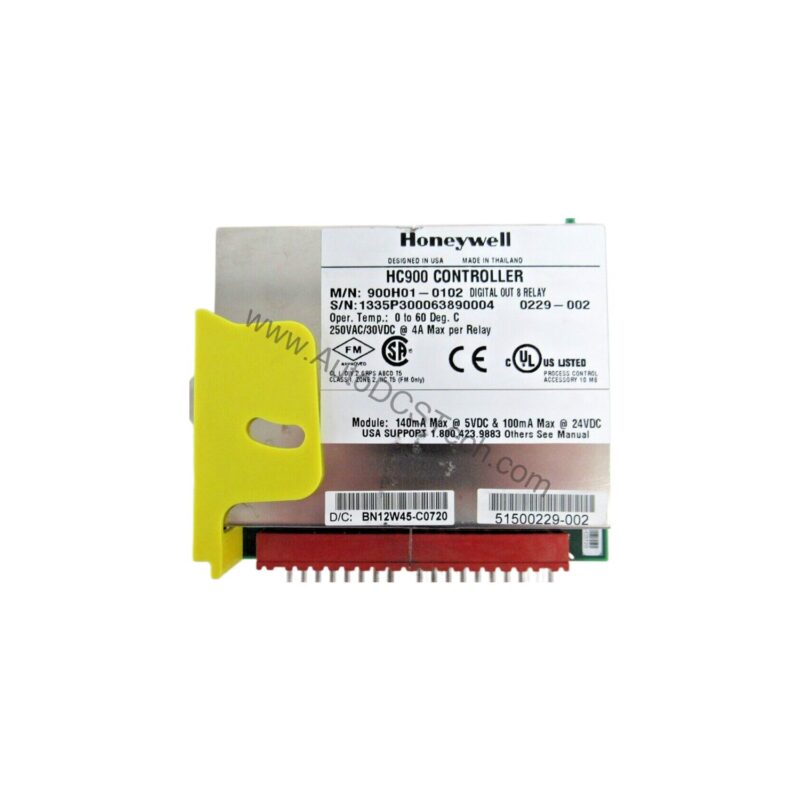
Digital Output Module Overview
Industrial control systems demand reliable switching of actuators, solenoids, and indicator lamps. The Honeywell 900H02-0102 digital output module delivers 16 discrete outputs in a compact, field-proven design. This module is engineered for low-side switching applications, providing robust performance in harsh manufacturing environments.
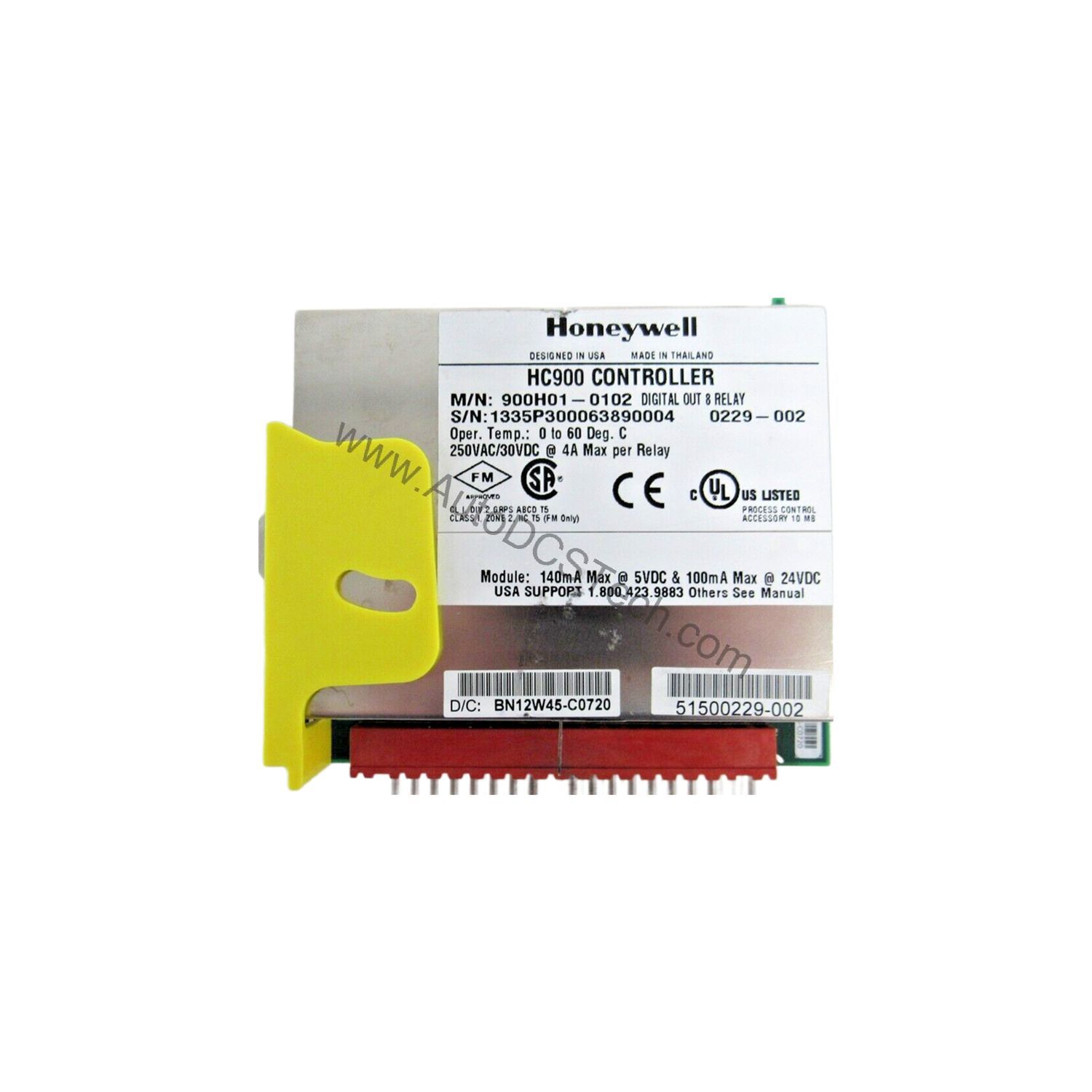
Technical Specifications Breakdown
Key parameters for the 900H02-0102 are listed below for quick reference:
| Feature | Specification |
|---|---|
| Outputs per module | 16 (current sinking, low side) |
| Galvanic isolation | 2 groups of 8 outputs |
| Operating voltage | 6.5 to 32 VDC (5.0 to 6.5 V @ <0.5A per channel) |
| Output type | Intelligent power switch (IPS) |
| Peak voltage | 34 VDC |
| AC frequency | N/A |
| ON voltage drop | 0.3 VDC @ 1 A load |
| Overload protection | Electronic high current and high temperature limiting, resets after cycling field power |
| Maximum load current | 1 A per point, 8 A max. per module, resistive load; 0.5 A per point incandescent lamp load (5 mH max) |
| Maximum leakage current | 0.15 mA @ 32 VDC |
| Maximum inrush current | 4 A for 10 ms |
| Minimum load | 0.0 mA |
| OFF to ON response time | 6 ms |
| ON to OFF response time | 6 ms |
| Fuses | Electronic limiting |
| Power supply loading | 5V; 340mA, 24V; 0mA |
Industry Applications
This Honeywell digital output module suits applications requiring multiple low-side switched loads. Typical uses include:
- Discrete manufacturing lines: Controlling solenoid valves and pneumatic actuators in assembly and packaging machinery.
- Material handling systems: Switching conveyor motor contactors and warning beacons, with 1 A per point capacity.
- Process control panels: Driving indicator lamps and small relays, leveraging the 16-channel density to reduce panel space.
The 2-group galvanic isolation allows separate power feeds for different load groups, improving fault containment and system reliability.
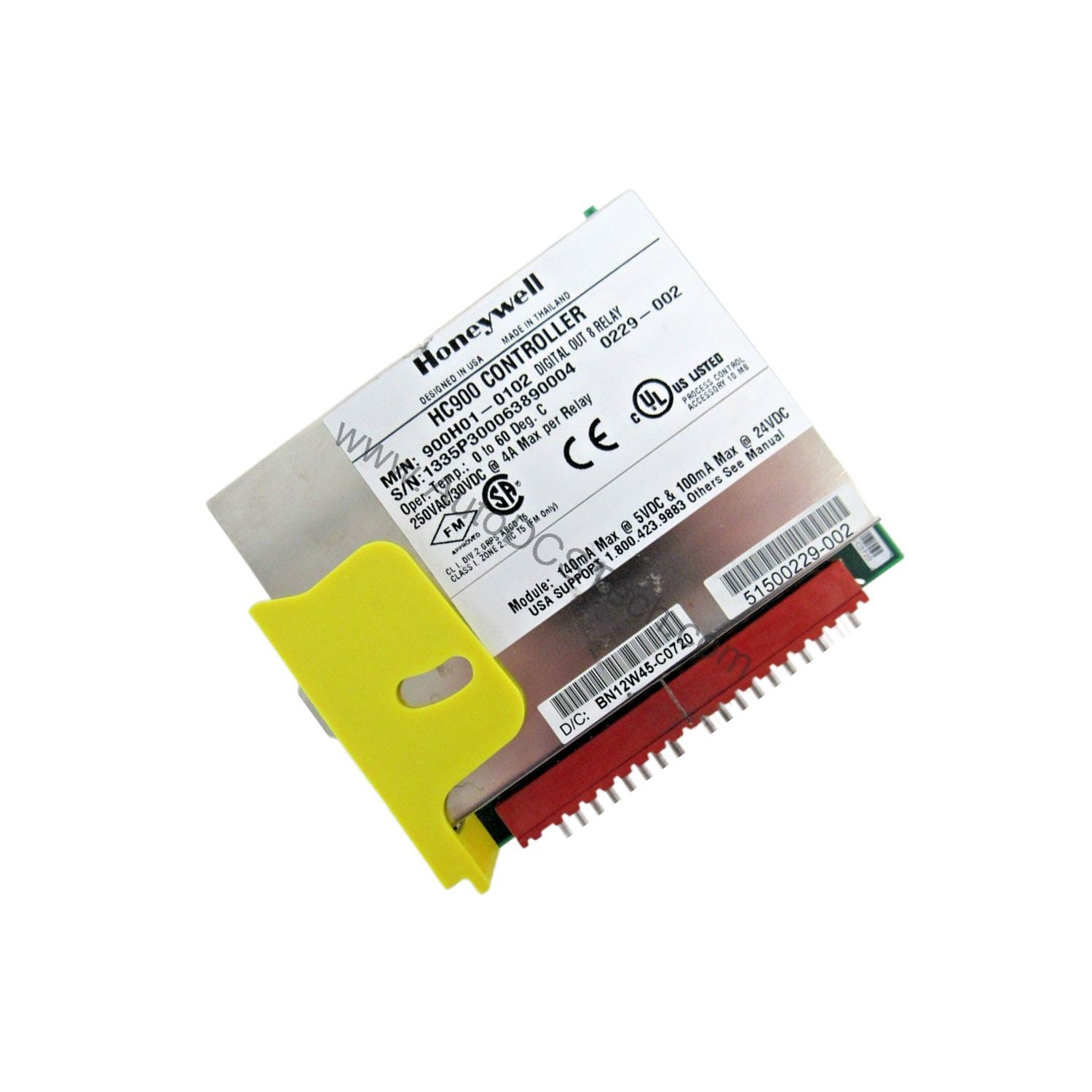
Installation & Setup Guidance
Proper installation ensures safe operation. Follow these engineer-level guidelines:
- Power connections: Each group has a pair of screw terminals for +V and COM. Connect external power to both groups as required by your load configuration.
- Wiring: Use appropriate wire gauge for the expected load current. Ensure torque settings meet manufacturer recommendations (not specified here).
- Load wiring: Connect loads between the +V terminal and the output channel. Since outputs are low-side switches, the load is energized when the output is ON.
- Overload reset: If overload protection trips, remove the fault condition and cycle field power to reset the module.
- LED indicators: Use the green channel LEDs to verify output states during commissioning. The blinking green status LED indicates scanning; amber indicates forced channels; red indicates diagnostics.
Maintenance & Reliability
The module includes built-in overload protection and electronic fusing, reducing the risk of damage from short circuits. For long-term reliability:
- Periodic inspection: Check for loose connections, signs of overheating, or contamination on the terminal blocks.
- Environmental considerations: Operate within the specified voltage range and avoid exceeding the maximum load current. Ensure adequate airflow around the module to prevent thermal shutdown.
- Diagnostic monitoring: Monitor the red status LED for module diagnostics. Address any indicated faults promptly.
Compatibility & Integration
This Honeywell 900H02-0102 module is designed for use within Honeywell control systems. It provides a standard digital output interface, making it suitable for integration with Honeywell PLCs and distributed control systems. For specific compatibility details, consult the Honeywell documentation or contact AutoDCSTech.
Selection Guide & Purchasing Advice
When selecting a digital output module, consider the number of outputs, voltage range, and load current requirements. For higher current requirements, consider modules with higher per-point ratings. For lower channel counts, smaller modules may be more cost-effective.
AutoDCSTech stocks the Honeywell 900H02-0102 and provides expert support to help you choose the right module for your system. Contact us for availability and lifecycle status before ordering.
Troubleshooting & Common Issues
- Output not turning on: Check the channel LED. If off, verify the module is being scanned (green blinking LED). If the LED is on but the load is not energized, check the load wiring and power supply.
- Overload trip: If the output current exceeds 1 A, the electronic protection will limit current. Remove the overload and cycle field power to reset.
- Forced channels: If the amber LED is blinking, some channels are forced. Unforce them in the control software to return to normal operation.
- Diagnostic LED: A red status LED indicates module diagnostics. Check the system logs for specific error codes.
For persistent issues, consult the Honeywell product manual or contact AutoDCSTech for technical assistance.
Availability & Condition at AutoDCSTech
| Part Number | 900H02-0102 |
|---|---|
| Availability | In Stock |
| Condition | New |
| Warranty | One Year |
| Origin | US |