Technical Specifications Breakdown
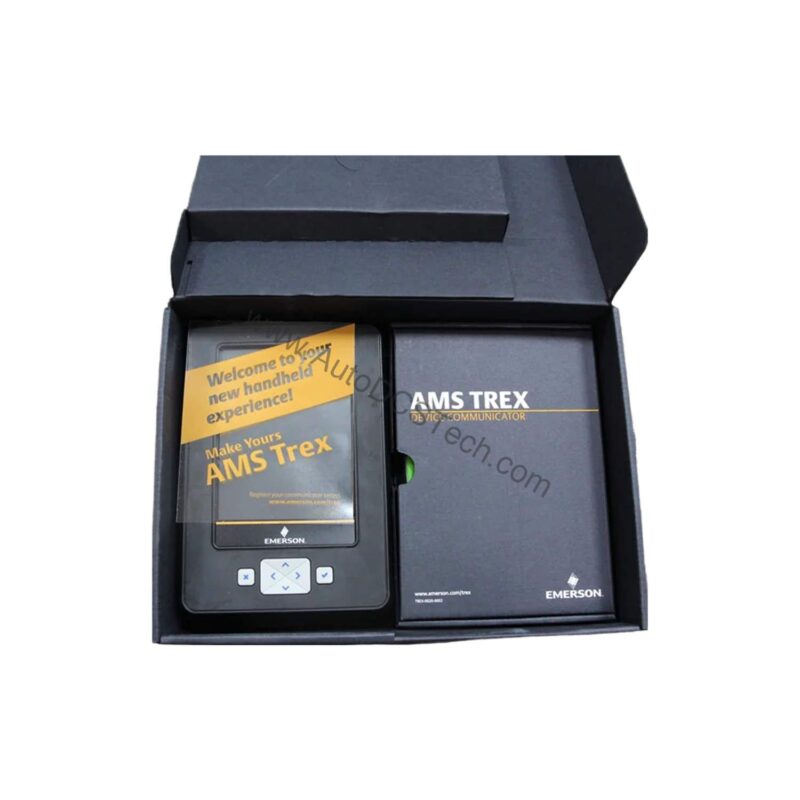
Key parameters for the TREXCHPNAWP3S are listed below for quick reference:
| Feature | Specification |
|---|---|
| Manufacturer | Emerson |
| Product No. | TREXCHPNAWP3S |
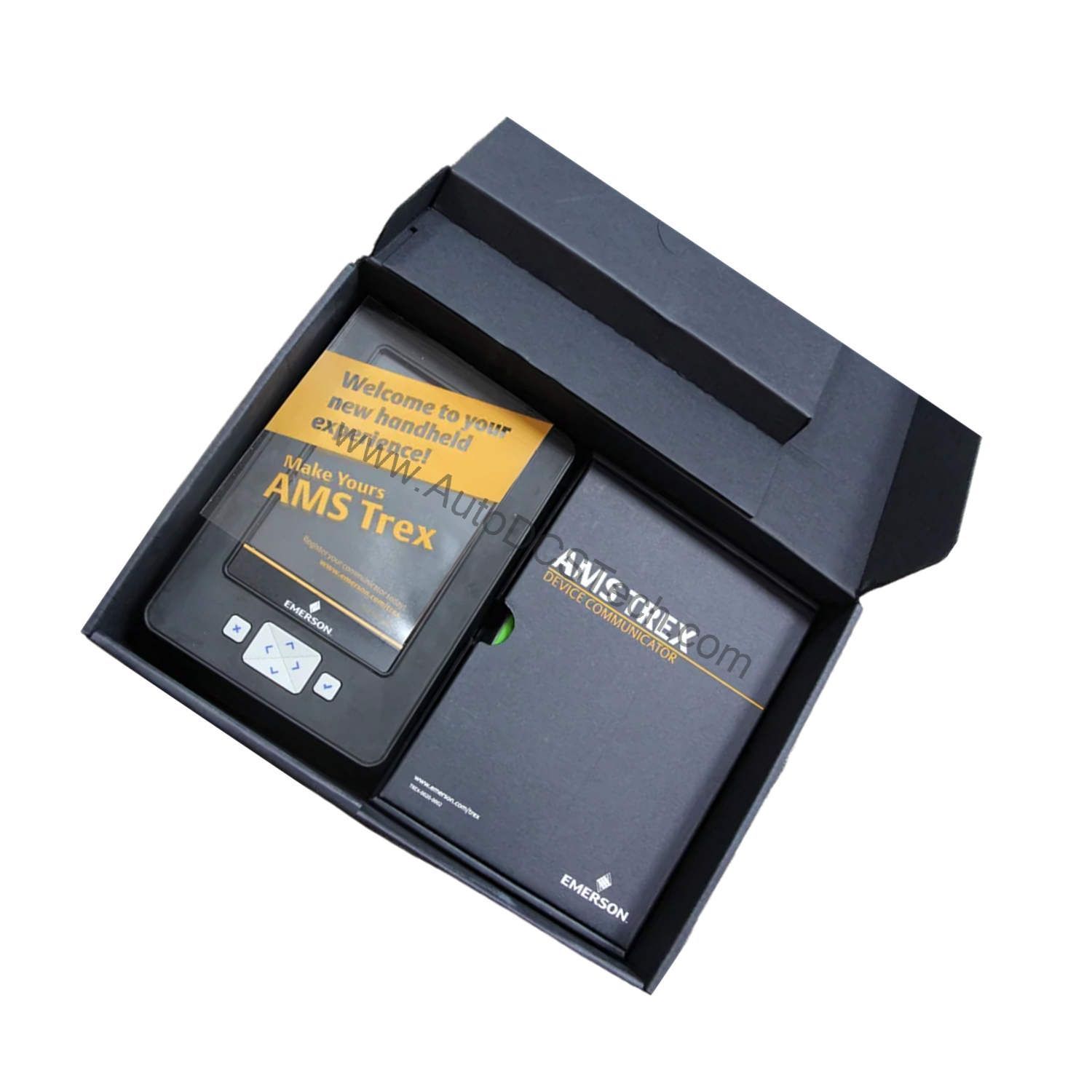
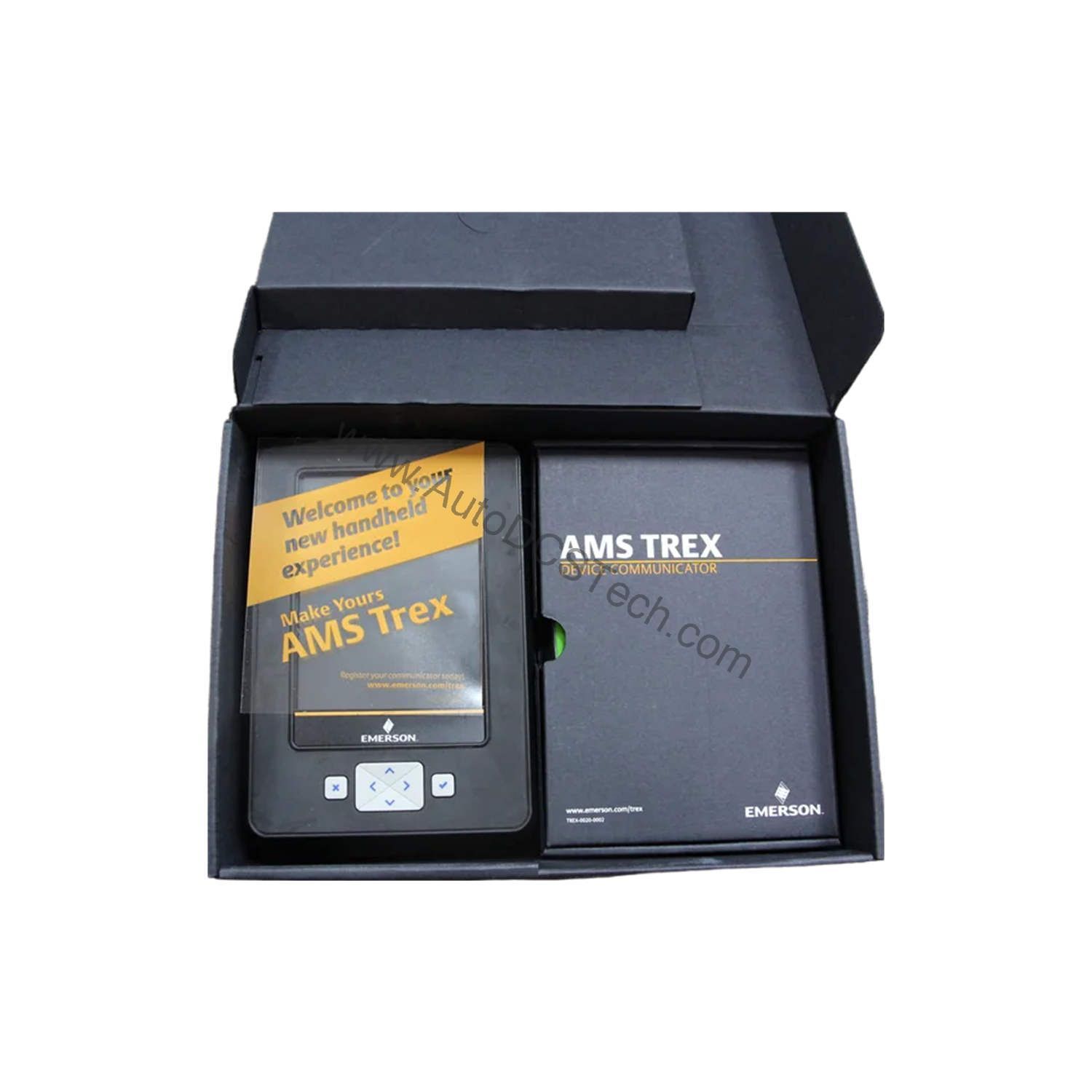
| Product Type | AMS Trex Device Communicator |
| Platform | Base Trex Platform |
| Communication Module | Device Communicator communication module |
| Applications | HART Application |
| Power Module Type | Rechargeable Li-Ion Power Module |
| Product Certifications | No Approval |
| Radio Options | Wireless |
| Support | Standard Support (3 Year) |
| Carrying Case | Carrying Case |
| Microprocessor | 800 MHz ARM Cortex A8/NXP |
| Memory Internal Flash | 2GB NAND and 32 GB extended flash |
| Operating System | Windows Embedded Compact 2013 |
| Display | 640 x 480 pixel |
The TREXCHPNAWP3S is designed for technicians who work across multiple plants and need a single tool to handle diverse HART devices. In a typical chemical plant, you might use it to commission a new pressure transmitter, verify loop wiring, or troubleshoot a smart valve positioner. The wireless capability allows you to connect to the device without physical cable attachment, which is especially useful in hard-to-reach or hazardous areas.
The 800 MHz processor and 2GB NAND flash ensure fast boot-up and responsive navigation through device menus, reducing the time spent on each calibration task. The 32 GB extended flash provides ample storage for configuration files and firmware updates, so you can carry an entire library of device definitions in your pocket.
Installation & Setup Guidance
Before using the TREXCHPNAWP3S, ensure the battery is fully charged. The rechargeable Li-Ion power module can be charged using the provided adapter. To connect to a HART device, use the appropriate HART cables (not included) and attach them to the device's communication terminals. Power on the communicator and select the HART application from the home screen. The device will automatically poll the network to detect connected devices. For wireless operation, enable the radio option and pair the communicator with your plant's wireless gateway. Always follow your plant's safety procedures when connecting to live process loops.
Maintenance & Reliability
To maintain reliable performance, keep the device's firmware up to date. Emerson periodically releases updates that add new device descriptions and improve functionality. Clean the touchscreen with a soft, dry cloth. Inspect the charging contacts and battery for signs of wear. The Li-Ion battery should retain most of its capacity for several years, but if you notice shorter run times, contact AutoDCSTech for a replacement. Avoid exposing the device to extreme temperatures or direct sunlight for prolonged periods.
The TREXCHPNAWP3S: A Field Communicator Built for Modern Plant Demands
Field technicians face constant pressure to reduce downtime while maintaining safety and accuracy. The Honeywell TREXCHPNAWP3S (manufactured by Emerson) is an AMS Trex Device Communicator engineered to meet those demands head-on. It combines a rugged handheld design with powerful communication capabilities, making it an essential tool for configuration, diagnostics, and loop checks in process industries.
This device is built on the Base Trex Platform and comes with the Device Communicator communication module, specifically configured for HART applications. The inclusion of a rechargeable Li-Ion power module ensures long-lasting field operation, while the wireless option provides flexibility in data transfer and remote access.
Compatibility & Integration
The TREXCHPNAWP3S is specifically configured for HART applications, making it compatible with thousands of HART-enabled field devices from various manufacturers. The wireless option allows integration with Emerson's AMS Device Manager software, enabling seamless transfer of configuration data and diagnostic information. The device runs Windows Embedded Compact 2013, which provides a familiar interface and supports a wide range of third-party applications.
Selection Guide & Purchasing Advice
When selecting a field communicator, consider the types of devices you need to configure, the environment, and your budget. The TREXCHPNAWP3S offers a balanced combination of performance, portability, and support. At AutoDCSTech, we stock this model and can advise on the best options for your plant. Contact us for availability and pricing.
Troubleshooting & Common Issues
If the device fails to power on, check the battery charge and connections. If the screen is unresponsive, perform a soft reset by holding the power button for 10 seconds. For communication issues, verify that the HART cables are properly seated and that the device is set to the correct protocol. If the wireless connection drops, move closer to the gateway or check for interference. For persistent problems, consult the user manual or contact AutoDCSTech for technical support.
Availability & Condition at AutoDCSTech
| Part Number | TREXCHPNAWP3S |
|---|---|
| Availability | In Stock |
| Condition | New |
| Warranty | One Year |
| Origin | US |